
 Martin Jørgensen
Pixel Ruler — measure pixels directly on your screen
Pixel Ruler is a small and simple freeware utility for Windows that lets you measure pixels directly on your screen. The app is especially useful for web designers, graphic artists, and developers who need precise measurements of elements, spacing, and positions.
In our test on a standard Windows 11 PC, Pixel Ruler installed quickly with no unwanted extras. It launches instantly and has a tiny footprint, which suits its role as a quick helper tool.
How Pixel Ruler works in practice
Pixel Ruler acts like a digital ruler that sits on top of your screen. You can drag the ruler over any area to read exact pixel measurements in both width and height.
We used the app to measure:
– button widths in a browser
– spacing between UI elements
– image dimensions without opening image-editing software
Everything is visual and requires zero configuration, making Pixel Ruler ideal for quick checks instead of heavyweight design tools.
Interface and usability
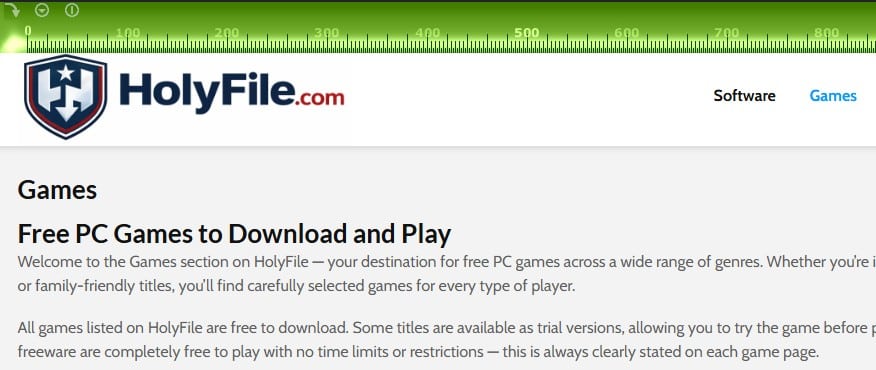
The interface is very simple—almost bare-bones—but that’s part of the charm. In testing, the app never got in the way. It sits discreetly on top of other windows and does exactly what it promises.
There are no advanced features or settings, but there’s also no learning curve. Pixel Ruler is a classic case of “one tool, one job.”
When does Pixel Ruler make the most sense?
Pixel Ruler is especially useful if you:
– work with web design or layout
– do graphic work and need to double-check dimensions
– quickly want måle noget på skærmen uden screenshots or image editing
For larger design projects, most will still use tools like Figma or Photoshop, but Pixel Ruler is perfect as a companion.
Top 5 tips for Pixel Ruler
Use Pixel Ruler with your browser’s zoom
If you’re measuring elements in a browser, make sure zoom is set to 100%, otherwise the measurements will be inaccurate.
Use it as a supplement — not a replacement
Pixel Ruler is perfect for quick checks, not full layouts or prototypes.
Measure spacing between elements
We used Pixel Ruler to verify padding and margins in an existing layout—it saves time.
Keep the app running in the background
Because Pixel Ruler uses minimal resources, you can leave it open all the time.
Pair with screenshots
Take a screenshot and place Pixel Ruler over the image when you want to analyze details more closely.



