

 Martin Jørgensen
Download POP Peeper (Danish) free - email notifications with sound
POP Peeper is a free email program with handy built-in features that let you personalize your email experience. It’s very user-friendly, especially if you enjoy the charm of apps that aren’t ultra-modern in their look and are simple to figure out and use.
Get email notifications on your screensaver
You can choose to install one of esumsoft’s plugins to get the most out of POP Peeper. One of these plugins is en ScreenSaver Notifier, which bounces balls in different colors across your screensaver. Each ball has a color and a number; the color indicates which email account it refers to, and the number shows how many new emails you have.
On the website we linked to above, you’ll also find a wide range of other small programs you can install that integrate with POP Peeper.
Configure rules for your notifications
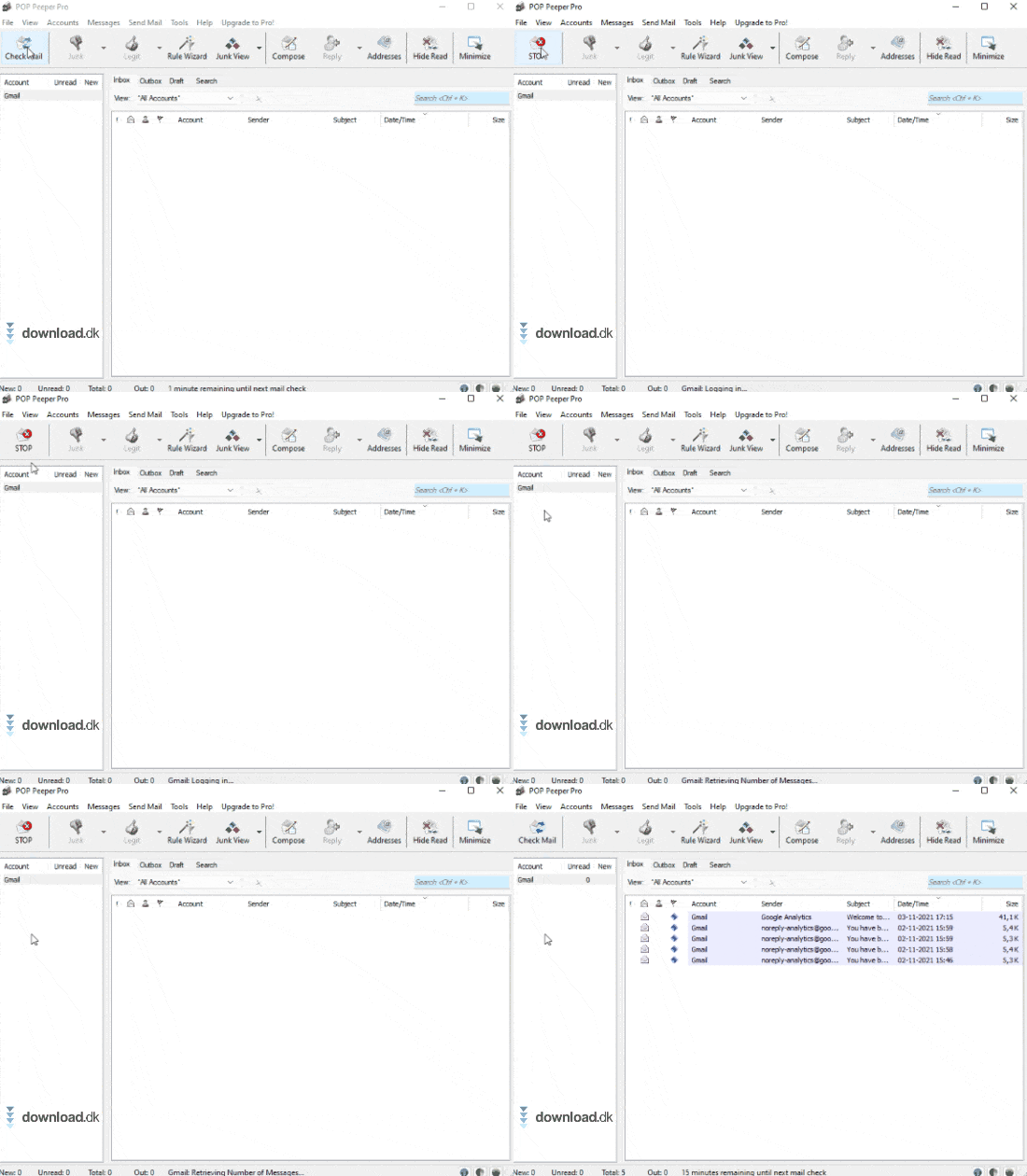
It’s always smart to get a quick overview of your email, as it can save you a lot of time you can use for other tasks. If you have many different accounts, you can set up rules for each account’s notification system.
This way, you don’t even have to look at the program to know whether it was your Gmail or Outlook account that received a new message. The computer can play different sounds depending on the account, so it really couldn’t be easier once the system is set up.
POP Peeper Free
POP Peeper is available in both a free and a paid version. The free version includes many of the core features you look for in an e-mail program.
If you want the program to work in Danish, you can downloade sproget eksternt.
With Pop Peeper Free, you get most of the features. You can add as many email accounts as you like, and you can view, edit, and compose emails directly. You can also print your emails with the free version.
You can also send email with the free version.
POP Peeper Pro
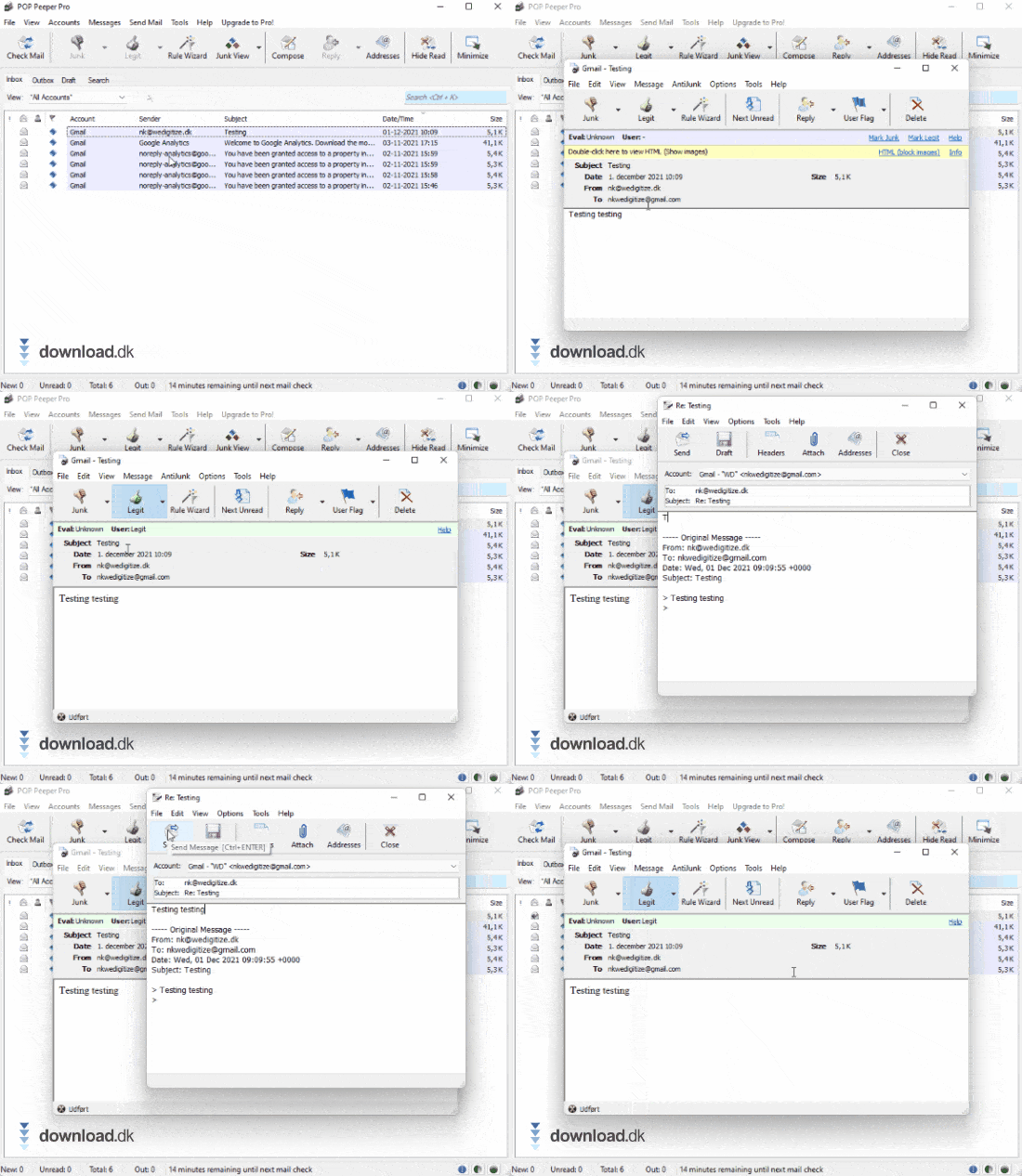
If you choose to pay for POP Peeper Pro, you can, among other things, create rules based on an email you already have. You do this with the so-called ‘rule wizard,’ which can help you set up special rules when you receive messages from a specific account (e.g., a friend or colleague).
Additionally, the PRO version includes a grammar helper that helps you write correctly in terms of grammar and syntax, depending on the language you’ve installed with the program (see the link in the section above). This helps you appear as professional as you want when writing to customers, colleagues, friends, or family.
Only the Pro version lets you view your sent emails; this is not included in the free version.
POP Peeper Plus Pack
You can also purchase extra functionality whether you use the FREE or PRO version, with the POP Peeper Plus Pack. This includes voice notifications (meaning the program tells you who sent the latest email and what the subject is).

With the Plus Pack, you can also get RSS feeds directly in your email program. RSS stands for Really Simple Syndication and is used by websites with frequent updates (e.g., news sites). That way, you can receive this information directly in your email.
Other programs
We recommend browsing some of our other categories if you think POP Peeper sounds interesting. For example, we have a list of e-mail krypterings programmer that help you protect your privacy and keep the contents of the emails you send and receive safe.
If you’re being hit by spam emails (as many of us are today), you can also install programs that help keep them to a minimum. See which tools can help under our anti-spam kategori.
Conclusion
POP Peeper is a solid program, in both its free and paid versions, if you’re looking for software to keep your emails in one place so you don’t have to log in to lots of different sites or services to check your various accounts.
There’s plenty of customization when you download POP Peeper. You can change the theme to better reflect your style, and you can also choose how you want to receive your notifications.
You can set up rules so specific sounds play when you get mail on a particular account, and more. In other words, you can personalize your experience so the program fits you and your needs.
Download POP Peeper Free (dansk)


