
 Martin Jørgensen
Download PureVPN – VPN for privacy, streaming, and secure browsing
PureVPN is a VPN service for anyone who wants to protect their online privacy, hide their IP address, and use the internet more securely on both computer and mobile. For many users, it’s especially appealing that the app makes it easy to switch virtual location, secure your connection on public Wi‑Fi, and enjoy a more private everyday browsing experience.
What is PureVPN?
PureVPN works as an extra layer between you and the websites or services you visit. When the VPN connection is active, your traffic is routed through an external server so your own IP address is hidden from the sites you visit (skjult for de sider, du besøger). That gives you more privacy and makes it harder to map your location and behavior online.
That’s also why VPN apps have become so popular in the United States. Many people don’t want to go online completely unprotected, especially on public networks where security is often lower than at home. Here, PureVPN provides a safer experience because the connection is encrypted, and you can quickly switch servers as needed.
How PureVPN works in practice
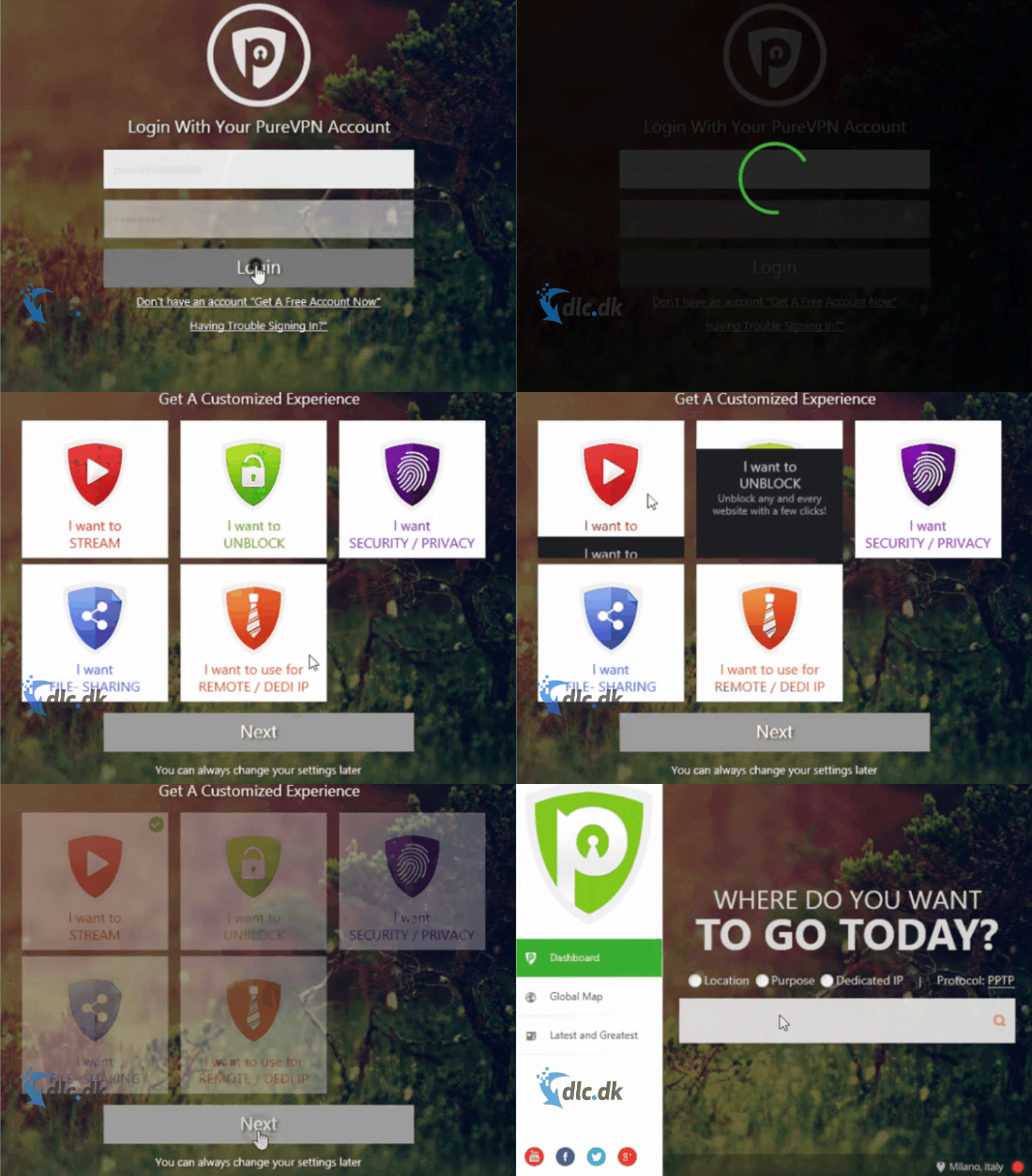
Open the app, pick a server or preferred location, and connect. From then on, your traffic goes through the VPN server instead of directly from your own connection. For most people, it feels straightforward to use, and during our review, that simple approach was exactly what made PureVPN easy to get started with.
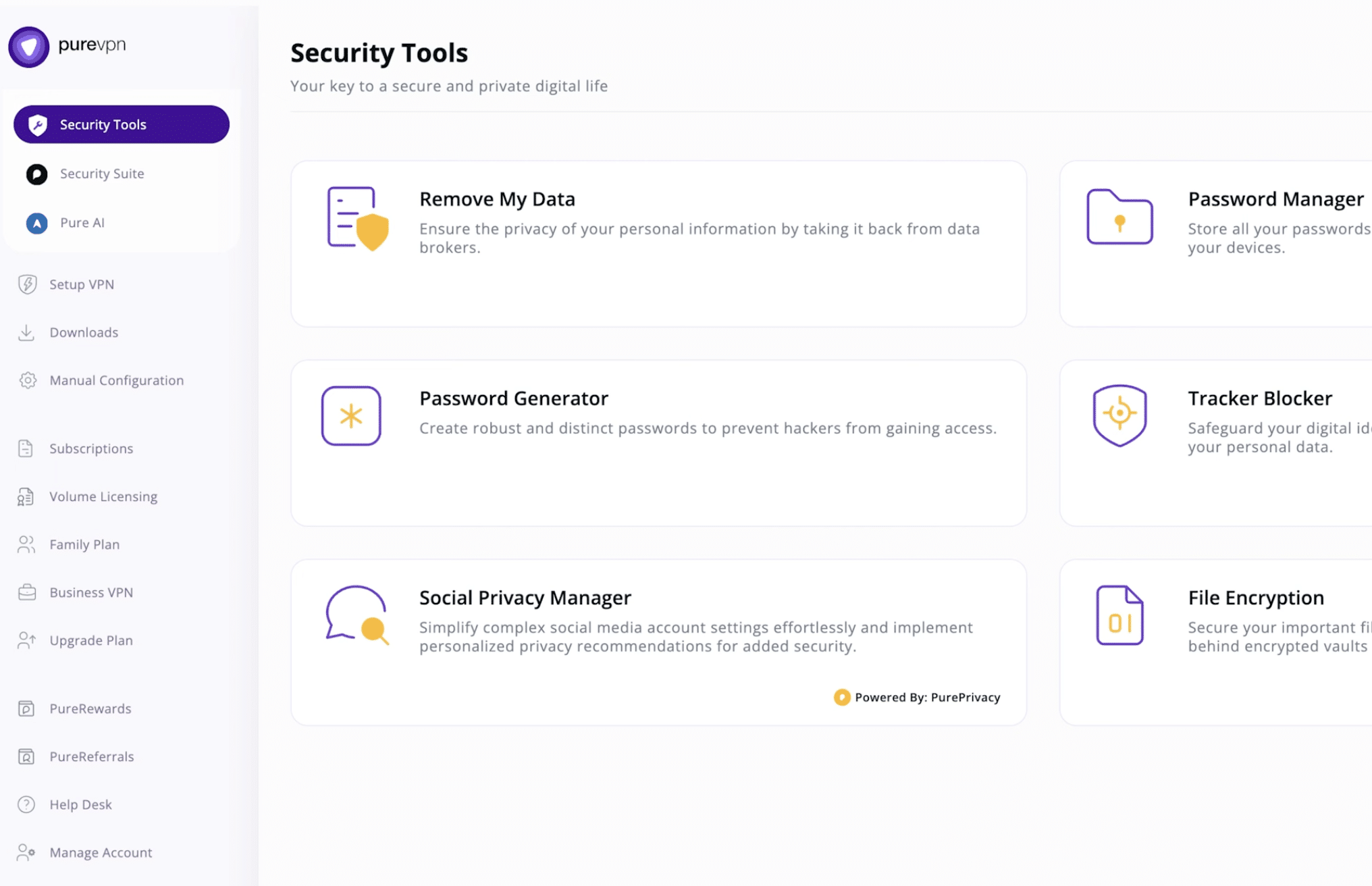
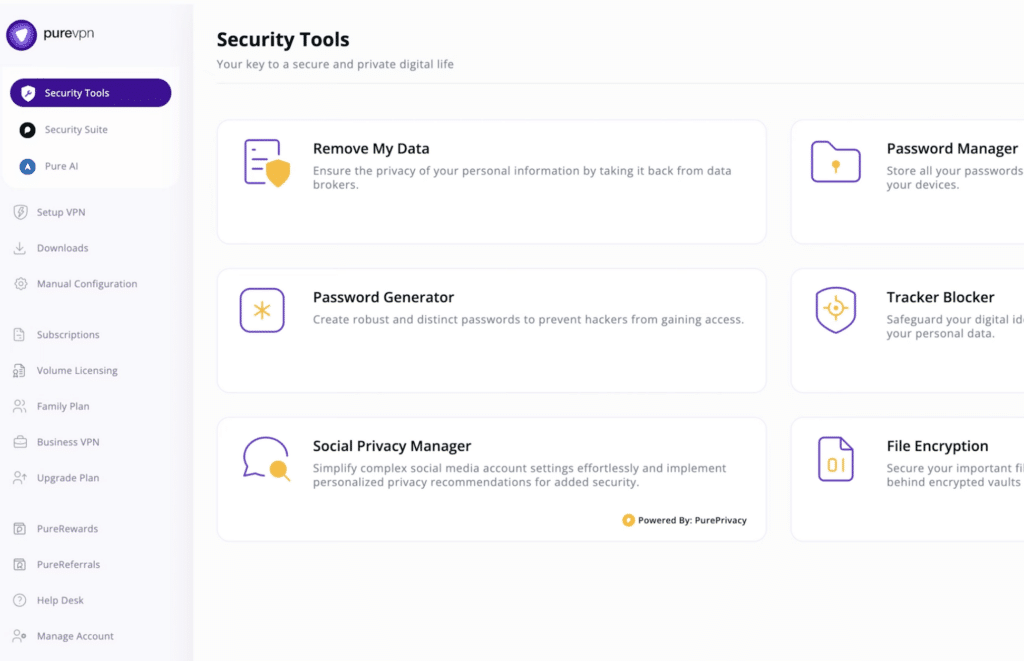
We found that PureVPN especially caters to users who don’t want to tinker with technical details. Most things are laid out clearly, which helps if you just want a VPN that works without a lot of setup. It’s not the most minimalist service in the category, but it’s fairly easy to navigate.
PureVPN for streaming and everyday use

A big reason people look at VPN services is still streaming. Many want to switch virtual location and access content that otherwise isn’t available in their region. PureVPN is also one of the services many associate with streaming because it makes it easy to choose servers in other countries.
In practice, it’s best to set realistic expectations. A VPN can be useful for streaming, but your experience often depends on the specific service, the server you choose, and how stable the connection is that day (stabil forbindelsen). This means PureVPN is a great tool for flexibility and privacy, but it’s not a guarantee that everything will always work perfectly on every platform.
On the plus side, PureVPN also works well for everyday use. If you want to browse more privately, use online banking, or sign in to accounts over café Wi‑Fi or hotel networks, the app adds an extra layer of reassurance many people will appreciate.
Privacy and security
The biggest reason to use a VPN is still privacy. PureVPN is built to protect the connection between you and the internet, making it harder for others to see what you do online. That’s especially helpful if you often use open or shared networks, where your traffic can otherwise be more exposed.
At the same time, it’s worth stating it clearly: a VPN doesn’t make you invincible online. It protects your connection and hides your IP address, but it doesn’t replace smart digital habits. You should still use strong passwords and two‑factor authentication (stærke adgangskoder, tofaktor-login) and apply common sense before you click around the web.
User experience and setup
PureVPN is designed first and foremost to be accessible to everyday users. Installation is simple, and the app itself is organized so you can quickly pick a server and connect. In our assessment, it feels like a solution that aims to appeal broadly rather than only to power users.
We noticed that this is especially helpful if you just want to get started quickly. The app isn’t perfect in every detail, and there are more streamlined alternatives, but PureVPN does well where many VPNs stumble: making features understandable for regular people.
Is PureVPN worth choosing?
PureVPN is a good fit if you want a broad and fairly simple VPN for privacy, streaming, and secure browsing. It’s especially appealing for users who want a service that works across multiple devices without demanding too much technical know‑how. (et godt valg til)
It’s not necessarily the most elegant VPN on the market, and there are alternatives with a more polished interface. But as a complete package, PureVPN gets a lot right. It addresses a need many users in the United States actually have: more privacy, more flexibility, and an easier way to use the internet safely day to day.
When you want more privacy without making it complicated
PureVPN suits people who aren’t looking for nerdy network software, but simply want a practical solution that makes daily life a bit more private and a bit more secure. It’s the kind of app you’ll appreciate if you’re often on the go, stream on multiple devices, or just want better control over your connection online.



