 Martin Jørgensen
Roblox download – a safe and creative online game for kids
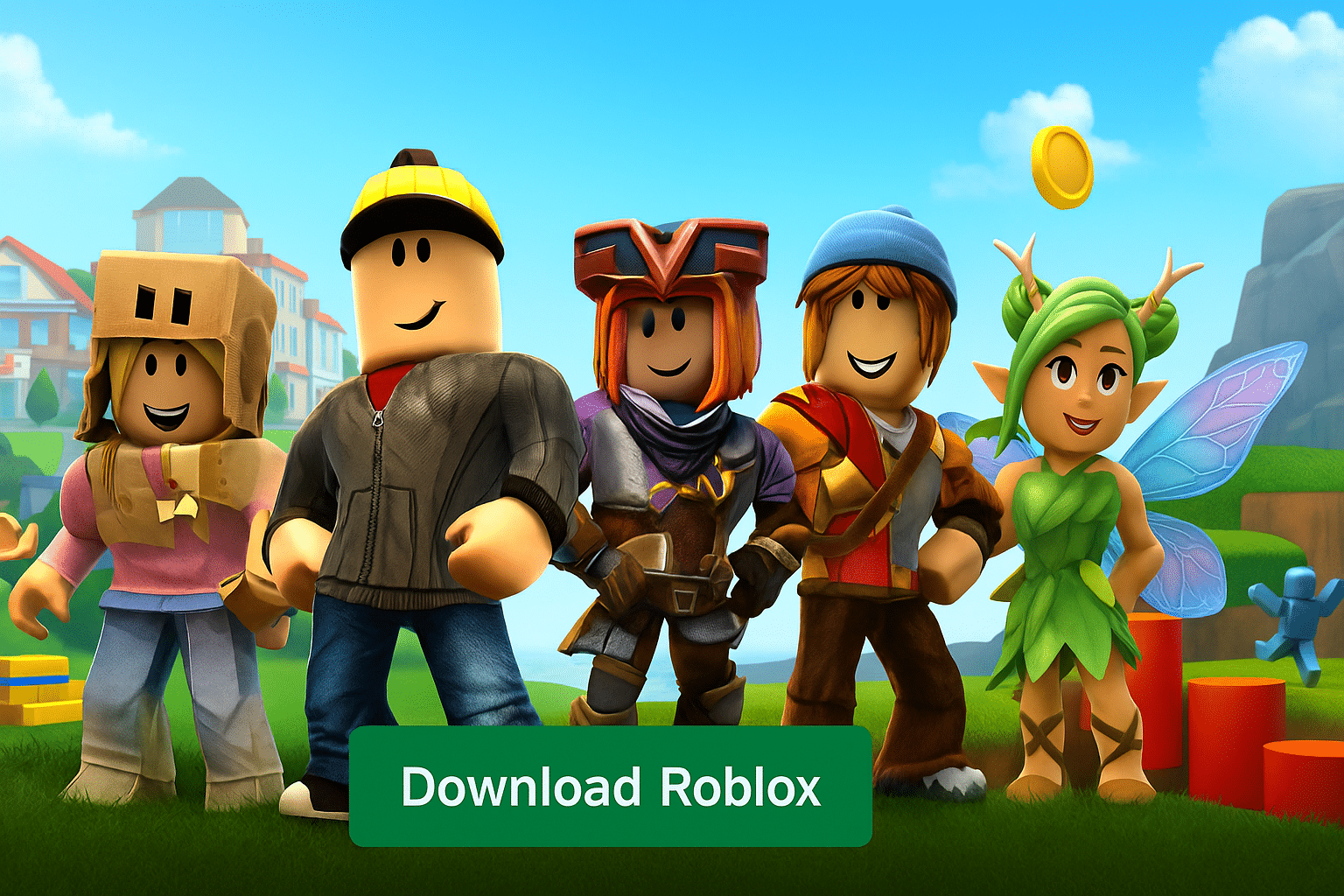
Roblox is a free gaming platform where kids and teens can play millions of user-created games—and build their own worlds in Roblox Studio. It’s hugely popular with school-age kids in the U.S. because it’s both social and creative, and you can jump from game to game in seconds.
We tested Roblox on a standard Windows 11 PC and an Android tablet. Installation was quick, and the most popular games ran smoothly—but we also noticed that quality (and “seriousness”) varies a lot from game to game. That’s exactly why parental controls and choosing the right experiences matter more here than in classic single‑title games.
What exactly is Roblox?

Roblox isn’t one game. It’s a platform with millions of minigames and experiences created by other users. Some are highly polished, others are simple obstacle courses (“obby”), and many are social role‑playing spaces where kids meet, chat, and play together.
That makes Roblox a mix of:
✅ game platform
✅ creative building tool (via Roblox Studio)
✅ social universe (friends, groups, and chat)
It’s not “kid‑friendly by default”—it becomes kid‑friendly when you set the right boundaries.
Roblox as a safe online community for kids
Roblox can be safe for kids, but only if you actively use the safety settings. In practice, this is where many parents either feel at ease—or the exact opposite.
What we recommend after our test:
✅ Turn on a PIN for parental settings (so kids can’t “accidentally” change them)
✅ Set age/content filters correctly
✅ Limit chat, especially for younger kids
✅ Keep an eye on friend requests and connections
A small tip: Once a child gets used to Roblox, it’s hard to tighten the rules later without pushback. It’s much easier to start strict and open up gradually.
Roblox Studio download – create your own games and worlds
Roblox Studio is what makes Roblox unique: kids and teens can build their own courses, role‑plays, or minigames. You can start without knowing how to code, thanks to templates and drag‑and‑drop building elements.
As interest grows, you can learn Lua (the programming language), and it’s actually a very natural first coding experience for many kids because motivation is high—you’re building something your friends can play.
Design your own avatar (and why Robux matters)

Your avatar is a big part of Roblox—almost like a social uniform. There are tons of free items, but many of the things kids really want require Robux.
Here’s the realistic part: Roblox is free, but the platform is designed to be tempting for kids. That’s not necessarily “bad,” but it does require a clear agreement at home.
Free to play – but watch out for in‑game purchases
Roblox is free to install and play, but it has:
✅ in‑game purchases (Robux)
✅ a Premium subscription (monthly)
✅ experiences that entice with “VIP,” boosts, and skins
Our take: Without clear rules, you’ll quickly end up in the classic “can I just get…” situation again and again. A fixed agreement (e.g., a monthly budget—or none) is the least stressful solution.
Top 5 Roblox tips (for kids and parents)
Top 5 Roblox tips
Five things that make Roblox more fun (and less stressful) for both kids and parents.
Start with popular, well‑known experiences
The biggest games are typically more stable and better moderated. That means a safer start and fewer odd copycat games with aggressive purchases.
Set up parental controls right away—and lock them
Enable a PIN on settings so rules can’t be changed “by accident.” Start strict and open up gradually.
Limit chat for younger kids
If your child is young, limit chat and contacts at first. It removes most uncomfortable situations.
Use Roblox Studio as a fun creative activity together
Build a simple obby together and expand it. It feels like play, but it builds structure, logic, and problem‑solving skills.
Set a fixed Robux plan from the start
A fixed budget (or zero) is far easier to manage than spontaneous purchases. Fewer conflicts, more peace.
Frequently asked questions
Roblox FAQ
Answers to questions U.S. parents typically have: safety, chat, Robux, and installation.