

 Martin Jørgensen
Download the RogueKiller anti-malware program for free
The antivirus market is fiercely competitive, which can make it hard to choose the right product. We’ve all heard of giants like Norton, AVG, Avast!, McAfee, etc. We’ve also heard about antivirus programs that simply don’t work.
With such a crowded market, it’s easy to overlook newer software makers that actually deliver strong products and offer solid alternatives to the big names we all know.
One of them is 1.
Advanced protection against malware
RogueKiller is a newer anti-malware tool that surprises many first-time users in its crusade against viruses and other malicious files. It has proven highly effective and is worth a closer look.
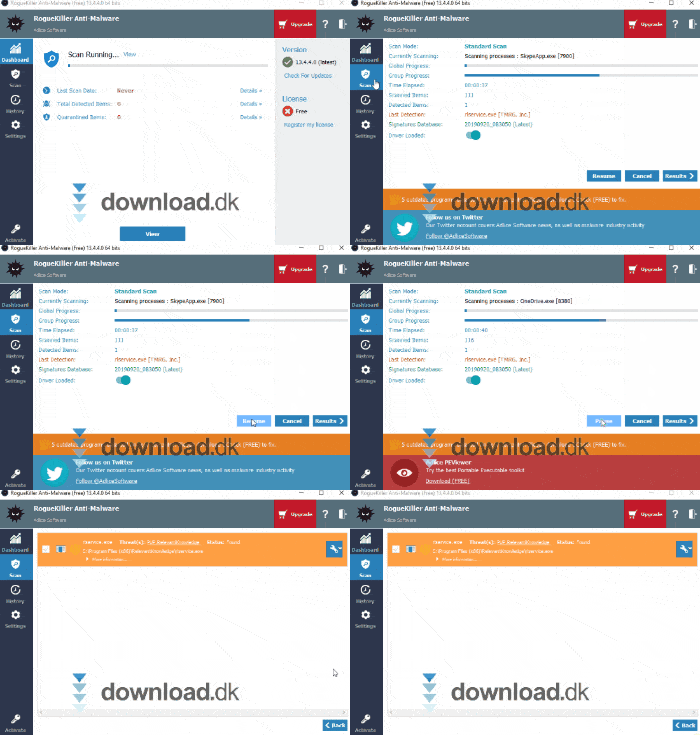
RogueKiller works as you’d expect. Detect and remove—that’s usually how simple it is with this program. It scans for malicious files and, in most cases, removes them on the spot.
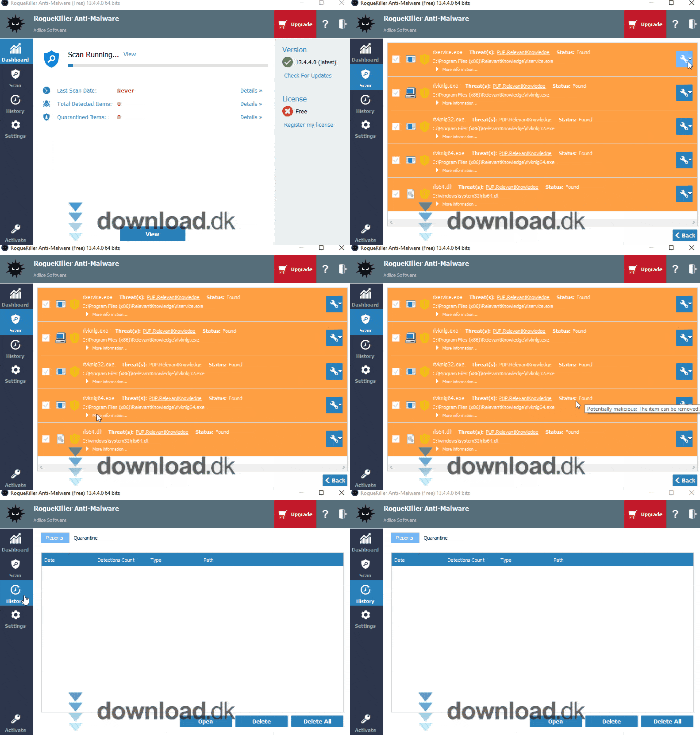
However, you may run into cases where the program isn’t sure. In those situations, the file is quarantined and you decide what to do. Do I know what the file is? Did I install it myself? What does it do?
If needed, you can always contact customer support (with a subscription).
Subscription—and why it’s worth the investment
Few things in life are truly free, and if they are, you rarely get the complete package.
Many antivirus tools offer free editions, but these versions typically come with significant limitations.
If you want protection you can rely on every time, you’ll need to pay a little. That also applies to RogueKiller.
The free version of RogueKiller Anti-Malware protects you against advanced threats with access to scans and malware removal.
But without a subscription, you don’t get automatic updates, and you also can’t use customer support.
Updates are essential to stay protected against the latest threats, and customer support can be a lifesaver if you’re stuck in a situation you can’t resolve.
A subscription is important—so how much does it cost? There are three different plans.
The first is the free version we’ve already mentioned. The second covers one computer for one year. It costs $13 per year.
Then there’s the Technician plan, which is well suited for business use. This costs $32 per year.
Typical antivirus design
RogueKiller won’t win awards for design innovation, that’s for sure. But is that really what matters? While it doesn’t bring anything radically new to the table design-wise, it’s built to be very easy to use.
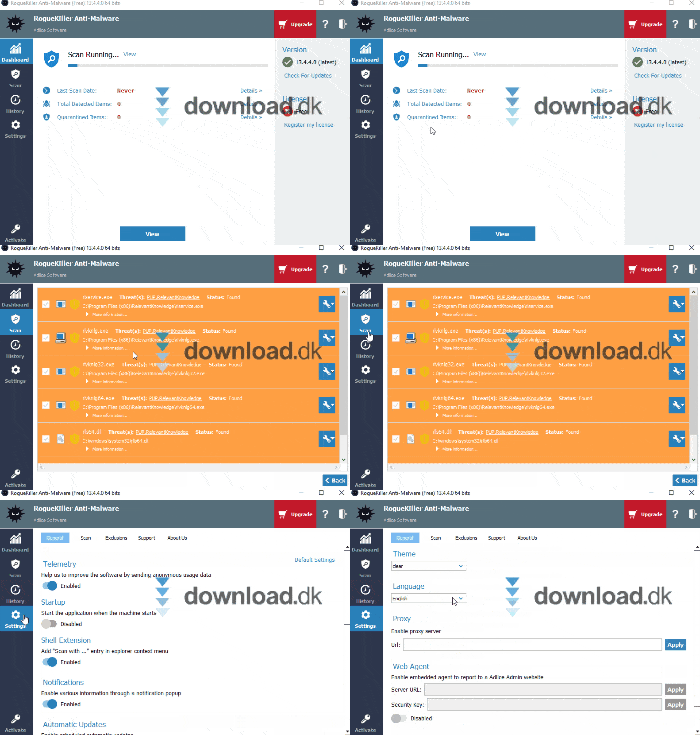
On the left side you’ll find four tabs that organize your features. At the top is the Dashboard, where you can see results from previous scans. Below that is Scan, where you can, of course, run scans, and so on.
Once you press Scan, the program typically handles the rest—so you can sit back and relax.
Conclusion
RogueKiller is an excellent alternative to many of the big antivirus brands. It’s affordable, easy to use, and effective. Highly recommended.
Download RogueKiller


