
 Martin Jørgensen
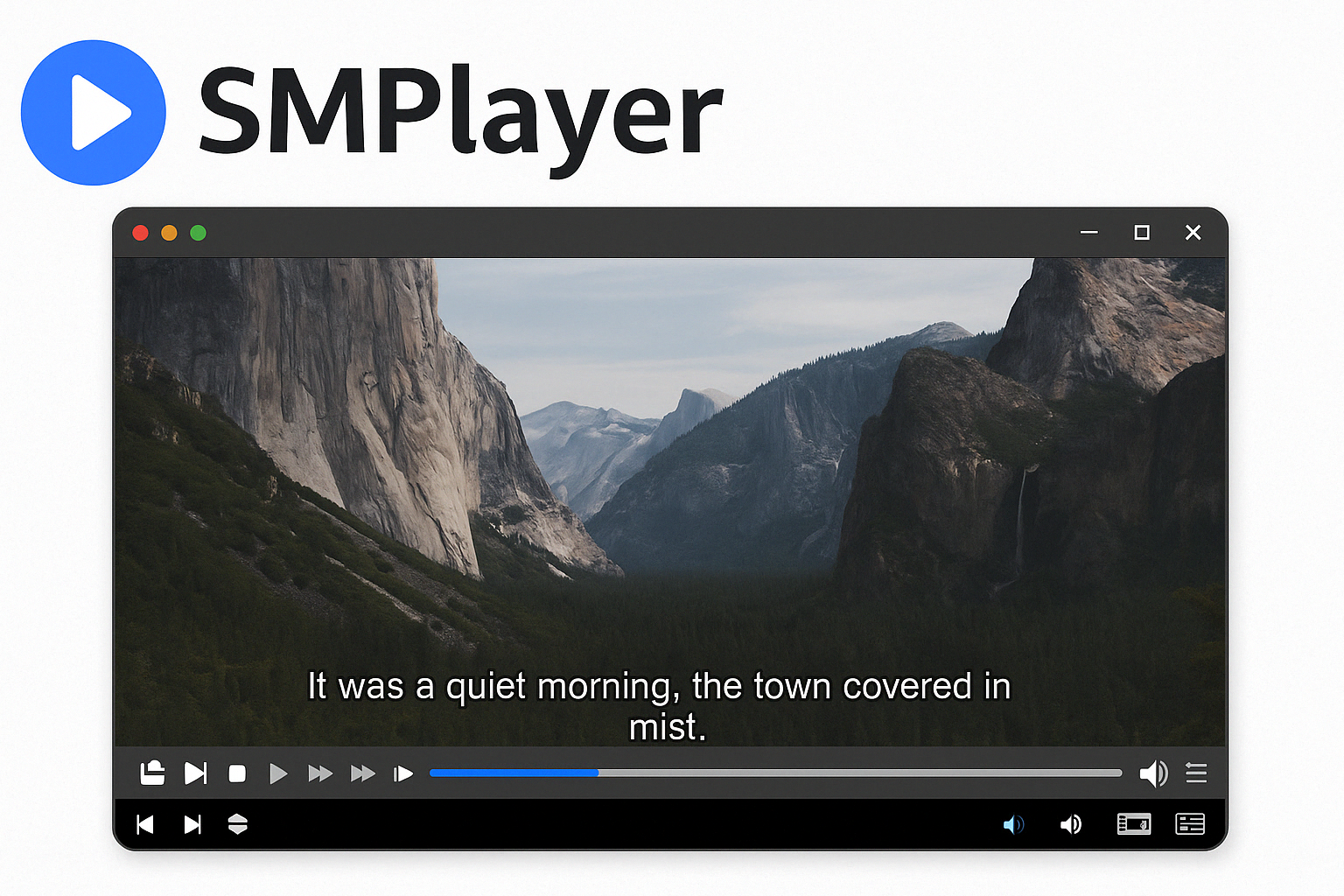
🎥 SMPlayer – A media player that remembers everything and plays almost anything.
SMPlayer is a versatile and free open-source media player built on the powerful engines from MPlayer and MPV. With support for virtually all video and lydformater (audio formats), built-in subtitle downloads, YouTube integration, and the ability to remember all your playback settings, SMPlayer is a strong alternative to VLC and other popular players.
🔧 Features that make SMPlayer stand out
Supports nearly all formats
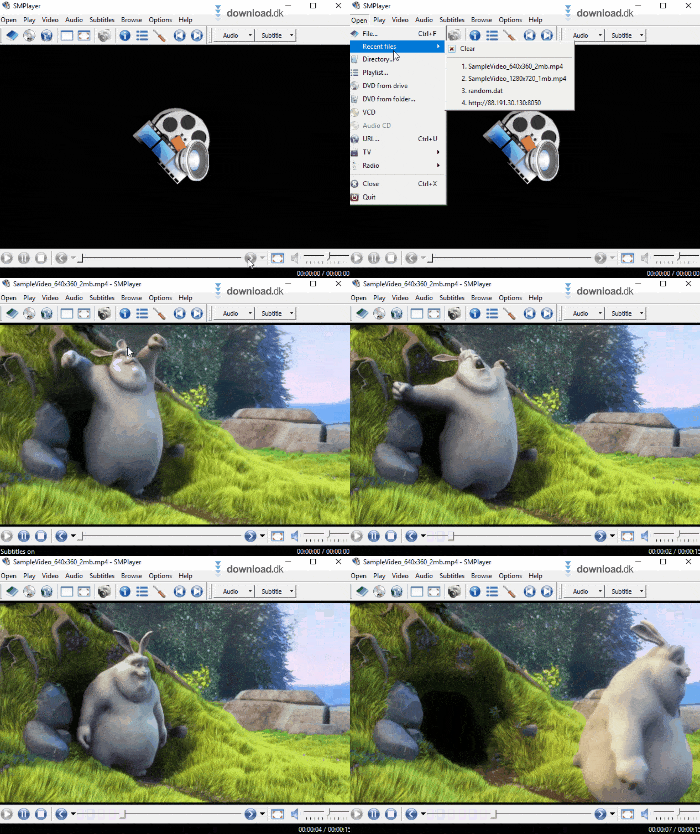
You no longer need to install codecs manually. Out of the box, SMPlayer can play everything from AVI, MP4, and MKV to FLAC and OGG — both locally and online.
Remembers your settings — per file
One of the most user-friendly features is that SMPlayer automatically remembers where you left off in a video — along with the settings you used.
Brightness, volume, subtitles, audio track, zoom… everything is saved individually per file.
Built-in YouTube playback and live streams
You can play YouTube videos directly in SMPlayer — and with the right plugin (mpv + youtube-dl) you can even watch YouTube Live Streams without opening a browser. It saves resources and avoids distractions.
Automatic subtitle downloads
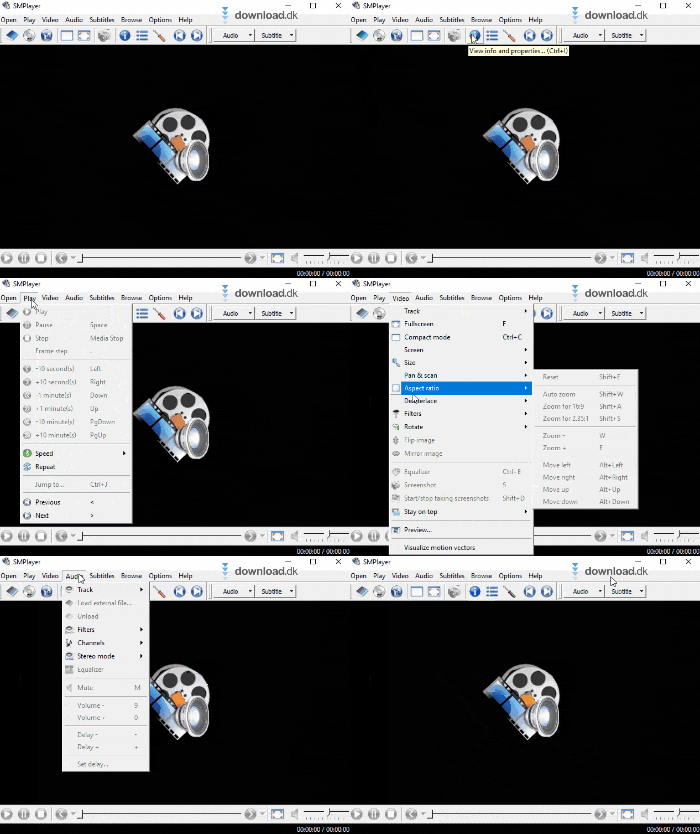
Directly from the player, you can search and download subtitles from OpenSubtitles.org, making it easy and safe to get the right subtitles for your videos — without risking malware.
🎨 Customize the look and experience
SMPlayer can be fully customized:
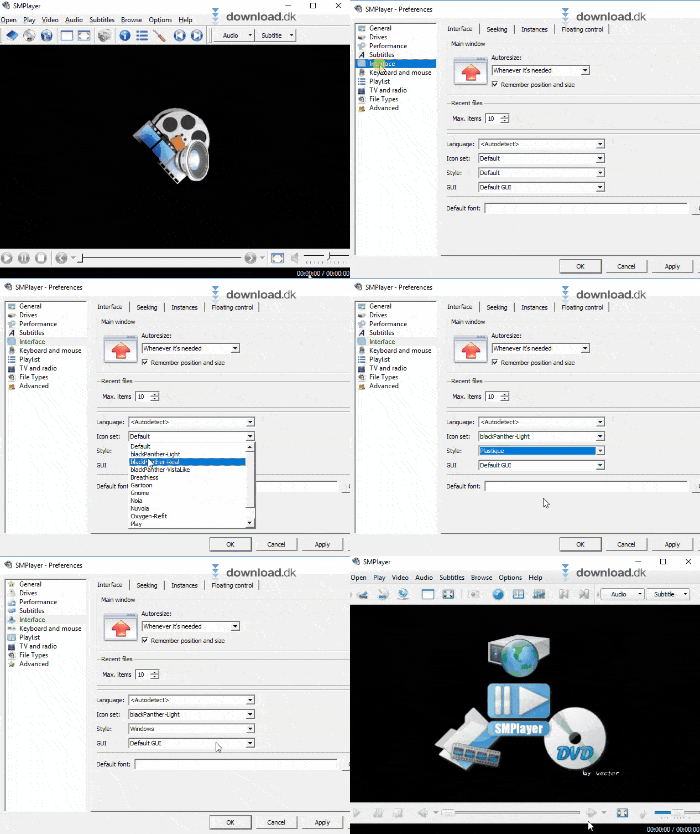
- Switch between different themes and icon packs
- Choose your preferred language during installation
- Set up keyboard shortcuts, default resolution, and subtitle format any way you like
Everything from the interface to playback settings can be tailored so you get exactly the experience you want.
🧩 Built on open source
SMPlayer is open source and free to use — which means:
- Regular updates and fast support for new formats
- No adware, spyware, or hidden features
- Extensible, with contributions from around the world
🔁 Alternatives to SMPlayer
SMPlayer is a powerful all-around player, but here are some popular alternatives:
- VLC Media Player – The world’s most widely used open-source player, extremely stable with broad format support.
- MPC-HC (Media Player Classic – Home Cinema) – Ultra-lightweight and popular among users who want maximum performance.
- QuickTime Player – Apple’s player with a sleek interface and tight integration on macOS.
- KMPlayer / 1 – Feature-rich players with many advanced options — but be aware of ads and bloatware in some installers.
A player that makes it easy to return
SMPlayer is perfect if you often pause mid-video, use subtitles, and want to avoid unnecessary clicks and technical hassle. Install it once — then it just works.
Download:
Download SMPlayer for free.



