
 Martin Jørgensen
Seven – 7 Minute Workout makes working out realistic in a busy schedule
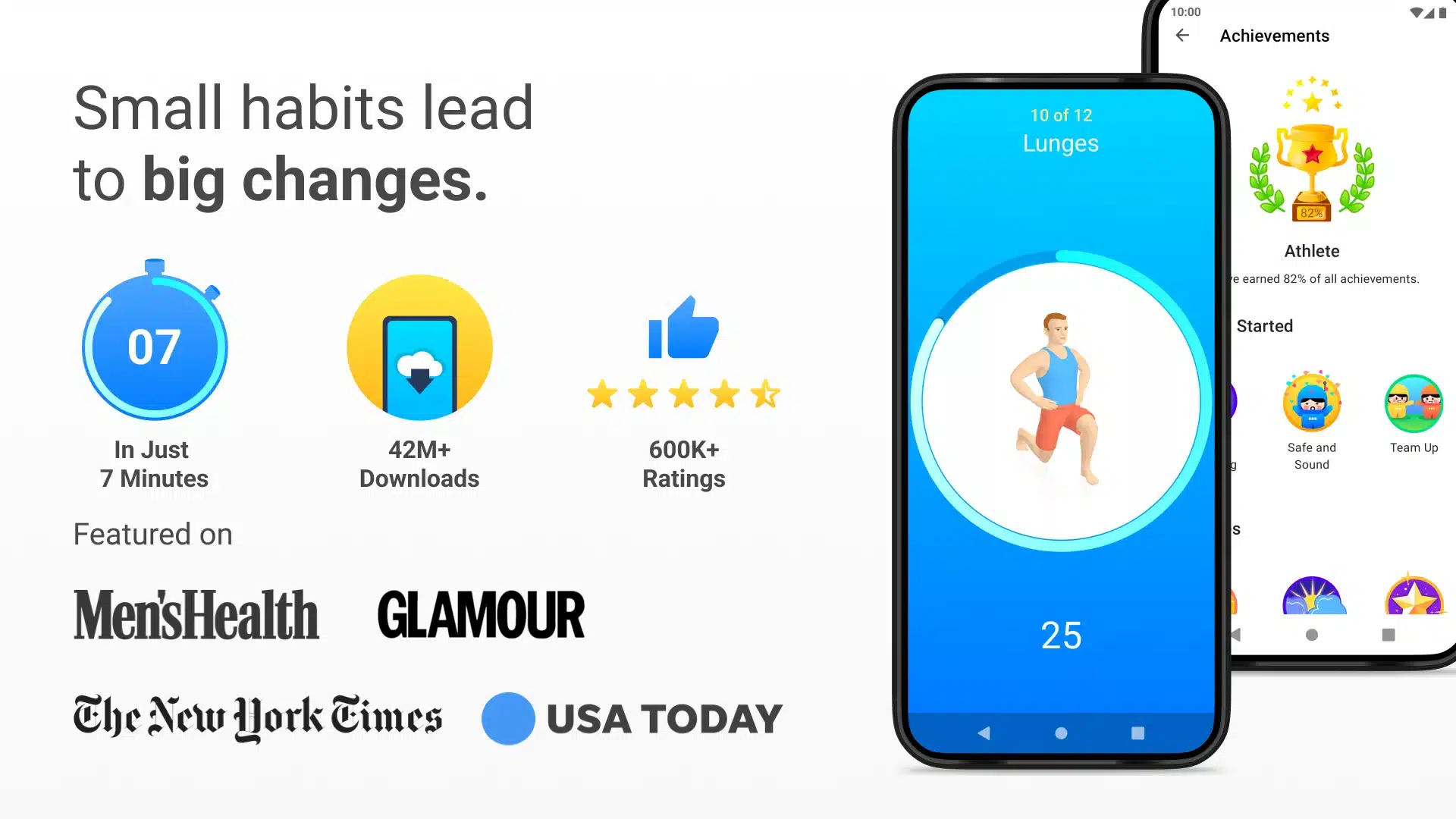
Seven – 7 Minute Workout is a fitness app built around a simple but effective idea: short, high-intensity workouts that take just seven minutes. The point is that everyone—even with a full-time job, kids, and long commutes—can fit in exercise when it’s straightforward and manageable.
We tested the app on both Android and iOS, and the experience was virtually identical across platforms. Installation took under a minute, and within seconds we were into the first workout.
Workouts and features
Seven focuses on bodyweight training, so you don’t need a gym or equipment. The exercises combine strength, cardio, and mobility in short intervals that add up to a surprisingly effective workout.
The app guides you with visuals and audio through each move, so you don’t have to think about technique or timing. It’s great for beginners and for experienced users who want a quick alternative to longer sessions.
A big plus is that Seven works fully offline. That makes it ideal for travel, weekends at a cabin, or anytime your connection is spotty or limited.
Motivation through gamification
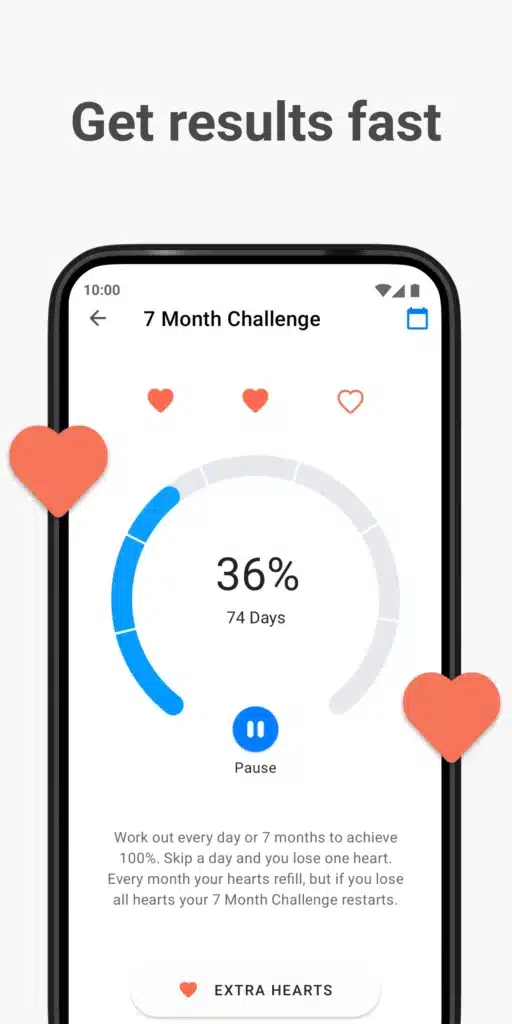
Seven actively keeps you engaged with subtle psychological nudges. You start as a “Novice” and work your way up through levels like “Intermediate” and “Athlete.” Skip a day and you’ll get a friendly—but firm—reminder.
In our testing, the reminders worked well, and the sense of progression added real motivation not to skip workouts. It feels more like a game than traditional fitness.
You can also share your results with friends, which is especially appealing if you’re motivated by social accountability.
Usability and design
The interface is simple, colorful, and intuitive. There are no unnecessary menus, and everything is optimized for quick access—just like the app’s core concept.
A small but welcome detail is that the app lets your music keep playing in the background. It sounds basic, but many fitness apps interrupt playback—this one doesn’t.
Top 5 tips for Seven – 7 Minute Workout
Here’s how to get the most out of the app:
Tip 1: Use consistent reminders
Set a daily alarm at the same time—e.g., in the morning or right after work. Routine beats motivation.
Tip 2: Start easy
Even though 7 minutes sounds short, the exercises can be tough. Push yourself, but listen to your body at first.
Tip 3: Work out outdoors
Because the app works offline, you can take it to the park, the beach, or your hotel room.
Tip 4: Pair it with walks
Seven is perfect as a supplement to your daily activity—not necessarily a replacement for everything else.
Tip 5: Use progression actively
Don’t reset your progress. The pressure of “losing a level” is surprisingly motivating.



