
 Martin Jørgensen
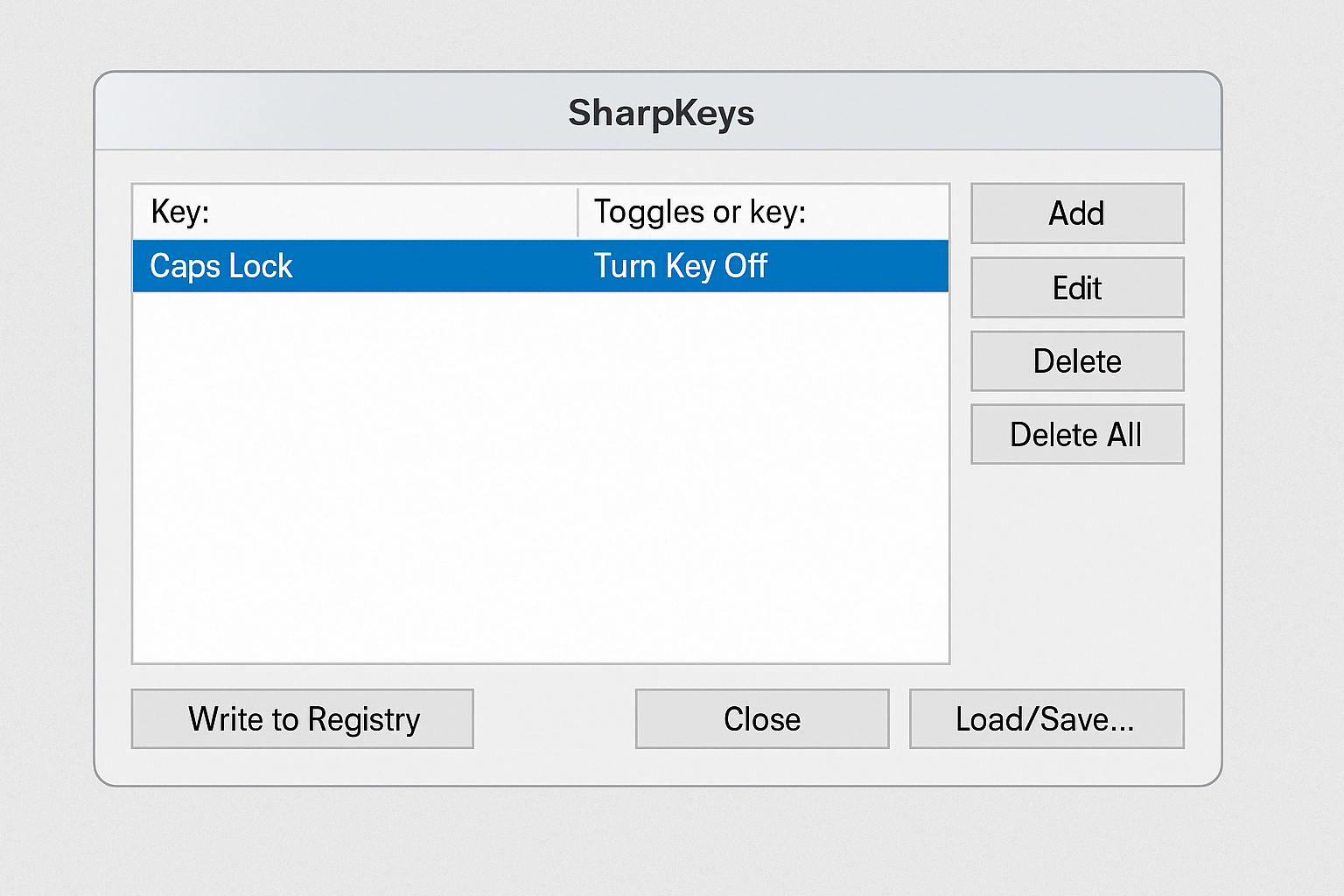
⌨️ SharpKeys – Remap your keys quickly and efficiently.
Are there keys on your keyboard you never use—or hit by mistake? With SharpKeys, you can change what they do or disable them entirely. It’s a free tool that writes directly to the Windows Registry’s keyboard mappings and gives you full control over your layout.
SharpKeys requires Microsoft .NET Framework 4.0, and after that it needs no additional setup. It’s fast, efficient, and incredibly easy to use—even for beginners.
🛠️ Features and use cases
- 🎯 Disable keys (e.g., Caps Lock, Insert, Pause/Break)
- 🔄 Swap keys (e.g., swap Ctrl and Alt)
- 🧠 Remap function keys and special keys
- ⌨️ Customize your keyboard for left‑handed use
- 💾 Save changes to the Windows Registry
- 🔁 Restore the default layout in a few clicks
After you make changes, click Write to Registry, restart your PC—and your new keyboard layout is active!
Download SharpKeys for Windows here



