
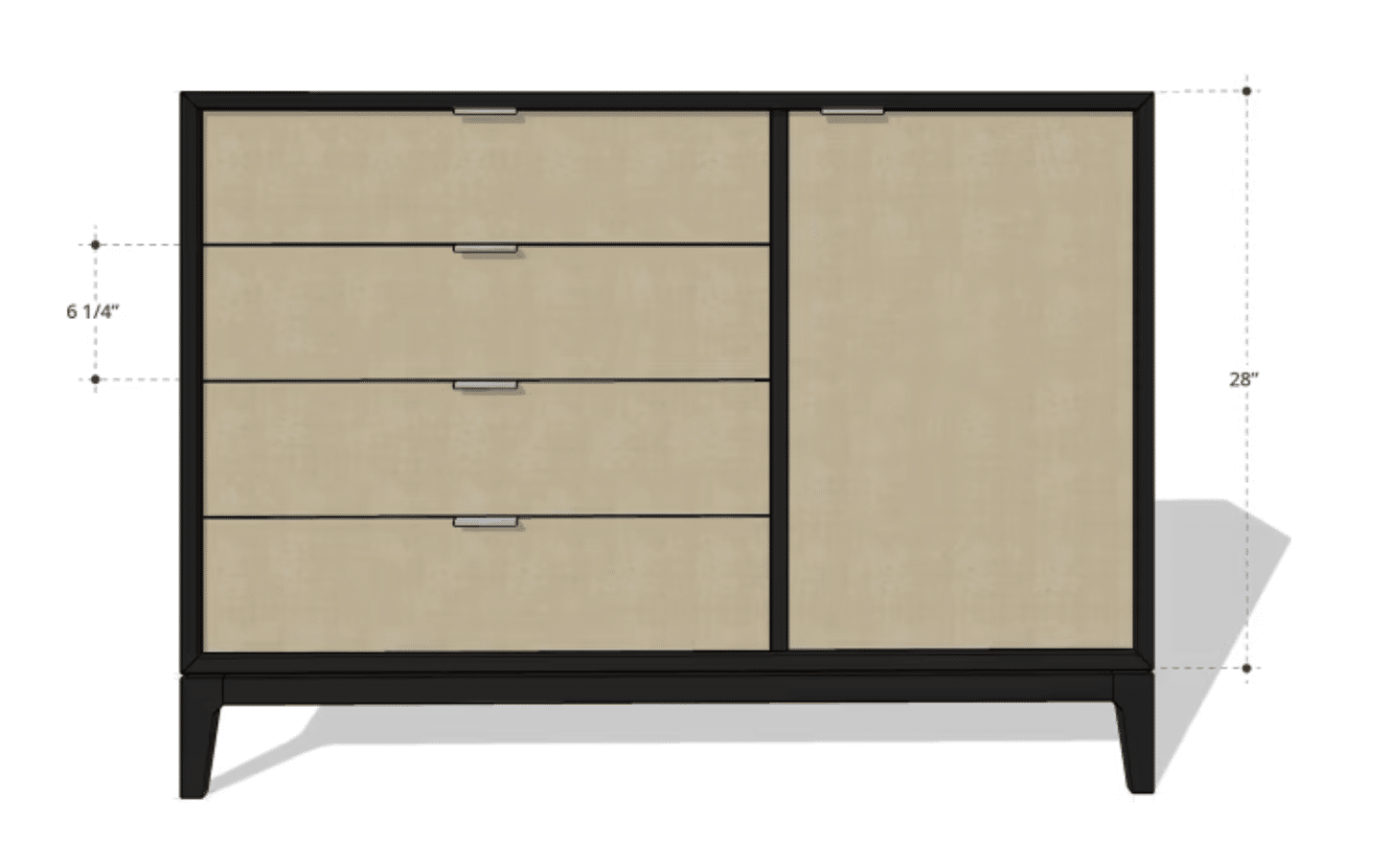
SketchUp Free – Free 3D modeling in your browser

SketchUp Free has become hugely popular among both amateur and professional designers as an intuitive tool for 3D modeling.

This review provides a comprehensive look at SketchUp Free, including its pros and cons and how it compares with paid alternatives. We cover everything from ease of use to functionality to help you decide if SketchUp Free is the right choice for your design needs.

Pros of SketchUp Free

Ease of use and accessibility

Pros of SketchUp Free.

SketchUp Free is known for its simple, intuitive interface, making it easy for beginners to jump into 3D modeling without a steep learning curve. The app offers drag-and-drop functionality so you can build models quickly and efficiently. There are also plenty of online tutorials and communities that help users find answers and improve their skills.

The platform is web-based, so you don’t need to install software on your device. That makes SketchUp Free accessible from any computer with an internet connection, increasing flexibility. You can work on your projects at home, in the office, or on the go.

No cost

One of the biggest advantages is that it’s completely free to use. This is great for students, hobbyists, and anyone who wants to explore 3D modeling without investing in software. The free version provides many core tools and features that are sufficient for simple projects and experimentation.

Users can continue developing their skills and projects without financial pressure, allowing them to focus on learning and creativity rather than costs. Having a free version ensures everyone can access 3D modeling, which helps promote the design field.

Web-based platform

Works on all operating systems (Windows, macOS, Linux, Chromebook)

The app is cloud-based, giving you the freedom to access projects from different devices. This is a major advantage in an era where mobility and flexibility matter. Start a project on your laptop and continue on your tablet or smartphone so you can work whenever inspiration strikes.

The web-based platform also ensures you’re always on the latest version without manual updates or installs, so you can focus on designing instead of dealing with technical issues.

Large community and resources

SketchUp has a large, active community offering a wide range of resources, tutorials, and shared projects—an invaluable asset for both new and experienced users. You can share models, get feedback, and learn from others, fostering a culture of collaboration and innovation.

There’s also a wealth of online tutorials and videos covering everything from basic 3D modeling techniques to advanced design strategies, helping you level up your skills and make the most of SketchUp Free.

Cons of SketchUp Free

Limited features

Cons of SketchUp Free.

While the app includes many useful tools, it comes with notable limitations compared to paid versions. For example, SketchUp Free lacks advanced capabilities like layer management, custom extensions, and templates found in SketchUp Pro. This may be a hurdle if you need more complex tools for larger projects.

Rendering and visualization tools are also less advanced than in paid versions, which can affect final model presentations. For professional designers or anyone creating detailed presentations, these limitations can be significant.

No offline access

Another drawback is the lack of offline access. You must be online to work on your projects, which can be a challenge in places with limited internet connectivity—like during travel or in remote areas.

If you value the flexibility of working offline, this can be a serious limitation. Paid versions of SketchUp offer offline access so you can work wherever you are.

Storage limits

SketchUp Free also limits file size and cloud storage, which can be a barrier for complex projects. It’s usually fine for small to medium models, but larger projects may run into issues when saving or exporting. This can be frustrating and may lead to data loss if you’re not aware of the constraints.

These limits can also affect collaboration, especially on shared projects, making teamwork harder and slowing the design process.

Ads and branding

Because it’s free, the platform may include ads and product branding, which some users find distracting and detrimental to the experience.

Branding may also appear on exported work, which can be a drawback if you need a fully professional look. This is worth considering when choosing between free and paid options.

Comparison with paid alternatives

Functionality

Comparison with paid alternatives.

Compared to paid options like SketchUp Pro, the paid tiers offer significantly more features. SketchUp Pro includes advanced 3D modeling tools, including layer management, custom plugins, and professional rendering options—crucial for complex design projects that require detailed visualizations.

In addition, SketchUp Pro lets users export their models in various formats and integrate with other professional design tools. This boosts flexibility and interoperability in professional environments where collaboration and file sharing are essential.

Price differences

One of the most obvious differences is price. SketchUp Free costs nothing, while SketchUp Pro requires an annual subscription. That can be a major factor for students and hobbyists who don’t want to invest in software. For professional users, however, the cost of SketchUp Pro is often justified by the additional features and tools it provides.

Consider what you need for your design work and how much you’re willing to invest. For smaller projects or learning 3D modeling, SketchUp Free may be enough. For serious, professional work, a paid version can be worth it.

Support and updates

SketchUp Free users have more limited access to support and updates than SketchUp Pro customers. Paid versions offer priority support and access to the newest features—crucial for professionals who rely on dependable help and updates.

With SketchUp Free, support is largely limited to online resources and community help, which can be a drawback if you face technical issues that need quick resolution.

User experience

The overall experience is good, but it can’t match the paid versions, which deliver a more polished and comprehensive toolset. Paid SketchUp plans typically offer more customization, better rendering, and an interface tailored to professional needs.

If you want a deeper, more capable 3D modeling experience, investing in a paid version is likely worth it. Beginners or users who only need basic features will often find SketchUp Free sufficient.

SketchUp Free – Excellent for beginners

Download SketchUp Free – It’s excellent for beginners.

The app offers a great introduction to 3D modeling, especially if you want to learn the basics without spending money. Its ease of use, accessibility, and support from a large community make it an attractive choice. Just be aware of the free version’s limitations, such as fewer features, no offline access, and storage limits.

For professional designers or anyone who needs advanced tools, consider paid alternatives such as SketchUp Pro, which offers a range of additional features and support. Evaluate your specific needs and budget to find the right solution.

Download SketchUp Free here

Frequently asked questions (FAQ)

Can you get SketchUp Free for Mac?

SketchUp Free is a browser-based version of SketchUp that runs directly in Safari, Chrome, or other modern browsers—including on Mac. You don’t need to install anything, and it works on macOS, Windows, Linux, and Chromebooks.

Is SketchUp Free really free?

Yes, SketchUp Free is completely free to use, but it offers fewer features than the paid versions.

Can I use the app offline?

No. It’s a web-based application, so you need an internet connection to use it.

What’s the difference between SketchUp Free and SketchUp Pro?

SketchUp Pro offers more advanced features like layer management, custom plugins, and export options that aren’t available in SketchUp Free.

How do I get support for SketchUp Free?

Support for SketchUp Free is limited to online resources and community help, while paid versions offer priority support.

Is SketchUp Free suitable for professional projects?

SketchUp Free can be sufficient for simple projects, but for more complex, professional work, SketchUp Pro is recommended.

Reviewer’s rating with pros and cons, and user ratings

4 out of 5 stars – SketchUp Free is an impressive free 3D drawing program right in your browser, ideal for beginners and hobbyists. However, some features from the Pro edition are missing.


✅ Pros and ❌ Cons

Pros:
✅ Works on all operating systems (Windows, macOS, Linux, Chromebook)
✅ Free access with no installation
✅ An easy-to-use interface
✅ Access to SketchUp’s 3D Warehouse
✅ Automatic cloud saving via Trimble Connect

Cons:
❌ Requires an internet connection — no offline use
❌ No support for plugins or extensions
❌ Limited export (no .DWG; only .SKP and .PNG)
❌ Limited options for organizing files and folders
❌ A Trimble account sign-in is required

User Rating


