
 Martin Jørgensen
Soda PDF — a complete PDF solution with both desktop and online access.
Soda PDF is a powerful, modern PDF suite that combines professional features with user-friendly design. You can use it in a web browser or as a standalone Windows desktop application. That makes it especially attractive for home users, offices, and small businesses that want an alternative to Adobe Acrobat—at a lower price.
Soda PDF stands out by offering a modular setup where you can choose exactly the PDF tools you need—available in both free and paid versions.
Features and user experience
Soda PDF includes everything you expect from a complete PDF solution:
- Edit existing text and images in PDFs
- Convert to and from Word, Excel, PowerPoint, JPG, and more
- Create and fill PDF forms
- E-signatures and certification
- Flet og split PDF-filer
- Compress and password-protect PDFs
- Comment, highlight, and add notes
- Batch processing and OCR (Pro only)
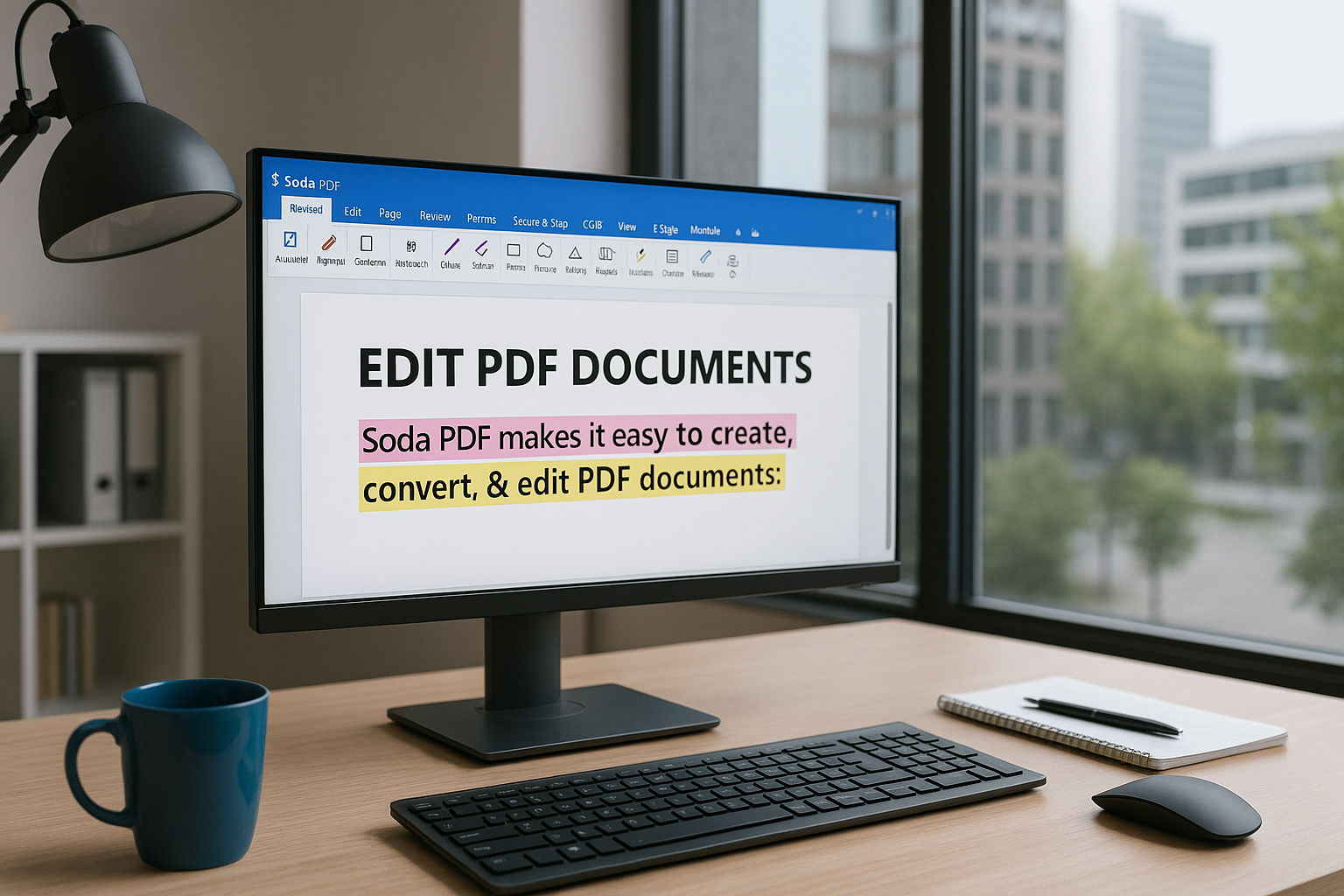
The interface resembles Microsoft Office and is easy to navigate, with tabs and large icons. The web version is almost identical to the desktop edition, delivering a consistent experience across platforms.
Free vs. paid version
Soda PDF offers a free version with access to:
- PDF viewing
- Basic conversion and splitting
- Limited editing and annotation
The Premium editions (Soda PDF Online or Desktop) add:
- Advanced editing and OCR
- Digital signatures and protection
- Forms and batch processing
- More cloud integrations
Plans start at about $45/year—significantly cheaper than Adobe Acrobat, yet still a professional-grade option.
Platforms and operating systems
Soda PDF works on:
- Windows (desktop app)
- All platforms via a browser (Windows, Mac, Linux)
- Mobile browser—no dedicated app yet
That makes it a great fit for hybrid work where you switch between a PC and the browser.
Security and data protection
Soda PDF Online uses HTTPS encryption and offers optional account sign-in. The desktop version runs fully offline, which is important when handling sensitive documents. The service is based in Canada and adheres to common data protection standards—though it isn’t specifically GDPR-certified.
Tips for using Soda PDF
- Use Soda PDF Online as a lightweight option when you need PDF tools on someone else’s computer
- Install the desktop app for offline access and OCR
- Leverage the Sign & Secure module to send signed contracts
- Use the “Batch Tool” to convert many files at once
- Redigér scannede PDF’er med OCR-funktionen (requires Pro)
Is Soda PDF worth the money?
Yes—if you want a versatile, modern, and lighter alternative to Adobe Acrobat, Soda PDF is a strong pick. The free version is limited, so you get the full value with a paid plan. The design and user experience are excellent, and the integration between desktop and browser is among the best.



