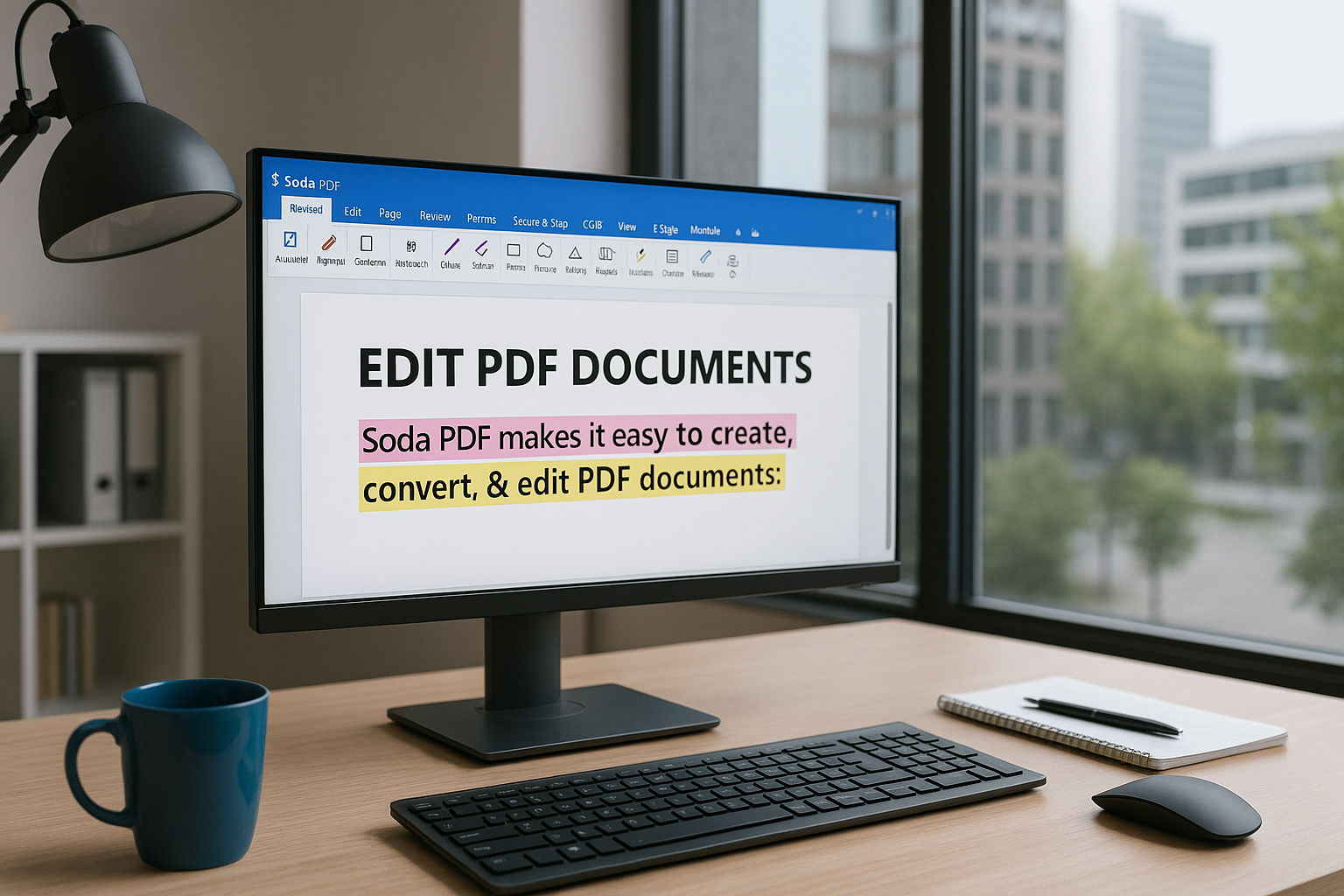
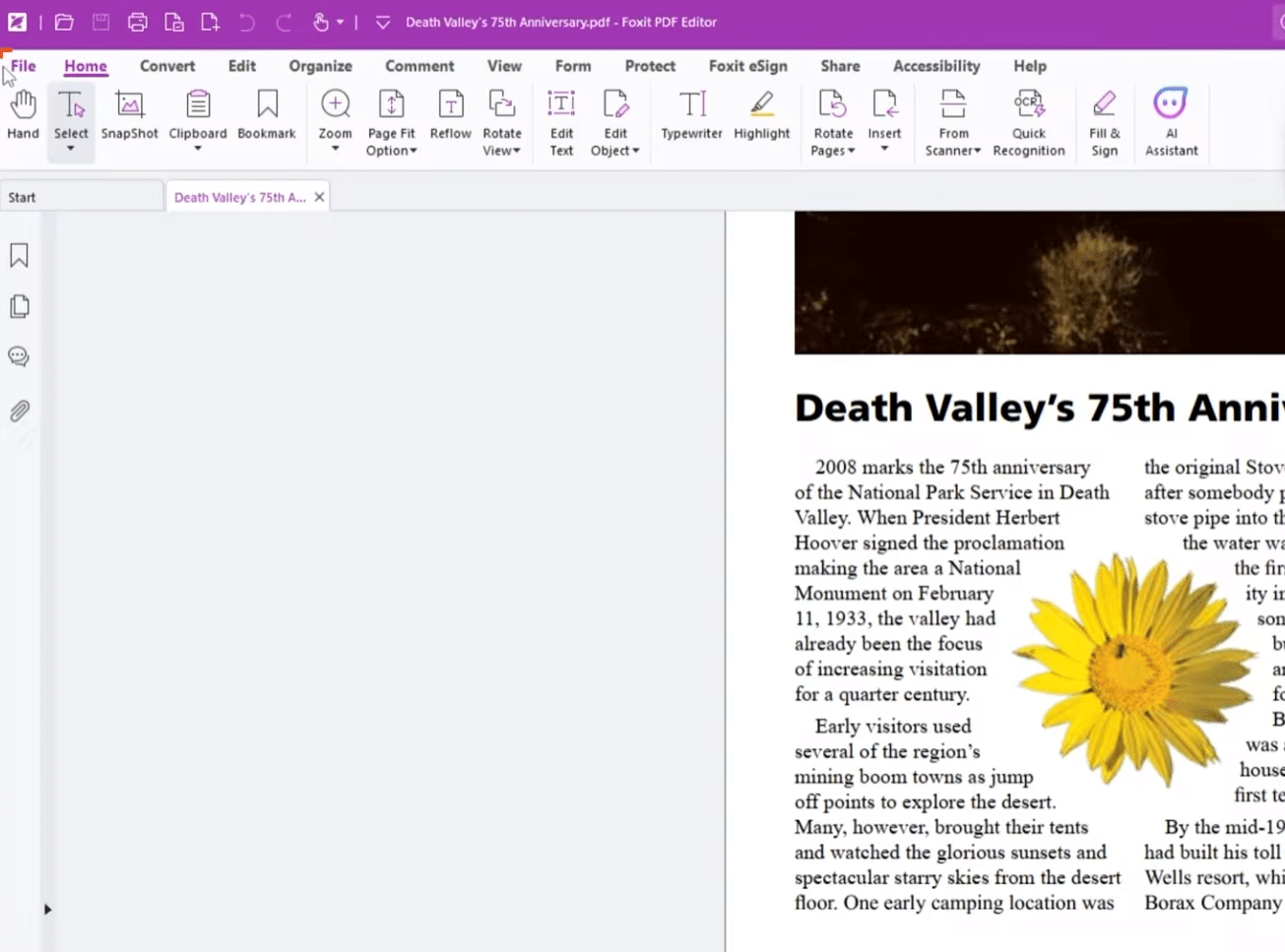
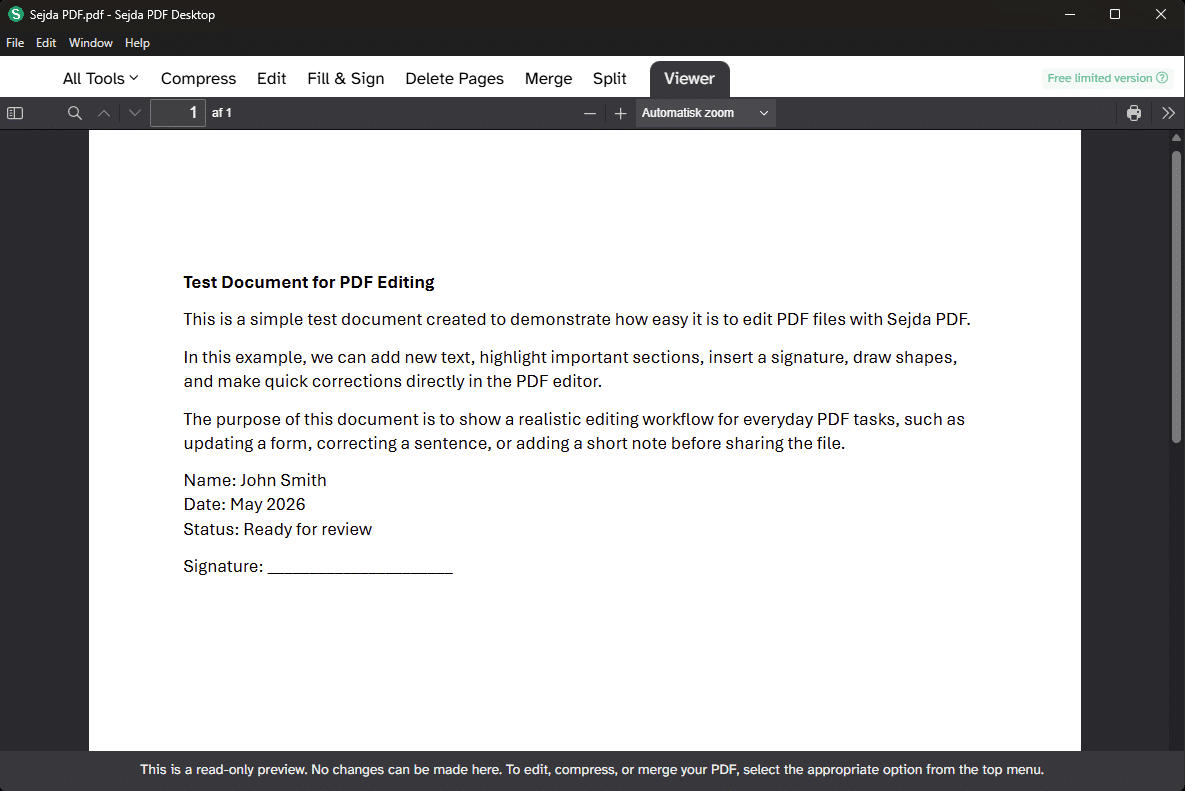
Sejda PDF is a tool for anyone who wants to edit, merge, compress, sign, and convert PDF files without installing a heavy office suite or paying for Adobe Acrobat.
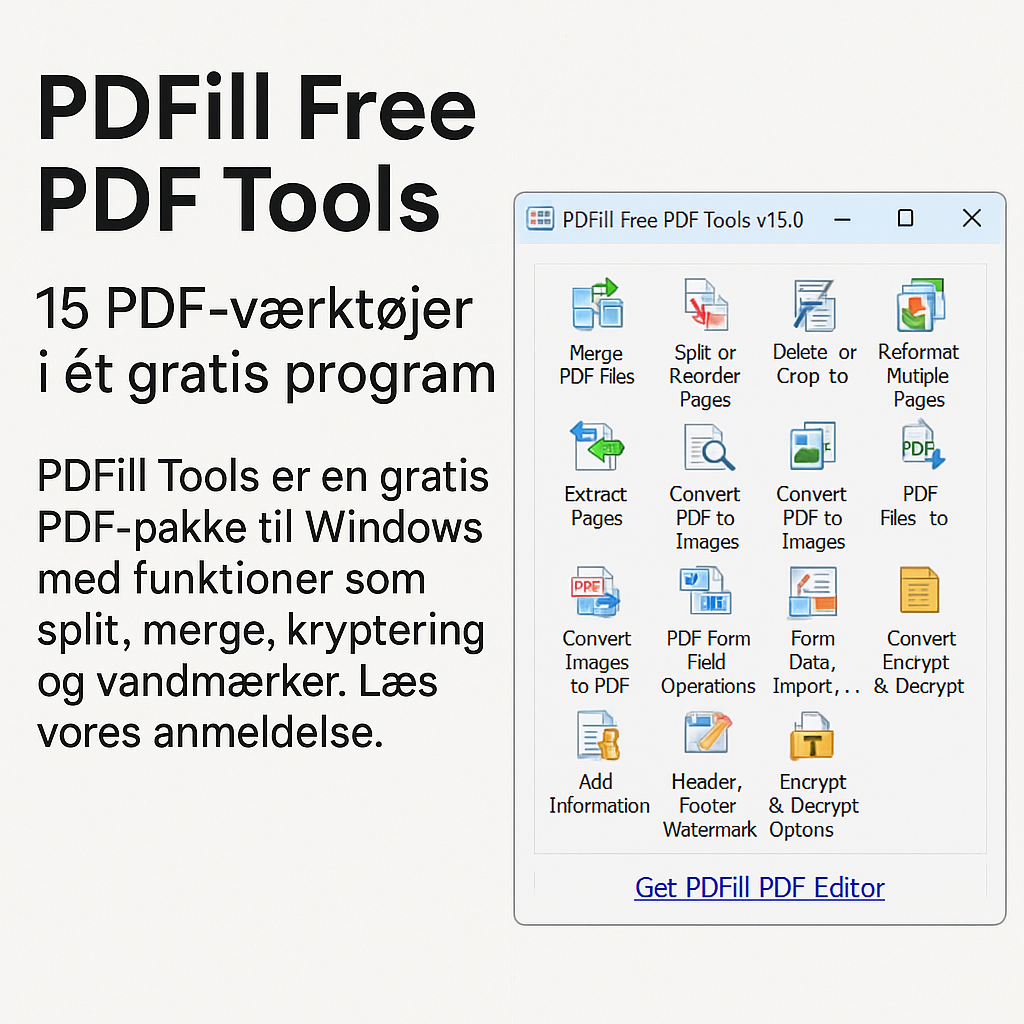
Are you looking for the best free PDF program for Windows, Mac, or your browser? Then you’ve come to the right place. Here you’ll find our carefully selected and tested programs for editing PDF files, merging and splitting, converting to Word, Excel, or images, as well as creating and printing to PDF.
Whether you’re a student, an office worker, or working from home, you’ve probably needed to:
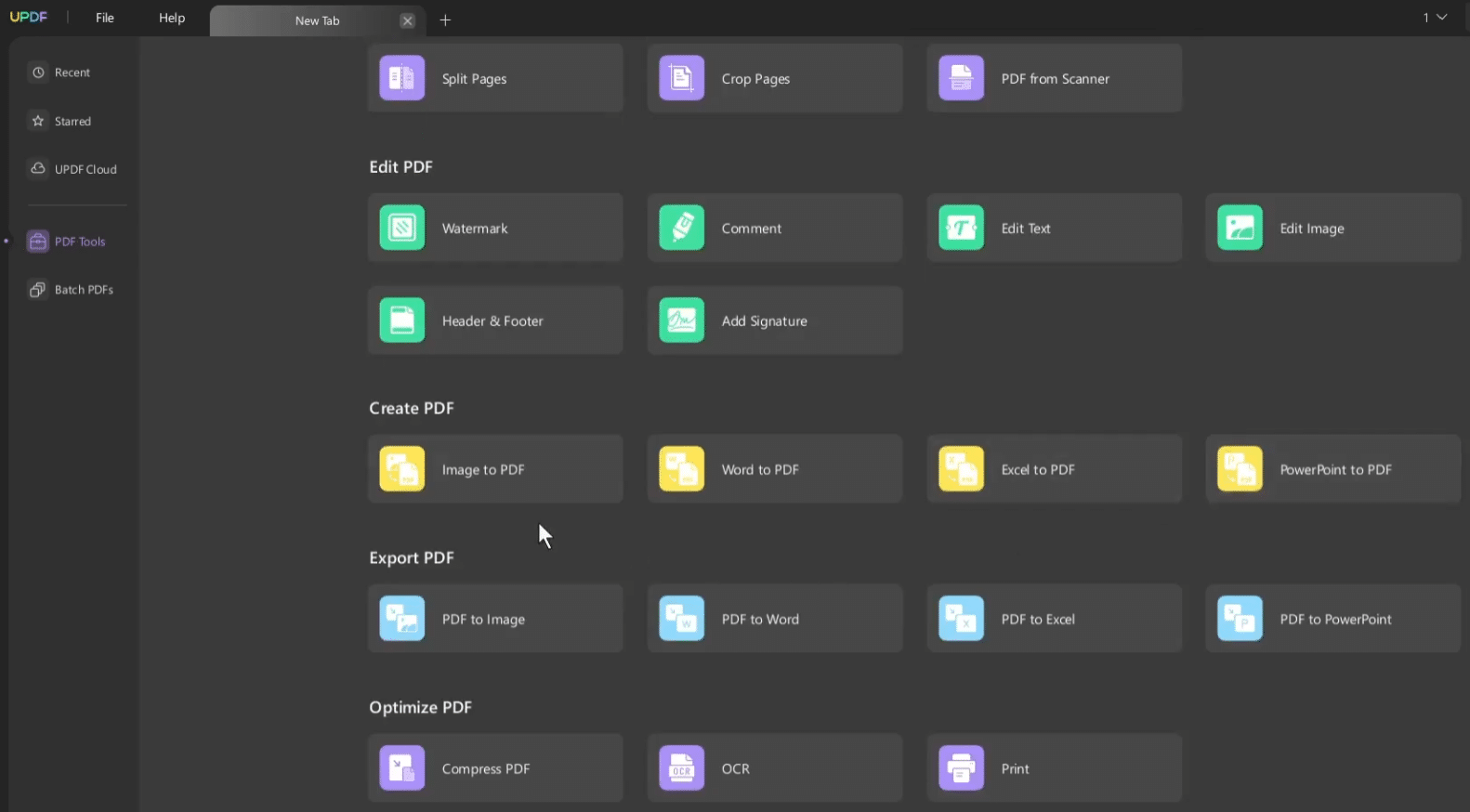
Edit text or images in a PDF
Merge multiple PDF files
Convert PDF to Word or vice versa
Fill out forms and add a signature
Protect PDFs with a password
In this category, we guide you to the best solutions—both open-source PDF programs, online tools, and powerful desktop apps.
You’ll find classics like PDF-XChange and PDF24 Creator as well as web-based alternatives such as Smallpdf and PDFsam. We test everything with a focus on ease of use, functionality, and Danish compatibility—and clearly indicate which programs work on Windows 10, Windows 11, macOS, and mobile platforms.
Explore our PDF universe and find the tool that fits your needs—whether you want to edit PDFs for free, compress a file, or print to PDF. Welcome to Denmark’s strongest collection of PDF software.
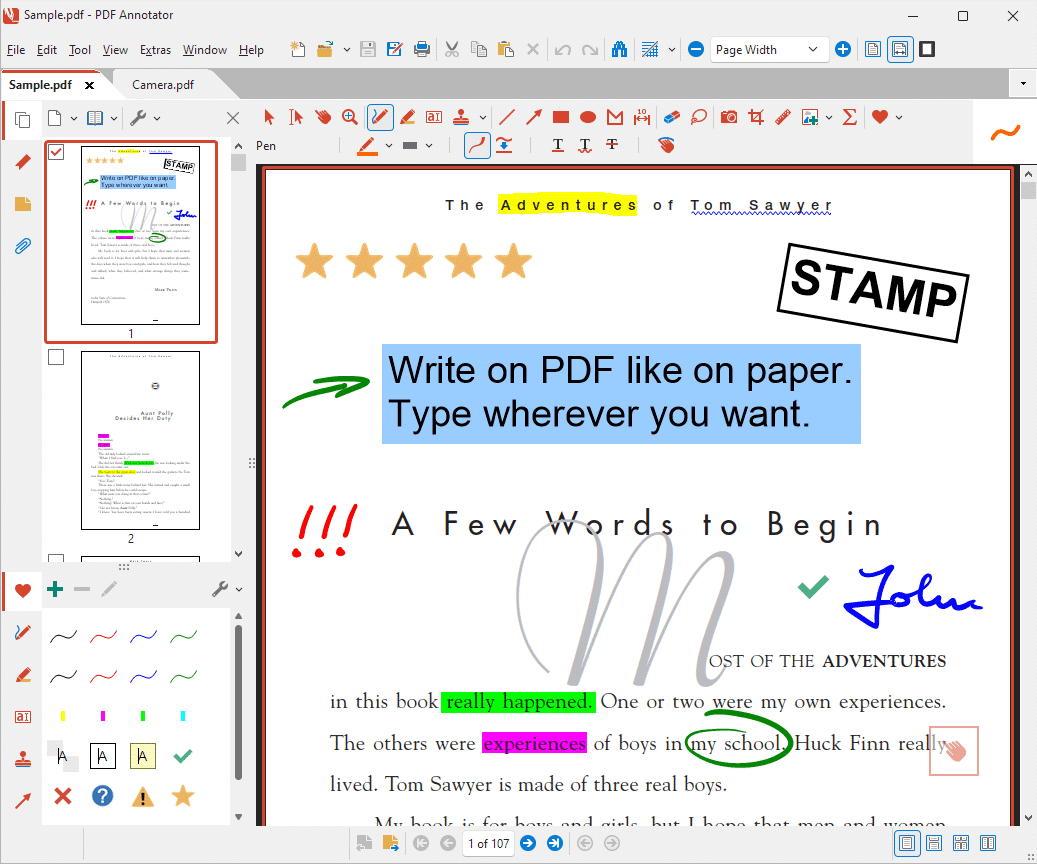
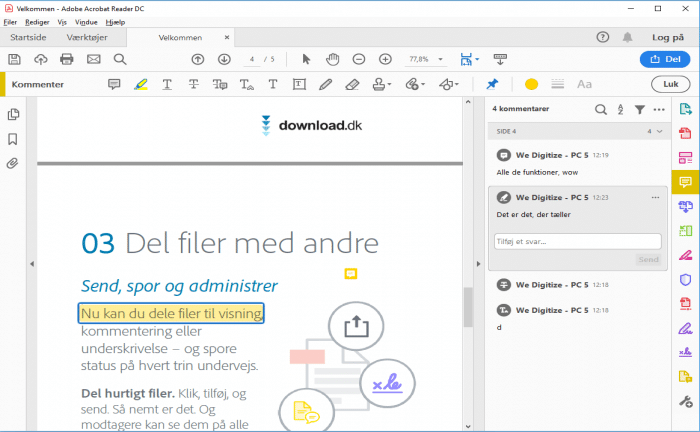
PDF-XChange Viewer is a free PDF reader for Windows, best known for its speed, tabbed viewing, and solid tools for comments, highlights, and forms.
Systweak PDF Editor is a Windows PDF app that combines editing, converting, compressing, signing, and organizing PDFs in one tool.