

 Martin Jørgensen
By now, many people have experienced their computer being hit by viruses, malware, spyware, or other threats. It’s an unpleasant experience, which is why prevention matters—don’t wait to get an antivirus program until after you’ve been infected. Once trouble strikes, removing it can be a major job. It can also become costly if it’s a serious infection. All in all, it’s a smart idea to download antivirus software right away.
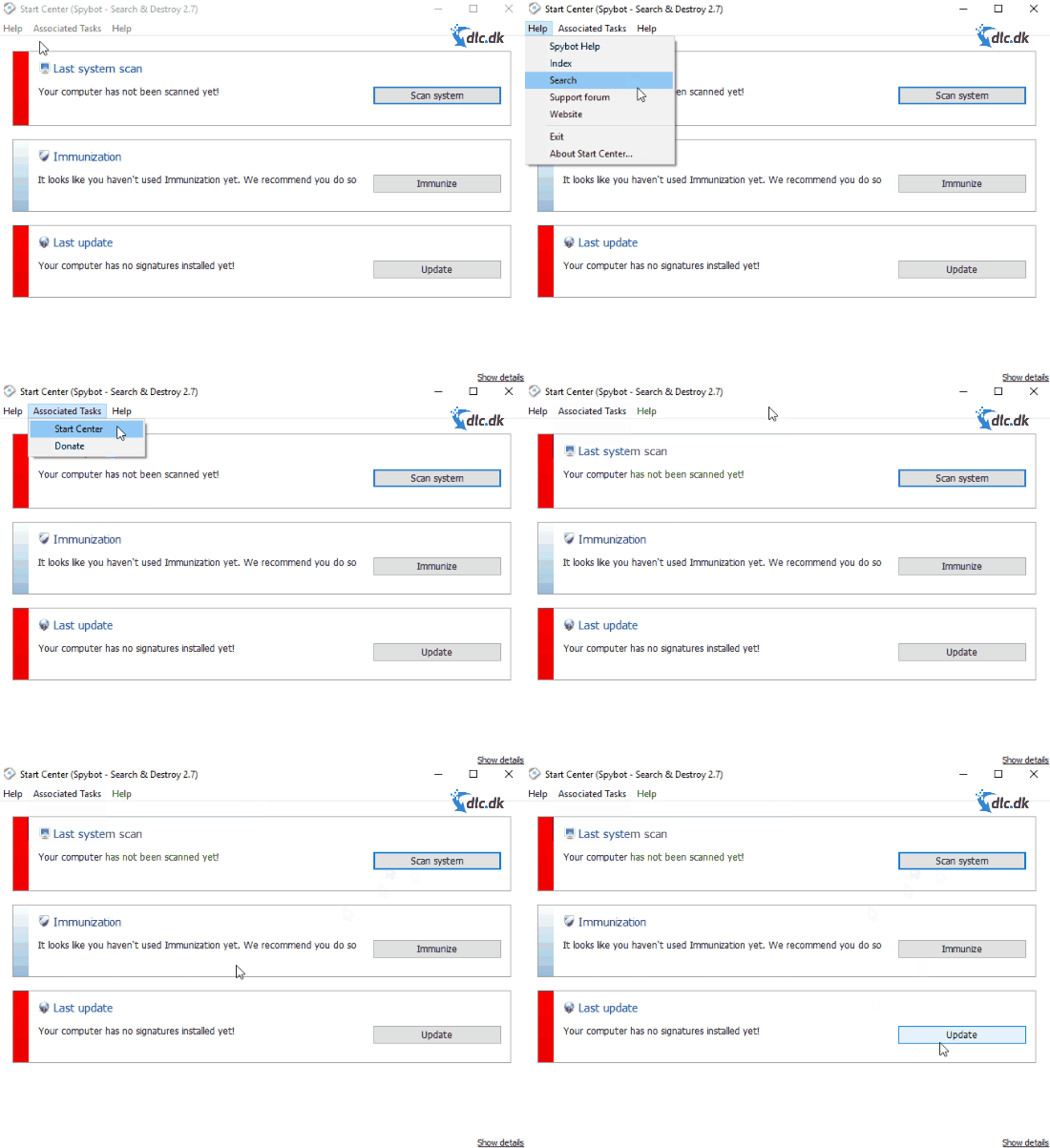
Here we review Spybot – Search & Destroy to help you decide whether it’s the right program to download for your PC. It’s always smart to learn a bit about any software before you download it—so you won’t be surprised by what you get. That also makes it easier to get started without spending too much time figuring everything out.
Free version
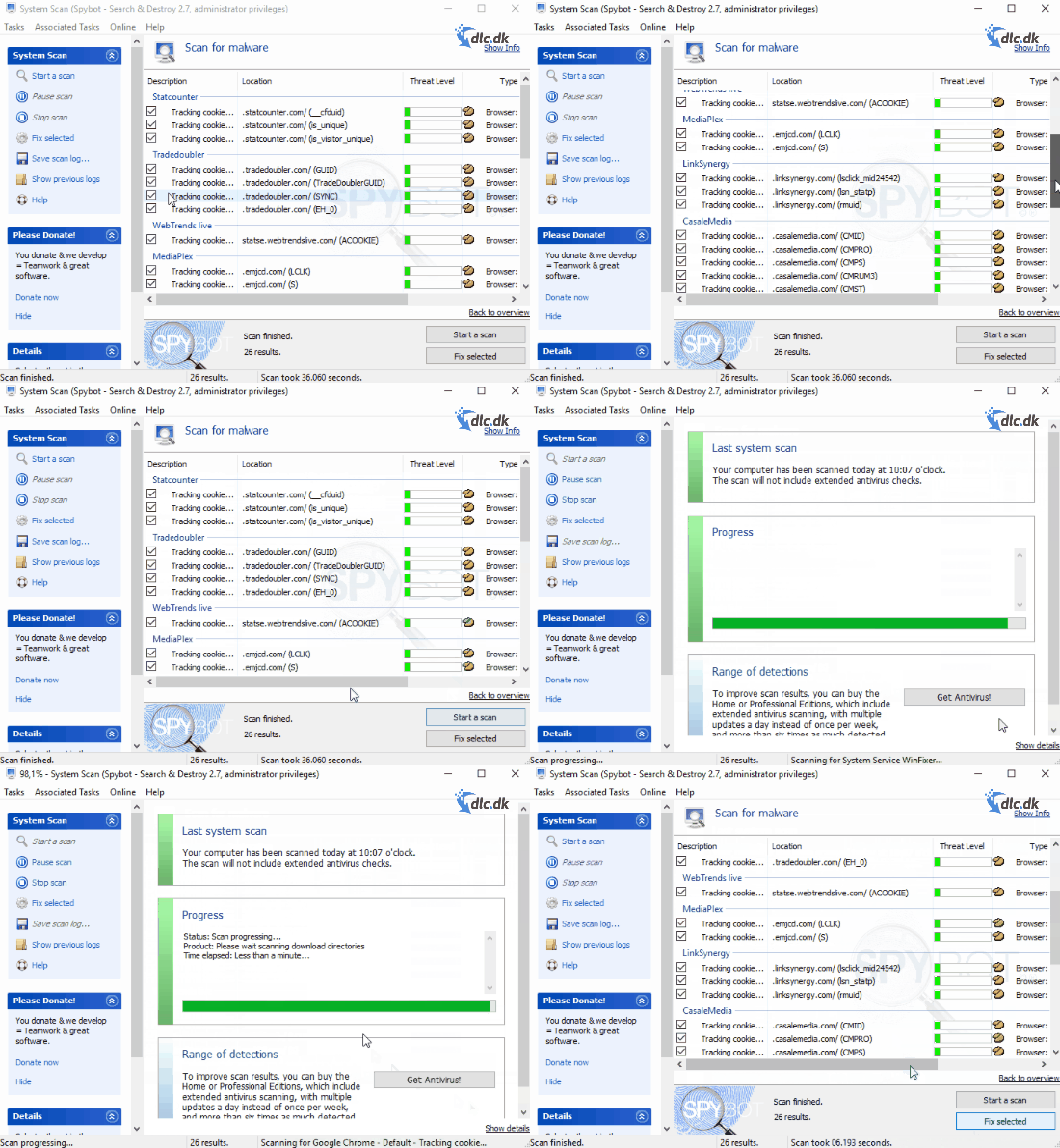
You can absolutely download Spybot for free if you don’t want to spend money on it—for example, if you don’t see the issue as particularly serious. Choose the free version if you only need to remove malware or if you want your PC protected by immunizing your browser. There are options for more experienced users too, such as working with autostart/startup entries if you want to tweak settings.
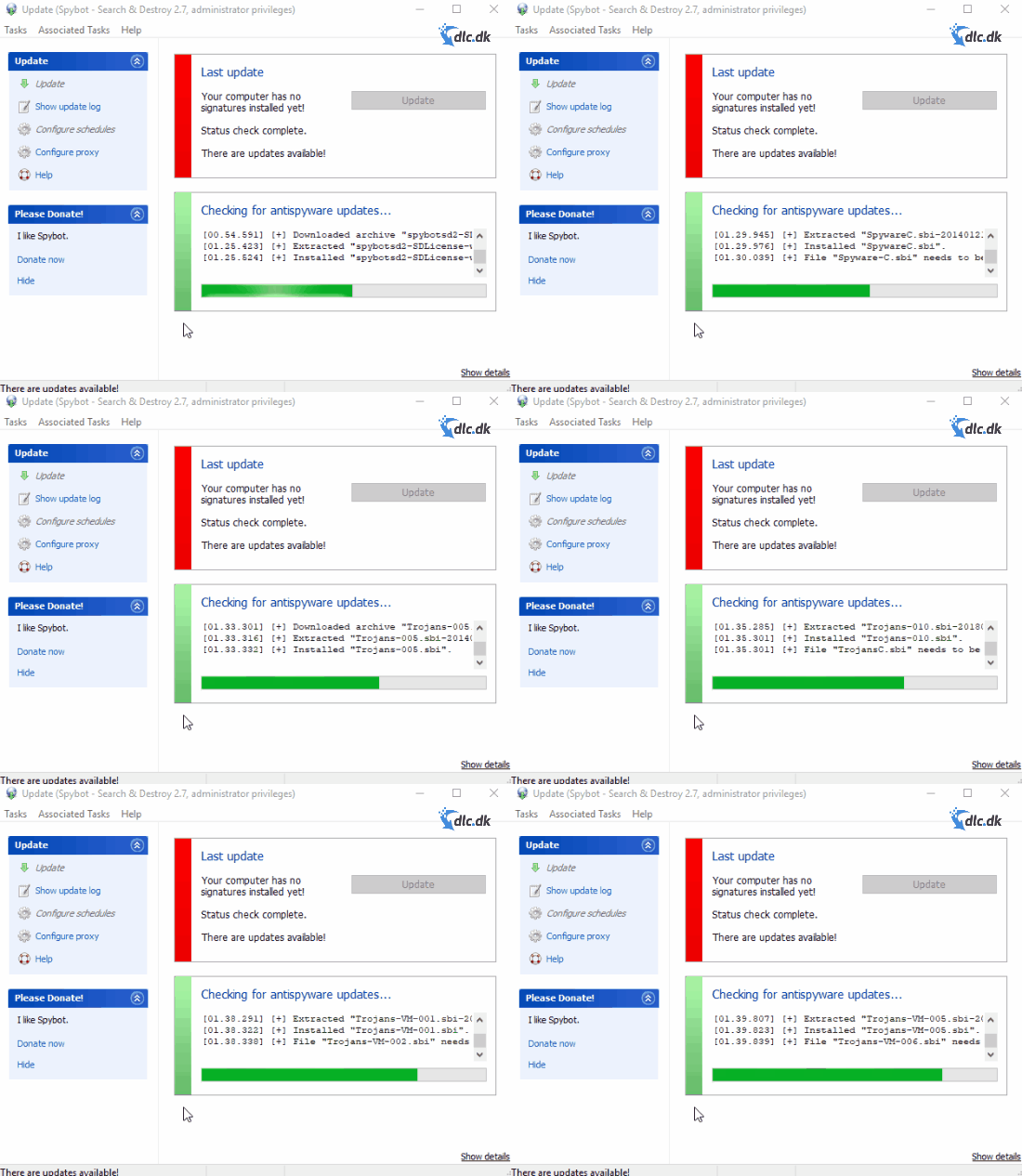
You can also scan individual files and folders if you don’t need a full system scan right now. A standout for Spybot – Search & Destroy is that you can scan not only files and folders on your local drive—you can also scan items stored on network shares. And if you run into problems, you can always reach the vendor’s support via email.
So there are plenty of benefits to using the free version. You still get software that does a lot of good for your PC.
Buying the ’Home’ edition
Hos Spybot you can also purchase other editions if you want more than what the free version offers. For example, you can choose the edition called ’Home’. With Home, you get antivirus protection in addition to the features in the free version. You also get automatic, scheduled scans, so you don’t have to start the program yourself—letting scans run when you’re not using your computer and minimizing disruption. You gain access to help getting your PC fixed if something goes wrong, and you can look forward to system immunization against various viruses, malware, and spyware. This edition also receives updates, so you can expect a program that keeps getting better over time.
In short, you’ll get stronger protection with a paid edition. Ultimately, it’s up to you how much protection you want and how important it is to you. There are plenty of reasons to choose the free version instead.
Ease of use
The developer focused on usability and a clean, easy-to-navigate design when Spybot – Search & Destroy was created. The start screen gives you a quick overview of what you can do.
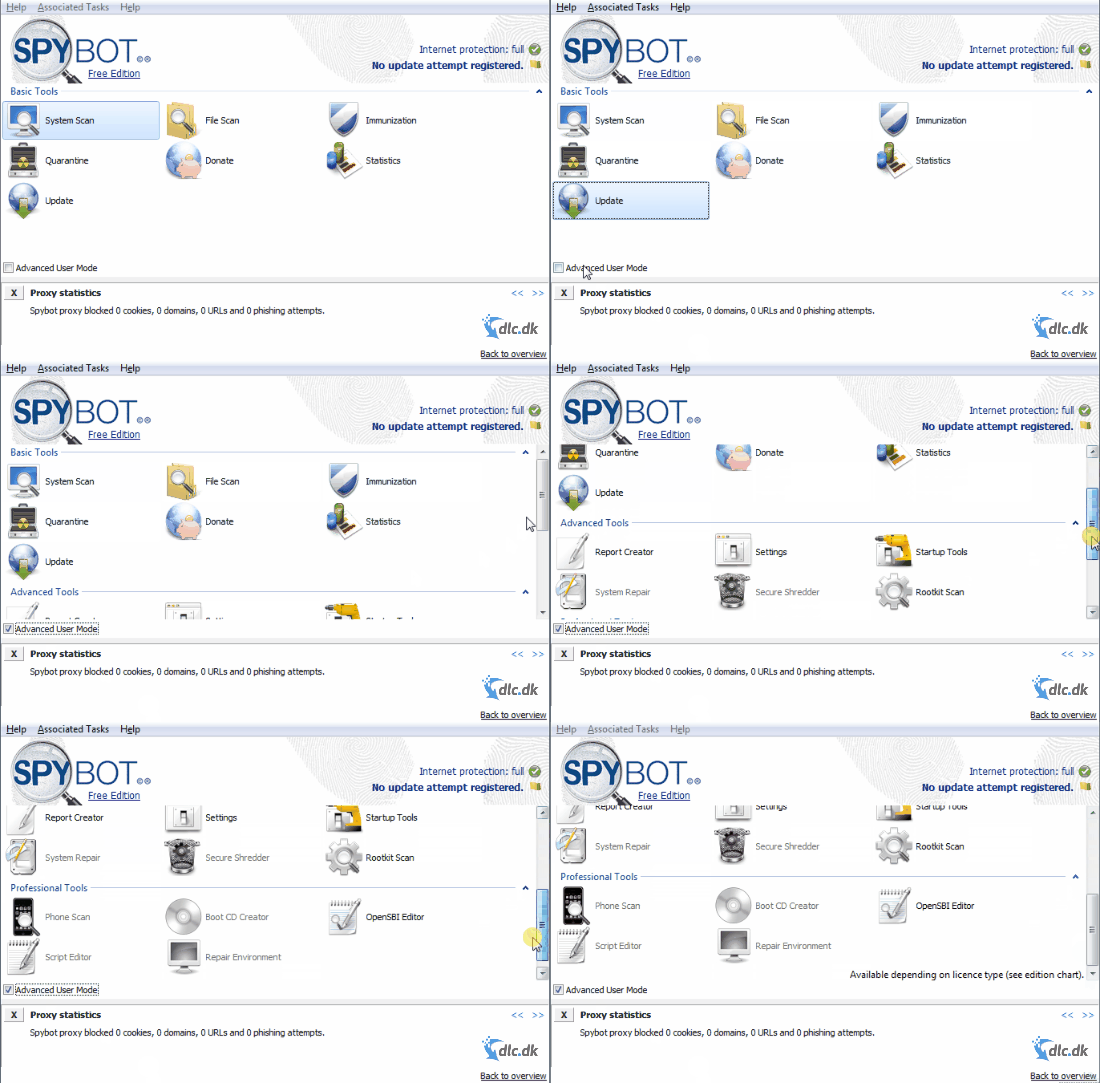
These options are also grouped into categories, so you can quickly find exactly what you have in mind. It’s also easy to explore the program and its features even if you don’t have a specific task in mind. It’s still smart to know where to go if your PC suddenly has issues due to viruses and spyware.
Other antivirus software
There are a lot of antivirus programs nowadays, but they’re certainly not all equal. You can, of course, visit Spybot’s own website, which we linked to earlier, as they offer other editions we haven’t described here. But you can also try other providers. Many users are very happy with the antivirus program called Anti Explorator. It can also help you scan for and remove malware, viruses, and spyware. This one is free as well, so you don’t have to pay a premium for protection—a bonus for many.
If you’d like more to choose from, we’ve reviewed many other antivirus programs, so you can explore on your own. You can do that in the category called Anti-Spyware. There you’ll find plenty of inspiration for which antivirus program to choose in the end, and you might decide it’s time to replace your current one.
Conclusion
In the end, Spybot – Search & Destroy is a solid choice whether you use the free edition or pay a little to get more out of it. It ultimately depends on what you want from it. Either way, you can look forward to a user-friendly design. Overall, this program keeps up well with other antivirus options available. This is the Windows version available here on the site. If you use Mac or Linux systems, we again refer you to our broad security category, where you will surely find a security program that meets your needs regardless of your operating system.
Download Spybot – Search & Destroy for free here and enjoy a safer experience on your computer.
Download Spybot - Search & Destroy Free



