
 Martin Jørgensen
Protect your privacy with SUPERAntiSpyware Free
SUPERAntiSpyware Free is an effective tool for removing spyware and protecting your privacy. You can download a free 15-day trial, and it works on both Windows 10 and Windows 11.
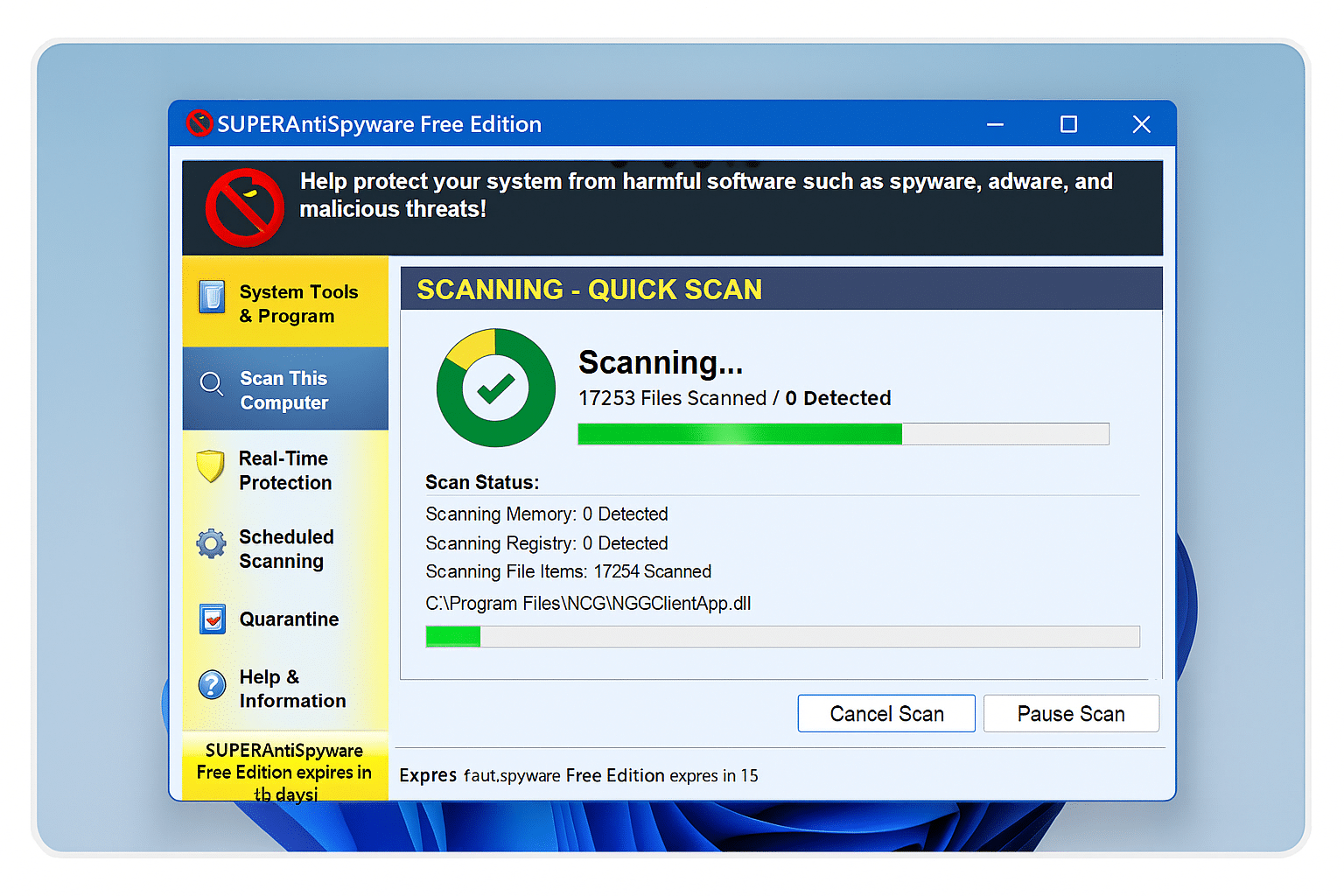
We tested the program on a standard Windows 11 PC, and the installation took under three minutes. Setup needed a bit more time, especially if you want to customize scheduled scans and real-time protection. In return, the software runs stably without slowing down the system.
What is spyware, and why do you need protection?
Spyware is a type of malicious software that installs itself on your computer without your permission. It can monitor everything from which files you open to your credit card details and, in the worst case, steal private photos and documents.
In the United States, we’re seeing a rising number of spyware attacks—especially around online shopping and banking. That’s why it’s important to use a dedicated antispyware tool, not just a traditional antivirus program, which often doesn’t cover these threats.
Features in SUPERAntiSpyware
Thorough scans
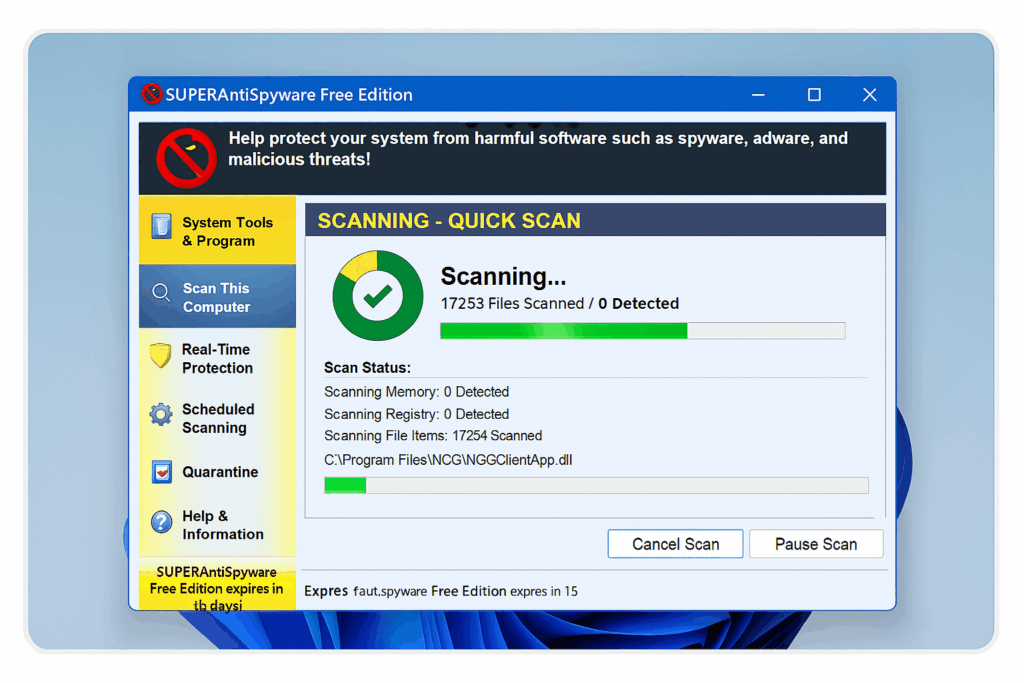
You can choose from four scan types: Quick Scan, Deep Scan, Critical Point Scan, and Custom Scan. In our test, the program found 12 potential threats that standard antivirus didn’t detect.
Repair and system tools
The program includes tools to remove stubborn programs, repair corrupted registry entries, and the option to submit unknown malware directly to the developer for analysis.
Real-time protection
When enabled, the program continuously monitors your system. If suspicious activity is detected—such as during an online payment—it alerts you immediately.
Scheduled scans and automatic updates
You can schedule scans to run automatically—for example, at night. The database is updated regularly, so you’re protected against the latest threats.
Additional privacy protection
SUPERAntiSpyware focuses exclusively on spyware, but you can strengthen your protection with:
- NordVPN – protects your internet connection and hides your IP address.
- Other spyware and malware removal software that removes both spyware and traditional malware.
Combine these tools to get near-complete protection for both your computer and your privacy.
Our experience

We experienced no conflicts with other security software, and system load was low even during a full scan. The interface is simple, though not modern—it looks a bit like the Windows 7 era. On the plus side, it’s extremely stable.
If you want a specialized tool that targets spyware specifically, SUPERAntiSpyware is a solid choice.
Top 5 tips for SUPERAntiSpyware Free
Even with real-time protection enabled, run a full scan regularly to catch spyware that may be hiding in system folders.
Run a quick Critical Point Scan before making payments online. It checks the most vulnerable areas where spyware typically hides.
Make sure the program updates its threat database automatically. New spyware variants appear weekly, so you need the latest definitions.
When the program flags suspicious files, place them in quarantine first. You can restore them if they turn out to be important system files.
Use the scheduler to run scans at night or during breaks. You’ll stay protected without interrupting your daily work.



