
 Martin Jørgensen
Total Uninstall, available as a free demo, claims to remove any Windows program.
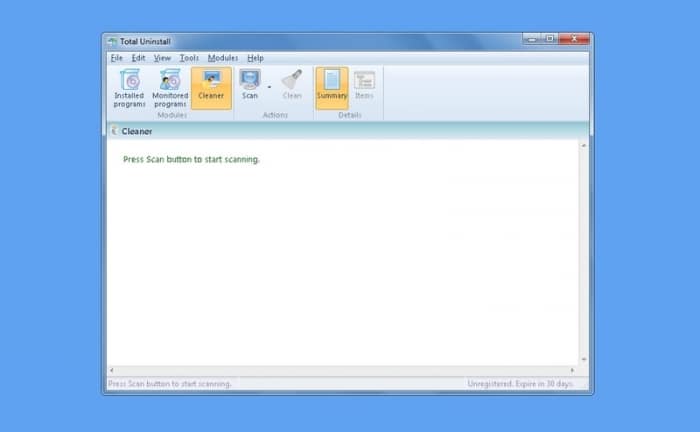
Do you really need extra software to uninstall your programs? We think the answer is no, but if an app is giving you trouble, it's worth a shot. Total Uninstall can, according to the developer, uninstall programs, monitor new installations, and remove unnecessary files. The cheapest version costs about $25, but you can download a 30-day demo for free.
In our quick test of Total Uninstall, we tried removing two different programs that we had previously struggled to uninstall. It took a little time to get through the process, but it seems that Total Uninstall finally removed them from our PC. Nice! We haven't used the rest of the features enough to give a full verdict, but the interface is simple, and the program is easy to use.
Considering that Windows should, in theory, be able to remove your programs automatically, the price for Total Uninstall is fairly high. However, the tool worked well in our test, so if you've had issues with a stubborn program, it's probably worth trying the demo.
Download Total Uninstall


