
 Martin Jørgensen
Trend Micro Internet Security – Powerful antivirus and internet protection in 2026
Trend Micro Internet Security is a modern, powerful solution that protects you from viruses, ransomware, phishing, and other online threats. It combines artificial intelligence, real-time updates, and ease of use in one unified security suite that works seamlessly on Windows 10 and 11.
What sets Trend Micro apart from many other security programs is its smart analysis and rapid response to new threats—crucial at a time when cyberattacks are growing more sophisticated. Whether you work from home, shop online, or stream movies, the software ensures your device is beskyttet i realtid without slowing down your computer.
Plus, the intuitive interface makes it easy to get started—even for less experienced users—and you’re guided step by step from the initial setup to scanning and monitoring. Renewing your subscription license is handled directly in the app, and many users choose to renew annually because protection is continuously updated and aligned with the latest threat landscape.
It’s also worth noting that many users actively look for security with Trend Micro because it offers a strong balance of price, features, and performance—especially compared to heavier competitors like Norton or McAfee.
Features and capabilities
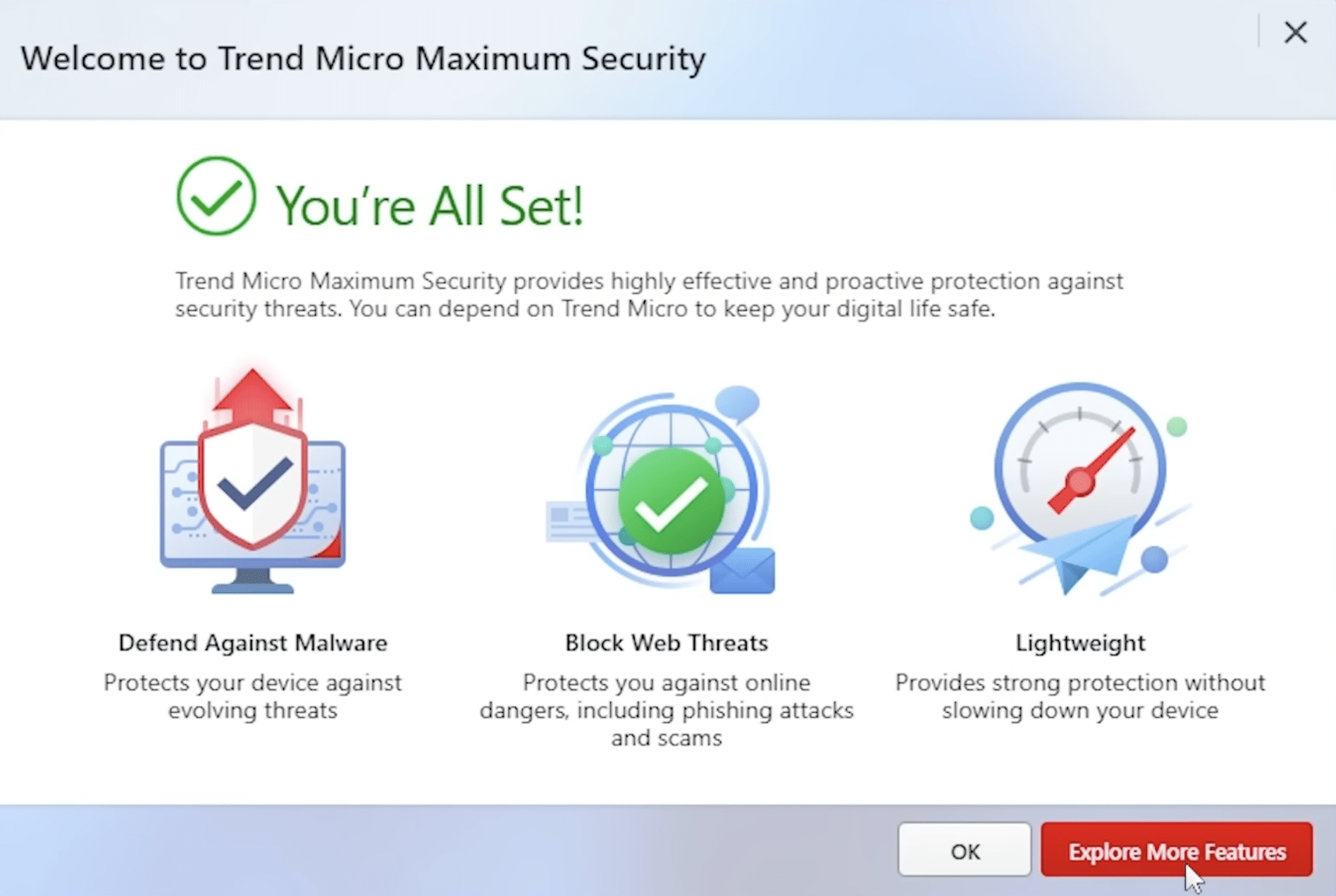
Trend Micro Internet Security 2026 offers a comprehensive set of security features:
- Antivirus and malware protection: Detects and blocks threats quickly and effectively.
- Ransomware protection: Shields your files from encryption and extortion.
- Web protection: Warns about farlige websites og phishing-forsøg in real time.
- Parental controls: Filter and manage your children’s internet access.
- System performance optimization: Keeps your PC fast by rydde op i midlertidige filer.
- Email protection: Filters malicious links and attachments directly in your inbox.
All of this is wrapped in an intuitive interface that beginners will feel comfortable with right away.
Performance and ease of use
Trend Micro Internet Security is known for its light system footprint, delivering strong protection without noticeably slowing down your PC.
Installation and setup take only a few minutes, and the software handles most updates and scans automatically in the background.
Pricing and availability
Trend Micro Internet Security is available as a subscription-based license and is competitively priced compared to other top players like Bitdefender and Norton.
You can often buy a 1-year license for 3 devices for about $45–$60, and promotional deals are common.
Trend Micro Internet Security is a great fit if you:
Want to protect your online activities without slowing down your PC.
Prefer high security without tweaking advanced settings.
Need family protection with parental controls.
Download Trend Micro Internet Security
Top five tips for Trend Micro Internet Security
1. Turn on “Folder Shield” for ransomware protection
Trend Micro offers strong ransomware defense via Folder Shield. Open Settings and choose the folders (e.g., Documents and Pictures) you want to protect from unauthorized access—including encryption malware.
2. Use parental controls to keep kids safe online
Set up parental controls with access rules, time limits, and blocks for specific website categories. This is especially useful if you share a PC with children and want to manage screen time and online behavior.
3. Maximize protection for online banking and shopping
Trend Micro’s Pay Guard secures payments and login details. When you visit online banking or e-commerce, it launches a hardened browser mode to protect against keyloggers and phishing.
4. Schedule scans so they don’t interrupt you
Set regular scans overnight or outside work hours, keeping your system secure without impacting performance while you’re using the computer. You can do this easily under “Scan Schedule.”
5. Check security status and optimize performance regularly
Use “Sikkerhedssundhedstjek” og “Systemoptimering” to clear temporary files, scan for weaknesses, and keep your PC running smoothly. It’s an often-overlooked but effective tool for daily maintenance.



