

 Martin Jørgensen
Do you know the charming penguin Tux? Although he’s the mascot of the Linux open-source project, he’s also the star of several games. That’s the case with Tux Typing, a free typing game for Windows, Mac, and Linux!
Tux Typing offers three different game modes that help you practice and improve your typing speed and accuracy. It’s suitable for all ages, though it’s primarily designed with kids in mind.
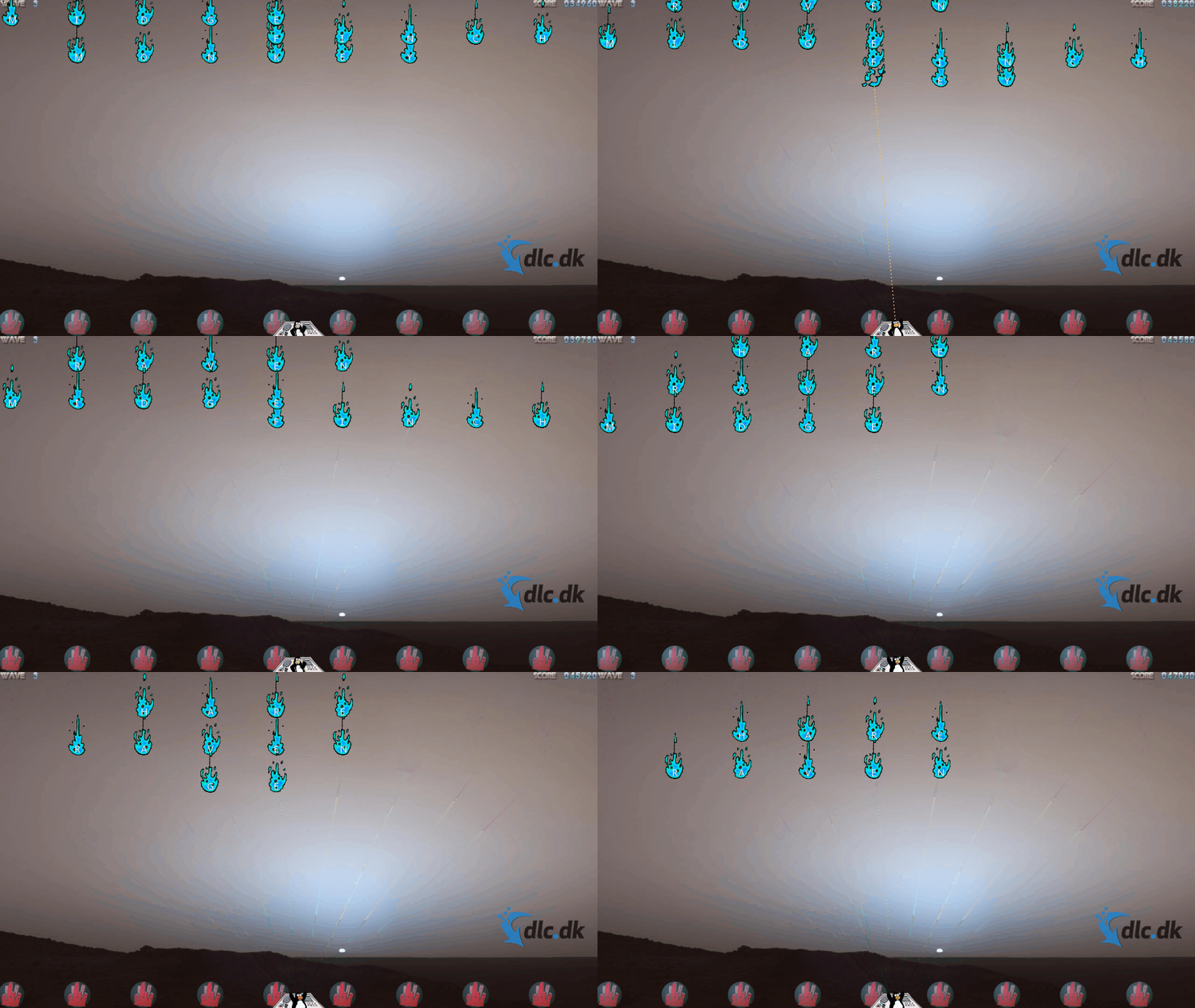
On this page, you’ll learn how to get started with the game and what each mode offers. You’ll find a brief conclusion at the bottom, and we also recommend another entertaining Tux game focused on racing!
Installation and supported languages
Tux Typing is available for Windows, Mac, and Linux, and no matter which platform you use, you’re in the right place! When you click our download button, you’ll be guided to SourceForge, where you can download all the installers.
We haven’t tried the Mac or Linux versions ourselves, as we tested Tux Typing on a PC running Windows 11 instead. The game installs in just a moment, and you can see the entire installation process in the GIF below.
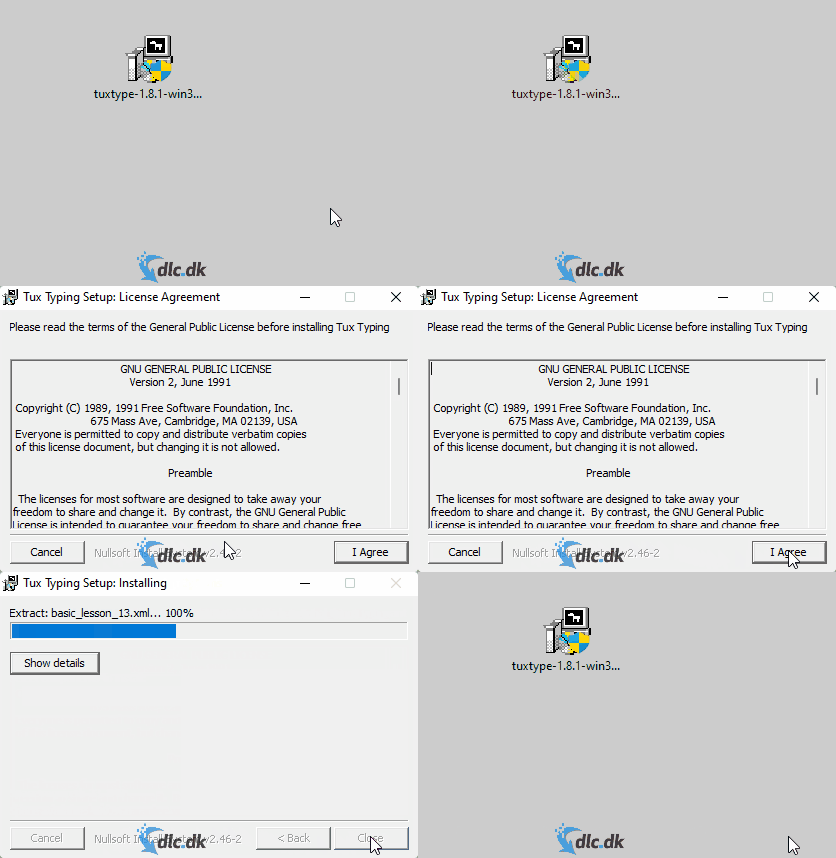
Unless you opt out, a desktop shortcut for the game is created automatically during installation. Of course, you can also open Tux Typing from the Windows Start menu.
As for languages, Tux Typing has been translated into many options, including Danish, Norwegian, Swedish, and English. However, we encountered several issues with the Danish translation in the Lessons mode, which we describe further down.
Fish Cascade mode
The first of Tux Typing’s three modes is called Fish Cascade. Fish literally fall from the sky, each marked with a letter. Your job is to type the letters so Tux can eat the fish before they hit the ground. See it in the GIF below.
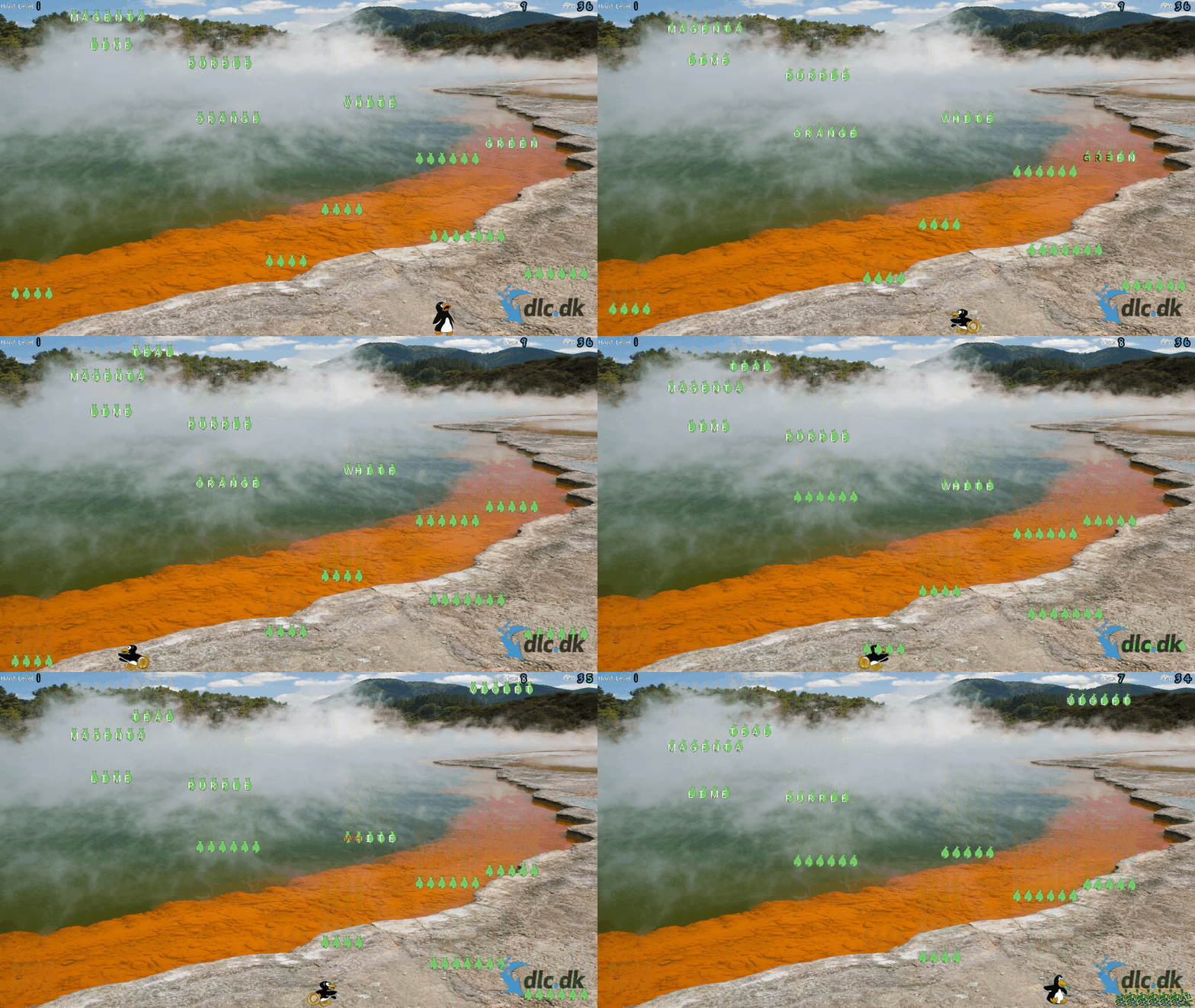
Fish Cascade offers multiple difficulty levels, so whether you’re a beginner or more advanced, there’s a setting for you. You can also choose different word categories. For example, you can play with single letters only, or with words from categories such as animals, colors, and fruit.
Comet Zap mode
The second mode is Comet Zap. It’s similar to Fish Cascade, but here dangerous blue fire falls from the sky, and Tux has to shoot it down with a laser. Again, your goal is to type all letters as quickly as possible before the blue fire reaches the bottom of the screen.
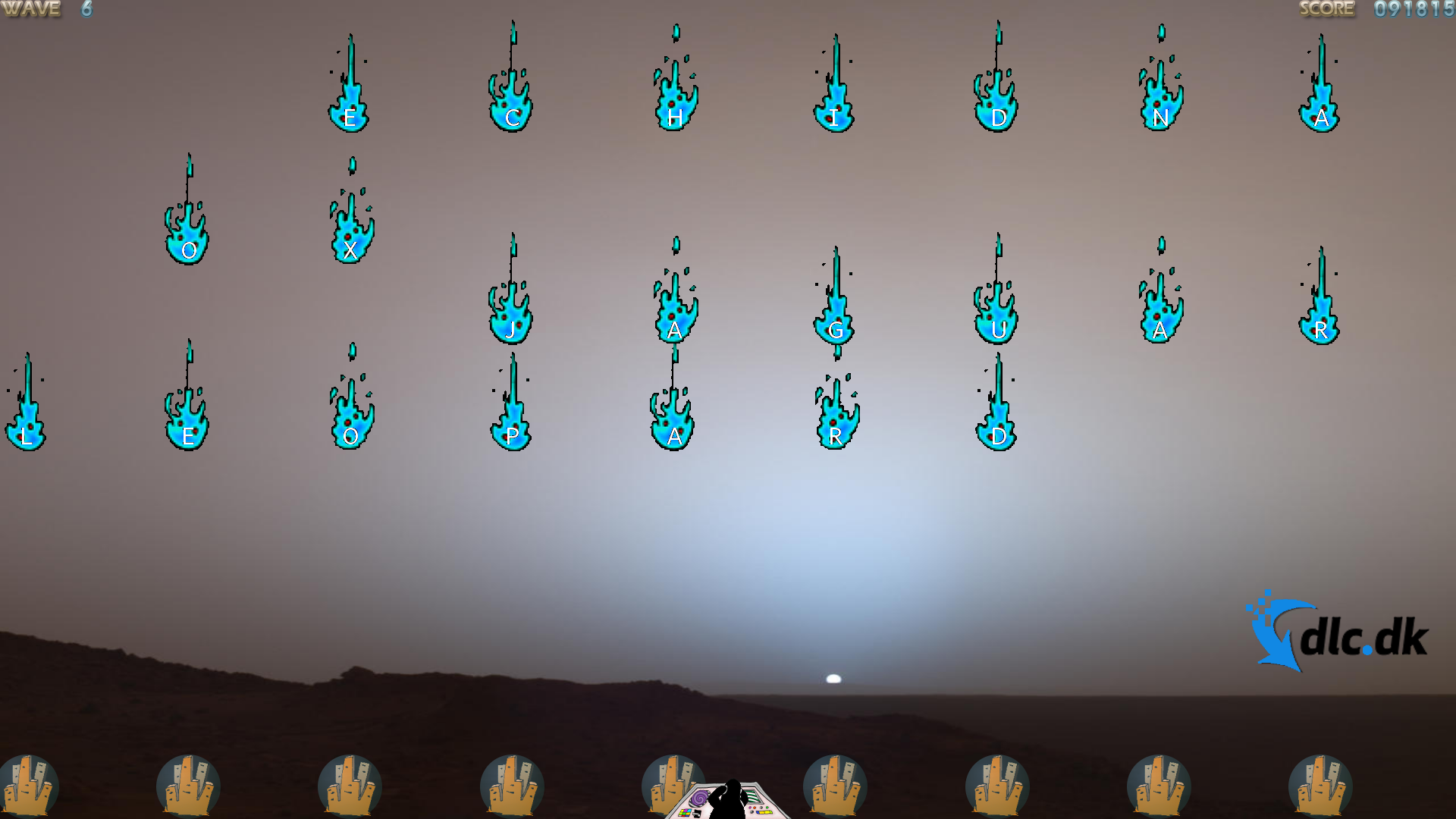
Comet Zap is probably our favorite part of the game because it’s fun to chase a new high score. It’s also a plus that there’s music, even if it can get a bit annoying during long play sessions.
Lessons mode
The third and final mode is called Lessons. Here you can complete over 40 different lessons focused on typing the letters and symbols on the screen as quickly as possible. This part of Tux Typing doesn’t feel like a game in the same way as Fish Cascade and Comet Zap, and the penguin Tux doesn’t appear in this mode.
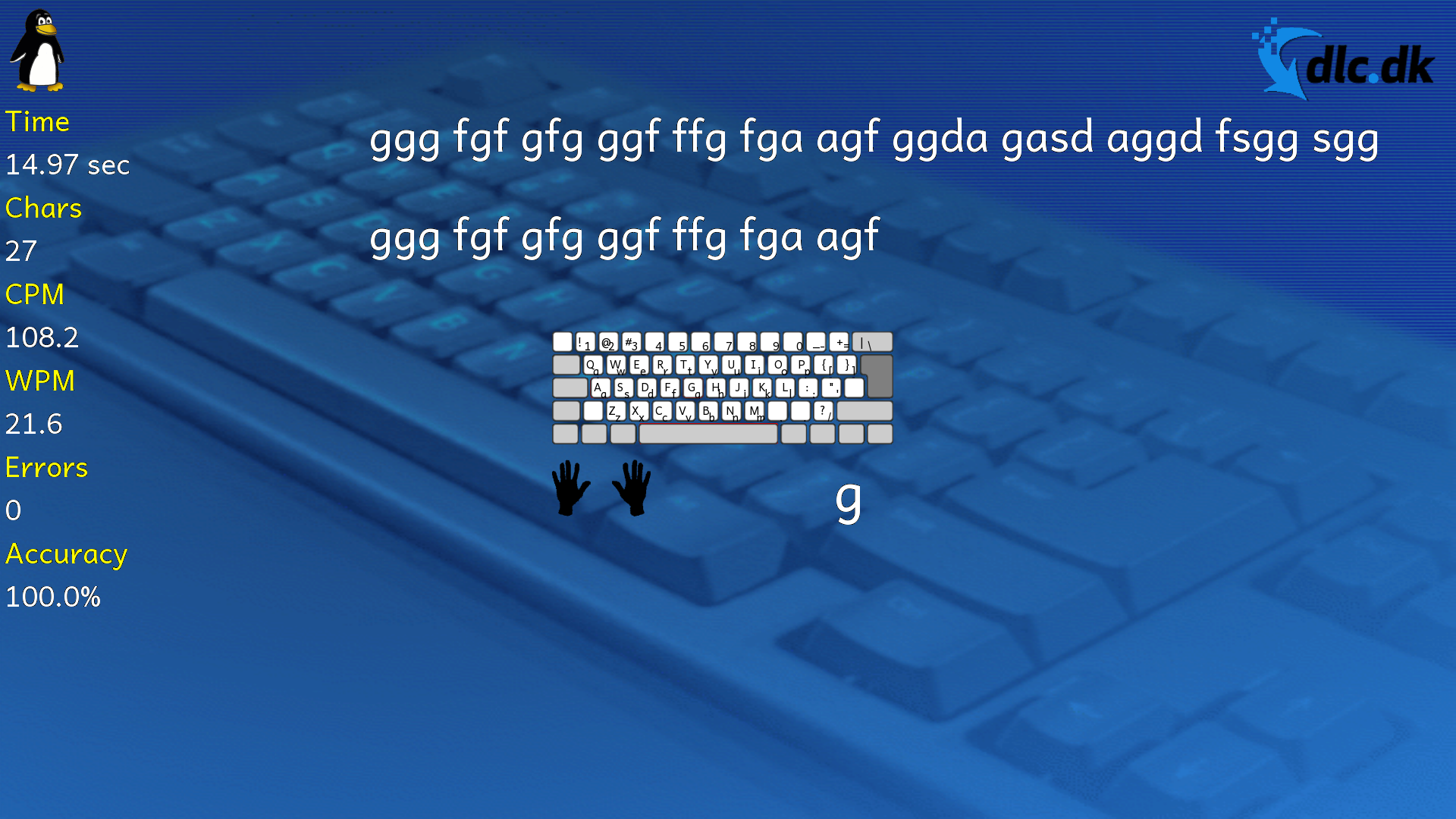
When it comes to drawbacks, this mode gave us the most issues during testing. We tried the game in both Danish and English, but when we played Tux Typing in Danish, the Lessons mode wouldn’t work at all—opening a lesson did nothing. Fortunately, it works fine in English.
We also found it frustrating that pressing the Escape key to exit a lesson closed the game entirely instead of returning to the main menu.
Conclusion
As you can read in our review, we have mixed feelings about Tux Typing.
When the game works as intended, it’s entertaining, and we think Tux Typing is a good way to become better and faster at typing. On the other hand, we were quite frustrated by the Danish translation, which caused problems in the Lessons mode.
All in all, we think Tux Typing is an okay game. It’s also an older title that hasn’t been updated in many years, so it may be hard to expect more—especially considering Tux Typing is completely free.
Other entertaining free games
If you’re interested in other free games, we recommend taking a closer look around our website! We’ve reviewed lots of different titles. For example, we can recommend the racing game SuperTuxKart, shown in the GIF below:
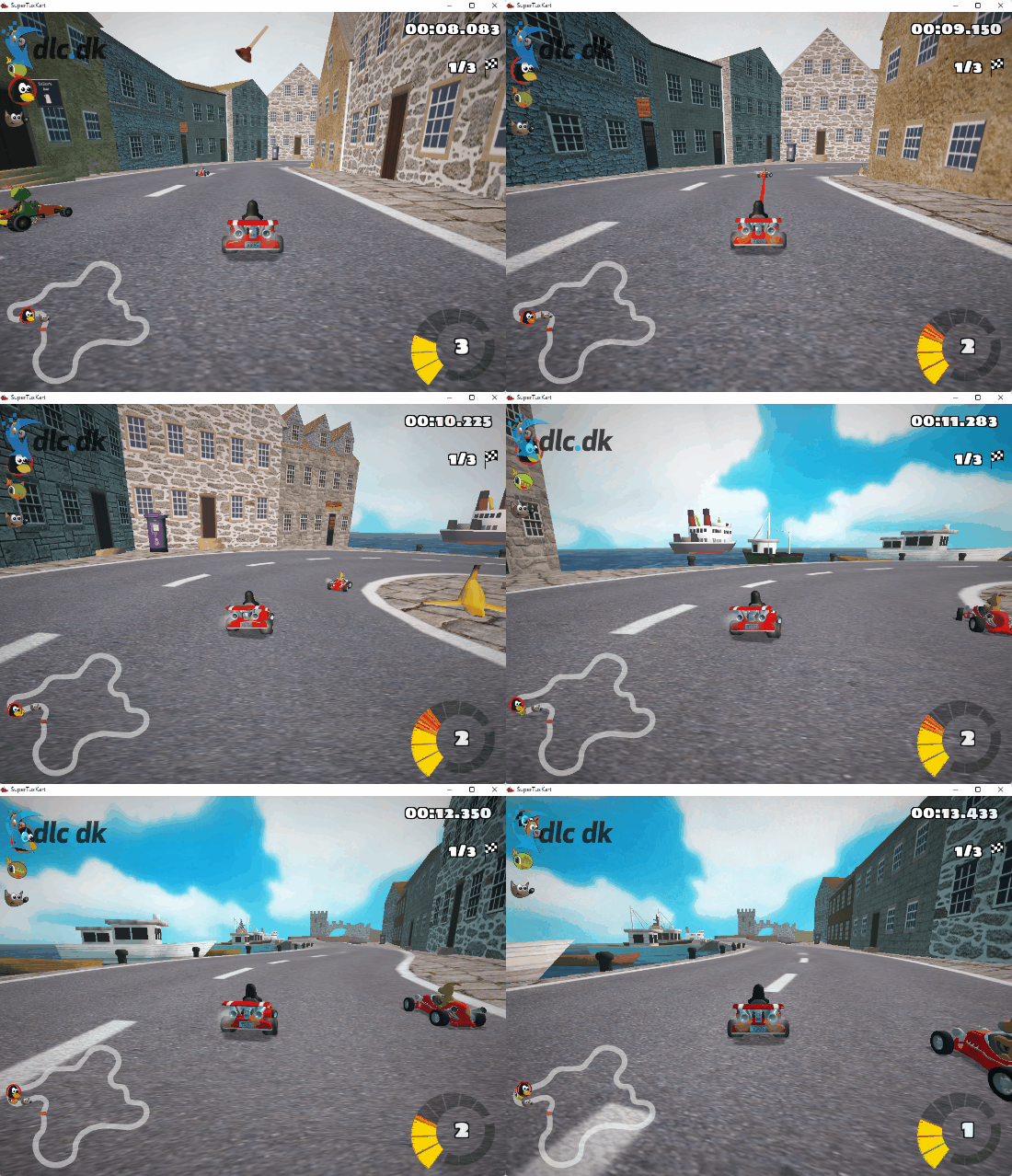
SuperTuxKart is an entertaining and free racing game where the Linux penguin Tux is also one of the central characters! In many ways it’s similar to Nintendo’s Mario Kart, and there are many different modes to choose from. For example, you can play the classic mode where the goal is to cross the finish line first, but there are also modes such as Soccer and Egg Hunt!
Want to become better and faster at typing? Download Tux Typing, a free typing game for kids and adults of all ages!
Download Tux Typing (Dansk)


