

 Martin Jørgensen
Download YouTube Movie Maker free here
Thinking about starting a YouTube career, even a small one? That’s where big names like PewDiePie and Markiplier began. They took the leap, and it paid off.
No one says YouTube success means earning millions or having millions of subscribers. Success can be getting your first thousand views, or making your first $15 from a video. You have to start small to go big.
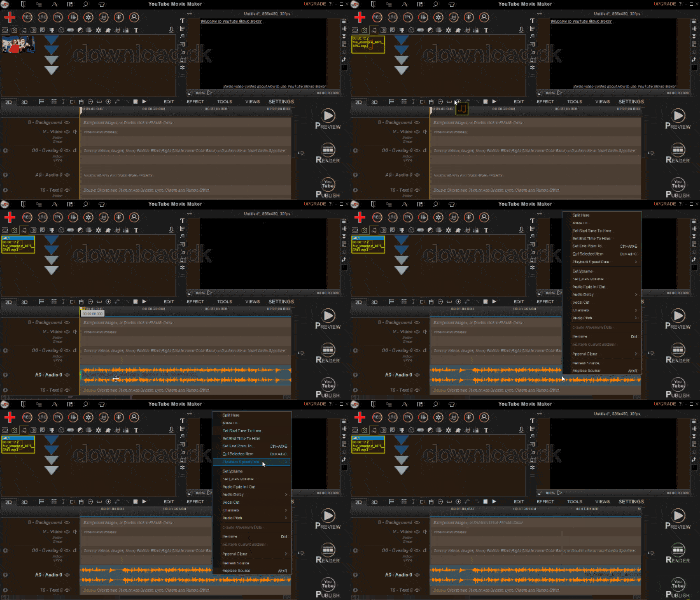
Either way, it’s always a good idea to have solid software that helps you create videos not only you, but also many others, will enjoy. With a video editor like YouTube Movie Maker you can get far.
Make smooth timeline edits
As a video maker program, YouTube Movie Maker features a nicely integrated timeline. The timeline is where you bring the different parts of your video together. Typically, you’ll juggle many elements at once to create a great video—everything from background music and video clips to effects, media files, and more.
A timeline is the tool that keeps everything organized so you don’t get confused or lose track of your project. It shows where each element should be and how they work together. That makes it easy to edit and sync the different parts of your video.
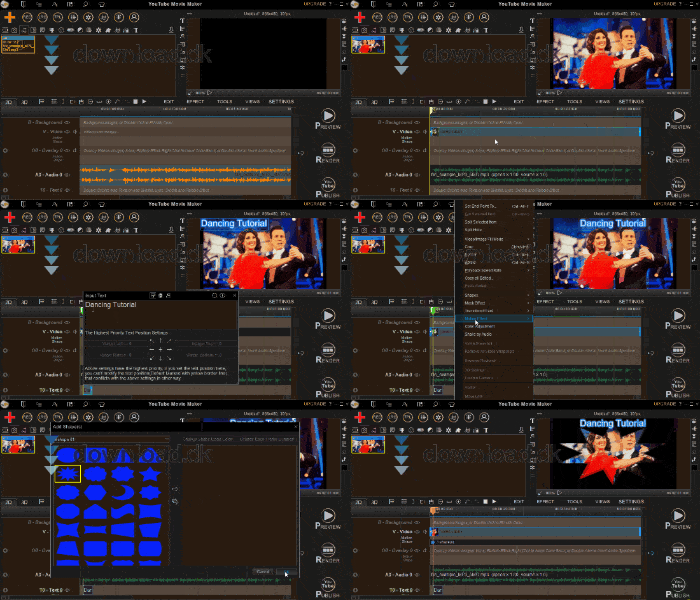
You can also use the “Preview” button to see how everything comes together if you’re unsure how it will look when uploaded to YouTube. That way, you can catch small mistakes before it’s too late to fix them.
Publish your videos directly to YouTube
YouTube Movie Maker makes it as easy as possible to get your videos onto YouTube. The program considers the export format and any other aspects that need adjustment before the video is ready to upload. This gives you a stable file that’s safe to publish.
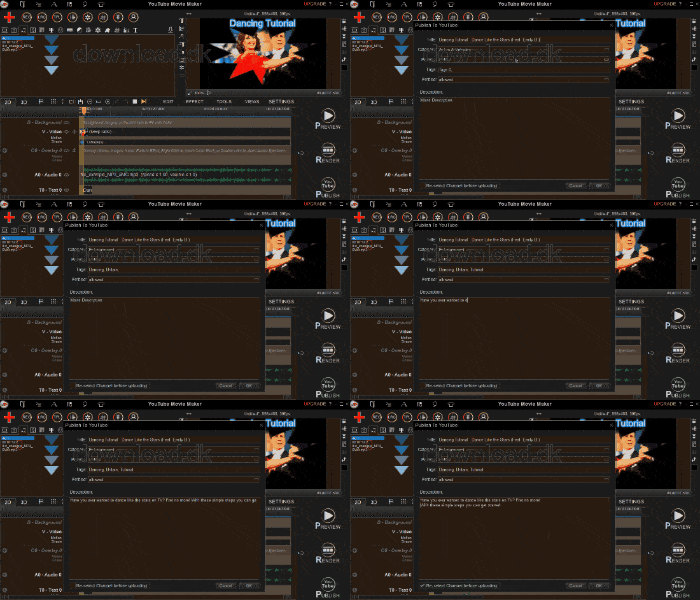
It all happens from the interface on the right side, where you’ll find the “Publish” button. Just go through the relevant settings and let the program handle the rest.
Of course, you don’t have to upload your project right away. You can also save it on your system and let it sit for a few days, then come back with fresh eyes. Maybe you’ll get a better idea you can implement.
For those who want to experiment with YouTube
YouTube is a platform where many different personalities get a voice to share what they care about or want to show. In that sense, you’re not so different. You’re a personality too—you just don’t make videos yet.
YouTube is a great place to experiment because there’s room for many opinions and types of content. If you like skateboarding, try making content about that. Maybe you build a lot with LEGO and could showcase it.
The point is, we all have something to offer, and we shouldn’t be afraid to show the world what we can do or what we want to say. YouTube Movie Maker is a program that can help you create something interesting for others to enjoy.
A quirky design that both disappoints and impresses
Design-wise, YouTube Movie Maker is a bit of a puzzle. On one hand, many things work really well; on the other, some choices make you wonder what the developer was thinking. So let’s start with the bad and end on the good.
Visually, YouTube Movie Maker is rough to look at. The background colors are a dull, uninspiring blend of brown and black—honestly a bit gloomy. The text on top is gray, and gray on black isn’t a good combination, so at times it’s hard to read.
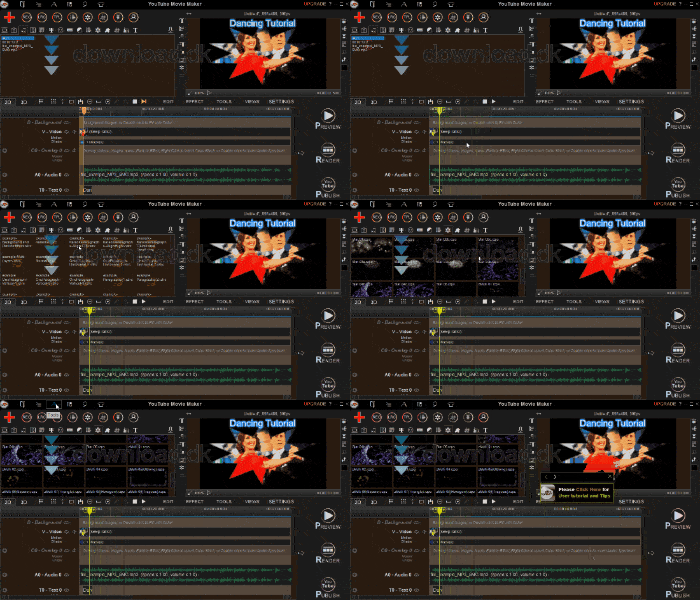
Enough about the bad—now the good. In terms of layout, YouTube Movie Maker is a success. It’s an easy program to navigate, with features placed logically and neatly: the timeline at the bottom and various editing tools at the top.
If you’re confused about how the program works, you can use a small user tutorial that guides you through most of the features you’ll need. So if you don’t want to explore the program yourself, you have a helpful hand.
Alternative software
If YouTube Movie Maker wasn’t quite a match for you, or you just want to try something else, there are other good alternatives we can recommend.
This includes Windows Live Movie Maker, which has been used by millions around the world. It’s simple to use and offers the essential tools you need when working on a film project. Windows Live Movie Maker can be downloaded for free her.
Conclusion
YouTube Movie Maker is the tool for anyone who wants to create videos for YouTube. With features that help at every stage of video editing, you’re well covered. It comes recommended.
Download YouTube Movie Maker


