
 Martin Jørgensen
10-Strike LANState – visual network mapping and monitoring
10-Strike LANState is a Windows network monitoring tool that provides a visual overview of devices, connections, and the status of your local network. It’s aimed at IT administrators and businesses that want a quick snapshot of network health without digging into heavy console tools.
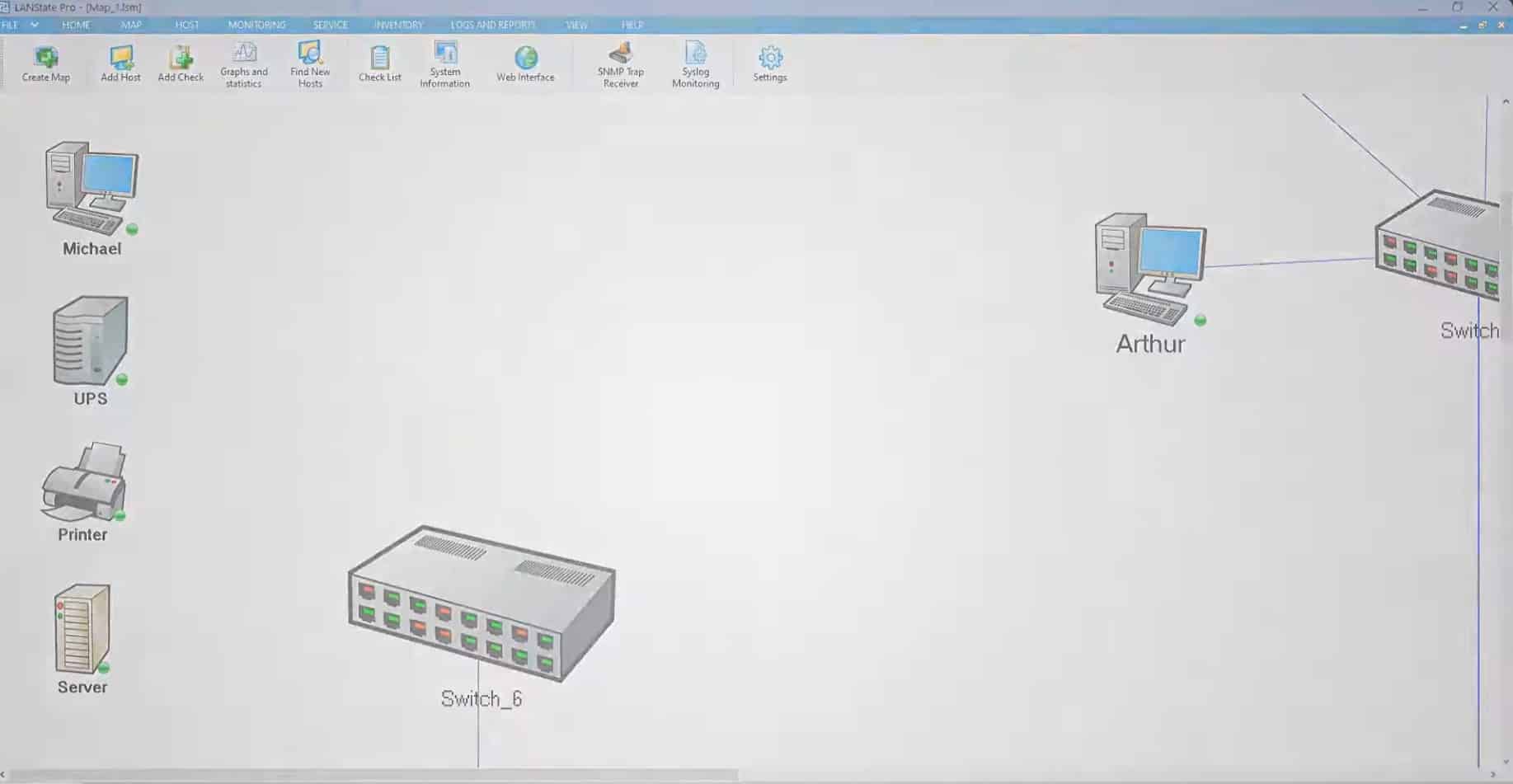
Right from the start, the focus is on visual control: the network is scanned, devices are discovered automatically, and the entire structure is displayed as a clear network map.
Overview and network maps in practice
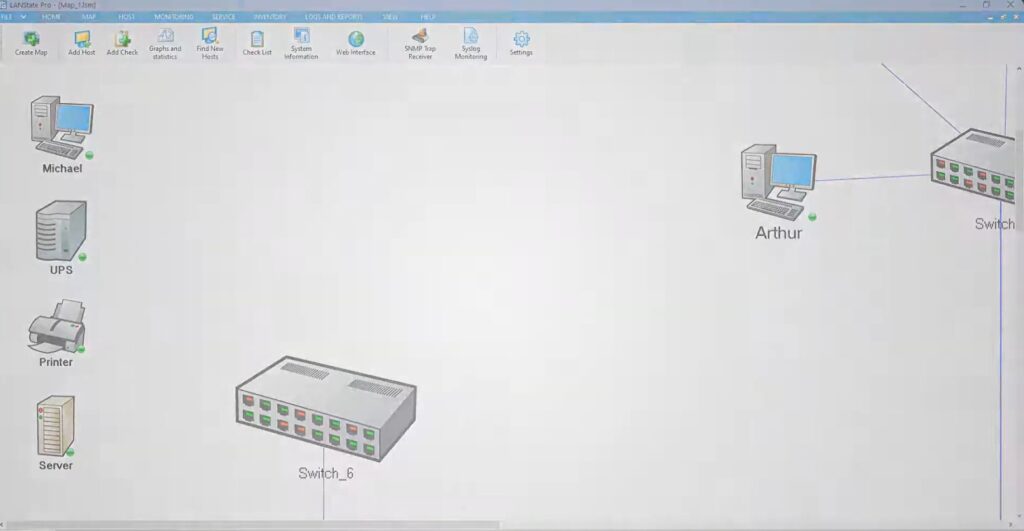
During our test on a standard Windows 11 PC, LANState quickly found active devices on the network. The scan took only a few minutes, after which we could manually organize routers, switches, servers, and clients into a logical network map.
This is exactly where 10-Strike LANState stands out:
Instead of only showing lists of IP addresses, the software uses graphical network diagrams with colors and icons to indicate status. That makes it much easier to spot issues, offline devices, or unstable links.
Monitoring, alerts, and status checks
LANState continuously monitors network devices via ping and other simple checks. If a device goes offline, its status changes visually—and you can configure the program to notify you.
In practice, that means you can catch problems before users call. During testing, we simulated a disconnected link, and the status updated almost instantly on the network map.
The software is a great fit for:
- Small and mid-sized networks
- Internal corporate networks
- IT monitoring without complex enterprise solutions
Export, documentation, and integration
One thing many networking tools lack is proper documentation. Here, 10-Strike LANState does a solid job.
Network diagrams can be exported to:
- Graphical image files
- Microsoft Visio
- XML format
This makes the software useful for documentation, reporting, and presentations—for example, when the network setup needs to be shared with colleagues or external consultants.
Who is LANState best suited for?
10-Strike LANState is not a full SIEM or enterprise monitoring system. However, it’s a strong tool when you want a fast visual overview without drowning in data.
In the U.S., this software is especially useful for:
- IT leads in SMBs
- Technicians managing multiple locations
- Network pros who need to document and visualize networks
Top 5 tips for 10-Strike LANState
1. Take time to organize the network map manually
After the automatic scan, it’s valuable to group devices logically—e.g., servers, printers, and clients separately.
2. Color-code critical devices
Highlight important servers and network components clearly so issues stand out immediately.
3. Combine with other monitoring tools
LANState works well as a visual complement to more technical monitoring solutions.
4. Save diagrams for documentation
Export the network map after changes—it saves time during troubleshooting later.
5. Use alerts selectively
Set alerts only on critical devices to avoid unnecessary notifications.



