
 Martin Jørgensen
Able2Extract – Professional PDF editing and conversion.
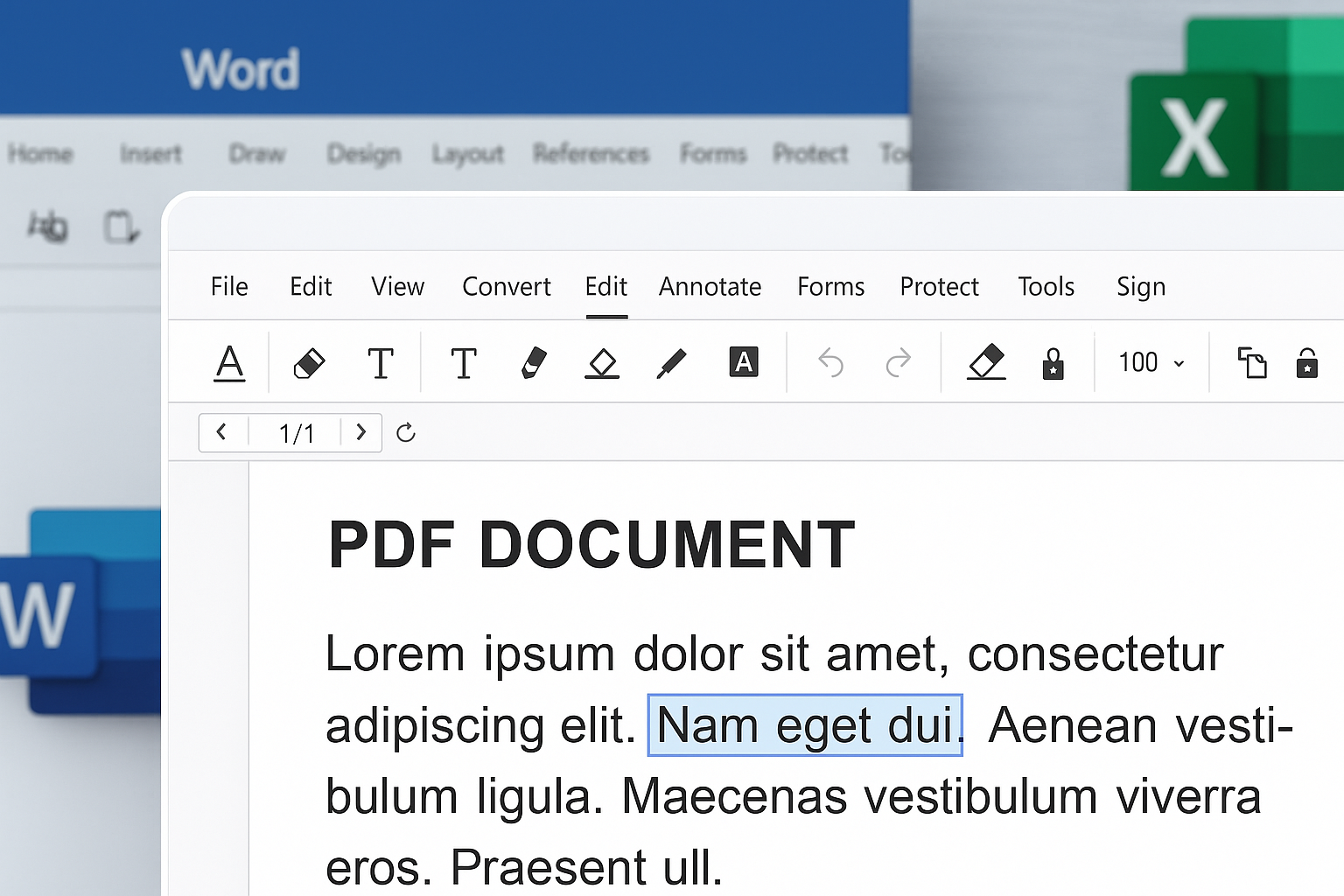
Able2Extract is an advanced PDF tool that lets you edit PDF files directly—as if they were Word or Excel—and convert to and from a wide range of formats quickly and accurately. If you work with PDF documents often and need flexibility, this program is a great fit.
Edit PDFs like you would in Word
While many PDF tools only allow superficial changes, Able2Extract gives you full control over text, layout, and page setup. You can:
- Edit text directly in the PDF
- Reposition elements
- Add or remove content
- Rotate, split, and merge pages
- Change page order with drag-and-drop
All without converting to Word or another format first—the editing happens directly in the PDF.
Convert to Excel, Word, CSV, and more
One of Able2Extract’s biggest strengths is accurate conversion from PDF to Excel and CSV. Extracting data from PDF tables is easy with three simple steps:
Open – Select – Convert. The results are often more precise than with competing programs like Adobe Acrobat or free alternatives.
The program supports conversion to:
- Microsoft Excel (including data structure and formulas)
- Word (preserves layout)
- PowerPoint
- CSV
- AutoCAD
- HTML
- Image formats like JPG and PNG
That means you can analyze data in spreadsheets and turn reports into editable documents.
Who is Able2Extract ideal for?
Able2Extract is especially useful for:
- Accountants and finance professionals who work with numbers from PDF reports
- Students and educators who need to adapt course materials
- Businesses that handle many PDF reports and invoices
- Project managers working across different file types
It’s also a solid tool if you want to make thorough edits and extract content from scanned or exported documents.
Will Able2Extract work on your system?
Yes—the software is compatible with:
- Windows 10 and 11
- macOS (latest versions)
- Linux (via a command-line version)
There’s both a free trial and a Pro version with all features.
Download Able2Extract PDF converter



