
 Martin Jørgensen
OneNote – download Microsoft’s free note-taking app
Microsoft OneNote is a free digital notebook for Windows, Mac, iPhone, iPad, Android, and the web, where you can keep notes, images, documents, handwriting, and tasks in one place.
We’ve used OneNote on Windows 11 and especially tested the app as a more complete replacement for simple text notes. OneNote’s biggest strength shows once you start building multiple notebooks with sections and pages: you can keep huge amounts of information without losing the big picture.
OneNote has also changed a lot in recent years. The old OneNote for Windows 10 has been phased out, and Microsoft now focuses on the standard OneNote app for Windows. Copilot and the newer Copilot Notebooks have also made AI a much bigger part of the app.
What is Microsoft OneNote?
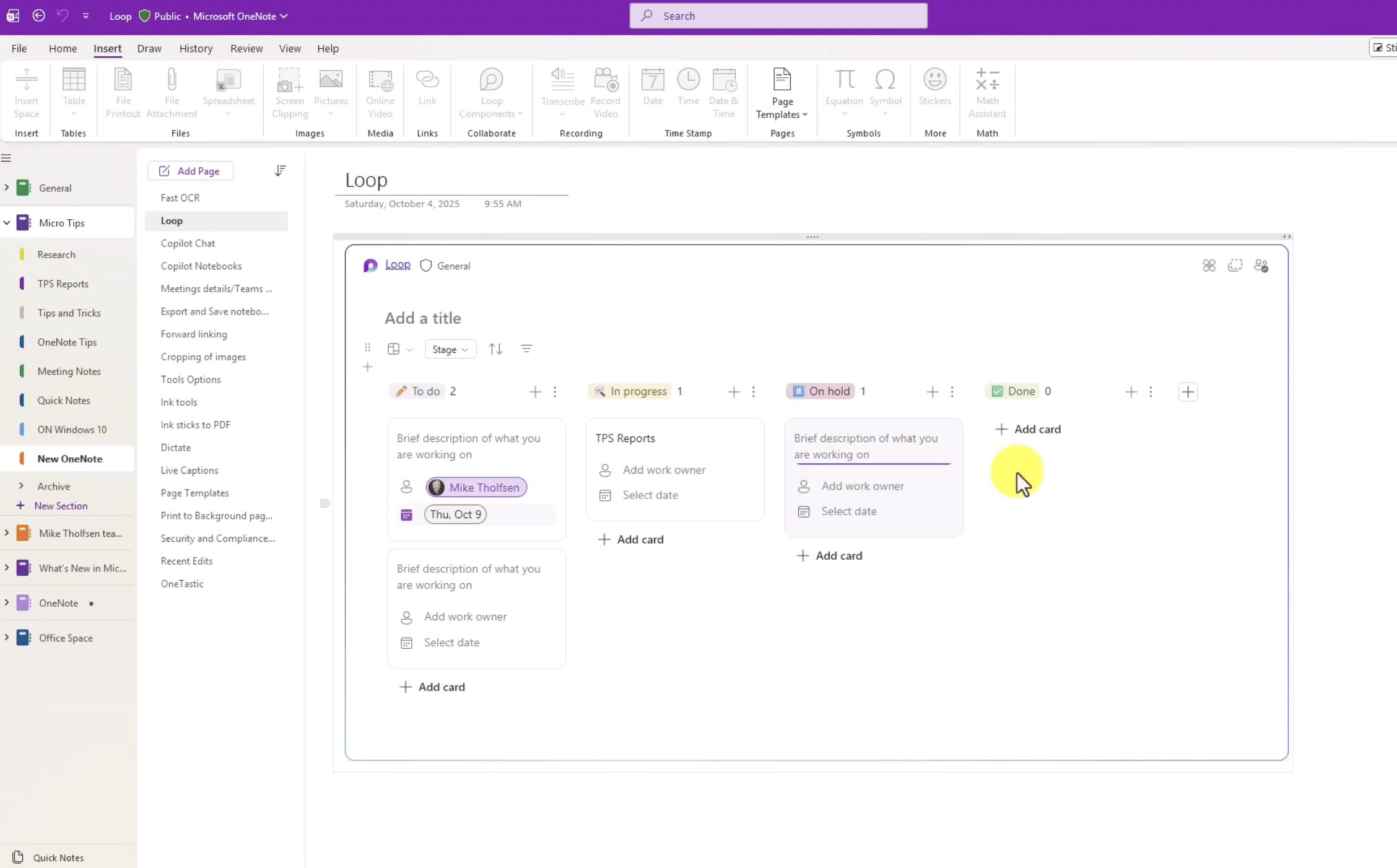
OneNote is best described as a digital three-ring binder. Instead of saving hundreds of Word documents or loose text files, you organize content like this:
Notebook → Section → Page → Subpage
For example, create a work notebook with sections for Meetings, Projects, Ideas, and Research. Inside the Meetings section, each meeting can have its own page.
It sounds simple, but during our time with OneNote this structure became our favorite thing about it. It works just as well for a couple of quick notes as it does for a notebook you build on for years.
Microsoft currently offers OneNote for Windows, macOS, iPad, iPhone, Android, and the web.
Download OneNote for Windows 11
On Windows today, you should choose the app simply called OneNote.
That’s worth pointing out because Microsoft previously had multiple OneNote versions, which can still cause confusion when searching for the app.
The current OneNote desktop app is free to download and works on supported versions of Windows. Microsoft states that supported OneNote versions can be downloaded and used for free, while certain premium features require Office or Microsoft 365.
OneNote for Windows 10 is discontinued
If you still have “OneNote for Windows 10” installed, you should switch to the standard OneNote app.
Microsoft ended support for OneNote for Windows 10 on October 14, 2025. The old app is now read-only. You can still open and view existing notes, but you can no longer create, edit, or sync content, and the app no longer receives bug fixes or security updates.
Microsoft recommends switching to OneNote on Windows. If you have older notebooks, first make sure they’ve migrated correctly to the new app before uninstalling the old Windows 10 version.
We think this is an important detail because the almost identical names make it unnecessarily hard to know which OneNote you should actually use.
Is OneNote free?
Yes. OneNote can be downloaded and used for free.
You don’t need to buy the full Microsoft 365 suite just to take notes. Microsoft does offer extra features through Office and Microsoft 365 subscriptions.
This especially applies to some of the newer AI features, where access depends on your subscription and Copilot license.
For everyday note-taking, syncing, and organization, the free version is already a very capable tool.
OneNote online – use your notes without installing anything
One easy-to-miss feature is OneNote online.
Through OneNote on the web, you can sign in with your Microsoft account and open your cloud-based notebooks directly in a modern browser. There’s nothing to install on the computer.
This is handy on a borrowed PC or a work computer where you can’t install apps yourself.
The web version may be more than enough if you mainly write plain notes. We still prefer the desktop app on our own PC, where OneNote feels more like a full productivity app.
How notes, images, PDFs, and handwriting work
OneNote is far more flexible than a classic text editor.
On a page you can work with text, images, tables, checklists, links, files, audio, drawings, and handwritten notes.
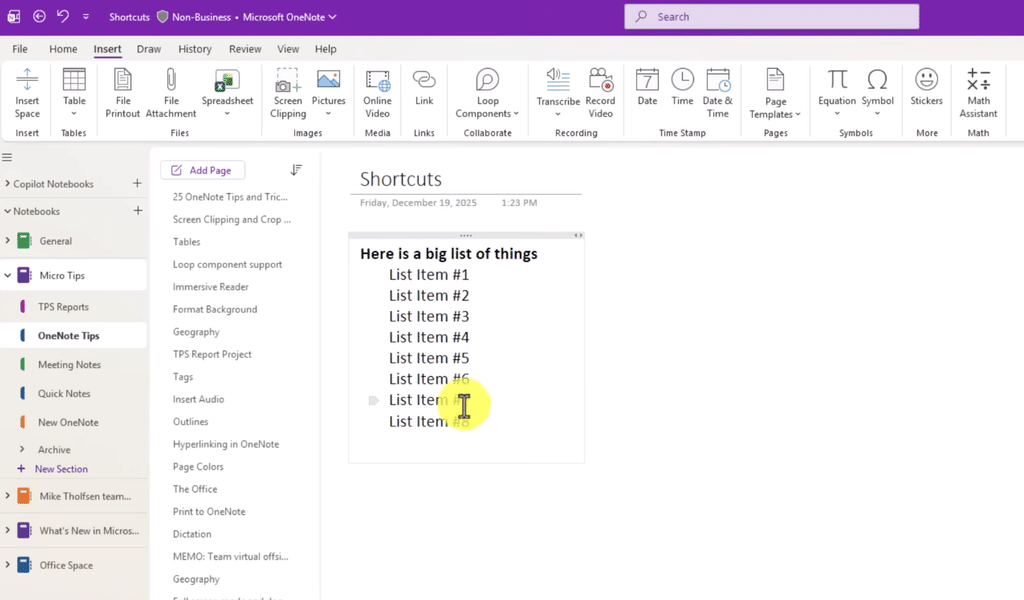
The free placement of content especially sets OneNote apart from Word. You don’t have to start at the top and write down through the document. Text boxes and other content can be placed anywhere on the page.
On a tablet or a Windows PC with a stylus, it makes even more sense. You can draw diagrams, write notes by hand, and combine them with regular text.
OneNote also supports OCR, so text from images, for example, can be recognized and searched. This is one of those features that really shines when your note collection starts getting large.
Sync across PC, phone, and tablet
OneNote is built around Microsoft’s cloud services.
For most people, that means notebooks sync via OneDrive, while businesses and organizations can also use SharePoint.
The benefit is simple: write a note on your Windows PC and pick it up later on your phone or in the browser.
In our tests, this worked as one of OneNote’s most practical advantages. We could do the heavy editing on the computer and then find the same note on mobile without exporting or emailing anything to ourselves.
OneNote with Copilot and AI
This is where OneNote has become much more interesting.
Copilot in OneNote can help summarize existing notes, generate ideas and plans, organize information, and create to-do lists from your content.
Imagine several pages of project notes. Instead of reading everything yourself, you can ask Copilot to find the key points or outline the next action items.
Microsoft has also started rolling out Take notes with Copilot. Here, Copilot can pull relevant information from Microsoft 365 documents, chats, and emails into your OneNote page based on plain-language instructions. The feature requires an eligible Copilot license and has additional requirements.
Copilot Notebooks is the big new feature
One of the most interesting additions is Copilot Notebooks in OneNote.
You can gather OneNote pages, Copilot chats, Word documents, PowerPoint presentations, and Excel files around a specific project. Copilot can then answer questions and generate summaries and suggestions based on that exact material.
It slightly changes what OneNote is for. Where the app traditionally was the place you organized your notes, AI can now also help process the content.
It does require the right Copilot/Microsoft 365 access, so don’t download the free edition expecting every AI feature to be included.
OneNote for school and college
We think OneNote is especially good for students.
For example, create one notebook per semester, then a section for each class. Lectures get their own pages, while PDFs, images, links, and your own comments can live alongside your notes.
This solves a common problem: your material doesn’t end up in one folder, your notes in another, and your links in the browser’s bookmarks.
Search also makes it much easier to find old notes again before an exam.
OneNote at work
At work, the use case is a bit different.
We think OneNote is especially useful for:
- Meeting notes and minutes
- Research
- Project information
- Ideas and brainstorming
- Checklists
- Procedures
- Ongoing personal work notes
If your workplace already uses Outlook, Teams, OneDrive, and the rest of Microsoft 365, OneNote is a very natural addition.
That’s also one of its strongest advantages over competitors: Microsoft doesn’t need to convince you to move your entire digital life to yet another platform.
OneNote vs. Notion, Evernote, and Google Keep
These four apps overlap, but we wouldn’t use them for exactly the same things.
| App | Best for | Strength |
|---|---|---|
| OneNote | Extensive notes and school/college | Structure + Microsoft integration |
| Notion | Projects, databases, and wiki | Extreme flexibility |
| Evernote | Traditional digital notes | Notes and web clippings |
| Google Keep | Quick notes and to‑do lists | Simplicity |
If we just needed to save a grocery list or a quick thought on the phone, OneNote would actually be more app than necessary.
But for years of school notes, work notes, or research, the structure of notebooks, sections, and pages is a clear advantage.
What we liked less
OneNote isn’t perfect.
The app can feel a bit overwhelming if you’re after a very simple notes app. Microsoft’s many OneNote names over the years haven’t helped, and the AI features make the pricing structure more complicated than before.
OneNote is also tightly built around Microsoft’s cloud. That’s a strength for OneDrive and Microsoft 365 users, but less ideal if you specifically want a fully local, cloud‑free note system.
On the other hand, you get an unusually capable note‑taking app without paying anything.
Download OneNote for free
You should download OneNote directly from Microsoft. That way, you get the current, supported edition rather than the now‑retired OneNote for Windows 10.
Top 5 tips for Microsoft OneNote
1Design your structure before the notebook grows
Start with notebooks and sections that make sense long term. We prefer a few well‑defined sections over 30 sections with almost the same content. Then use pages and subpages for the details.
2Use search instead of flipping through everything
After a while you can easily have hundreds of pages. Use the search function actively instead of manually browsing all sections. It’s especially helpful in large school and work notebooks.
3Use OneNote online on other computers
If you don’t have your own computer handy, open your cloud‑based notebooks via OneNote online. It requires no installation and is practical on school and work PCs.
4Combine text, images, and handwriting
OneNote doesn’t have to look like a Word document. Use the freeform page for sketches, screenshots, PDFs, handwriting, and regular text. It’s especially good on a tablet or a pen‑enabled PC.
5Let Copilot work through your long notes
If you have access to Copilot, try the AI on your existing notes. Copilot can help with summaries, action items, ideas, and structuring large amounts of material.
Microsoft OneNote FAQ
Find answers to common questions about OneNote, downloads, pricing, Windows 11, and the retired Windows 10 version.
What is OneNote?
OneNote is Microsoft’s digital notebook. It’s used to write and organize notes and can combine text with images, files, drawings, and handwriting.
Is OneNote free?
Yes. Microsoft OneNote can be downloaded and used for free. Some premium and AI features, including parts of Copilot, require a relevant Microsoft 365 or Copilot subscription.
Can I download OneNote for Windows 11?
Yes. The standard app named OneNote is Microsoft’s current OneNote for Windows and works on Windows 11. Don’t confuse it with the old app “OneNote for Windows 10.”
What happened to OneNote for Windows 10?
Microsoft ended support for OneNote for Windows 10 on October 14, 2025. The app is now read‑only and no longer supports creating, editing, or syncing notes. Microsoft recommends switching to the standard OneNote app for Windows.
Can I use OneNote online?
Yes. OneNote has a web version that works directly in a modern browser. Sign in with your Microsoft account to open your cloud‑based notebooks without installing the app.
Is OneNote available for Mac?
Yes. OneNote is available for Windows, macOS, iPhone, iPad, Android, and the web, so you can keep working across devices.
Can OneNote be used offline?
Yes. OneNote apps work without a constant internet connection for content that’s available locally. When you’re back online, cloud‑based notebooks can sync again.
Does OneNote have AI and Copilot?
Yes. Microsoft has integrated Copilot into OneNote. The AI can help summarize notes, organize information, develop ideas, and create action items. Access depends on your Microsoft 365 and Copilot license.



