
 Martin Jørgensen
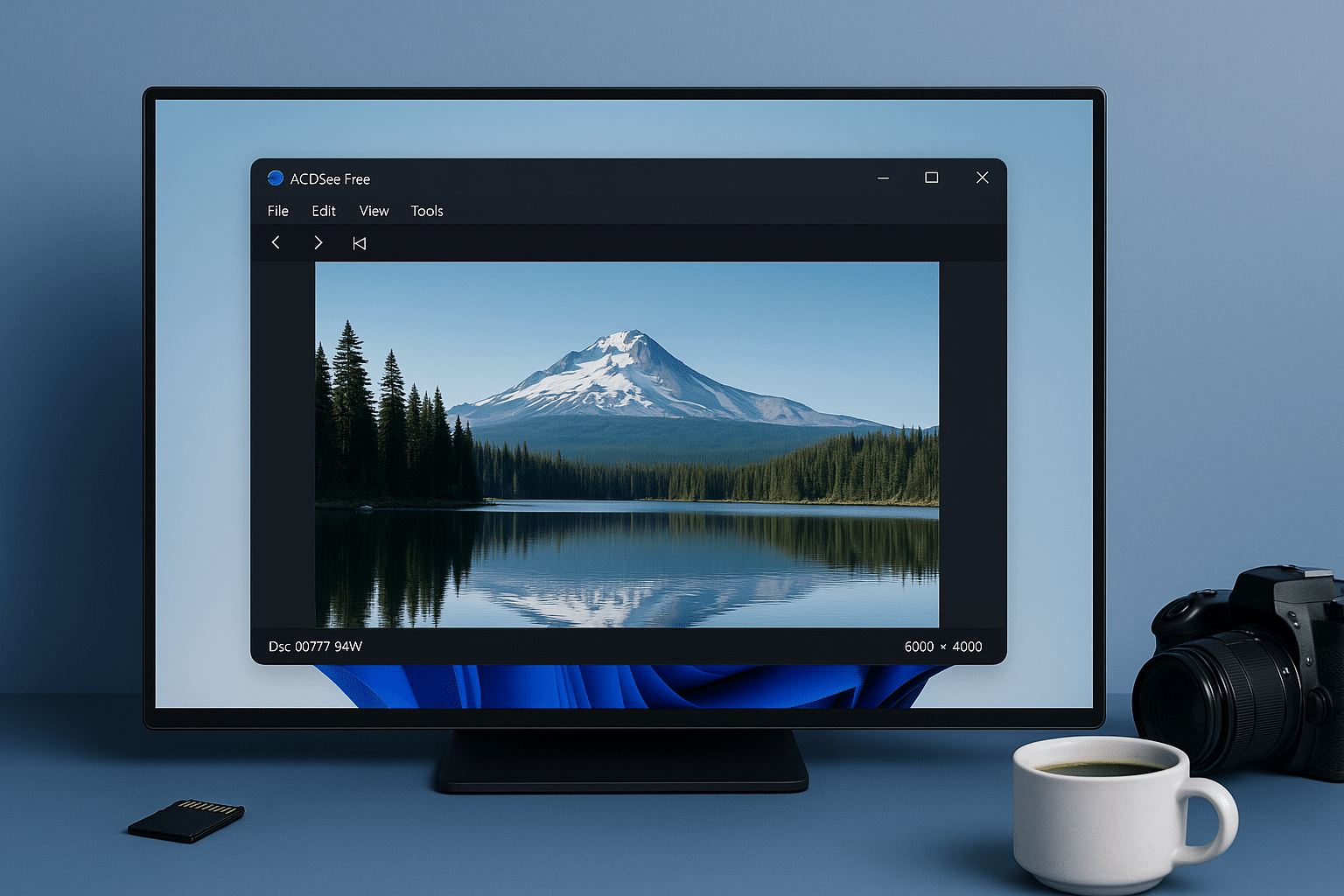
ACDSee Free is a modern, lightning-fast image viewer for Windows, developed by the renowned company ACD Systems. It’s free to use and an excellent alternative to the built-in Windows Photos viewer — especially for users who want fast navigation, RAW support, and a clean, ad-free interface.
Lightning-fast image viewer with RAW support
The app focuses on speed and simplicity. It opens images almost instantly — even large RAW files — and supports popular formats such as JPEG, PNG, BMP, GIF, PSD, and TIFF, plus a wide range of camera-specific RAW formats.
It’s especially popular with photographers and users who manage large numbers of images and need to switch quickly between them using the arrow keys or the mouse.
Features in ACDSee Free
RAW support
The app supports over 100 different camera RAW formats, making it a great choice for both hobbyists and professionals. You can open and browse RAW files without resorting to heavyweight programs like Adobe Lightroom — perfect for quickly sorting your photos.
Fast image switching
With the app, you can quickly switch between images in a folder using the arrow keys. That means you can navigate large photo collections in seconds — ideal when you need to find the right image without waiting.
Zoom and panning
Enjoy smooth, precise zoom with the mouse wheel and fluid panning — even at high resolutions. It’s easy to check details, sharpness, and composition without the image “jumping” or becoming blurry.
Minimal, user-friendly interface
ACDSee Free offers a simple, efficient interface, completely free of ads, distractions, or bloat. You get a focused experience dedicated to viewing and reviewing images — no logins, accounts, or pop-ups.
Detailed file info and metadata
Quickly access useful details about your images, including file name, resolution, size, color depth, and most importantly: EXIF data such as shutter speed, ISO, camera, and lens — right in the viewer.
Print photos directly
Print your images straight from ACDSee Free without opening a separate editor. It’s easy to get a high-quality physical copy of your photos in just a few clicks.
Set as desktop background
You can quickly set any image as your wallpaper with a single action. Choose the desired photo and use the shortcut to set it as your desktop background — without leaving the app.
Mouse and keyboard shortcuts
ACDSee Free supports a range of intuitive keyboard shortcuts and mouse actions that make it fast and easy to use — perfect for anyone who works with images and values efficiency.
Support for multiple image formats
Beyond RAW, the program supports popular image formats like JPG, PNG, BMP, GIF, PSD, and TIFF. That means you can use ACDSee Free as your primary image viewer — no matter where your pictures come from.
Low system impact
The program is optimized to use minimal system resources, making it suitable even on older or slower PCs. ACDSee Free starts up in a flash and avoids unnecessary RAM or CPU usage.
Comparison: ACDSee Free vs. Windows Photo Viewer
| Feature | ACDSee Free | Windows Photo Viewer |
|---|---|---|
| RAW support | ✅ Yes | ❌ No |
| Zoom/panning | ✅ Smooth | ⚠️ Limited |
| File formats | ✅ Many | ❌ Limited |
| Ease of use | ✅ High | ✅ High |
| Ad-free | ✅ Yes | ✅ Yes |
| Editing tools | ❌ No | ❌ No |
A great choice for Windows users
ACDSee Free isn’t a photo editor — and it doesn’t try to be. It’s an ultra-fast, stable tool for viewing and reviewing images, and it does that brilliantly. For most users, it’s a significant upgrade over Windows’ default viewer — and with RAW support, it’s also suitable for serious photo enthusiasts.



