 Martin Jørgensen
ARMA 2 remains one of the most uncompromising military simulators on PC
ARMA 2 is a realistic military simulator from Bohemia Interactive, where you deploy as part of a U.S. special operations unit into the fictional post-Soviet nation of Chernarus to stabilize a conflict marked by civil war, political chaos, and dangerous enemies.
This isn’t a game where you just rush forward with a machine gun and hope for the best. ARMA 2 demands patience, situational awareness, and a very different rhythm than typical shooters. We tested the game on a Windows 11 PC, and while its age shows in the interface and animations, there’s still something special about the way spillet skaber store, åbne slagmarker. It feels more like a military operation than a traditional action level.
Realistic warfare in Chernarus
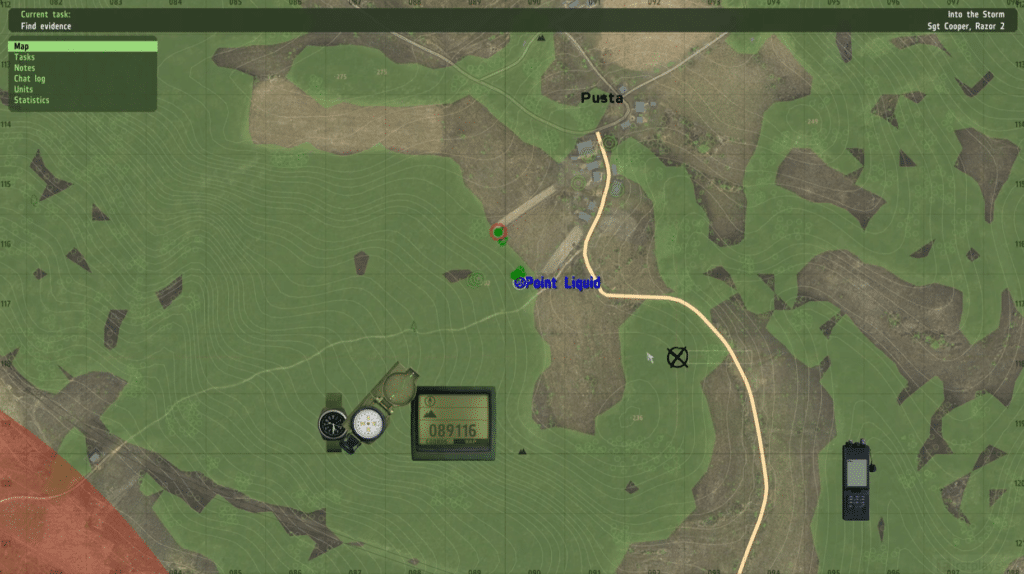
Chernarus remains one of the reasons ARMA 2 is still interesting. The region feels vast, harsh, and unpredictable, with villages, forests, fields, hills, and open roads where a single bad move can quickly cost you the mission. The game isn’t built on small, closed arenas but on large open environments where distance, terrain, and lines of sight matter a lot.
During our test, the pacing stood out the most. You spend time orienting yourself, finding cover, following orders, and weighing whether it’s even smart to attack. It can feel slow if you’re coming straight from Call of Duty or Battlefield, but for players who enjoy tactical realism, that’s exactly the appeal.
Gameplay: challenging, slow, and compelling
ARMA 2 is about planning, positioning, and teamwork. Weapons feel heavy, enemies can be hard to spot, and engagements are often decided at long range. You’ll use vehicles, infantry, helicopters, and tackle large missions where the battlefield can unfold in ways that don’t always feel strictly scripted.
It’s also a game that doesn’t hold your hand. The controls are extensive, the menus are old-school, and new players can easily feel overwhelmed. It took us some time to re-adapt to the command system, especially because modern games tend to be much more streamlined. Once it clicks, though, ARMA 2 is still rewarding in a way few military games manage.
Graphics and audio today
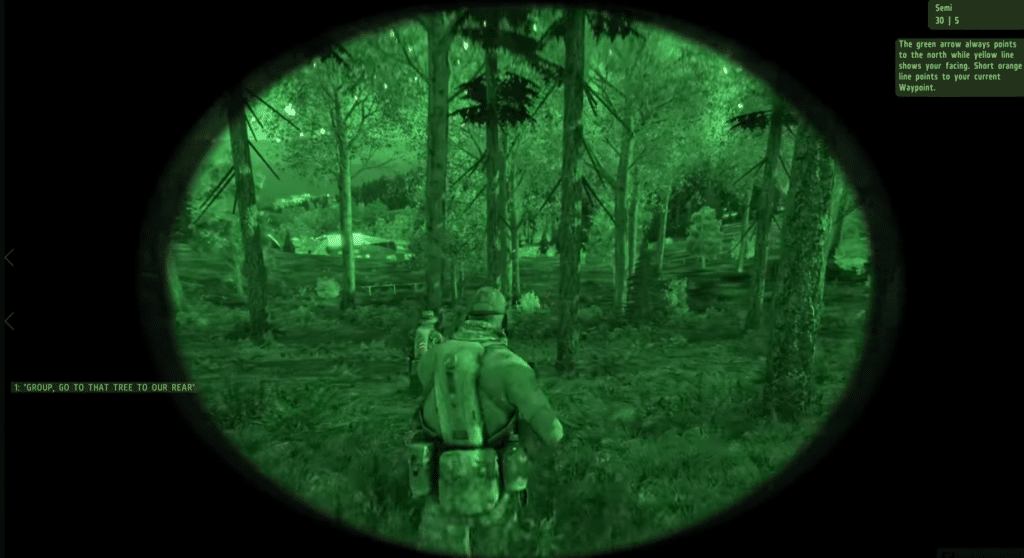
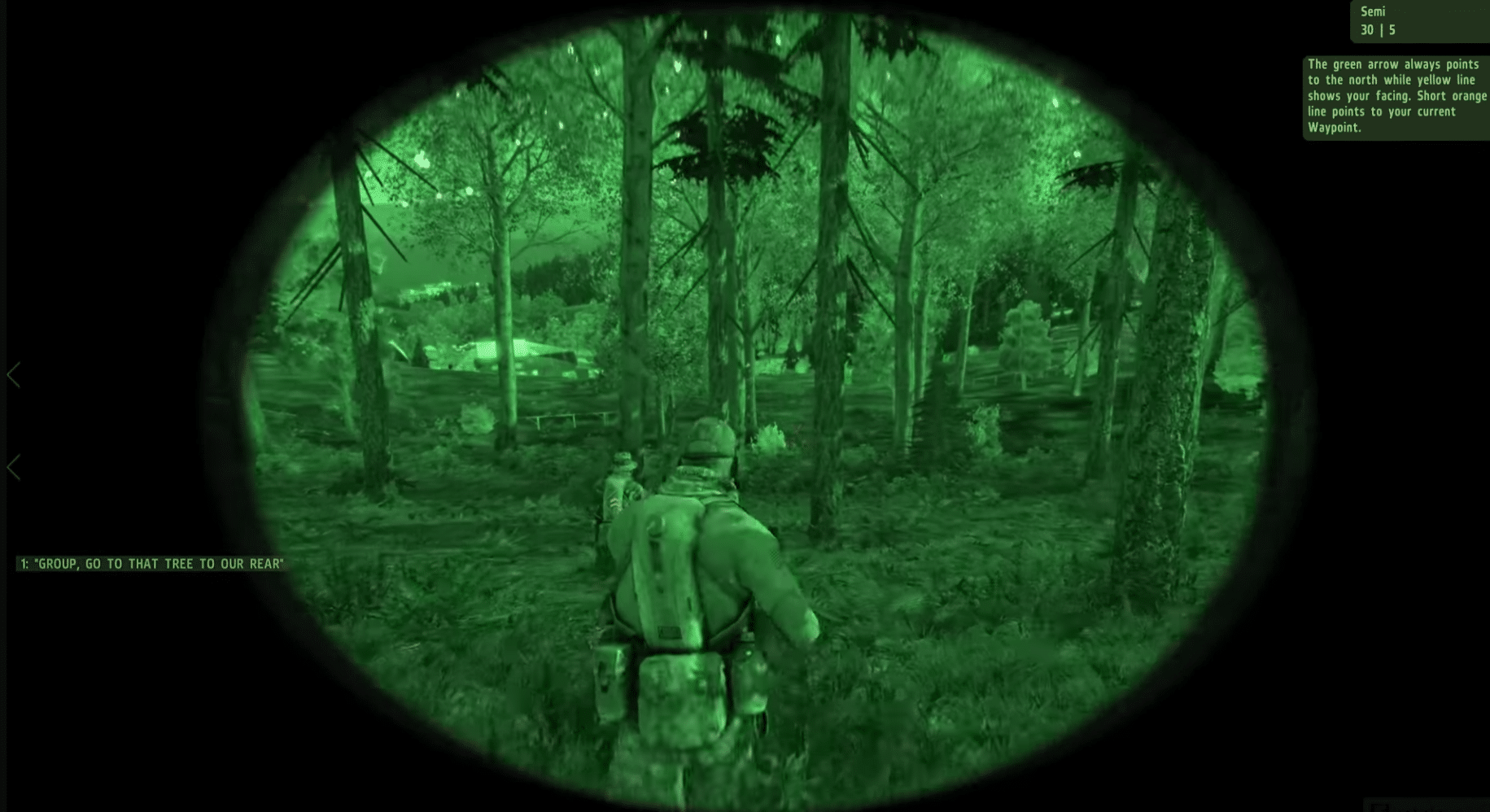
ARMA 2 looked great at launch, and the landscapes can still impress—especially when overlooking Chernarus from a ridge or moving through forests with enemies nearby. But don’t expect modern visuals. Textures, faces, animations, and the user interface clearly show the game’s age.
The audio shines in the big moments: distant gunfire, vehicles, radio chatter, and chaotic firefights. Voice acting and some effects are rougher, but the atmosphere holds up surprisingly well because the game constantly simulates a larger military operation instead of just serving quick action set pieces.
Download ARMA 2 safely
ARMA 2 is still available on the official Steam page, which is by far the safest option if you want to avoid old unofficial installers, dubious patch files, or setup programs from unknown sites. The Steam page details features like ballistics, weather, a day/night cycle, and realistic combat environments, while Bohemia’s own ARMA 2 page still references the historical move to Steamworks multiplayer after the GameSpy shutdown.
ARMA 2 on Windows 11
Although ARMA 2 was originally made for older versions of Windows, we were able to get it running on Windows 11 via Steam. Expect to tweak graphics settings, resolution, and possibly compatibility—especially if you’re using modern high-resolution hardware.
Bohemia’s official system requirements are very modest by modern standards, including 1 GB RAM minimum and 2 GB RAM recommended, but that doesn’t mean everything will feel perfect on a new PC. Gamle spil can behave a bit oddly on new systems, and ARMA 2 is no exception.
Who should play ARMA 2 today?
ARMA 2 is ideal if you want a heavier, more realistic military experience than most mainstream FPS games offer. It’s also interesting if you want to see an important chapter in the ARMA series’ evolution, or if you’re nostalgic for tactical PC games where you actually read the briefing and think before you act.
It’s less suitable if you want quick matchmaking, modern graphics, accessible controls, and constant action. Newer entries in the series or other modern military games will feel more comfortable there. But as a classic PC simulator, ARMA 2 still has real bite.
Top 5 tips for ARMA 2
ARMA 2 has a lot of commands, and it pays to spend some time in the training missions before you jump into the big scenarios. It makes squad commands and vehicles far less frustrating.
Forests, hills, buildings, and fields aren’t just decoration. Use them to mask movement, break enemy sightlines, and avoid getting caught in the open.
ARMA 2 punishes impatience. Move at a measured pace, scan the horizon, and stop often to listen and observe. It feels slow at first, but that’s how the game works best.
If the game stutters on a modern PC, start by adjusting view distance and shadows. ARMA 2 can be CPU-heavy, and an ultra-long draw distance isn’t always worth it.
Avoid old unofficial installers. The Steam version is the simplest and safest way to play ARMA 2 today, especially if you want to avoid sketchy patch packs and unknown download sources.
A classic military game for patient PC players
ARMA 2 isn’t the easiest game to recommend to everyone. It’s clunky, old-fashioned, and sometimes demanding to get into. But it also has a strong identity. It doesn’t try to be a fast action game—it strives to be a military simulation where distance, terrain, weapons, vehicles, and teamwork truly matter.
For players who enjoy tactical warfare and open-ended missions, ARMA 2 is still worth downloading. Newcomers may face a tough learning curve, but that’s also why it feels so satisfying when a mission finally comes together.