
 Martin Jørgensen
ASuite – smart program launcher for Windows
ASuite is a free, open-source tool that works as a portable program launcher for Windows. With ASuite, you can organize and launch your apps, documents, and links from one central menu—without digging around the desktop or the Start menu. It’s especially popular among users with lots of installed software or those who use a USB drive with portable apps.
Features and usability
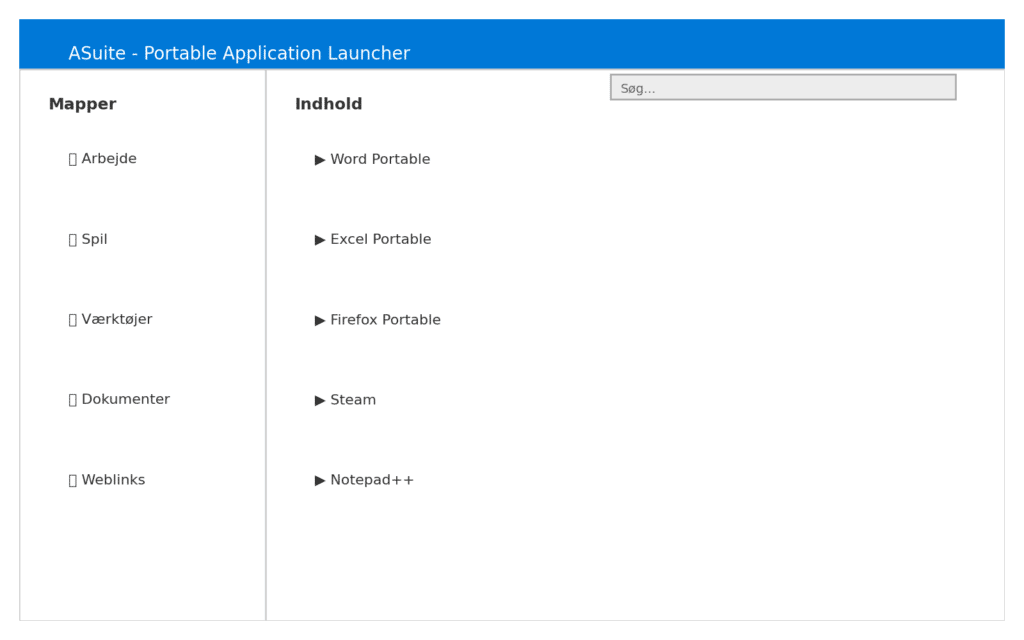
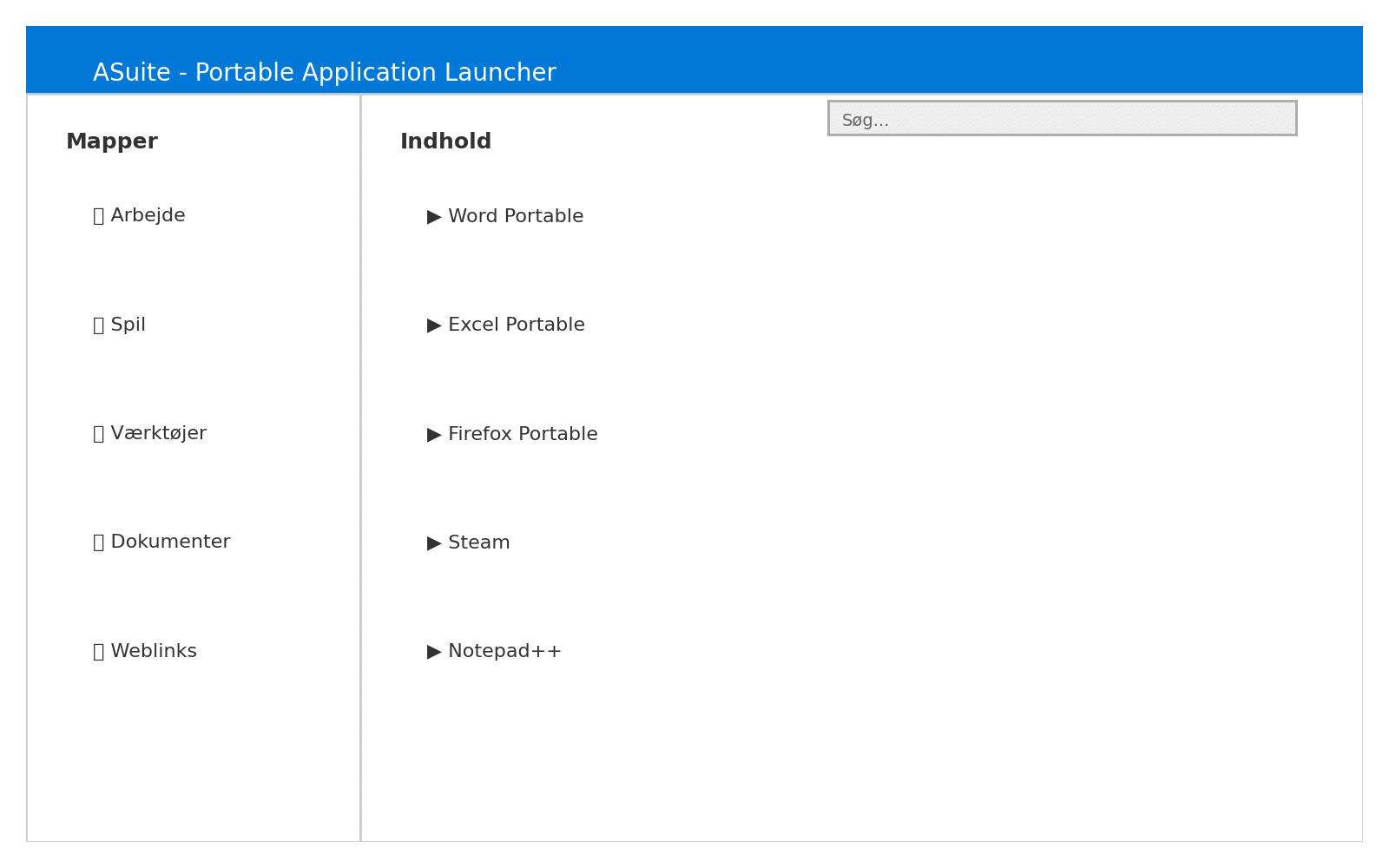
ASuite lets you build a hierarchical library of programs you can sort into folders and subcategories, just like File Explorer. We created a structure with “Work,” “Games,” and “Tools,” and it felt surprisingly intuitive. You can add both installed programs and portable apps, as well as documents, folders, and website links, turning it into an all-in-one control center.
We tested the app on a standard Windows 11 PC (with an Intel i5 and 16 GB RAM), and setup took only a few minutes. Adding programs works via drag-and-drop, and it’s clear the app is built to be lightweight—it uses almost no RAM and runs smoothly in the background.
One feature we especially liked is the built-in search. We deliberately added over 200 shortcuts to the menu to see if it became unwieldy. Even with a large library, it was quick to find a specific program by typing its name. The search responded instantly with no lag—a clear advantage over Windows’ own Start menu, which can often feel heavy and slow.
Design and customization
While ASuite isn’t exactly a design showpiece, the interface is functional and easy to customize. You can change icons, create shortcuts with parameters, and control how apps launch. There’s also an AutoStart feature so specific programs launch alongside ASuite.
We found that the menu resembles the classic Windows Start menu, but with far better options for personal customization.
Benefits for portable users
One of ASuite’s biggest strengths is that it’s fully portable. It can live on a USB drive alongside your other programs, letting you carry your entire environment between computers. This makes it ideal for students, consultants, or anyone who often works on different machines.
Software strengths and weaknesses
ASuite isn’t packed with advanced features—and that’s by design. It’s a lightweight, fast, and simple tool to organize your programs. That said, the interface could use a visual refresh, and new users may encounter a bit of confusion during the initial setup.
ASuite FAQ
ASuite is a free, open-source program launcher for Windows, letting you organize and launch programs, documents, and links from a single central menu.
Yes. We tested ASuite on Windows 11 and it worked without issues. The program is also compatible with earlier versions of Windows.
Yes. ASuite is fully portable and can run directly from a USB drive. It’s perfect for portable apps and working across multiple computers.
Yes. ASuite supports programs, folders, documents, and website links, making the menu versatile and easy to tailor to your needs.
Setup takes a little time the first run, but once you’ve created folders and shortcuts, the program is quick and easy to use day to day.



