
 Martin Jørgensen
Avidemux is a free, open-source video editor that’s especially well-suited for quick and simple tasks like cutting, filtering, and converting video formats. The program supports a wide range of video formats, including AVI, DVD-compliant MPEG, MP4, and ASF, making it ideal for both beginners and more technically experienced users.
Efficient and easy video editing with Avidemux
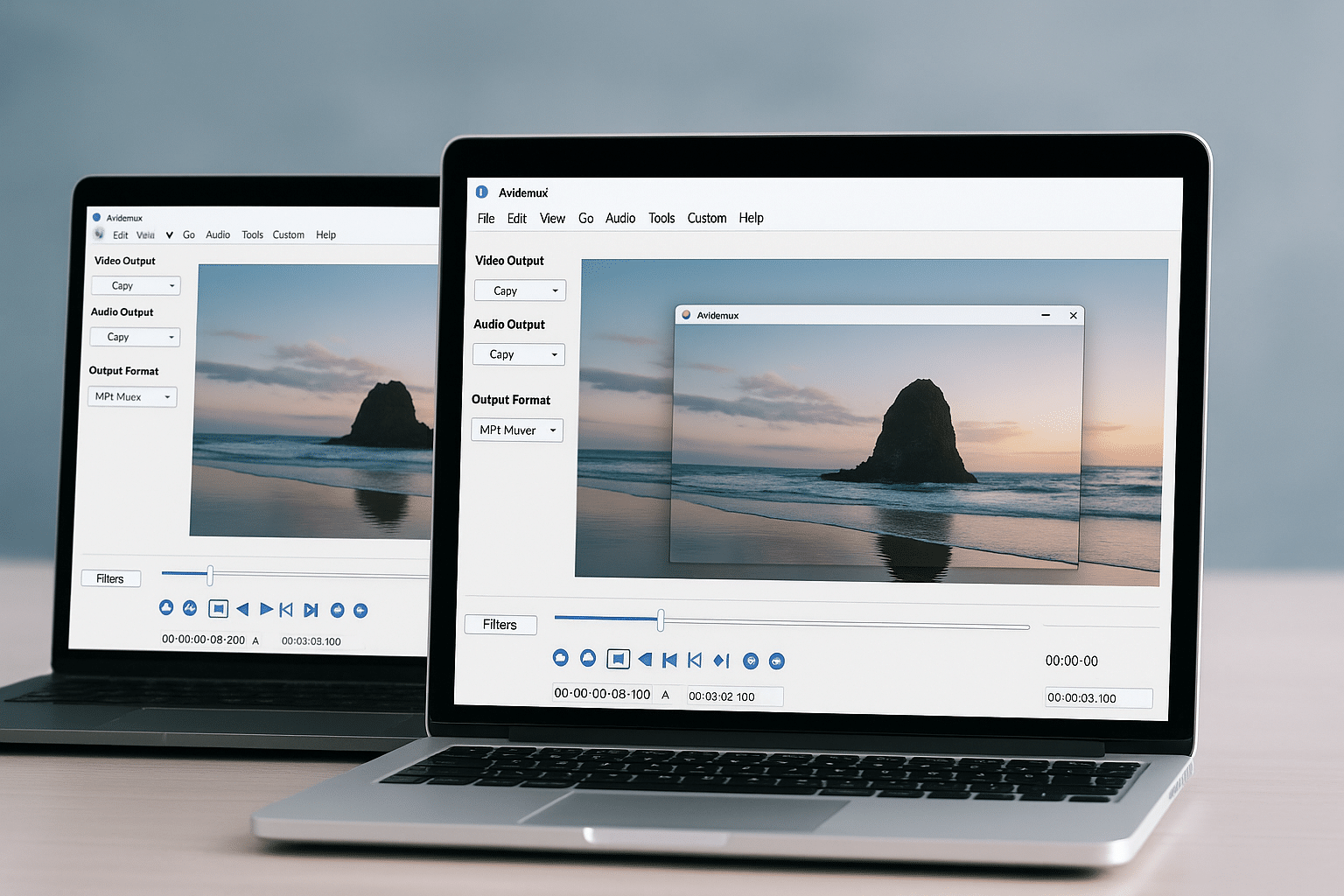
1 is designed to make basic video editing accessible to everyone. The program offers an intuitive interface reminiscent of the classic Windows Movie Maker, but with more technical options and scripting support for automation. This means you can queue multiple tasks and process videos efficiently without manual intervention.
The user-friendly layout makes it easy to import videos, select segments, add filters, change audio tracks, and export the result in the format you want. Even if you’ve never worked with video editing before, you’ll quickly find your way around the program’s simple yet effective tools. For advanced users, Avidemux also offers precise control over codec settings, bitrate, subtitle synchronization, and batch processing via job lists and scripts.
This flexible approach makes the program suitable for quick adjustments as well as repetitive editing tasks where you want the same result every time. With the ability to save and reload projects and scripts, Avidemux becomes a powerful tool in any workflow—especially if you often work with converting or cutting large amounts of video.
Features and formats
Avidemux supports a range of popular video formats, including:
- AVI
- MP4 (H.264)
- MPEG-2 (for DVD)
- MKV
- FLV
- OGM
You can easily apply filters, crop, change resolution, and add subtitles. You can also use the program to convert video between different formats—for example, from DivX to DVD—which many users still need, especially for archiving or playback on older devices.
Automation and scripting
One of Avidemux’s biggest advantages is its built-in support for scripting (including XML and SpiderMonkey JavaScript). This lets you automate editing workflows, which can save a lot of time if you work with many videos. It’s a feature that especially appeals to technically experienced users and enthusiasts.
Open source advantages
Avidemux is open source, which means the program is continually developed and improved by an engaged community. That makes it both flexible and future-proof. You’re not locked into specific codecs or file types, and you can even contribute fixes or enhancements yourself if you have the technical skills.
Simple yet powerful
Avidemux isn’t the most advanced editor on the market, but its strength lies in simplicity and stability. If you need quick edits without having to learn complex timeline-based programs, it’s a great choice. At the same time, advanced scripting and its open-source nature open the door to much more if you want it.
Top 5 tips for Avidemux
How to quickly cut out a section
Use the A and B markers on the timeline to set the start and end of the clip you want to remove. Then press the Delete key to remove the selected segment without affecting the rest of the video.
Automate converting multiple videos
Use the "Joblist" feature under "File" to add multiple videos to convert with the same settings. When you start the job list, the tasks run automatically one by one.
Save your edit settings as a script
You can export your editing choices as a script (e.g., in JS format) and reuse it later. This is useful if you often perform the same type of edit or conversion.
Improve video with filters
Use filters like “MPlayer Denoise” to remove noise, or “Resize” to adjust resolution. You’ll find them under “Video” → “Filters,” and you can combine them for better quality.
Convert to DVD format
Select “MPEG-PS (A+V)” as the output format and configure DVD-compatible settings. Then use DVD burning software to burn the file to disc.



