
 Martin Jørgensen
Bejeweled Deluxe download: classic match-3 for PC
Gameplay and features: simple, yet dangerously addictive
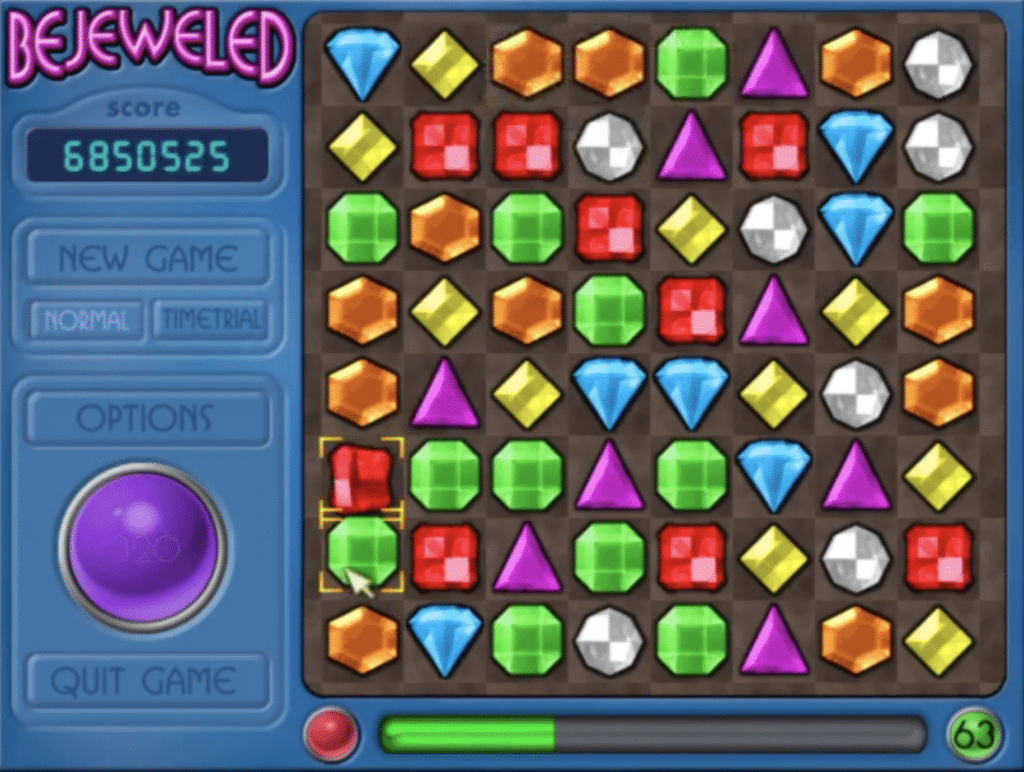
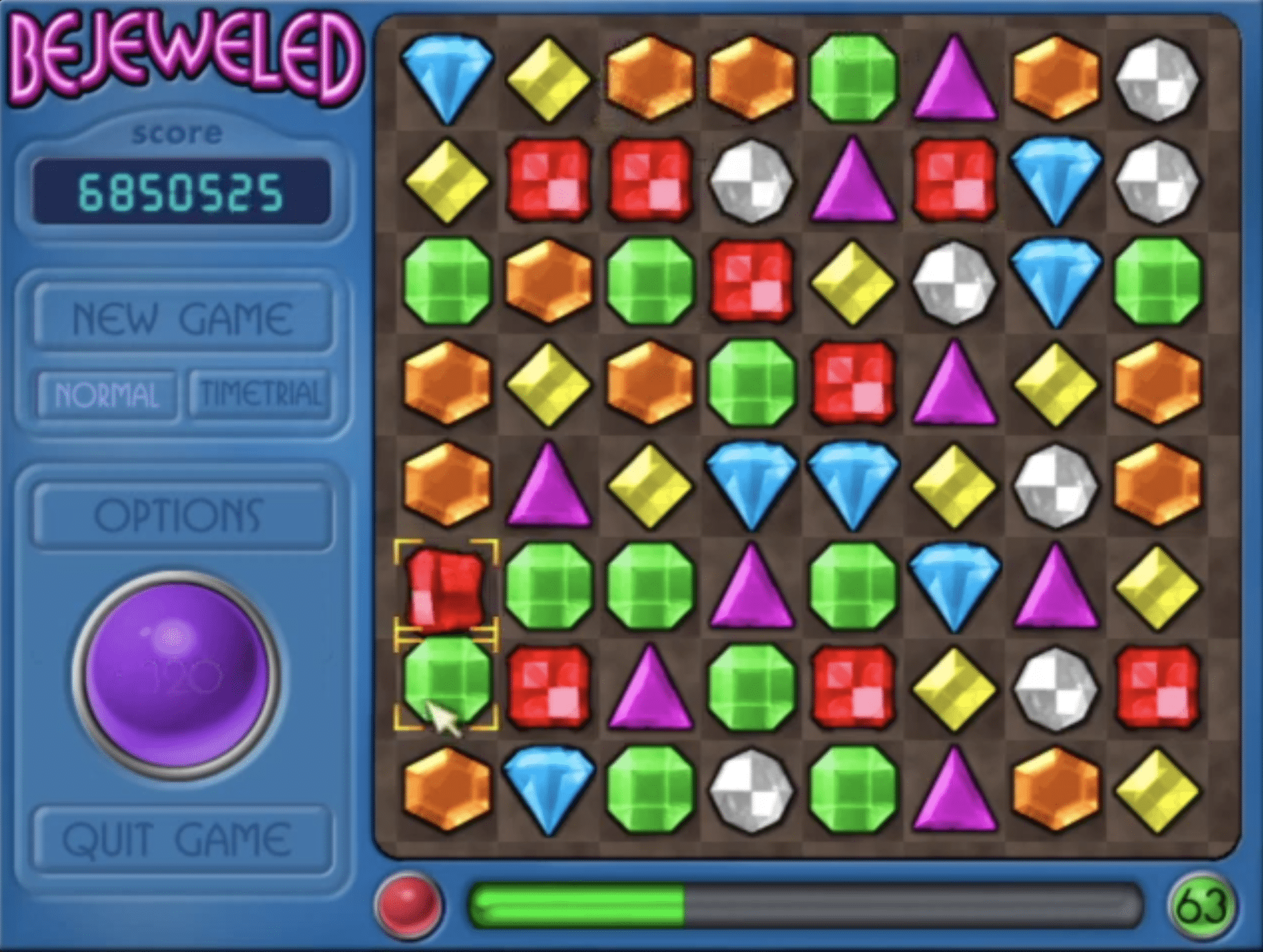
The core loop is ultra-simple: swap two gems, make at least three in a row, and watch the board cascade as new gems drop in. It sounds basic, but in practice that simplicity is exactly what makes it great. You can play on autopilot, or you can play more deliberately and read the board to set up chain reactions.
In our testing, we ended up using it as a quick break game between tasks — and that’s where Bejeweled Deluxe still shines: short, fast, satisfying, and without the modern “log in every day” pressure.
Graphics and audio: charmingly retro
You won’t get modern effects, 4K visuals, or flashy particle explosions. What you do get is clean and readable: you always see what’s happening, and the animations are precise enough that combos feel great without cluttering the screen.
The sound is classic PopCap: cheerful pings, small fanfares, and that rewarding chime your brain quickly learns to chase.
Does it run on Windows 11? Yes — with one important caveat
The game was built for older versions of Windows, but installing it via Steam is typically the easiest way to get it running on a modern PC. Starting January 1, 2024, the Steam client only supports Windows 10 and 11 — so using Steam on a current Windows machine is the most sensible route.
On our standard Windows 11 PC, it installed quickly and launched without issues. If you run into a black screen or a crash at startup, try running the game in compatibility mode (Windows 7/XP) and/or “Run as administrator.” Yes, it’s the boring classic fix — but it still works for older games.
Who is Bejeweled Deluxe best for?
Bejeweled Deluxe is perfect if you:
- want a true “switch-your-brain-off” game with no long tutorials
- miss the old casual games from the PopCap era
- prefer something you can play one-handed and without stress
- want a puzzle game that doesn’t make you learn 40 systems first
If you want more modes, variety, and a more modern presentation, Bejeweled 2 Deluxe might be a better pick (same core idea, just more polish and more variants).
Top 5 tips for Bejeweled Deluxe
Top 5 tips for Bejeweled Deluxe
Five quick pointers to trigger more chains, avoid dead boards, and boost your score.
Work the bottom first — it creates free chain reactions
Matching near the bottom drops more gems and can trigger extra matches automatically. It’s the fastest path to combos without overthinking.
Look for almost-matches (two alike + one gap)
Reliable moves are often “two the same side by side + one nearby.” Slide the third in for a guaranteed match without wrecking the board.
Skip panic moves: spend 2 seconds scanning the board
If you just click away, you’ll lock the board into tiny matches. A quick scan yields more 4- and 5-matches over time.
Hunt for 4-matches — they open the board and create space
A 4-match is often better than two small 3-matches. You’ll strengthen the board, improve flow, and usually spark more chains afterward.
If it misbehaves on Windows 11: try compatibility + admin
Older PopCap titles can occasionally have launch issues. Compatibility mode and “Run as administrator” often fix the classics.
Bejeweled Deluxe FAQ
Bejeweled Deluxe FAQ
Quick answers to the questions we see most when people want to play the classic Bejeweled on a modern PC.



