
 Martin Jørgensen
☕ Caffeine – Keep Your Computer Awake Automatically
Caffeine is a free, ultra-lightweight utility for Windows that ensures your computer doesn’t go into sleep mode, even if you’re not touching the mouse or keyboard. It’s ideal when you’re downloading large files, installing software, or streaming video, and you don’t want the screen to turn off or the PC to go to sleep.

What does Caffeine do?
Caffeine works by simulating a keypress (typically F15) every 59 seconds. This tricks the system into thinking there’s activity, so your computer stays awake—without you having to be at the keyboard.
That means you don’t have to change your power settings every time you temporarily need your computer to remain active.
Benefits of using Caffeine
- No installation required — it’s a single .exe you just run.
- System tray icon — manage everything by right-clicking the icon.
- Built-in timer — define how long Caffeine should stay active.
- Works immediately — no configuration needed unless you want it.
A minimalist design — and that’s the point
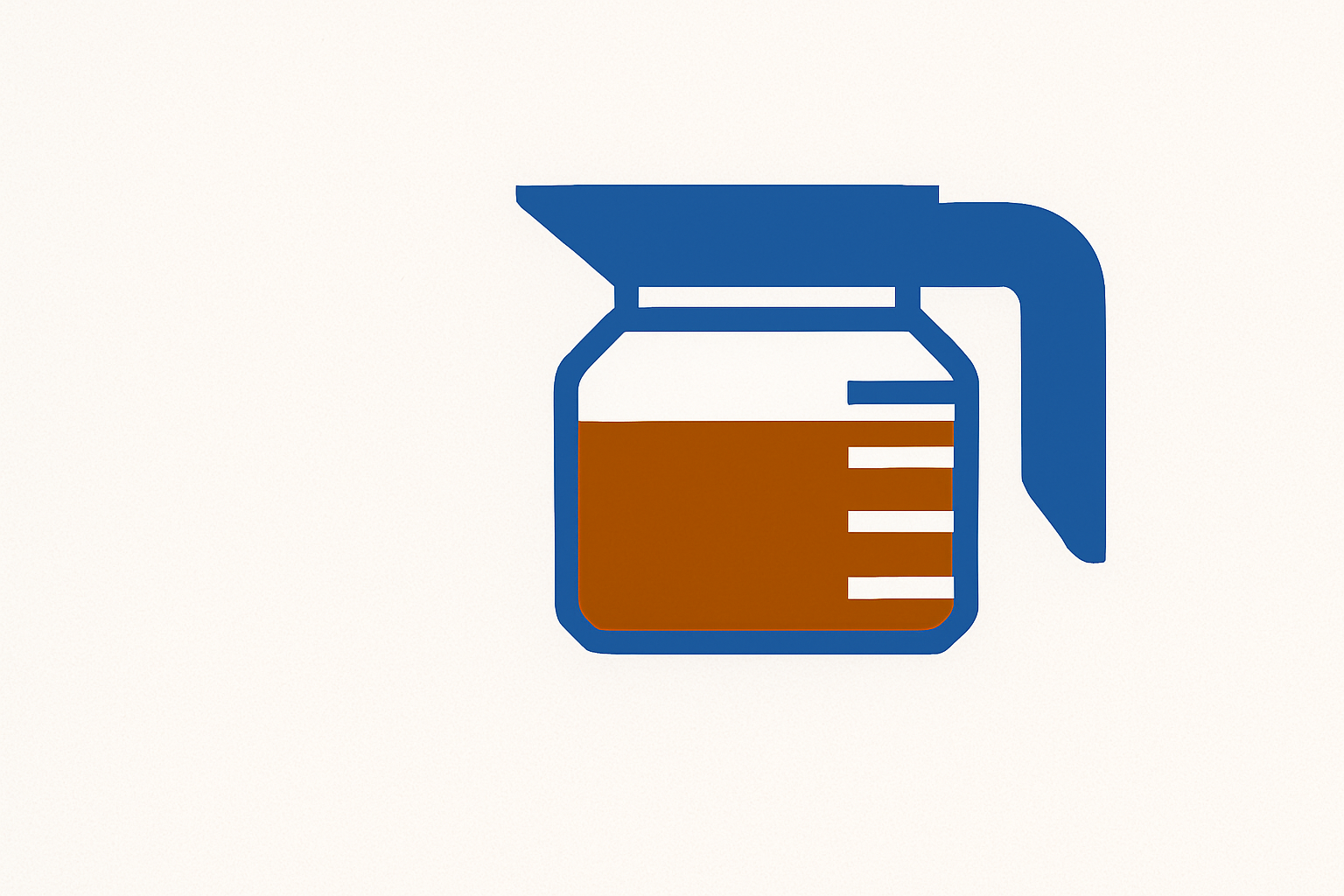
Caffeine has no graphical interface. It simply appears as a coffee cup in the system tray. From there, you can right‑click to enable or disable it, set time limits, or choose to launch it automatically with Windows.
This simple, discreet design is part of its charm. The app runs quietly in the background without getting in your way—exactly how a helper utility should behave.

Who should use Caffeine?
Caffeine is perfect for:
- Users who frequently download large files
- IT technicians and installers
- Streamers and gamers who let the system run for extended periods
- Anyone annoyed that the screen goes to sleep too quickly
Top five tips for Caffeine
- ✅ Use a keyboard shortcut for quick toggle
Caffeine can be enabled or disabled with a hotkey, so you can quickly stop your computer from sleeping without opening the app. - ✅ Schedule activation automatically
In the Windows version, you can specify how long Caffeine should keep the system awake—e.g., 30 minutes or the entire day. Handy for large downloads or presentations. - ✅ Icon status in the system tray
Watch the coffee cup in the system tray (Windows) or the menu bar (macOS)—it’s filled when Caffeine is active and empty when it’s off. A quick visual cue. - ✅ Combine with presentation mode
If you use PowerPoint or Keynote, Caffeine can prevent the screen from turning off mid‑presentation—without fiddling with power settings. - ✅ Start automatically at login
Set Caffeine to launch automatically when you sign in. Especially useful if you often work hands‑off for longer periods (e.g., reading, video analysis, or remote work).



