
 Martin Jørgensen
EdrawMind makes it much easier to organize ideas, notes, and projects
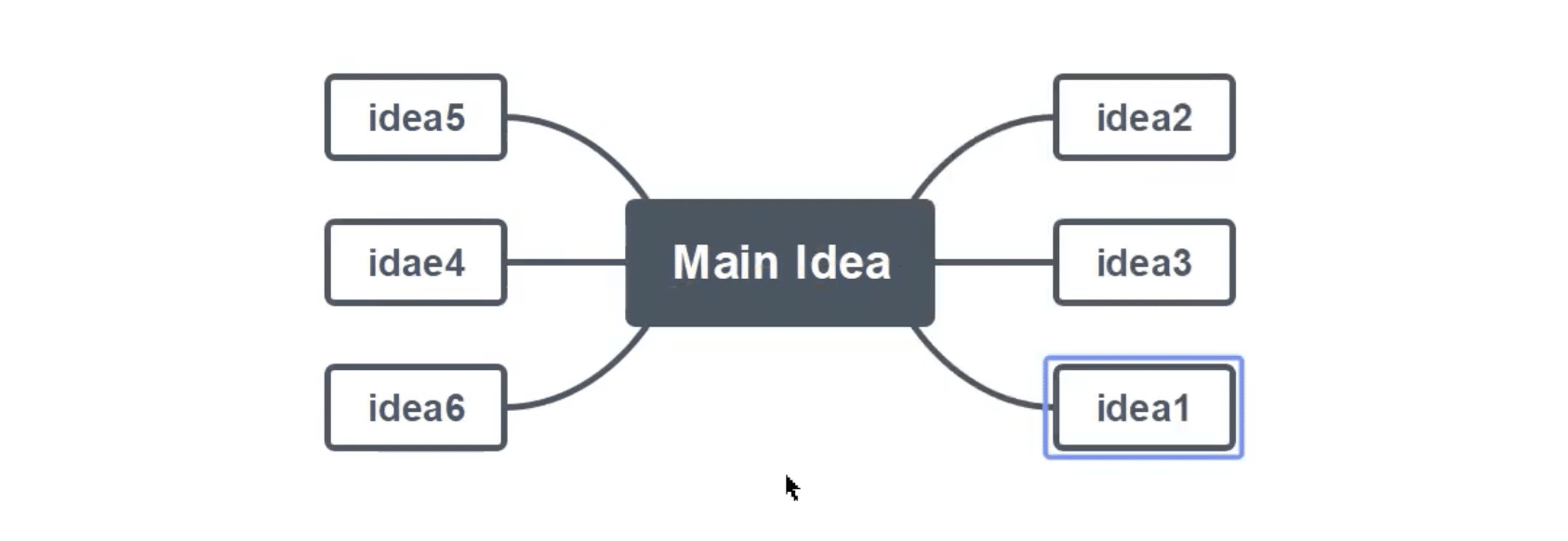
EdrawMind is modern mind mapping software that helps you bring ideas, plans, and notes together in a visual overview. The program used to be called MindMaster, but Wondershare now markets it as EdrawMind, and that’s also the name used on the official downloads and product pages today. Edraw highlights EdrawMind as a cross-platform tool for mind mapping, brainstorming, outlining, and presenting.
In our testing, EdrawMind felt like software built for visual thinkers. It only takes a few minutes to get started, and the interface makes it easy to move from a loose idea to a mind map you can actually use in practice. This is especially helpful for students, project managers, marketers, and anyone who needs to quickly bring structure to many thoughts at once.
Features and user experience
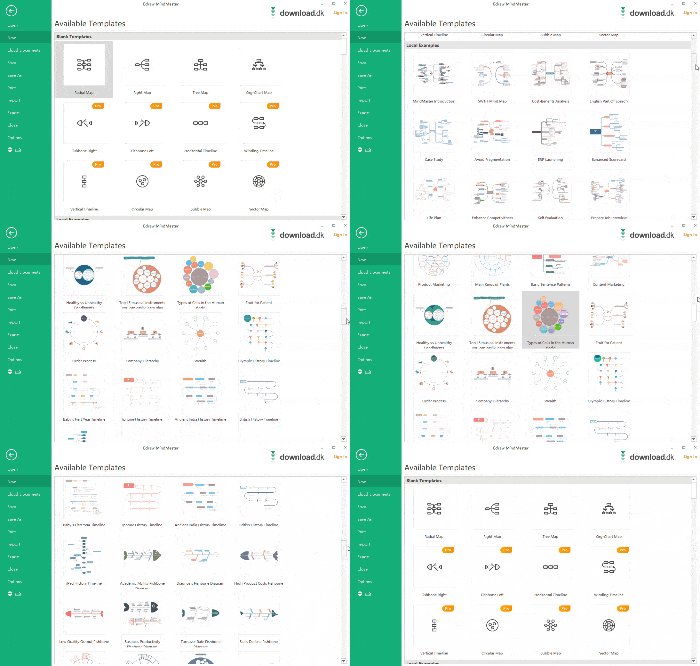
EdrawMind is no longer just a classic mind map program. The official product page highlights AI features, 15,000+ templates, and support for multiple visual layouts such as tree diagrams, concept maps, fishbone diagrams, org charts, and timelines. That gives the program a broader role than simple brainstorming.
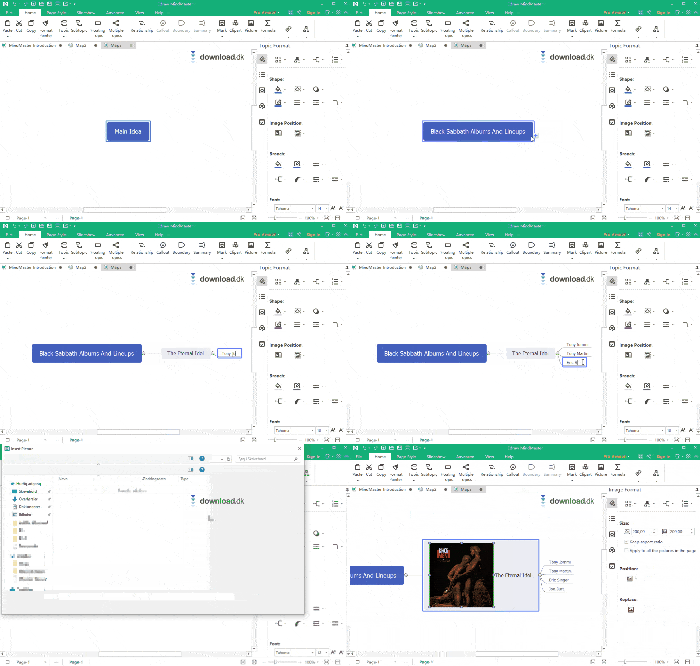
You feel that in practice, too. In our testing, it was especially nice that you can quickly build a mind map with a main topic, subtopics, relationships, notes, and visuals without hunting for features. The program is clearly inspired by the ribbon menus many know from the Microsoft Office suite, so it feels familiar fast.
EdrawMind works well for:
🧠 brainstorming
📚 study and note-taking
📊 project planning
👥 team meetings and collaboration
🖥️ presenting ideas in a visual format
It’s the broad range of use cases that makes the program interesting. Many mind map tools feel quite similar, but here you get a tool that aims to be an ideation tool, a presentation tool, and a planning tool at the same time.
AI features in EdrawMind
One thing that sets the new version apart from older MindMaster write-ups online is the AI component. Edraw highlights AI mind map creation, AI language translation, AI weekly report, AI presentation, AI summarize, and several other AI-powered assistants.
That doesn’t necessarily mean AI does all the work, but it makes the program more compelling for users who want to move faster from idea to finished outline. In the US, this can be especially relevant for students, consultants, and small businesses that want to save time on ideation and documentation.
In our testing, it wasn’t AI alone that made the difference, but rather that the AI features sit on top of an already useful program. It feels more like an extra layer of productivity than a gimmick.
Free version vs. paid version
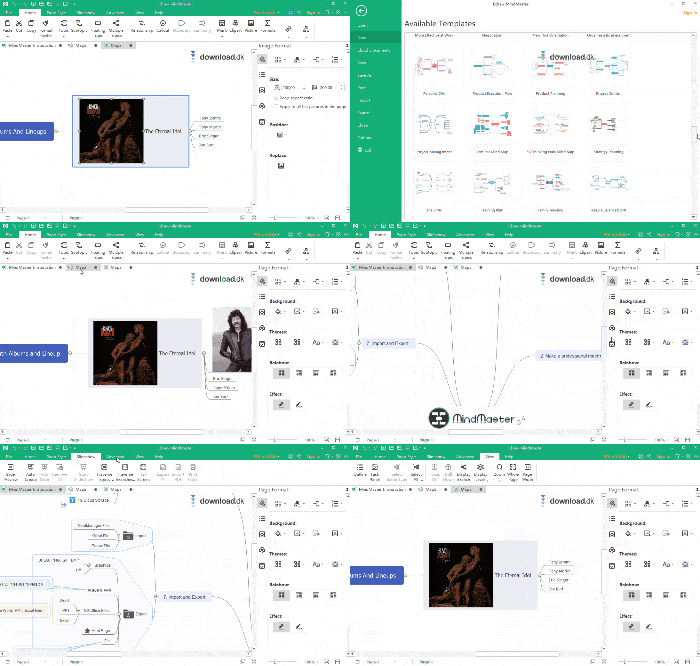
EdrawMind can be used for free, but the paid version unlocks more features and resources. The official pricing page notes, among other things, that some plans provide access to extra community templates and AI features, while others offer more flexible import/export and larger cloud storage.
That matters because older descriptions about a fixed lifetime price and very simple free/pro limits no longer paint an accurate picture. Today the pricing model is more modern and more tiered. It’s also officially stated that if a membership ends, the account switches to a free plan with fewer features, but your existing files remain accessible.
For most users, the free version is enough to properly try the program. If you regularly work with mind maps, share a lot with others, or want to use AI and advanced export more seriously, the premium plans make more sense.
Platforms and compatibility
One of EdrawMind’s clear strengths is that it isn’t locked to a single platform. Edraw’s official download center and product pages highlight support for Windows, macOS, Linux, Web, iOS, and Android. That makes the program far more flexible than many older niche mind mapping tools.
That’s a real advantage in everyday use. You can start a mind map on your computer, open it on another device, and continue without feeling like you’ve switched systems. For users who work at home, in the office, and on the go, that’s a big plus.
Who is EdrawMind best for?
EdrawMind is best for people who prefer to visualize their thoughts instead of writing them in linear text. That especially includes:
🎓 students juggling lots of notes and subjects
💼 project managers and consultants
📈 marketing and content teams
🧩 creative users with multiple idea paths
🏢 small teams that want to brainstorm more systematically
If you only need an ultra-light tool for very simple mind maps, EdrawMind can feel a bit heavier than necessary. But if you want more depth, better presentation, and more ways to build on your ideas, that’s a strength rather than a drawback.
Why EdrawMind is worth your attention
EdrawMind is a good example of software that has outgrown its old image. Where older write-ups often describe it as a classic mind mapping program with a few layouts and themes, today it’s more ambitious. The official site highlights AI tools, a large template library, and features for collaboration and presenting, making the program more current than older listings suggest.
In our testing, the biggest strength was the combination of an easy start and lots of possibilities later. That makes EdrawMind ideal for users who don’t want to wrestle with heavy project tools, but still want more than a blank canvas.
Top 5 tips for EdrawMind
1. Start with a simple structure
Don’t overdesign your first mind map. Start with the core idea and 3–5 main branches so the structure doesn’t get overloaded from the start.
2. Use colors to distinguish topics
EdrawMind becomes much easier to scan when you color‑code topics by department, priority, or type.
3. Use templates as a shortcut
If you’re working on project plans, meeting notes, or exam prep, it’s often faster to start from a template than from a blank page.
4. Test Presentation mode early
If your mind map will also be used to present an idea, think about the flow from the start instead of waiting until the end.
5. Use AI as a helper, not autopilot
The AI features can save time, but results are usually best when you fine‑tune the structure and wording afterward.



