
 Martin Jørgensen
AI music is no longer just for tech geeks and recording studios—you can create a complete song with lyrics, melody, and vocals in minutes. In fact, several Danes have already sent their AI songs to Fonk Det Er Lørdag on P4, where the hosts play them live on air.
In this article, we show you how to make AI music for free, which tools to use, and how others have already gotten their creations played on national radio.
Top 5 tips for making AI music that stands out
People love familiarity—make a song about Netto, DSB, Mette F, grilled sausages, or rain in Aalborg. The more Danish it is, the more fun it is on the radio.
AI shines when it’s used for the absurd. A death-metal hymn about watering plants? A disco song about a white sock in the washing machine? Go wild—it works.
Write the lyrics yourself and have the AI sing them—or just give an idea and let the AI do it all. Play with the roles and find your style.
Want something that sounds like Tessa, Tobias Rahim, or Thomas Helmig? Put it in your prompt—the AI often gets surprisingly close.
Upload it to TikTok, YouTube Shorts—or send it directly to DR’s Fonk Det Er Lørdag. They’ve already played plenty of listener-made AI songs.
How AI music works — in a nutshell
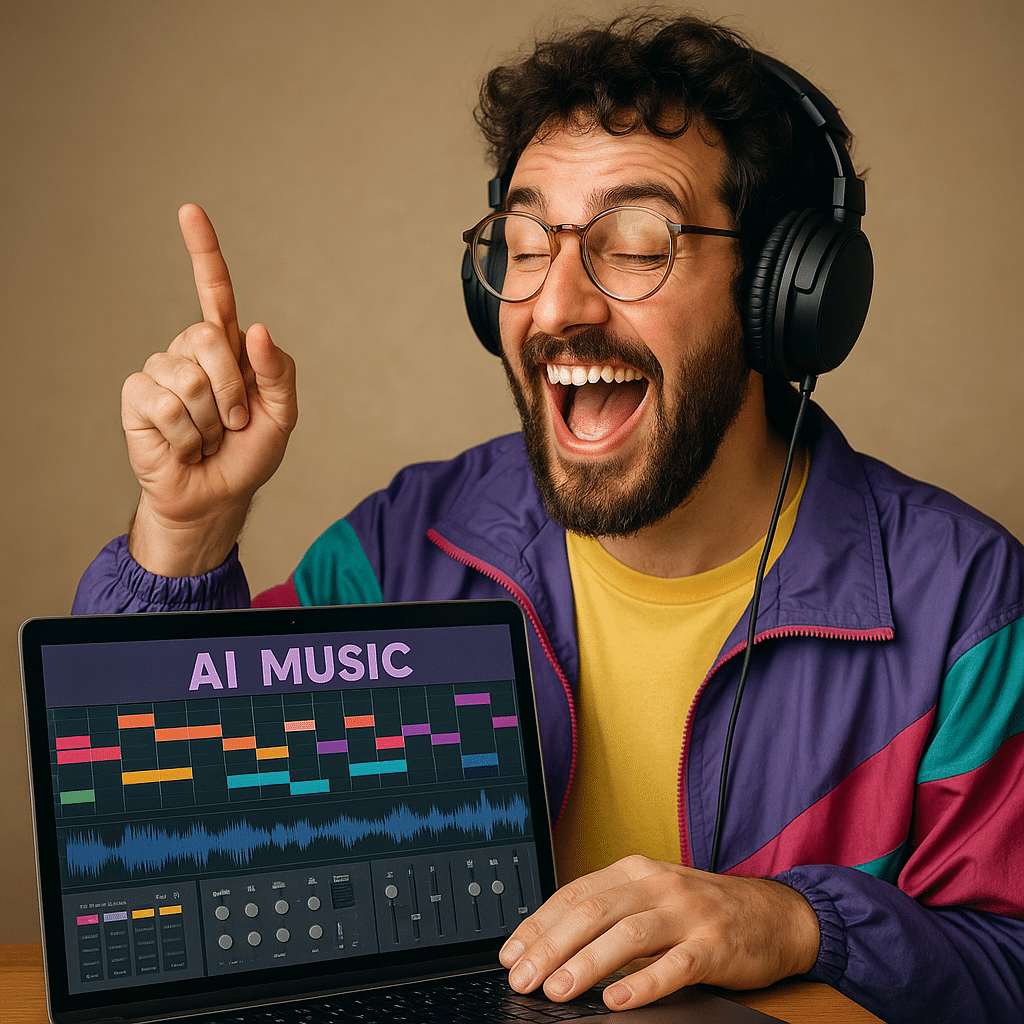
AI music tools work like text-to-music generators. Type something like “make a pop song about a girl who loves spring water,” and within minutes you’ll get a fully produced track with vocals, melody, and a beat—all generated by artificial intelligence.
You don’t need:
- To be able to sing
- To play an instrument
- Any knowledge of 1 (audio editing)
It all happens automatically—just be creative with your ideas.
Fonk Det Er Lørdag plays listeners’ own AI songs — here’s how
Fonk Det Er Lørdag is a party radio show on DR P4 with Henrik Milling and Nicolai Molbech that invites listeners into a world of disco, funk, and musical joy every week. In several episodes, they’ve played AI-generated songs sent in by listeners—often with quirky, funny, or surprising ideas.
Multiple listeners have experimented with AI music and submitted their own tracks to the show, where the hosts play and comment on them live. It can be anything from AI funk to synth-pop made with tools like Suno or 1.
The show encourages listeners to play with AI music and shares direct contact details on how to submit their work.
The best tools to make AI music (free and easy)
Here are the most popular platforms right now — all run in browseren og kræver ingen installation.
1. Suno AI
Læs vores anmeldelse af 1 her.
The most user-friendly AI music tool. Just write a sentence, choose a genre, and click “Create.” It generates verses, a chorus, and lyrics with vocals.
Example:
“Make a pop song about Friday candy and Cola Zero”
2. Udio
Læs vores anmeldelse af Udio her
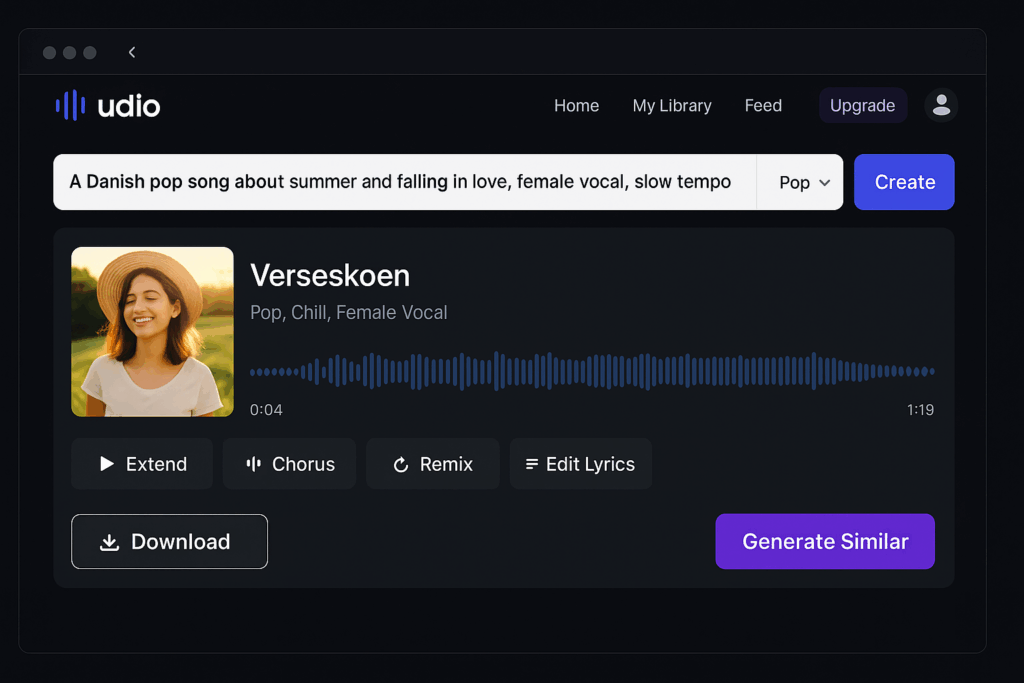
A competitor to Suno with slightly better sound quality and control. You can write the lyrics yourself or let the AI do it. Options include choosing song structure and genres like house, rap, rock, and ballad.
3. Boomy
Works best for short jingles or background music. You can also upload your tracks directly to Spotify and Apple Music — but it requires a paid plan.
4. Soundraw.io
Great for instrumental music, e.g., background sound for video, podcasts, or TikTok.
How to create your own AI song — step by step
- Go to suno.com and create a free account
- Click “Create song”
- Write a prompt, e.g.:
“A techno track about forgetting your bike helmet” - Choose a genre: e.g., EDM, Pop, Hip-hop
- Press “Create” — then wait 30–60 seconds
- Download sangen og hør resultatet
- Send it to DR — for example via Fonk’s contact form or their Instagram
Ready to make your first song?
There’s never been a better time. Whether you want to impress friends, make jingles for your podcast, or get played on the radio—AI music is fun, easy, and free to start.
AI music as a gift — create a personal song in minutes
If you’re looking for a fun, creative, and truly personal gift, AI music is a brilliant choice. In under five minutes, you can make a song with lyrics, melody, and vocals—all you need is a good idea.
Many Danes already use AI to make:
- Birthday songs for friends and family
- Wedding songs with insider jokes
- Farewell songs for colleagues
- Songs for anniversaries, confirmations, or bachelor/bachelorette parties
With tools like Suno or Udio, just write something like:
“Make a love song about Peter and Line, who met at Roskilde Festival in 2017 and still love dancing in the rain.”
…and the AI will create a complete song with verses, a chorus, and atmospheric music.
Example ideas for AI song gifts
- For your partner: “A ballad about Maria, who loves pasta, Harry Potter, and sleeping in”
- For your best friend: “A playful rap about Jonas, who’s always late and sings in the shower”
- For mom/dad: “A cheerful song about mom, who loves oatmeal and walking the dog in the rain”
You can send the song as an audio file, make a YouTube video, or burn it to a CD/USB—old-school style.
Benefits of AI music as a gift
✅ Free (most tools can be used without paying)
✅ Fun and surprising
✅ Requires no musical skills
✅ Can be done in 5–10 minutes
✅ Adds a personal touch to any occasion



