
CSI: Crime Scene Investigation

Investigate with CSI – and uncover dark secrets

CSI: Crime Scene Investigation is a classic point-and-click adventure where you play the new rookie on Las Vegas' CSI team and solve interconnected cases by finding clues, analyzing evidence, and interrogating suspects. It’s slow, methodical investigation rather than action—and that’s exactly why it still hits the mark if you enjoy puzzle-driven casework and a dark TV-series atmosphere.

Gameplay and the thrill of solving cases
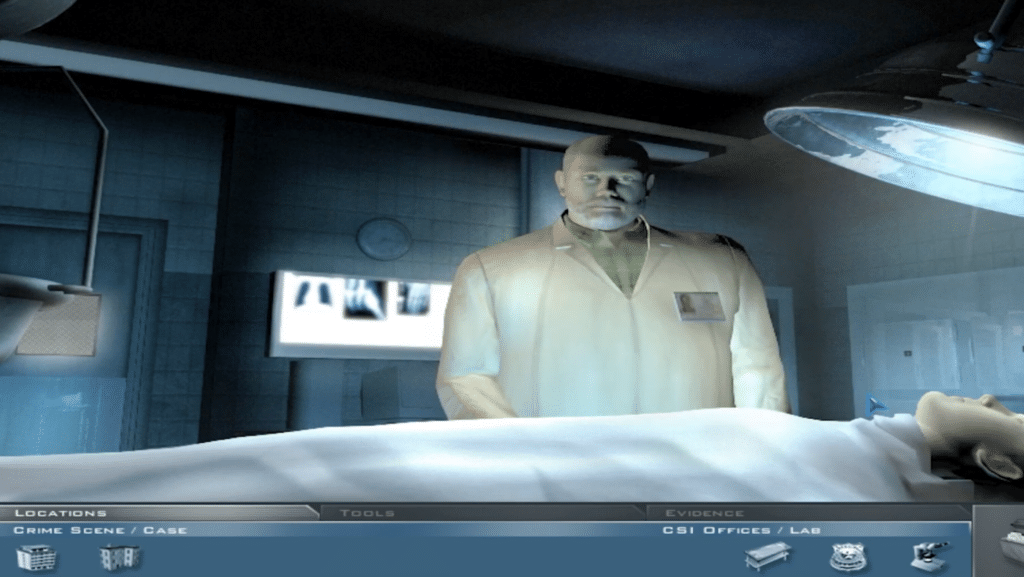
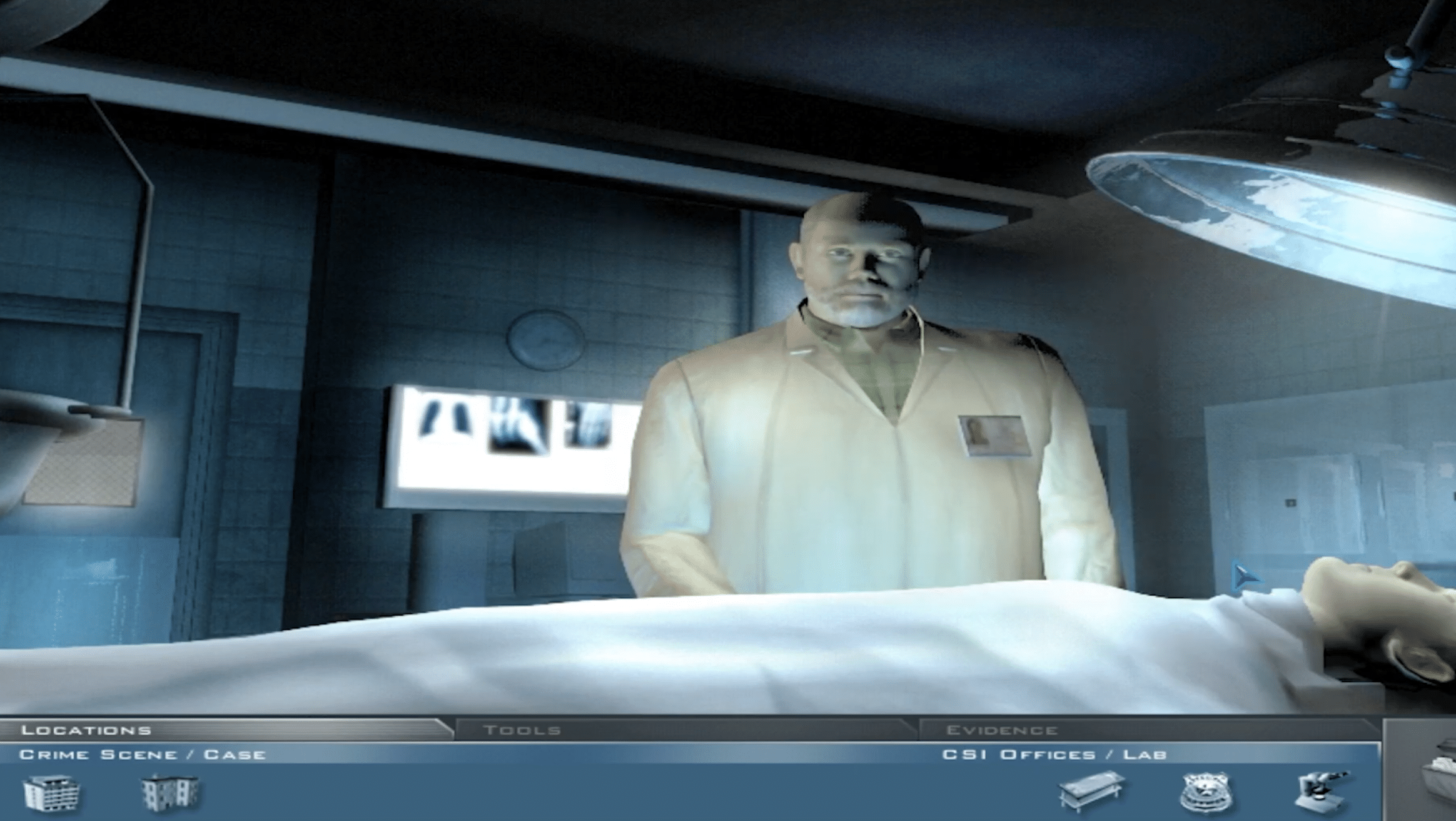
CSI Crime Scene Investigation – autopsy in the forensics lab during our playtest
Screenshot from our CSI: Crime Scene Investigation playtest, where you're in the forensics lab reviewing the autopsy to uncover new leads in the case.

The game is built around classic forensics: you sweep crime scenes, collect evidence, and bring it back to the lab to run simple analyses and mini-tasks. In our testing on a Windows 11 PC (run in compatibility mode), a patient, systematic approach worked best: a missed clue can stall your progress, and the game isn’t always great at pointing you in the right direction—for better and worse.

There’s a satisfying “aha!” moment when you finally connect small details (especially when a suspect’s story starts to crack), but the pace is measured, and you should expect dialogue + logic + clues—not free-form exploration.

Atmosphere, audio, and the TV series vibe
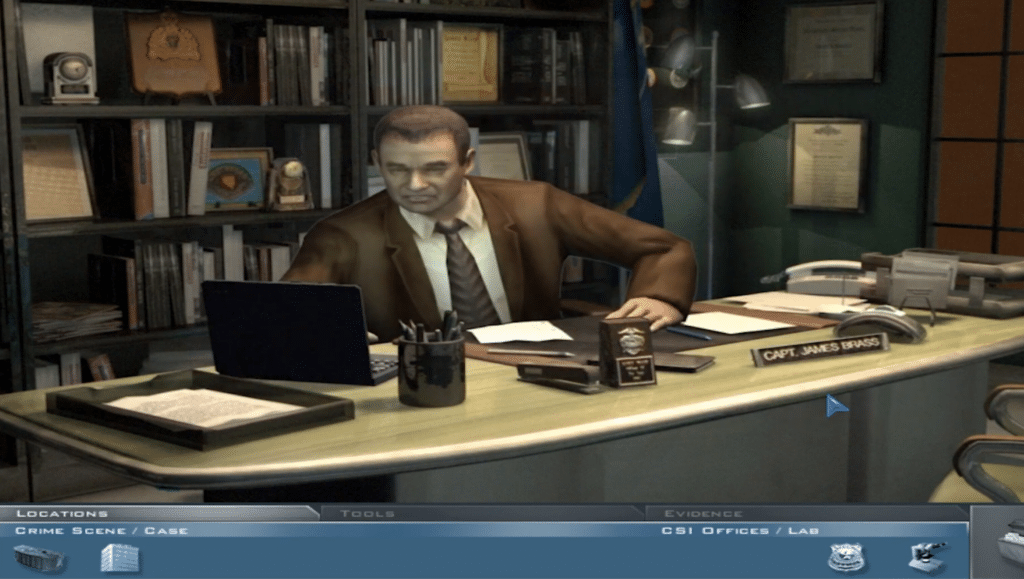
CSI Crime Scene Investigation – conversation in the CSI office with Captain James Brass during our playtest
Screenshot from our CSI: Crime Scene Investigation playtest, where we talk with Captain James Brass in the CSI office and follow the leads further.

Who is this game for?

This is primarily for players who want:

  • a gammelt CSI-spil til pc
  • a klassisk point-and-click krimioplevelse
  • puzzle-solving with interrogations and clue hunting

If you expect modern open-world detective work—or the game to hold your hand all the way—it can feel rigid and old-school.



Top 5 tips for CSI: Crime Scene Investigation

Clue hunting1

Click in a “pattern” at the crime scene

Always follow the same route: left→right, top→bottom. In our tests, this was the fastest way to avoid missing small hotspots that can completely halt your progress.
Interrogation2

Re-interview when you get new evidence

If you’re stuck, go back to suspects with new findings. The game often unlocks extra dialogue when you can confront them with something concrete.
Lab3

Use the lab as your “to-do” list

When you have multiple pieces of evidence, run them one at a time. It sounds simple, but it makes it much easier to see what actually moves the case forward.
Progress4

Save often before you “lock in” a choice

Some sequences can feel a bit inflexible. We typically saved before key interrogations or when a case felt close to wrapping up—so you don’t have to repeat too much.
Windows5

If it acts up on Windows 11: try compatibility mode

Run the game in compatibility mode (e.g., Windows XP/7) and as an administrator if you encounter odd behavior. That was our quickest fix on a modern PC.

Martin Jørgensen

I create software content and Windows guides for Holyfile.com, focusing on up-to-date recommendations and clear, practical explanations. My goal is to help people choose the right software quickly and safely.

Reviewer’s rating with pros and cons, and user ratings

Great CSI atmosphere and satisfying clue hunting, but an old-school flow and slightly rigid progression if you miss a hotspot.


Pros:
✅ Clear CSI vibe with classic sleuthing and multiple cases that tie together
✅ Calm, methodical gameplay that rewards thoroughness
✅ Still works well as a ‘crime puzzle’ on a modern PC with a bit of patience

Cons:
❌ Can feel inflexible if you’re missing one small clue
❌ Clearly aging visuals/usability
❌ Not for those who want modern detective freedom


Operating systems:
🪟 Windows (PC)
🍎 Mac (older versions/port)

User Rating
