
 Martin Jørgensen
CyberLink PowerDVD – Best-in-class Blu-ray and 4K player
Top 5 tips for CyberLink PowerDVD
Enable TrueTheater upscaling
Open Settings and enable TrueTheater effects to automatically enhance picture quality on DVDs and low-resolution videos. It can simulate a 4K effect even on older films.
Use TV Mode for your home theater
Switch to TV Mode for a remote-friendly interface—perfect for the living room with a big screen and surround sound.
Sync your library with CyberLink Cloud
Upload your favorite movies to CyberLink Cloud and access them from mobile devices or a browser—ideal for travel or sharing with family.
Add subtitles manually
1 supports external subtitle files (e.g., SRT). Right-click during playback and choose "Load subtitle file" to add them yourself.
Save YouTube videos for offline viewing
With PowerDVD, you can search, watch, and save YouTube videos directly in the software for offline viewing—perfect for music videos and tutorials.
CyberLink PowerDVD is one of the world’s most advanced media players for Windows. It supports Blu-ray, 4K UHD, HDR10, DVD, and a wide range of video formats—and comes with top-tier Dolby and DTS audio technologies.
PowerDVD is used by both home theater enthusiasts and professionals who want maximum control over audio and video. The app also offers upscaling of standard videos to 4K and HDR, automatic tuning for surround sound, and the ability to cast to wireless devices.
In the latest releases, such as PowerDVD 23 and 24, the software takes another leap forward with support for modern formats like HEVC (H.265), AVC (H.264), FLV, MKV, and 3GP. There’s also full support for Dolby Vision and HDR10+, delivering vibrant colors, deep contrast, and visuals optimized for the newest TVs and projectors.
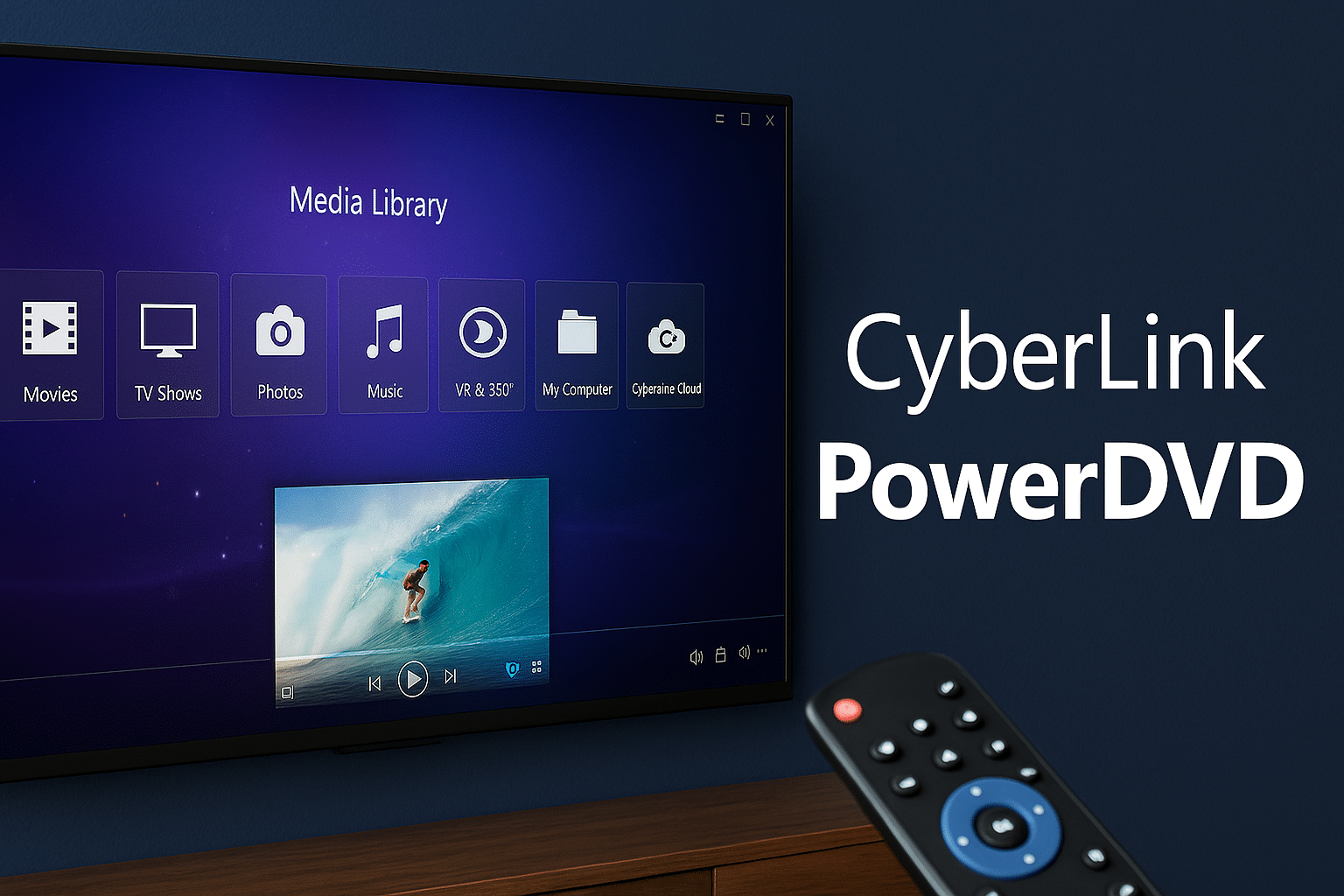
PowerDVD now also supports playback of 360° videos, VR content, and 3D Blu-ray, making it one of the most versatile media players on the market. With the user-friendly "TV Mode" you can easily control playback with a remote, while "PC Mode" is tailored for mouse and keyboard.
Another standout feature is CyberLink Cloud, where you can stream your own movies to mobile devices and access your entire library from a browser. It’s all complemented by integration with YouTube and Facebook, letting you watch and save videos directly inside PowerDVD.
Whether you use PowerDVD as your primary Blu-ray player, for HDR video, or for streaming movies from your own network, it’s a professional tool with impressive depth, finesse, and control.
Features and improvements in PowerDVD
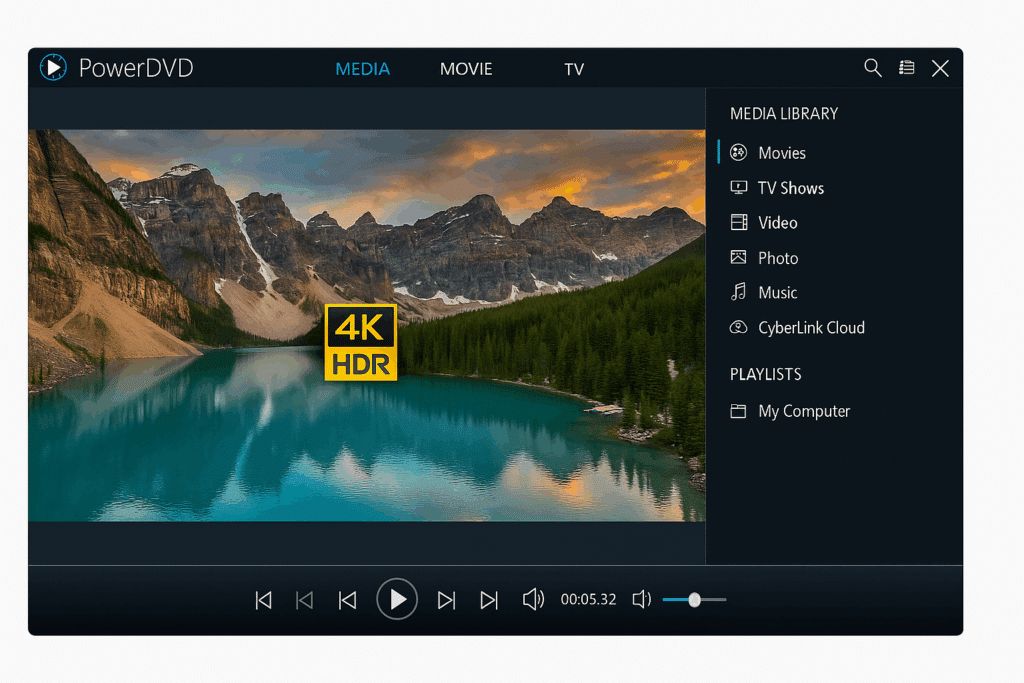
CyberLink PowerDVD has long been among the most popular media players—and for good reason. The program combines high-definition audio and video with a range of advanced features, making it ideal for movie lovers, home media centers, and professional users.
From PowerDVD 18 up to PowerDVD 24, there have been significant upgrades. First, there’s expanded support for modern video formats—including MKV, MP4, HEVC (H.265), AVC (H.264), FLV, 3GP, and many more. That means you no longer need to convert your files to play them in PowerDVD.
One of the most impressive features is support for 3D Blu-ray, 360° videos, and virtual reality (VR). If you have a VR headset or a 3D display, you can experience films and videos in a whole new way—right from PowerDVD’s interface.
Picture quality is top-tier with support for both Dolby Vision and HDR10+, ensuring vivid colors and razor-sharp contrast. That means your movies look exactly as the filmmakers intended—especially on modern HDR displays.
PowerDVD also includes two smart viewing modes: TV Mode, offering an easy, remote-friendly interface perfect for the living room; and PC Mode, optimized for mouse and keyboard for precise control at your desk.
The cloud features have also been significantly improved. With CyberLink Cloud, you can upload your own videos and movies and then stream them directly to your mobile devices or open them via a browser—no transfers or USB drives required.
Finally, PowerDVD makes it easy to integrate social media: you can watch and save content from YouTube and Facebook directly in the program, so you don’t have to switch between platforms.
In short, CyberLink PowerDVD is a complete media solution for discerning users—and the obvious choice for anyone who wants maximum quality and functionality in a single package.



