
 Martin Jørgensen
With the free DualClip Translator tool, you can quickly translate any text.
If you often use a service like Google Translate but are tired of opening your browser every time, the DualClip Translator app might help. It works on any PC running Windows or Linux with Java installed, though we only tested it on a Windows 7 64-bit machine.
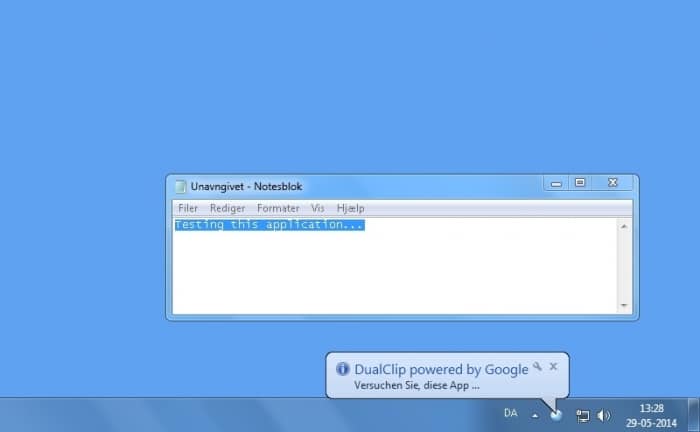
1 stays minimized most of the time, so the first thing to learn is the keyboard shortcuts. For example, you can translate any text in your clipboard by pressing Alt+Z. Other options include replacing the original text with the translated version (Alt+X) or entering text directly for translation (Alt+W). DualClip Translator almost always displays the result in a small window at the bottom of your screen.
DualClip Translator also includes an OCR feature that lets you select an area on your screen, such as an image, and extract text. It doesn’t always recognize the text perfectly, but it’s better than nothing.
Download DualClip Translator


