
 Martin Jørgensen
Dynablaster (Bomberman on PC): the classic that still holds up
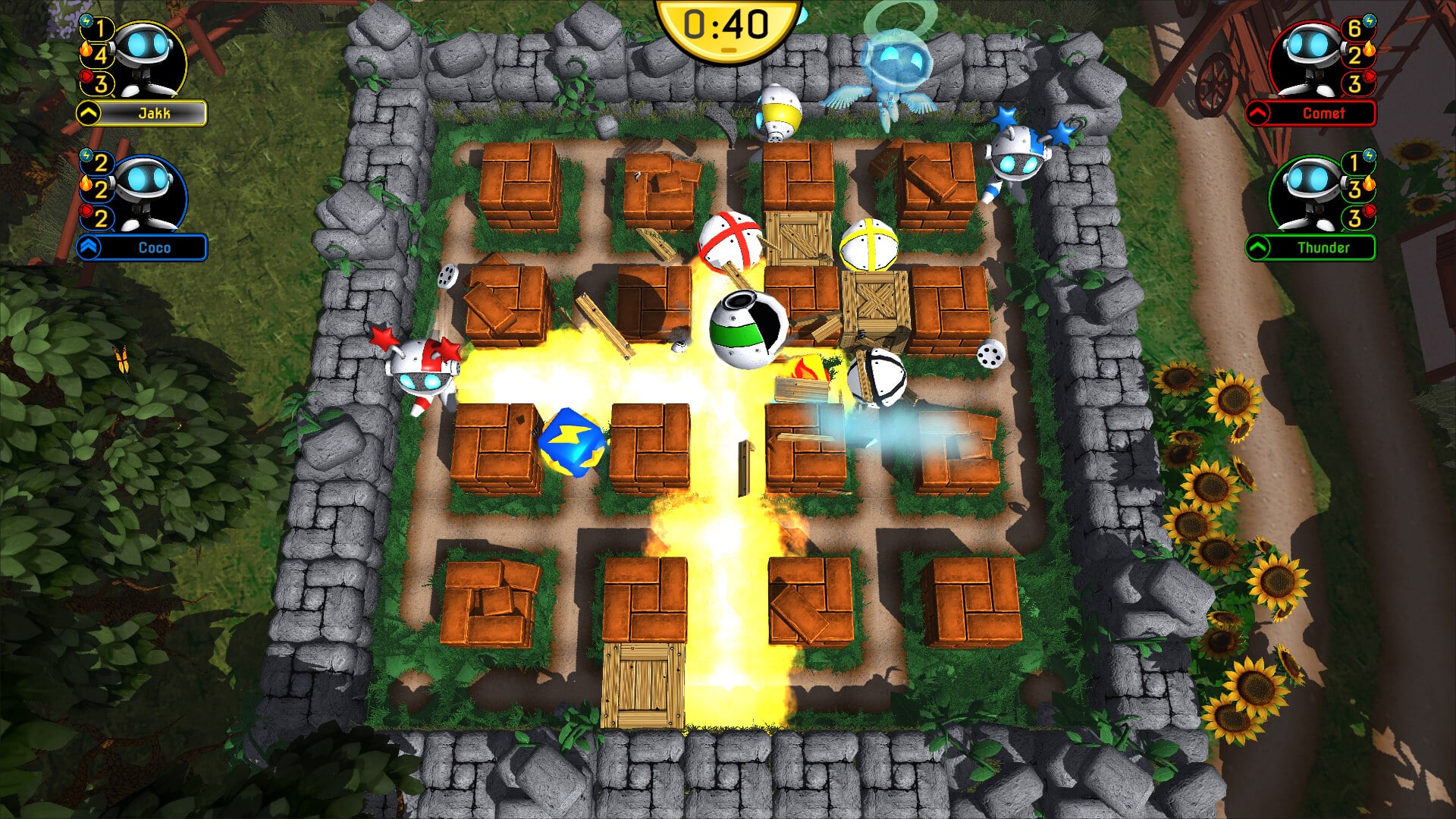
Dynablaster (also known as Dyna Blaster/Bomberman) is one of those retrospil that’s so simple it’s almost embarrassing—and you still end up saying “just one more round.” You run around maze-like arenas, place bombs, blow up bricks, collect power-ups, and try to catch enemies (or your friend) in a perfectly timed explosion.
In our testing on a standard Windows 11-PC, the formula still works brilliantly—especially if you’re playing with a friend locally. It’s still ’90s chaos in the best way.
Gameplay and features
What Dynablaster nails is pace and readability: you grasp the rules in 10 seconds, but you keep improving for hours.
You win a stage by clearing it (usually by taking out the enemies) and finding the way forward. Along the way, you blast bricks to create new routes—and to grab the power-ups that make you more dangerous.
Power-ups that change the match
Power-ups are what make each round exciting:
- Place multiple bombs at once (so you can lock down areas)
- Bigger blast radius (so you “control” more of the map)
- Faster movement (so you can escape at the last second)
- Smarter bomb timing options (depends on the version)
In our tests, the combo of high speed + big radius makes the game delightfully “unfair”—the kind where you’re laughing even when you lose.
Graphics and design
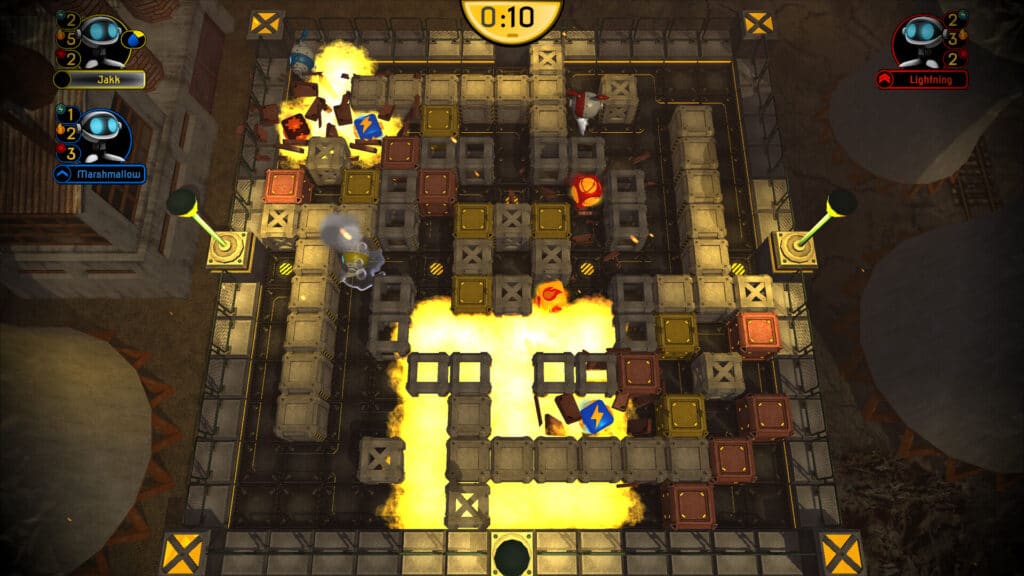
The visuals are obviously retro, but they’re also practical. Maps, bricks, bombs, and enemies are easy to read—and that matters more than “modern” effects in a game like this.
The audio is classic arcade: punchy effects, clear feedback, and that little bomb “pop” you never quite forget.
Multiplayer and local couch co-op
If there’s one takeaway: Dynablaster is best with two (or more) people in the same room. A local duel is still one of the fastest ways to inject competition, chaos, and sweet revenge into an otherwise chill evening.
The modern, official DYNABLASTER® release also emphasizes both local and online multiplayer, plus single-player content.
How to play the “classic” Dynablaster on Windows 11
If you’re looking to play the original/classic PC version, the practical reality today is to run it via DOS emulation. Many users rely on DOSBox-varianter til at køre gamle DOS-spil on Windows 11.
Important: The classic version often appears on “abandonware” sites, but that doesn’t automatically make it legal to distribute. The most sensible approach is to offer an official download button for the modern release—and explain how people typically get retro games running without hosting a questionable ZIP.
Top 5 tips for Dynablaster
1) Use bombs to control the map—not just to eliminate
If you only bomb to hit enemies, you’ll lose control. Bomb to create “doors” and trap opponents.
2) Always leave yourself an escape route
The most classic mistake: you place a bomb and box yourself in. Think two tiles ahead before you press the button.
3) If you’re hunting power-ups, do it early
The earlier you get extra radius/speed, the easier the rest of the round becomes. Late power-up hunting usually ends in panic.
4) Feign bravery in multiplayer
Run right up to an opponent as if you’re about to dash past—then turn back. Many players act on instinct and walk into the trap.
5) Practice your bomb explosion timing
Dynablaster rewards rhythm. When you can feel a bomb’s timer without looking, you suddenly become much harder to catch.



