
 Martin Jørgensen
ESET Home Security – antivirus and digital protection, all in one
ESET Home Security is ESET’s current all-in-one security suite for home users, replacing earlier products like ESET NOD32 Antivirus and ESET Smart Security. The software protects Windows and macOS computers as well as mobile devices against viruses, malware, phishing, ransomware, and identity theft – offered in three clearly defined editions for different needs.
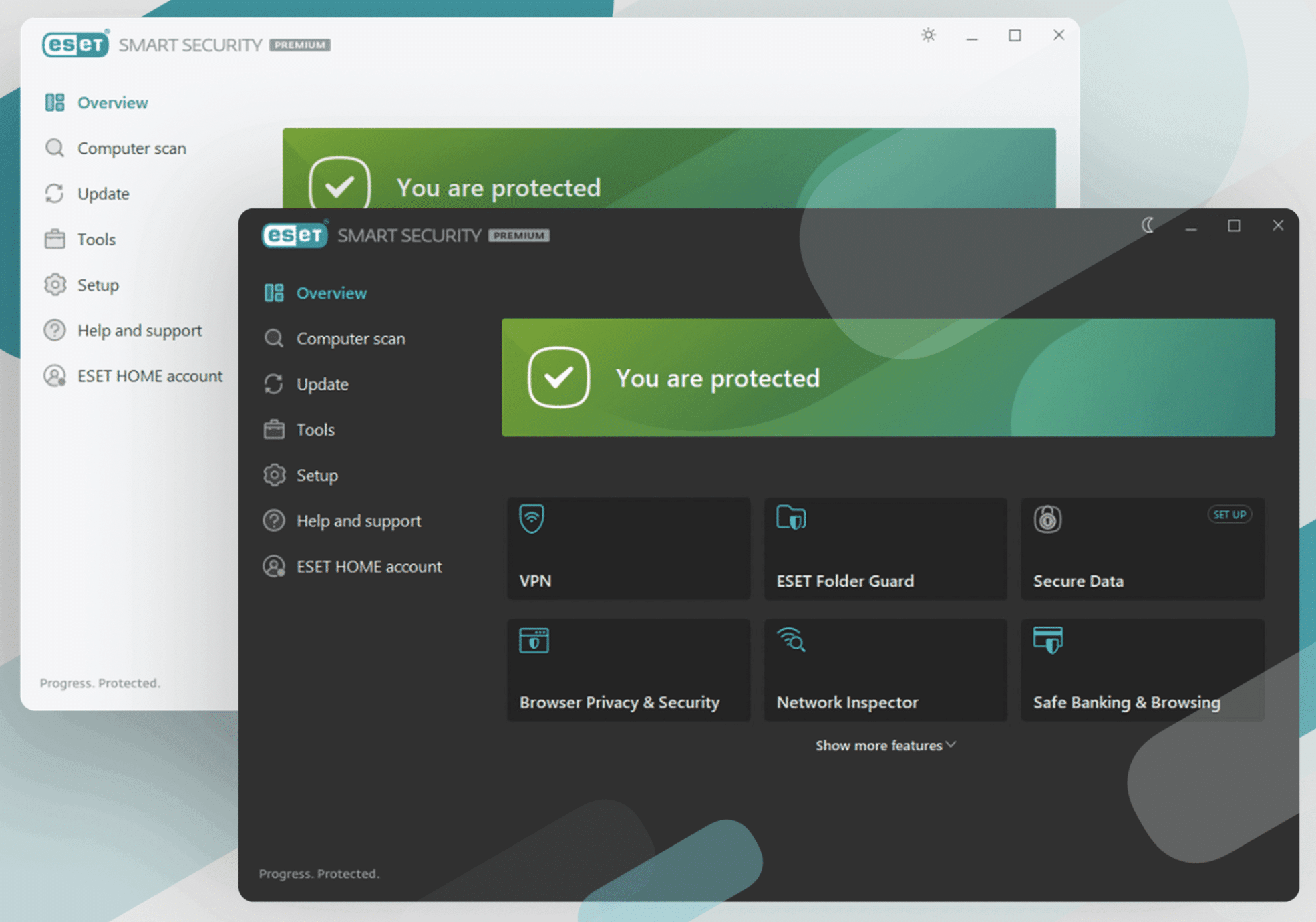
We tested ESET Home Security on a standard Windows 11 PC and a MacBook. Across all editions, installation is quick, the interface is clean, and the app runs quietly in the background. ESET remains known for its low resource usage – something you’ll notice on older or less powerful PCs.
From ESET NOD32 and Smart Security to Home Security
Previously, ESET sold products under names like NOD32 Antivirus and Smart Security. Today, these are consolidated into ESET Home Security, with features split across three tiers:
• Essential – core antivirus and online protection
• Premium – advanced security and privacy
• Ultimate – full package with identity protection and router-level 1
This makes choosing easier, but it also means the old product names no longer make sense as standalone downloads.
ESET Home Security Essential – solid antivirus without unnecessary features
The Essential edition is the simplest version and covers what most people expect from a modern antivirus program.
You get real-time protection against viruses, spyware, trojans, and ransomware, plus effective anti-phishing when you browse or use online banking. Wi-Fi security is also included, warning you if you connect to unsafe networks.
In our tests, Essential reacted quickly to suspicious files without unnecessary pop-ups. It’s a great choice if you want reliable protection without added complexity.
ESET Home Security Premium – more control and stronger privacy
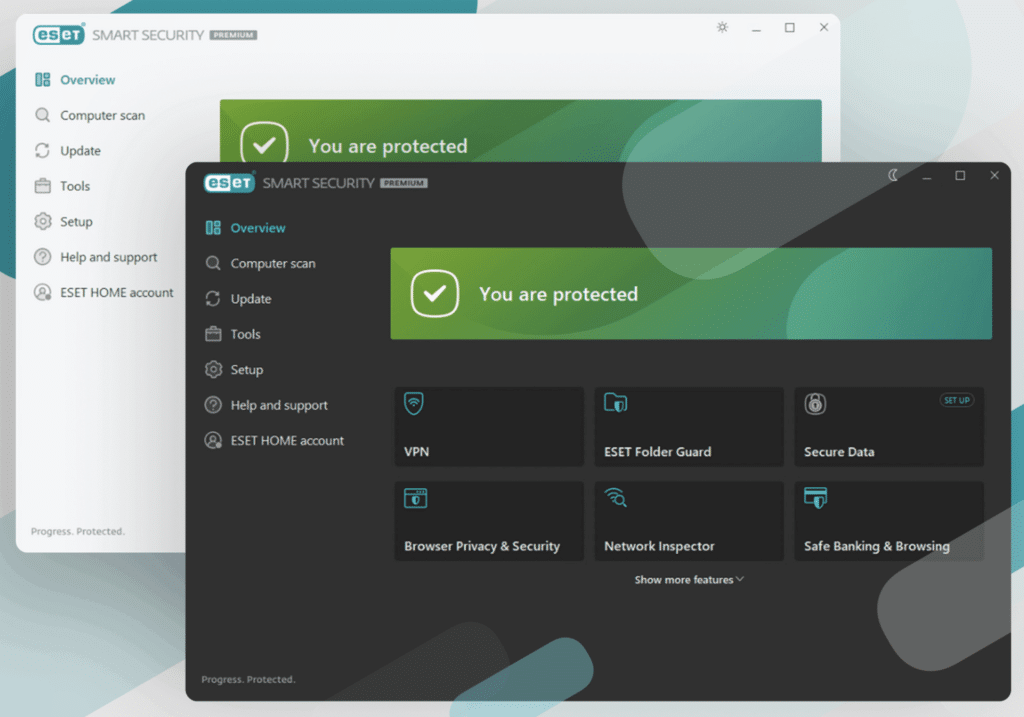
The Premium version builds on Essential and adds features that are especially relevant if you work with sensitive files or value privacy.
Here you get:
• Unlimited VPN for private browsing
• File and folder encryption
• Advanced protection against new and unknown threats
The VPN is easy to use and integrated directly into the app, making it more approachable than many standalone VPNs. The encryption feature is ideal for documents with personal information or work-related files.
Premium is the edition we recommend for most home users thanks to its strong balance of price and features.
ESET Home Security Ultimate – maximum security and identity protection
Ultimate is ESET’s most comprehensive plan, aimed at users who want maximum protection.
On top of everything in Premium, you get:
• Identity protection with data breach monitoring
• Ransomware remediation (post-attack recovery assistance)
• VPN for your router, so your whole network is covered
The identity protection monitors known breach databases for compromised login credentials and alerts you if your data appears in a leak. Router-level VPN is rare in consumer products, making Ultimate a compelling option for households with many devices.
It’s a powerful package and most relevant for power users or households with high security demands.
Comparison: Essential vs Premium vs Ultimate
In short:
• Essential is classic antivirus
• Premium focuses on privacy and data security
• Ultimate covers your entire digital identity
All three editions share the same antivirus engine and core protection level. The difference lies in the additional security layers, not the malware detection itself.
ESET FAQ
ESET NOD32 is no longer offered as a standalone consumer product. Today, the antivirus engine is part of ESET Home Security in the Essential, Premium, and Ultimate editions.
Yes. ESET Smart Security has been discontinued and replaced by ESET Home Security. The features that used to be in Smart Security are now consolidated and enhanced in the new Home Security plans.
Essential focuses on classic antivirus and online protection. Premium adds VPN and file encryption, while Ultimate also includes identity protection, ransomware remediation, and router-level VPN.
No. ESET is known for very low resource usage. In our tests, it ran quietly in the background without noticeable impact on performance, even on older Windows and macOS systems.
Yes. ESET Home Security supports Windows and macOS. There are also Android and iOS apps, so you can protect multiple devices with one subscription.
Top 5 tips for ESET Home Security
How to reduce notifications
By default, ESET informs you about many events that don’t require action. Open Advanced Settings and adjust notifications so you only get alerts for critical threats or security issues. This creates a calmer experience — especially useful if you’re working, gaming, or streaming and want fewer interruptions.
Use Quick Scan for everyday use
Quick Scan is typically more than sufficient for daily protection because it focuses on system areas where threats are most likely to hide. It only takes a few minutes and puts far less load on your system than a full scan. Save full scans for about once a month, or when you suspect an infection.
Manually check networks
When you connect to a new Wi‑Fi network — especially in coffee shops, hotels, or airports — you can manually start a network scan in ESET. The app flags weak passwords, unsafe router settings, and potential entry points for attackers. It’s an often-overlooked feature that adds extra peace of mind on the go.
Turn on VPN before online banking and shopping
If you’re using ESET Home Security Premium or Ultimate, always enable the VPN before online banking, shopping, or handling personal data. It encrypts your connection and protects against snooping — especially important on public networks. In our experience, the VPN starts quickly and runs reliably without noticeable speed loss for everyday use.
Review the security log once a month
The security log gives you a clear overview of what ESET has blocked and which apps repeatedly try to access the system. Reviewing it monthly helps you spot patterns, remove problematic apps, or fine-tune rules so ESET works even more precisely on your device.



