
 Martin Jørgensen
F-Secure Internet Security – antivirus focused on identity and online security
F-Secure Internet Security is a well-known antivirus suite that protects your computer against viruses, malware, and phishing, with a clear focus on identity protection and safe browsing. It’s ideal for users who want a simple yet solid security solution without getting lost in technical settings.
We tested F-Secure Internet Security on a standard Windows 11 PC, and installation was completed quickly. The program was ready to use a few minutes after download, with no need for manual setup or technical know-how.
What is F-Secure Internet Security?
F-Secure Internet Security is a complete security suite that combines classic antivirus with modern online protection. That means it doesn’t just block infected files but also protects against fake websites, phishing attempts, and other threats that typically appear while you’re online.
An important part of F-Secure is digital identity protection. The software monitors whether your personal information is being misused or compromised and alerts you if there are signs of data leaks or risky behavior.
Protection for your PC, identity, and online activities
Today, many attacks don’t arrive as traditional viruses but through fake emails, links, and web pages. This is where F-Secure Internet Security performs very well. During our test, suspicious websites were blocked automatically before the page even loaded in the browser.
The software beskytter også ved online shopping and online banking by securing the connection and warning against eavesdropping attempts. Everything runs quietly in the background and requires virtually no user interaction, making it suitable for both new and experienced PC users.
F-Secure in the US – language, support, and ease of use
A clear advantage is that the entire program is available in English—including the interface, messages, and guides. That makes it much easier to understand what’s happening if the software detects a threat.
F-Secure also offers support via both chat and phone, which isn’t guaranteed with every antivirus product. For US users who want to speak with a real person, that’s a big plus.
Family protection and child safety online
F-Secure Internet Security includes features to help protect kids and teens online. This includes content filtering and control over which types of websites can be accessed. It’s not the most advanced parental control on the market, but it’s easy to use and covers the most common needs.
For households that want a single solution for the entire family, F-Secure is a sensible choice.
Our hands-on experience
In daily use, we found F-Secure Internet Security to be very unobtrusive. It used few system resources and didn’t trigger unnecessary pop-ups or interruptions—especially nice while working, streaming, or gaming.
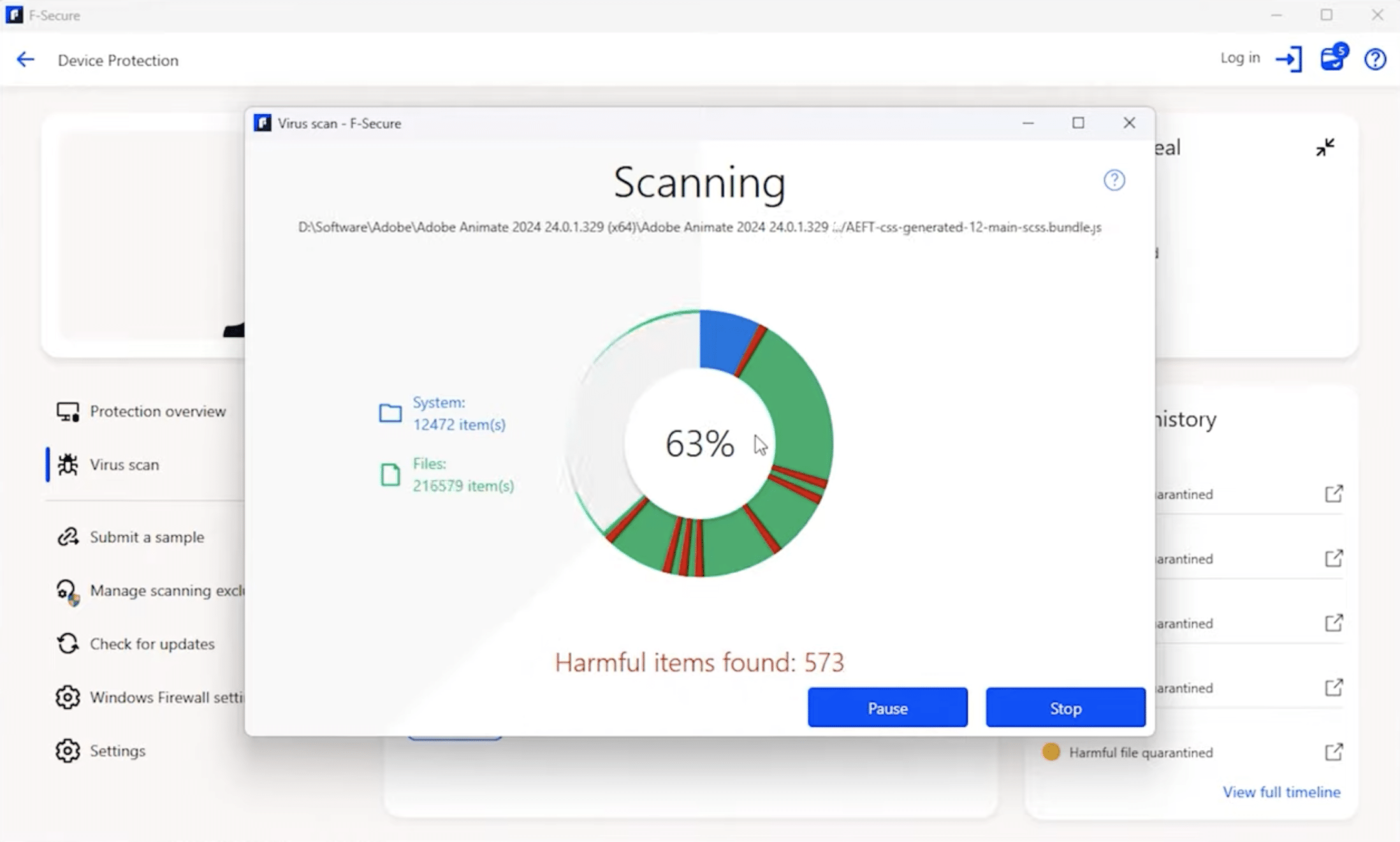
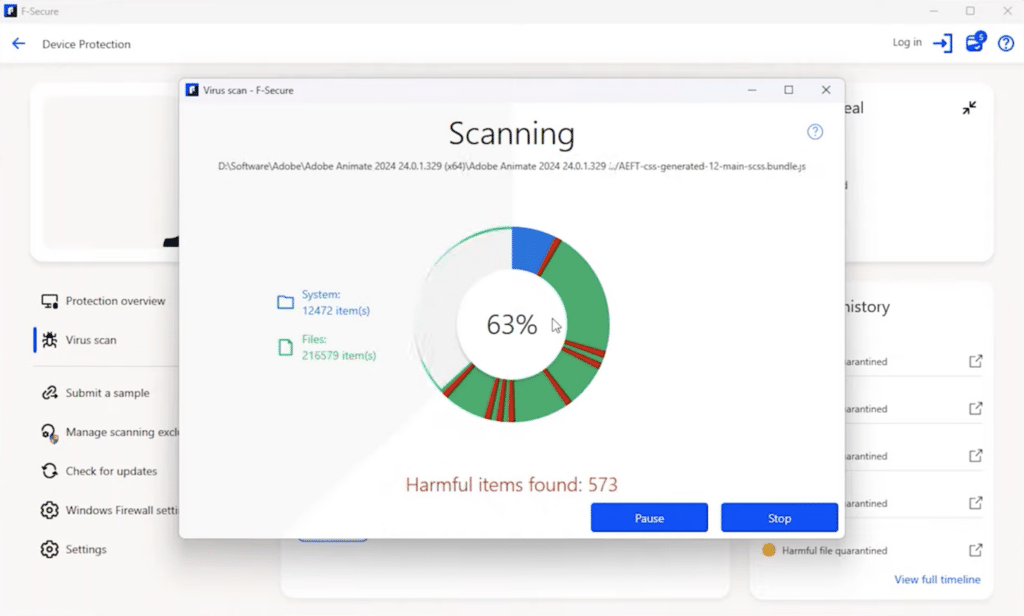
Scans ran quickly, and the software felt stable overall. The interface is straightforward and a bit conservative, but that also means you can navigate it quickly without reading lengthy explanations.
F-Secure FAQ
Top 5 tips for F-Secure Internet Security
Review web protection after installation
After installation, spend a couple of minutes reviewing the web protection settings. Here you can see which types of sites and links are blocked automatically and what warnings you might see day to day. This helps you understand why a site may not open and makes it easier to judge whether a block is relevant. In practice, we found that F-Secure blocks early and consistently—especially on suspicious downloads and phishing pages.
Use Quick Scan for everyday protection
Quick Scan covers the most exposed areas of the system and is enough for most users on a daily basis. It takes only a few minutes and has minimal impact on performance, making it ideal for work computers and older PCs. Save a full scan for once a month or when you suspect something is wrong. That way you get a solid balance between security and performance.
Check identity security alerts
If F-Secure flags possible data leaks or compromised logins, take it seriously. We recommend acting immediately by changing passwords—especially for email, social media, and online banking. Many people ignore these alerts, but identity theft is one of the most widespread online threats in the U.S. While you’re at it, enable two-factor authentication wherever possible.
Keep automatic updates enabled
F-Secure Internet Security is most effective when it’s continuously updated with the latest rules and threat definitions. Make sure automatic updates are always on. In our test, updates worked smoothly in the background without interrupting work. If you turn them off, you risk outdated protection against new types of attacks.
Use parental controls actively—not just passively
Parental controls work best when used actively, not just as a hidden background feature. Go through the settings with your child and explain why certain sites or content types are blocked. This builds understanding and reduces frustration if something suddenly doesn’t work. You’ll also gain better insight into your child’s online habits and can adjust protection as needs change over time.



