
 Martin Jørgensen
File-Converter-Online.com: fast file conversion right in your browser
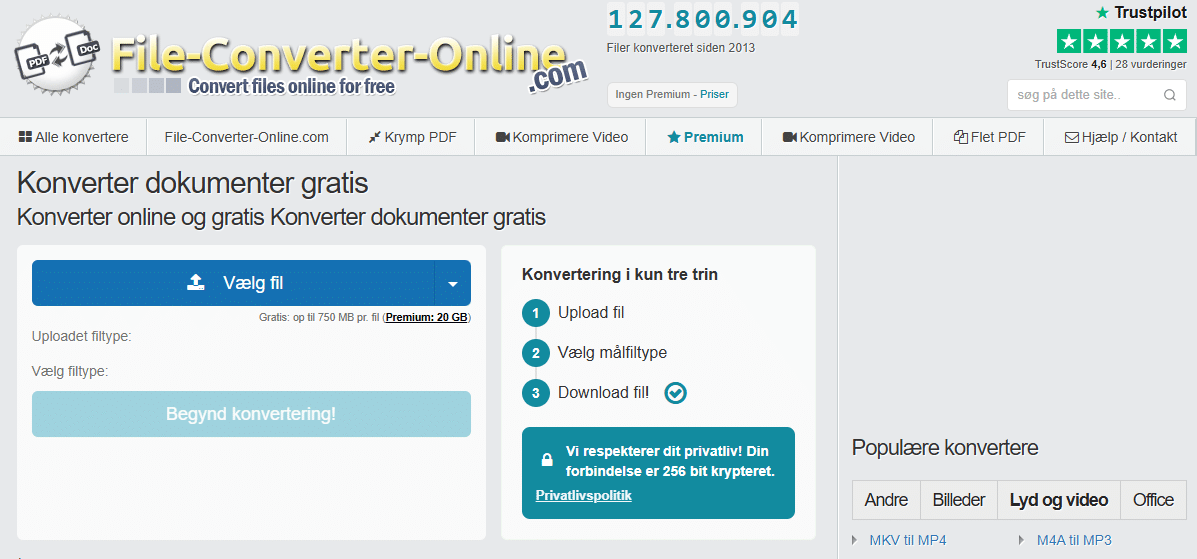
File-Converter-Online.com (file-converter-online.com) is a free online file converter that runs right in your browser. You upload a file, choose an output format, and download the result—no software to install and no account required. The site itself highlights that no registration is needed, and it works across Windows, macOS, and Linux because everything happens in the browser.
It sounds basic—but in practice that’s exactly what makes the tool appealing: when you just need to move a Pages file into a more standard format, do a quick JPG→PDF, or convert an audio file to a format your car stereo will actually play.
In our test on a standard Windows 11 PC, we used it mainly for everyday tasks: turning a couple of images into a single PDF and doing a quick audio conversion. It worked without hassle, and we could go from upload to download in a few minutes (of course, it depends on file size and your connection).
How it works in practice
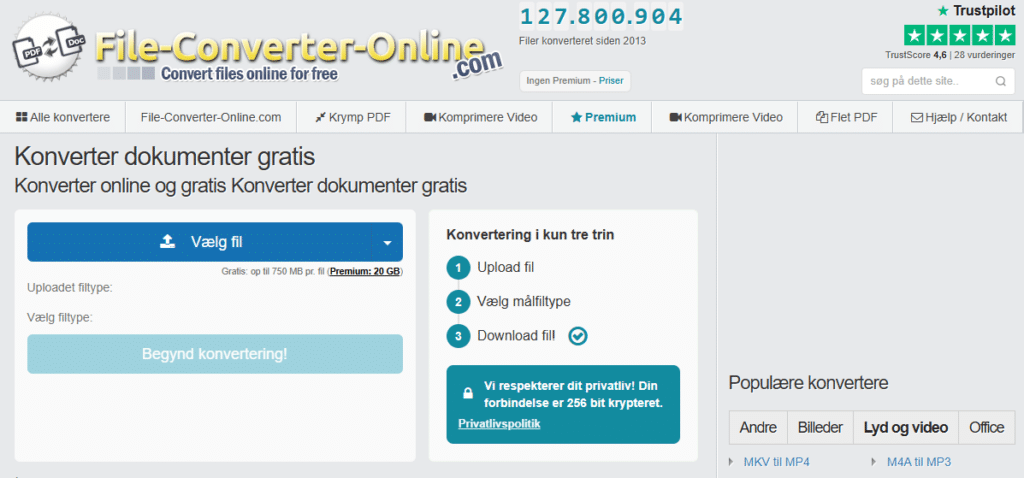
The flow is very simple and matches the site’s own description:
- Choose file
- Choose output format
- Convert and download the result
That’s especially helpful if you’re on a work computer without administrator rights, or if you simply don’t want to install a full program for a one‑off task.
What types of conversions is File-Converter-Online.com best at?
The smart part is the service offers many ready‑made converter pages (e.g., MP3→WAV, PDF tools, images, and office formats). We see it as best for:
- Documents: PDF ↔ Word/Office‑like formats (both ways)
- Images: JPG/PNG/HEIC → PDF or other image formats
- Audio/video: simple format swaps (e.g., QuickTime formats to MP3)
- Everyday PDF tasks: merge files into one PDF, or compress PDFs
The site also shows a user rating on its homepage (4.7/5 based on 2,299 votes). It’s not an independent review, but it’s a sign the service is used.
Security: what to know before you upload files
When you use online file converters, think twice—especially if the files are sensitive (SSNs, pay stubs, contracts, customer data, etc.). There have been warnings that some “free online converters” are abused for malware/malicious downloads, typically via ads and fake pages.
File-Converter-Online.com says it “takes care of your privacy,” that no registration is required, and that the connection can be encrypted (for example, 256‑bit encryption is mentioned on some converter pages).
But the concrete details (like exact deletion times, data processing, and logging) should always be checked in their own terms/privacy policy if you’re working with sensitive documents.
Our practical rule of thumb:
- Never upload anything you wouldn’t feel safe emailing to a stranger.
- Use offline værktøjer (e.g., LibreOffice, VLC/HandBrake, Windows’ built‑in Print to PDF) for sensitive tasks.
- Avoid “Download this tool/extension” prompts on these sites—a browser‑based converter should simply deliver a file.
Who is it best for?
File-Converter-Online.com makes the most sense if you:
- want to convert files hurtigt uden installation
- are on a locked‑down work/school computer
- often receive files in “tricky formats” (Pages, rare audio formats, scanned images to PDF)
If you frequently convert large files (video in high resolution, large PDFs in batches), a local program is usually faster and more stable.



