
 Martin Jørgensen
Wispr Flow makes AI dictation much more useful in everyday workflows
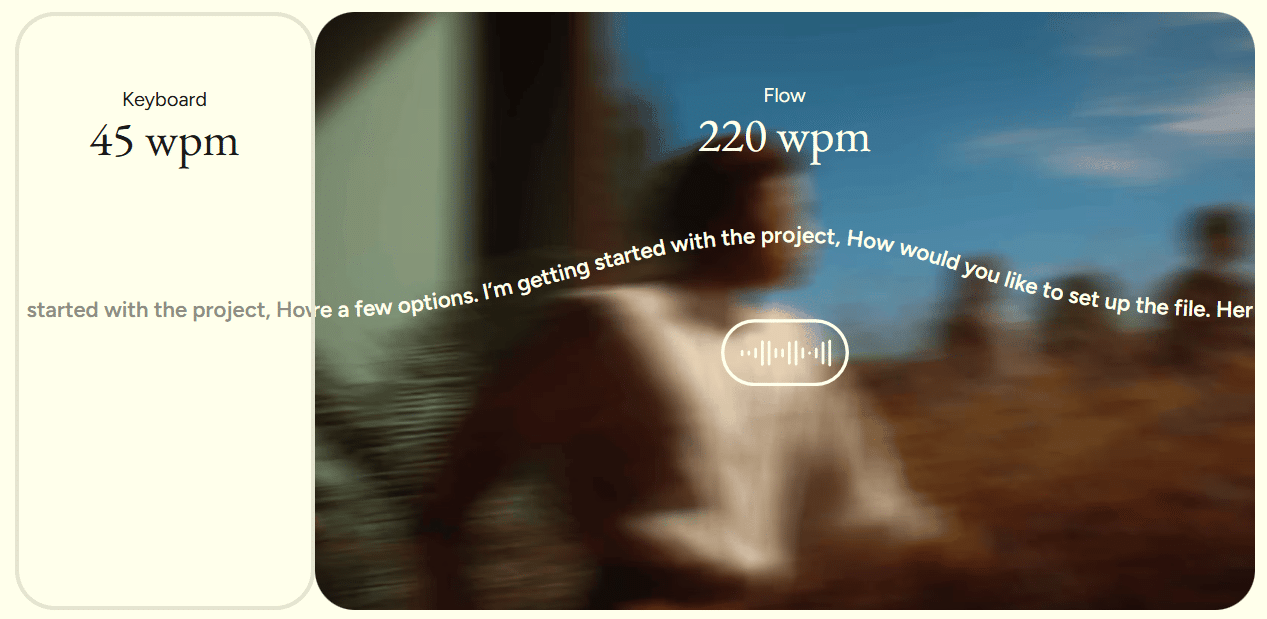
Wispr Flow is an AI-powered dictation tool that turns speech into text inside apps on both computer and mobile. It’s built for users who write a lot of emails, notes, documents, and messages throughout the day and want to cut down on manual typing. According to Wispr, Flow works on Mac, Windows, iPhone, and Android, and it’s marketed as up to four times faster than regular typing.
What is Wispr Flow?
Wispr Flow sits somewhere between classic speech-to-text and a true productivity tool. Instead of only typing exactly what you say, Flow also tries to clean up punctuation and phrasing so the text feels more ready to use right away. Wispr highlights AI commands, auto edits, and use across apps as core parts of the experience.
That makes the app more interesting than the built-in dictation many people already know from Windows, iPhone or Android. The goal isn’t just to transcribe speech, but to make your voice a genuine replacement for the keyboard in everyday use.
Features and user experience
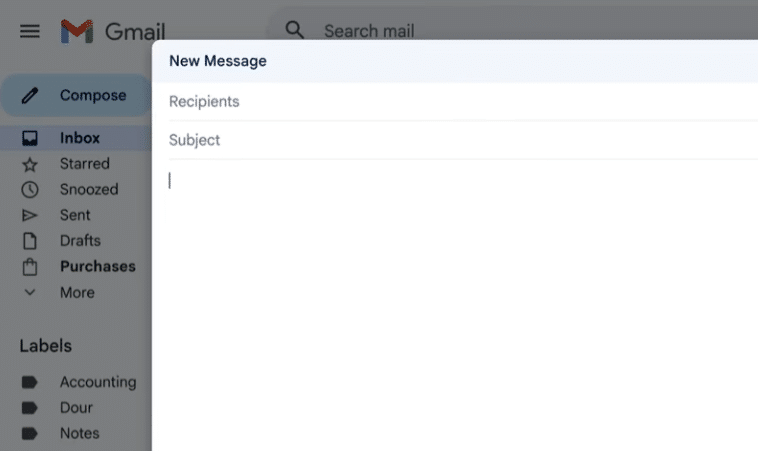
On paper, Wispr Flow is built to work broadly. The official features page highlights that it works in text fields across services like Gmail, Google Docs, Notion, WhatsApp, and other apps, and that it supports over 100 languages. Wispr also says Flow uses context to spell names and less common words more accurately.
In our evaluation, that’s what makes Wispr Flow especially interesting: it doesn’t just look like a microphone button, but a tool designed for people who actually write a lot every day. It’s typically in emails, quick drafts, prompts, idea notes, and messages that a program like this either feels unnecessary—or becomes something you end up using all the time.
Platforms and compatibility
Wispr Flow’s support documentation indicates that the app supports macOS 13 or newer, Windows 10 and 11, plus iOS and Android. The setup guide also shows that installation requires the usual permissions for microphone, text input, and accessibility, depending on the platform.
On Android, Wispr says Flow works with the system via overlays and accessibility settings, and the Android page also clarifies that the app does not work offline.
That matters in practice, because a tool like Wispr Flow only makes sense if it feels flexible day to day. If it only worked in a few apps or required too much hassle each time, the idea would fall flat.
Pricing and free version
The Microsoft Store description states that new users get full access to Flow Pro for two weeks, after which the free tier gives you 2,000 words per week. It also notes that the Pro plan costs $12 per month for unlimited use.
In practice, that means Wispr Flow is easy to try, but the real value depends on how much you actually dictate. If you only write a little now and then, the free tier may be enough. If you write lots of emails, work notes, or long drafts, you’ll quickly hit the limit.
What does Wispr Flow feel like to use?
Wispr Flow makes the most sense for people who genuinely write throughout the day. That could be students, office workers, freelancers, sales reps, support agents, and anyone else who writes more than they’d like.
The smart part of the concept is that you can speak more naturally and let the app handle part of the cleanup afterward. That’s exactly where many traditional dictation tools fall short. They can get the words down, but the text still feels like it needs a heavy edit. Wispr Flow tries to make the output more usable from the start. It’s a more ambitious approach—and it’s why the app stands out from simpler free alternatives.
Where Wispr Flow is strongest
Wispr Flow is strongest when you want to use your voice as a consistent part of your workflow—not just for a quick note, but as a real way to write across devices and apps. Support for many languages and its focus on natural text make it especially relevant for users who switch between different kinds of work during the day.
It’s also a good sign that Wispr’s support resources are actively updated with new guides and platform-specific help. That usually indicates the product is still being developed and refined.
Who should download Wispr Flow?

Wispr Flow is most relevant if you:
✅ write lots of emails and messages
✅ take many notes throughout the day
✅ use AI tools and often write prompts
✅ want to dictate on both mobile and desktop
✅ are tired of built-in dictation that feels rigid or inaccurate
If you only use voice typing very rarely, Wispr Flow may not be necessary. But for more productive users, it makes a lot of sense to try it.
Top 5 tips for Wispr Flow
Top 5 tips for Wispr Flow
Get more out of AI dictation on computer and mobile with these five practical tips.



