
 Martin Jørgensen
Foxit PDF Editor is a powerful choice for PDF editing and conversion
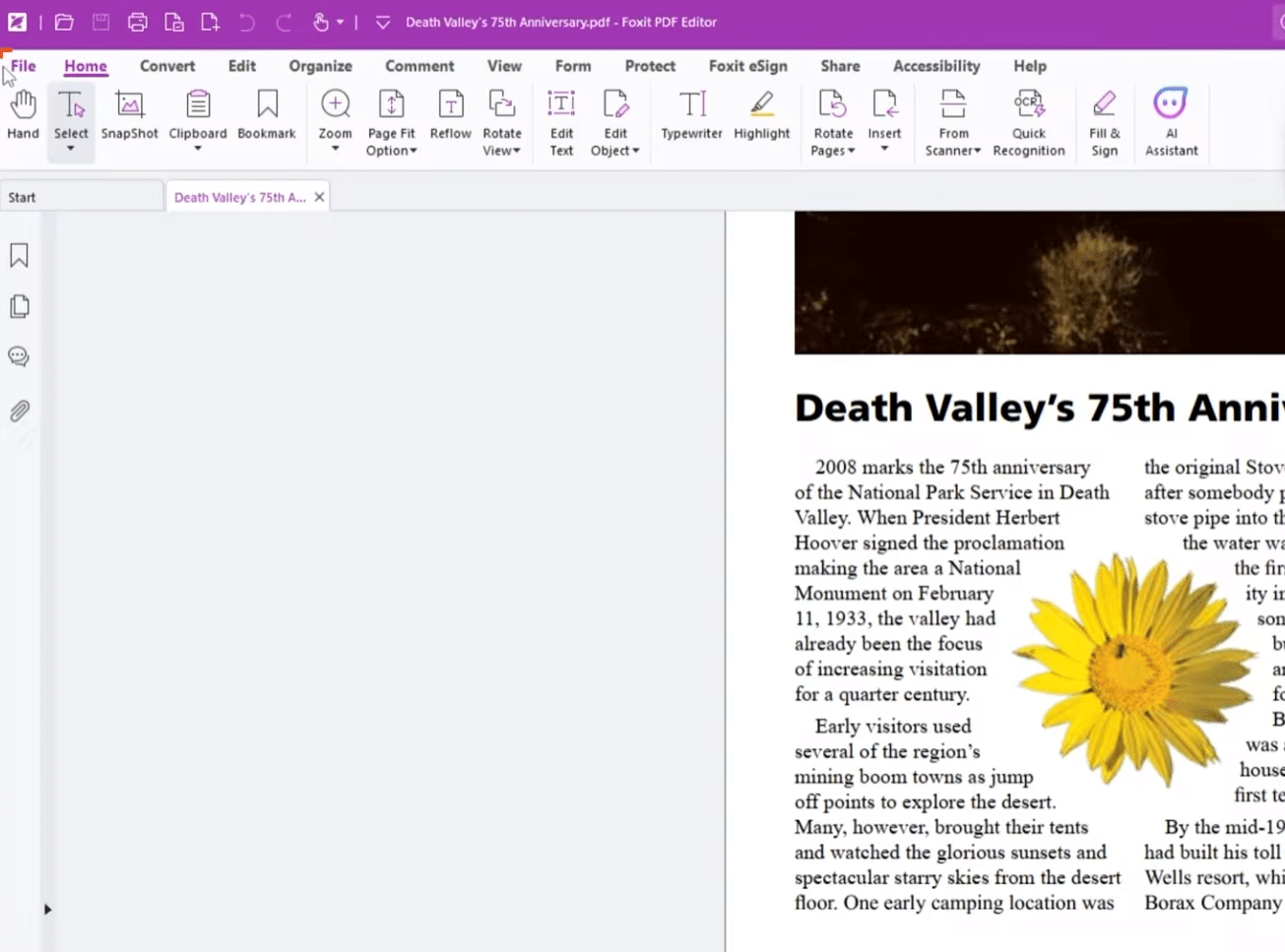
Foxit PDF Editor is the modern replacement for Foxit PhantomPDF and one of the strongest alternatives to Adobe Acrobat if you want to edit PDFs, convert documents, sign forms, and bring many PDF tasks together in one program. It’s especially relevant for office users, students, and small businesses that work with PDFs daily and need more than a basic PDF reader.
Features and tools in Foxit PDF Editor
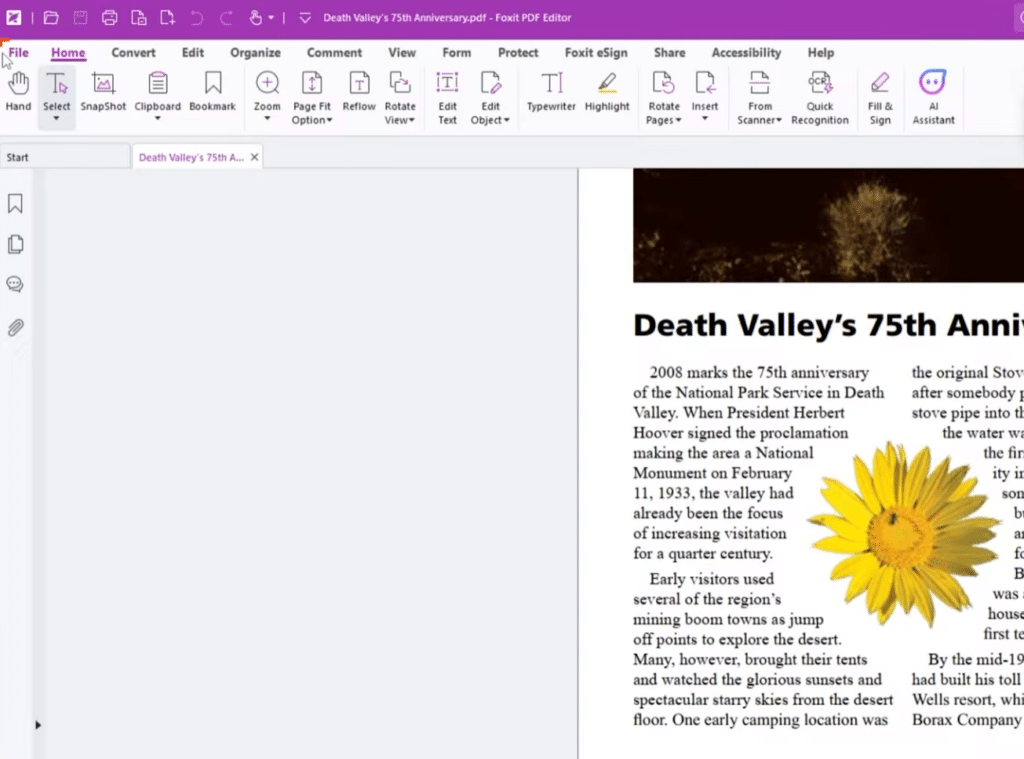
Foxit PDF Editor is built for users who actually work inside PDFs. You can edit text directly in the document, add comments, move elements, rearrange pages, convert files to and from PDF, and protect documents with a variety of security features.
The software is well suited for everything from contracts and reports to forms and scanned documents that need further processing. During our review, it was the broad toolset that made the strongest impression. This isn’t just software for opening a PDF and reading it. It’s a true productivity tool for anyone who often needs to revise content, merge or reorder pages, sign, or export to other formats.
OCR, forms, and PDF conversion in practice
One of Foxit PDF Editor’s biggest strengths is that it brings many capabilities together in one app. You can work with text and images in the PDF, fill and sign forms, organize pages, and export to other formats.
The OCR feature is also worth highlighting because it makes scanned documents more usable and searchable in practice. That’s especially valuable for businesses, students, and government/public-sector teams who often handle older or scanned paperwork.
Our test of Foxit PDF Editor
We found that Foxit PDF Editor fits modern workflows where files are shared across multiple devices and people. It doesn’t feel like an old-fashioned PDF solution, but rather software built for document work—where sharing, exporting, and flexible access matter more than ever.
In testing, it was clear that Foxit targets users who need more than just opening a file and reading it. If you frequently need to edit text, combine pages, add comments, or convert documents, this program feels far more complete than free PDF readers.
How does Foxit PDF Editor compare to other PDF editors?
Foxit PDF Editor isn’t necessarily the right choice for everyone. If you only need to open PDFs or highlight a bit of text once in a while, there are lighter options. But if PDFs are a regular part of your day and you often need to edit, convert, protect, or sign documents, Foxit is a strong pick.
It’s also worth noting that the program can feel a bit extensive at first—especially if you’ve only used simple PDF tools. In return, you get a solution that does far more than free alternatives and, in many cases, serves as a real alternative to Adobe Acrobat.



