
 Martin Jørgensen
Gemini review – Google’s AI assistant in your Google ecosystem
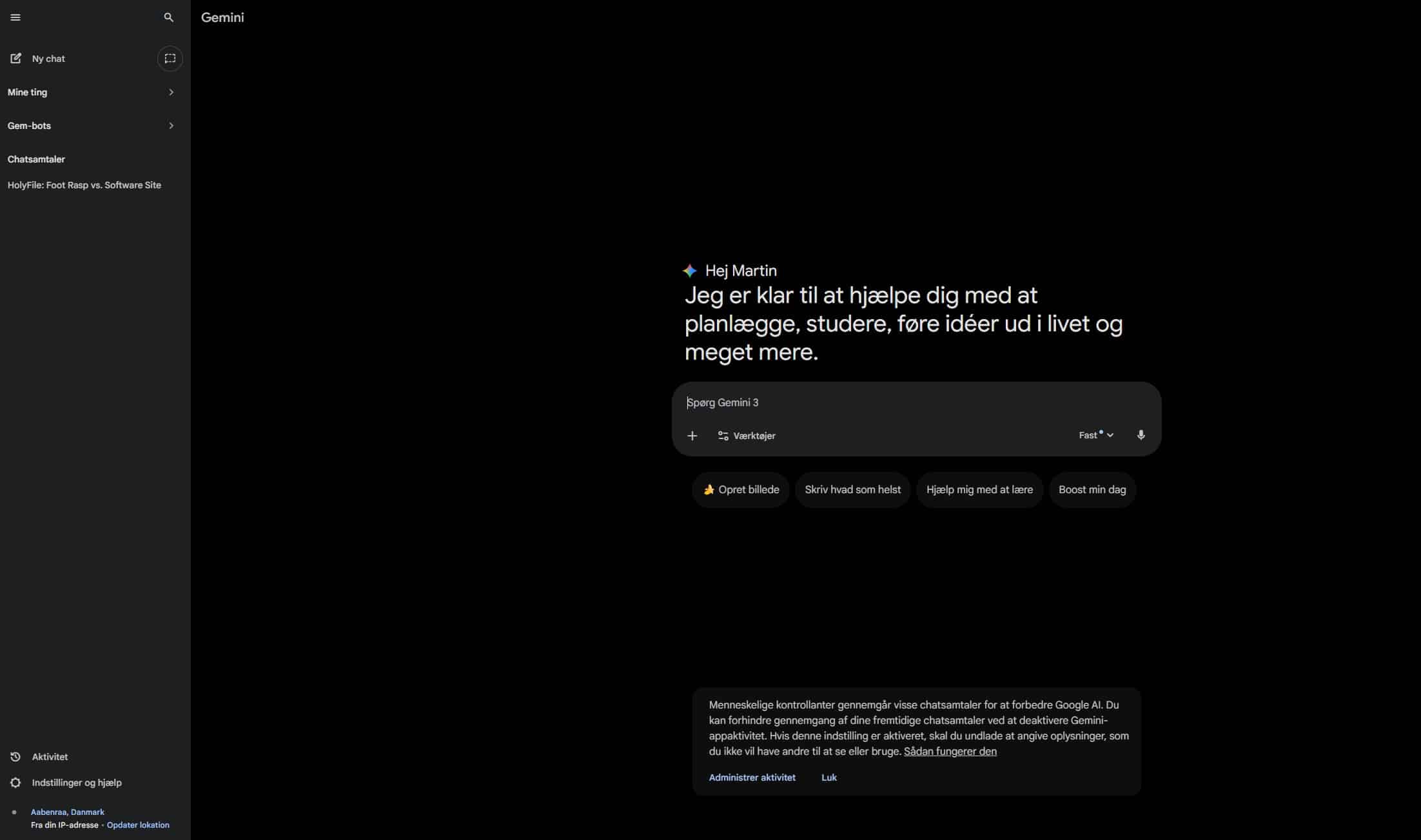
Gemini is Google’s AI assistant and a direct alternative to ChatGPT. It can answer questions, write content, analyze documents and images—and most importantly, work directly with your Google apps like Gmail, Docs, and Photos.
Previously known as Google Bard, Gemini is now fully integrated with your Google account and available in the browser, as a mobile app, and as part of the Android ecosystem. Gemini supports Danish input and output and is free to use in its basic version.
Integration in the Google ecosystem is Gemini’s greatest strength
One of the first things we noticed in testing is how different Gemini feels compared to classic chatbots. It doesn’t live in its own window—it lives inside Google’s tools.
In Google Docs, you can get help rewriting, shortening, or structuring text. In Gmail, Gemini can suggest replies, improve tone, or draft an email from a few bullet points. In Slides, it can help with content for presentations.
For users already working in Google Workspace, Gemini feels less like an extra tool and more like a natural extension of what you use every day.
New feature: Gemini “Personal Intelligence” – when AI understands your context
Google recently launched a new beta feature in Gemini called Personal Intelligence. It makes Gemini notably more personal by letting the assistant reason across your own Google data—such as Gmail, Google Photos, Search, and YouTube history.
In our tests, we found that Gemini can now deliver much more context-aware answers without you having to explain the background. A concrete example: We asked Gemini to help plan a weekend trip, and it automatically drew on past travel emails in Gmail and photos from Google Photos to suggest activities that matched our interests—without mentioning where the information came from.
According to Google, the feature is off by default, and you choose which Google services Gemini can access. That’s important, as not everyone is comfortable with AI looking through emails, photos, and history.
Google also emphasizes that Gemini is not trained directly on the content of your Gmail or Photos. The data is only used to generate the specific response and isn’t stored as training material.
In practice, Personal Intelligence enables Gemini to:
- Connect an email thread with something you previously searched for
- Use photos from Photos to answer practical questions
- Provide recommendations based on your real interests—not generic suggestions
The feature is rolling out first to paying users in the United States, and Google has confirmed it will expand to more countries and likely the free version later.
Gemini Pro vs. Gemini Advanced – what’s the difference?
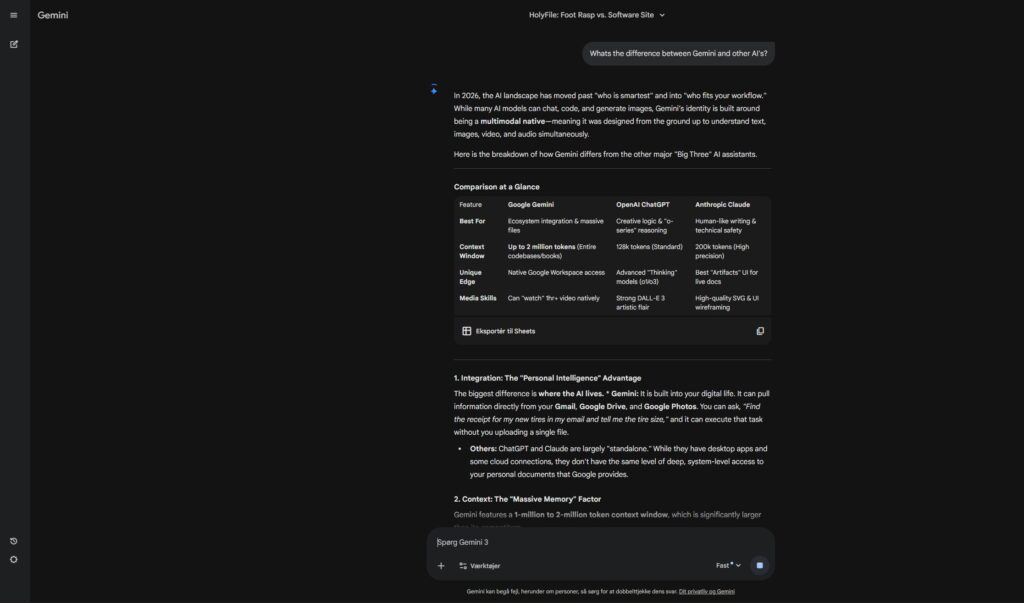
Gemini comes in two main editions:
Gemini Pro (free)
Great for everyday use: chat, writing help, short analyses, and integration in Gmail and Docs.
Gemini Advanced (paid)
Gives access to Google’s most advanced model, which is better for long documents, complex questions, code, and deeper analysis.
For typical personal use, the free version is more than enough. But if you work professionally with writing, analysis, or large documents, the Advanced edition can provide a noticeable edge.
How good is Gemini in Danish?
Gemini handles Danish well for everyday tasks like emails, summaries, and explanations. In our testing, we did notice the language can sometimes feel directly translated from English, especially in longer texts.
Compared to ChatGPT, Gemini is:
- Fast and factual
- Less creative in Danish
- A bit more formal in tone
For practical tasks, Danish works fine, but for creative writing we still recommend an additional proofread.
Gemini vs. ChatGPT – which is best?
The short answer: it depends on how you work.
Gemini is strongest if you:
- Use Gmail and Google Docs daily
- Want AI integrated directly into your work tools
- Prefer a search- and fact-oriented approach
ChatGPT still leads on:
- Conversation and creativity
- Fluent Danish
- Advanced coding
In practice, many people end up using both tools side by side.
Privacy and data security in Gemini
Google saves your interactions with Gemini unless you turn history off in your Google account. You can view and delete past conversations at any time.
With Personal Intelligence, Google has added extra guardrails so Gemini doesn’t make proactive assumptions about sensitive topics like health. If you ask about them, Gemini can use the data to respond.
Our recommendation is clear:
Use Gemini freely for work and planning—but avoid sharing highly sensitive personal information.
Who is Gemini best for?
Gemini is especially well suited for:
- Students and educators
- Freelancers and content creators
- Google Workspace users
- Android users who want AI close at hand
The low barrier to entry and tight integration make Gemini one of the most useful AI assistants right now.
Features and practical use
Gemini can:
- Write and improve text
- Summarize documents and PDFs
- Analyze images
- Help with research
- Suggest emails and replies in Gmail
- Be used via voice on mobile
The interplay between chat, documents, and email is a key factor that sets Gemini apart from competitors.
Top 5 tips for Gemini
Use Gemini to explain long documents
Upload PDFs or text and ask for a bulleted explanation—it saves a lot of time.
Get help directly in Gmail
Gemini can suggest replies or draft emails from a few keywords right in your inbox.
Experiment with context
The more background you provide, the better the answers—especially with the new Personal Intelligence feature.
Use Gemini as a proofreader
It’s strong on structure, tone, and clarity, including in Danish.
Compare instead of just searching
Ask Gemini to compare products, concepts, or solutions—it often gives a better overview than a standard Google search.



