
 Martin Jørgensen
Hamsterball – Fun, fast-paced rolling game packed with action
Hamsterball is a colorful, fast-paced action game where you guide a hamster inside a transparent ball through obstacle courses full of speed, drops, and danger. It’s reminiscent of classics like Marble Madness, but with its own humor and distinctive sound.
We tested the game on a standard Windows 11 PC, and it ran smoothly without errors. Installation takes under a minute, and the game launches right away without requiring registration — pure plug-and-play retro fun.
Gameplay and features
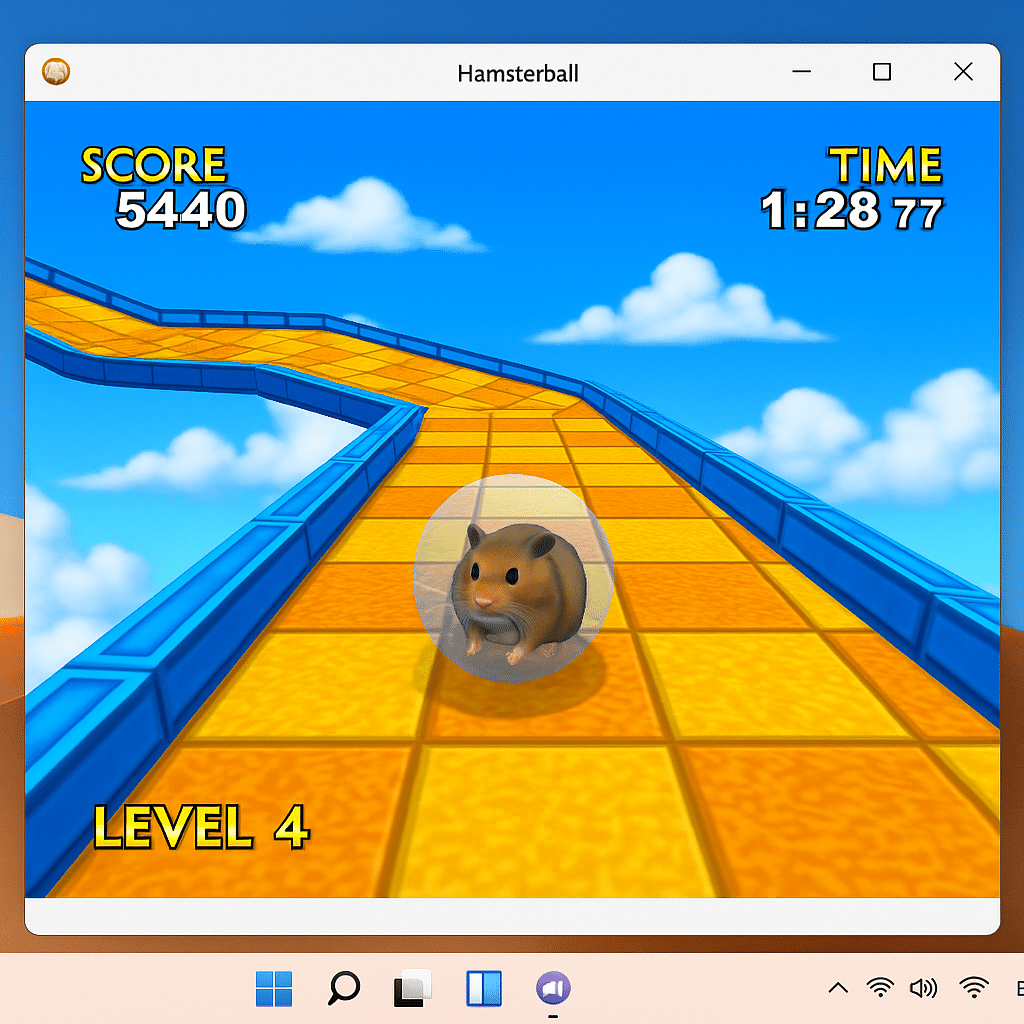
Hamsterball features 15 levels with increasing difficulty. You’ll balance, jump, and roll through stages while avoiding pits, doors, enemies, and the ticking clock.
There’s both single-player and a multiplayer party mode where you can compete with friends — a big plus if you miss some local couch competition.
The three difficulty settings make it accessible for both kids and adults.
Graphics and design
The graphics are 3D-inspired with smooth textures and a colorful environment that still looks good today. The music is energetic and fits the hectic gameplay perfectly — especially when the timer’s running low. The visual style has a charming, almost cartoon-like tone that’s easy to love.
Challenges and controls
Controls are simple and precise with the arrow keys or a gamepad. It takes a couple of minutes to get used to how the ball reacts to acceleration and braking — especially on the slicker levels.
The time limit delivers an adrenaline rush, and it feels incredibly satisfying to hit the finish line with a single second left.
Strengths and weaknesses
Hamsterball strikes a solid balance between fun, frustration, and strategy. Some players may find the last few levels a bit too hard, especially when playing with a keyboard instead of a controller.
Top 5 tips for Hamsterball
Most levels have hidden traps and sharp turns you only notice the first time. Practice the route so you react faster and save precious seconds.
Bounce off walls to whip the ball around corners. Time it right for a quicker turn and a better line through curves.
Small, precise inputs offer much better control than holding keys down. This matters most on slick surfaces.
Some levels hide power-ups that add extra time. They’re often in risky corners but can be the difference between success and game over.
Pick the easy levels first when you play together. Everyone learns the physics before you crank up the difficulty.



