
 Martin Jørgensen
Download IObit Malware Fighter Free – free malware protection for Windows
Your computer is an essential tool for work and free time. We store personal documents, log in to online banking, shop online, and download files every day. That’s exactly why it’s important to have a program that can protect your system from malware, spyware, and other online threats.
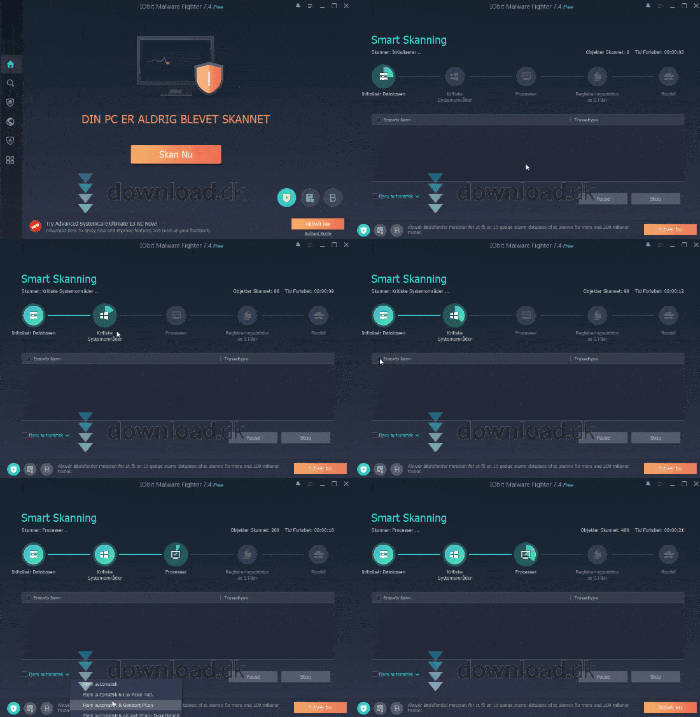
IObit Malware Fighter Free is a free security tool focused on detecting and removing malicious software before it can cause damage. We tested it on a standard Windows PC, and the installation was quick and didn’t bundle annoying extra software – a clear plus.
Scanning and malware protection
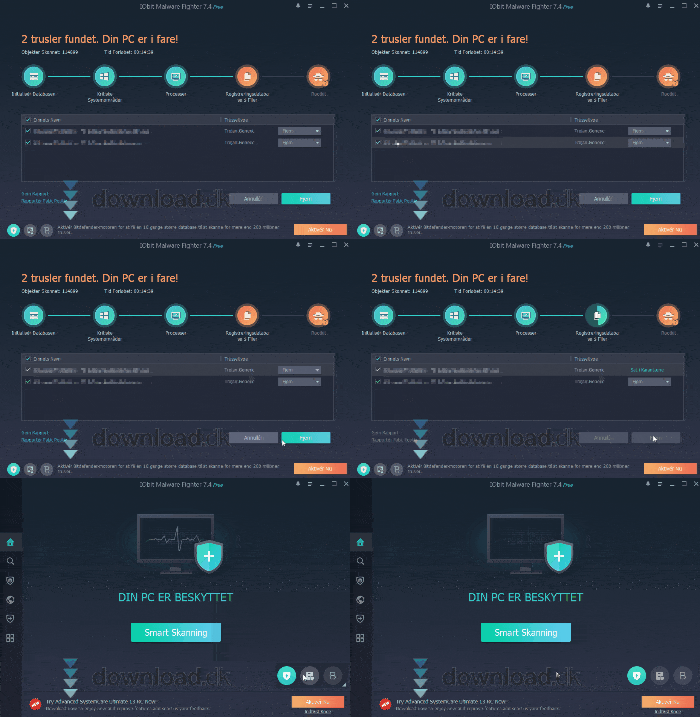
One of the most important features in IObit Malware Fighter Free is its scanning tool. The program offers several scan types, so you can choose what you need:
- Quick Scan that checks the system’s most critical areas
- Full Scan that examines all files and folders on the PC
- Custom Scan of specific files or folders
In practice, the scans run reliably, and the program isn’t overly resource-heavy. During our test, we could continue working while a scan ran in the background.
Browser protection and download safety
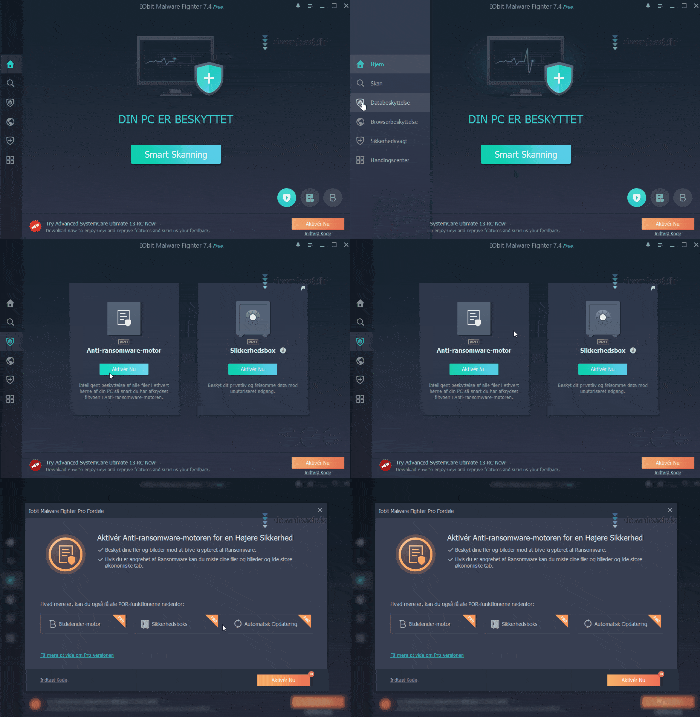
Much of today’s malware comes from the internet — often hidden in downloads, ads, or browser extensions. Here, IObit Malware Fighter Free performs well.
The program automatically scans files you download and blocks known threats before they open. It also protects against unwanted toolbars and browser plugins that can slow down your browser or capture data.
The Pro version unlocks extra features like anti-tracking that automatically removes tracking cookies — but note that this isn’t included in the free edition.
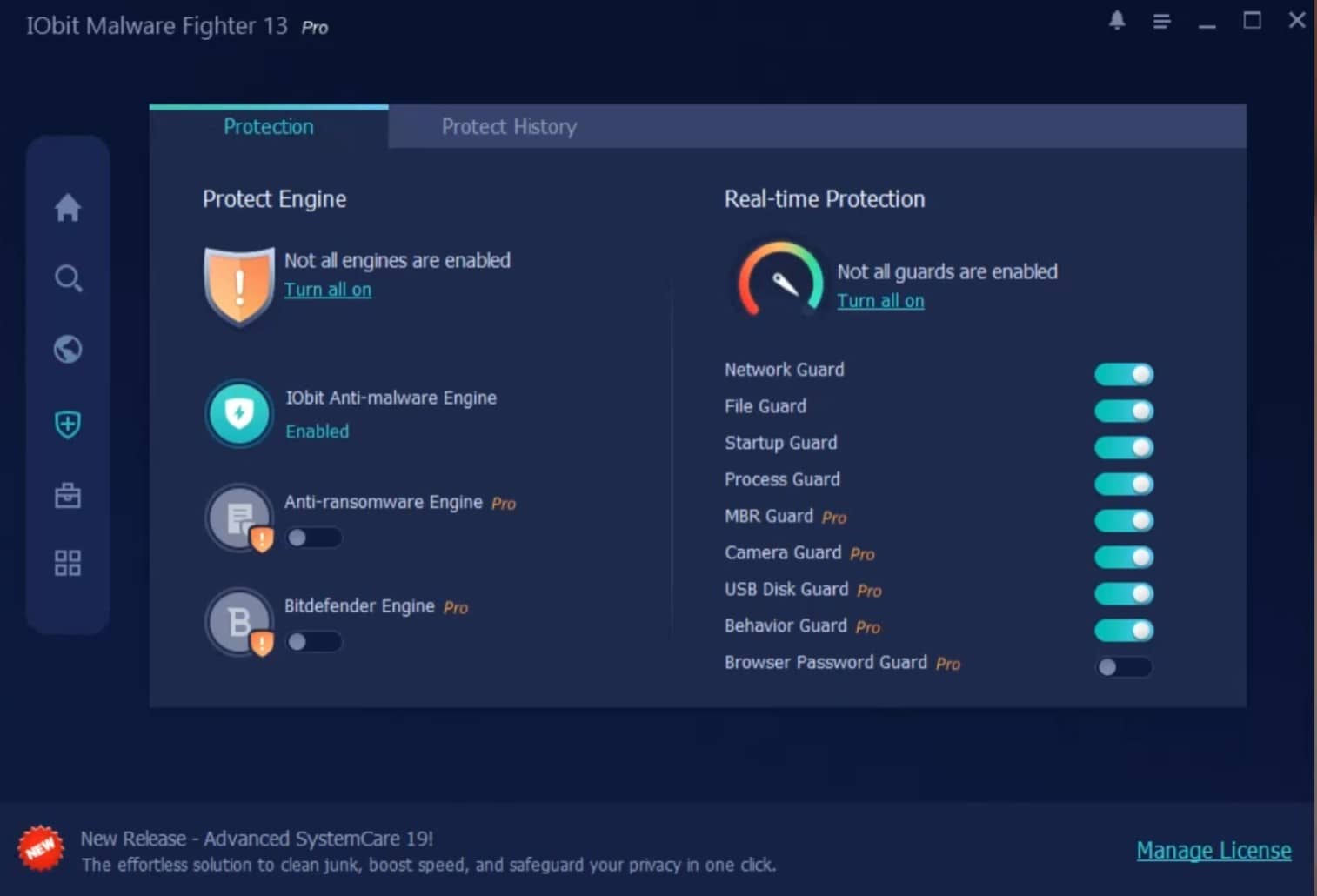
Data protection and ransomware (Pro features)
The free version gives you basic protection, but if you upgrade to Pro you also get:
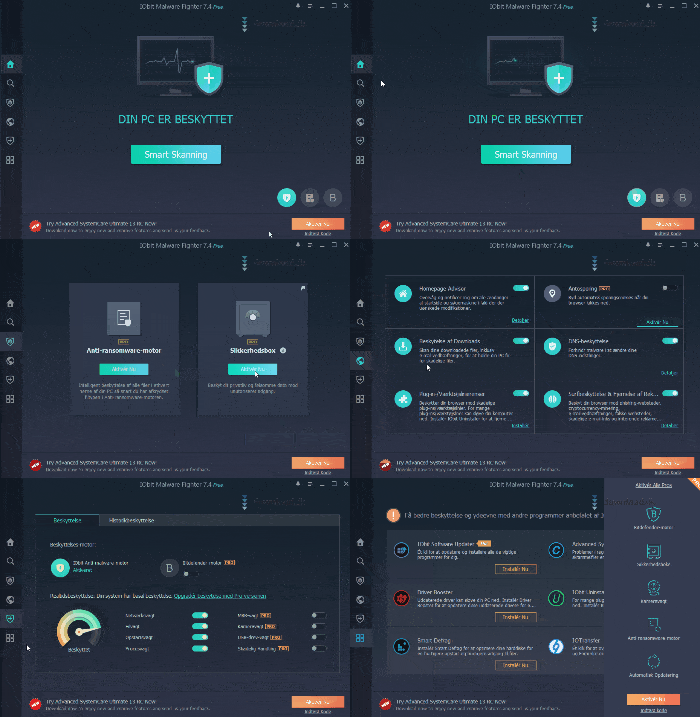
- Anti-ransomware engine that protects against file encryption
- Secure vault for sensitive files
- Advanced real-time protection
Ransomware remains one of the most serious threats to home users, and the difference between Free and Pro is clear here. The free version is fine as a supplement, but not as your only security solution if you want full coverage.
Design and ease of use
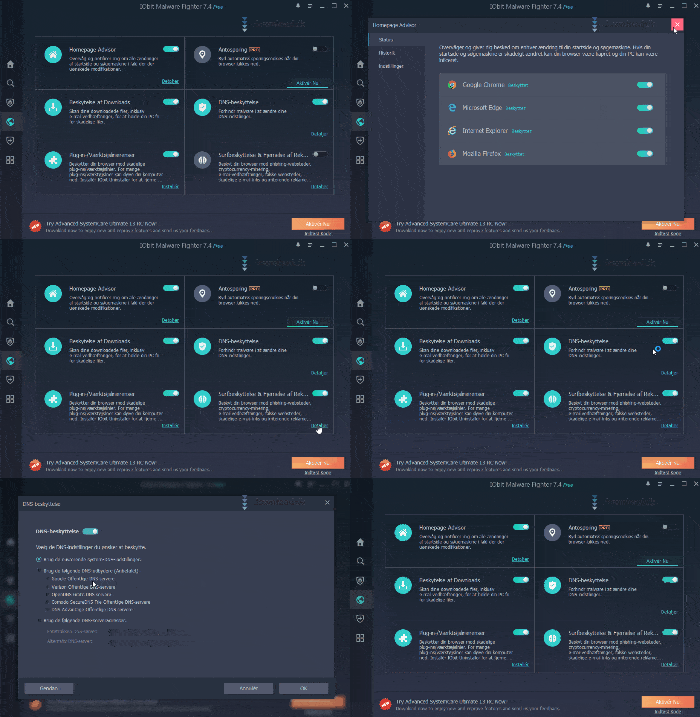
IObit Malware Fighter Free has a modern, slightly futuristic design with a dark background and green accents. It doesn’t just look nice — it also makes navigation straightforward.
The menu is easy to understand, features are logically organized, and even non-technical users can get started quickly. During testing, we didn’t encounter confusing menus or hidden settings.
Alternatives to IObit Malware Fighter Free
If you want to compare with other options, consider:
- Windows’ built-in security (Microsoft Defender)
- Well-known antivirus suites with reliable support
- Free malware scanners as a supplement to your primary antivirus
IObit Malware Fighter Free works best as an extra layer of protection, not necessarily as your only security program.
Why free malware protection still makes sense
Free security software often has a bad reputation, but IObit Malware Fighter Free delivers real value at no cost. It’s especially suitable for users who want an extra layer of protection against spyware and malware — without committing to a subscription.



