
 Martin Jørgensen
Take full control of your photos with Lightroom
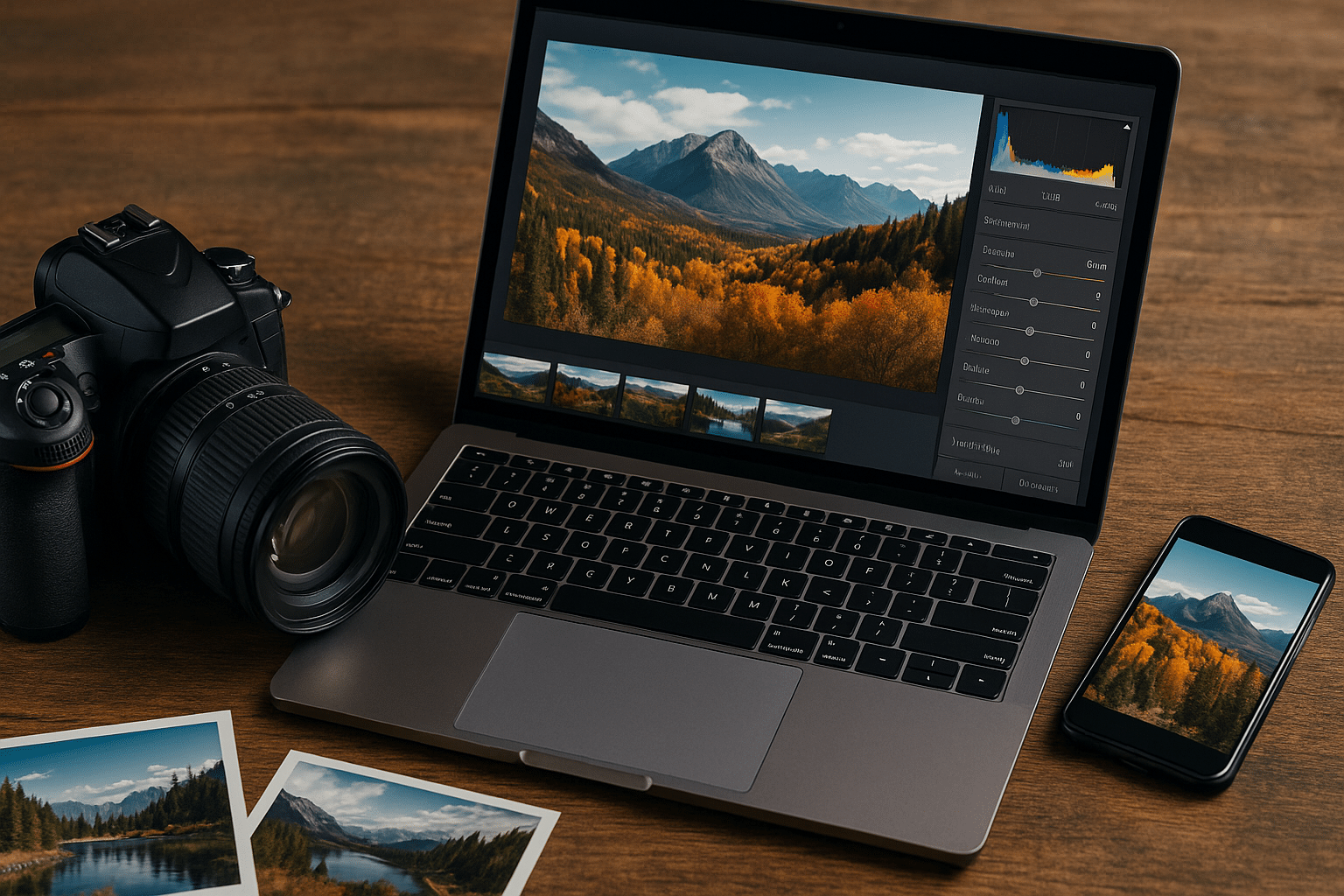
Lightroom by Adobe is a modern, powerful photo editing app that makes it easy to edit, organize, and share your photos—whether you’re a hobbyist or a professional. With cloud syncing, AI tools, and mobile access, it’s a complete solution for photo workflows on Windows, Mac, iOS, Android, and the web.
Top 5 Lightroom tips
Lightroom can automatically identify subjects like people, animals, and the sky with one click. Use the “Select Subject” feature to isolate objects and edit foreground and background separately—ideal for portraits and landscapes.
Create your own presets and save them to the cloud. Apply them on both desktop and mobile for a consistent look and faster workflows—especially when batch editing.
All your photos and edits are saved automatically in Adobe Creative Cloud. Access and work on your images from any device—perfect for travel and mobile workflows.
Organize your photos into albums and add keywords and star ratings. This makes it fast to find images in large libraries—especially helpful for pros and enthusiasts with many folders.
Lightroom Mobile supports RAW files and gives you access to the same editing tools as on desktop. Perfect for quick edits on the go, for example during events, travel, or photo shoots.
Next-level photo editing

Lightroom lets you work non-destructively with both RAW and JPEG files. Adjust exposure, color, contrast, and sharpening with intuitive tools, and use automatiske forbedringer to make your photos look crisp—no advanced technical knowledge required.
Everything happens in a clean, approachable interface where beginners feel comfortable and professionals can work efficiently in depth.
Organization and cloud sync
One of Lightroom’s biggest strengths is its integration with Adobe Creative Cloud. Dine billeder uploades og synkroniseres automatisk between desktop, mobile, and web so you always have access—wherever you are. Folders and albums make it easy to manage large libraries, and you can add keywords and metadata for quick searching.
AI and smart features
Lightroom uses advanced artificial intelligence to help you edit. Features like “Select Subject,” “Select Sky,” and automatisk justering af lys and color save time and deliver great results.
You can also work with presets—either ready-made or your own—and apply them to entire series of photos with a single click.
Free 30-day trial
You can try Lightroom free for 30 days via Adobe’s official website. During the trial you get full access to all features with no limitations—including advanced RAW editing, AI-powered tools, and syncing across all your devices. When the trial ends, choose a plan that fits your needs—either Lightroom on its own or as part of the Adobe Creative Cloud Photography plan. The Photography plan also includes Photoshop, 20 GB or 1 TB of cloud storage, and seamless integration between apps. It’s an ideal solution for both hobbyists and professionals who want flexibility and mobile access in their workflow.



