
 Martin Jørgensen
What exactly is Linux?
If you’ve only used Windows or macOS, you’ve probably never tried Linux—and that’s perfectly normal. Linux is an open-source operating system, which means its code is freely available. Anyone can view, modify, and improve it.
That makes Linux the opposite of Windows and macOS, where Microsoft and Apple control everything. With Linux, there’s no central owner—just a global community of developers constantly improving the system.
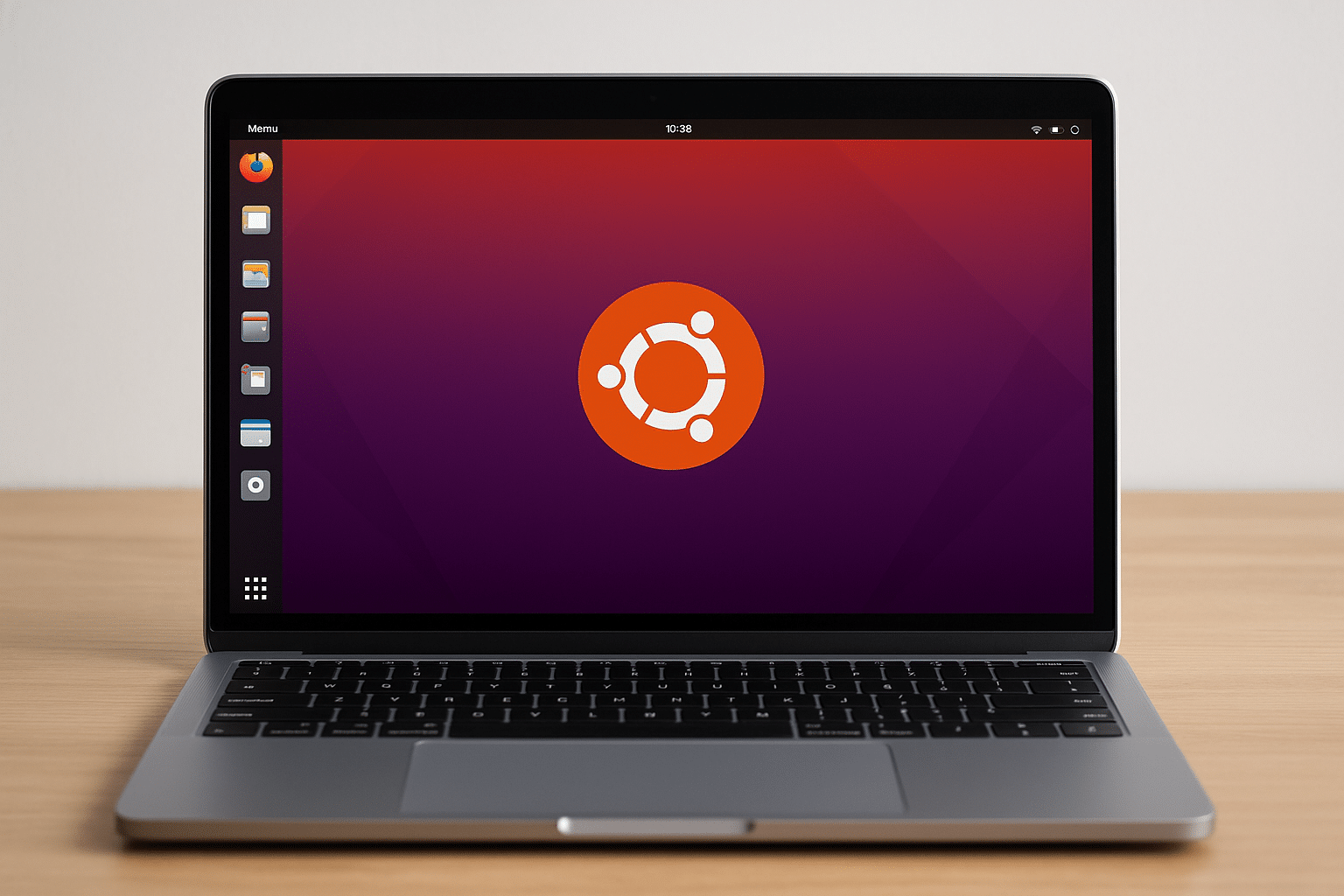
Linux is used everywhere—from supercomputers and Android phones to servers, routers, and even cars. For home users, it’s best known through Ubuntu, one of the most user-friendly editions (called “distributions”).
The difference between Linux, Windows, and macOS
The biggest difference is freedom.
- On Windows and macOS, you must accept license agreements and pay for the software.
- On Linux, everything is free—both the operating system and most apps.
Here are some of the most important differences in practice:
User interface
Ubuntu is in many ways similar to macOS—with a clean design, an app center, and easy navigation. Windows users might need a moment to get used to menus and system settings being placed a bit differently.
Security
Linux is significantly more secure. There are almost no viruses in circulation, and you decide which apps are allowed to access the system.
Updates and performance
Linux uses fewer resources, runs faster on older hardware, and gives you full control over updates. You avoid unwanted background processes and ads.
Software and gaming
There’s software for nearly everything—from Office alternatives (LibreOffice) to Photoshop replacements (GIMP). The game selection still lags a bit, although platforms like Steam and Proton have made big strides.
What does “distributions” mean?
When people say “Linux,” they don’t mean a single system but a whole ecosystem of distributions—different versions of Linux built on the same kernel, each with its own interface and purpose.
The most popular include:
- Ubuntu: The most well-known and beginner-friendly version.
- Linux Mint: Most similar to Windows in layout and function.
- 1: Designed specifically for people switching from Windows or macOS.
- 1: Elegant and minimalist—almost like macOS.
- Fedora: Often used by developers, yet very stable.
If you’re new, Ubuntu or Linux Mint is the perfect place to start.
How to try Linux with zero risk
You can actually test Linux on your computer without changing anything.
Ubuntu can be downloaded as a Live USB, letting you boot the system directly from a USB drive without installing anything.
When you’re ready to install, you can choose “dual boot,” so you get both Windows and Linux on the same machine—and choose at startup which system to use.
This is the ideal way to explore Linux without committing.
What makes Linux a strong choice for the future
More and more users are switching to Linux because they’re tired of the commercial restrictions from Microsoft and Apple. Linux is fast, secure, sustainable, and free—and it gives you full control over your computer.
For everyday users, Ubuntu is a fantastic entry point. You get a modern, stable system that works perfectly for browsing, work, and entertainment—with zero cost.
It takes a little curiosity, but the reward is big: a system that respects you as a user.
Top 5 tips for new Linux users
1. Start with Ubuntu or Linux Mint
These editions are made for beginners and have everything ready from the start—including a software center, browser, and office suite.
2. Use the Software Center
Instead of downloading .exe files, find apps via the built-in Software Center. One click and the installation runs automatically.
3. Update regularly
Run system updates from “Software Updater.” It takes a few minutes and keeps everything secure and stable.
4. Explore the terminal gradually
The Linux terminal can seem intimidating, but it’s powerful. For example, type sudo apt install firefox to install Firefox. Start slowly—you’ll quickly learn to love it.
5. Join the community
There are thousands of forums, guides, and YouTube channels. Search for “Ubuntu forums” or “Linux for beginners”—the community is helpful and friendly.



