
 Martin Jørgensen
McAfee Mobile Security – Protect your phone from viruses, phishing, and data breaches
McAfee Mobile Security is a security app for Android and iOS that protects your smartphone against malware, phishing, unsafe networks, and identity theft. We tested the app on both Android and iPhone in the United States, and the focus is clear: basic but effective mobile protection—especially for users who already have a McAfee subscription.
Mobile protection in practice
On Android, McAfee Mobile Security works like a classic antivirus with real-time scanning of apps, files, and downloads. During testing, we installed several apps from both the Play Store and external sources, and McAfee quickly flagged potentially risky behavior. On iOS, the protection is more limited (as is always the case on Apple’s platform), but its strengths are web protection, Wi‑Fi security, and identity monitoring.
The app is easy to install and requires only a few permissions. Setup takes under five minutes, even if you sign in with an existing McAfee account.
Protection against phishing and dangerous links
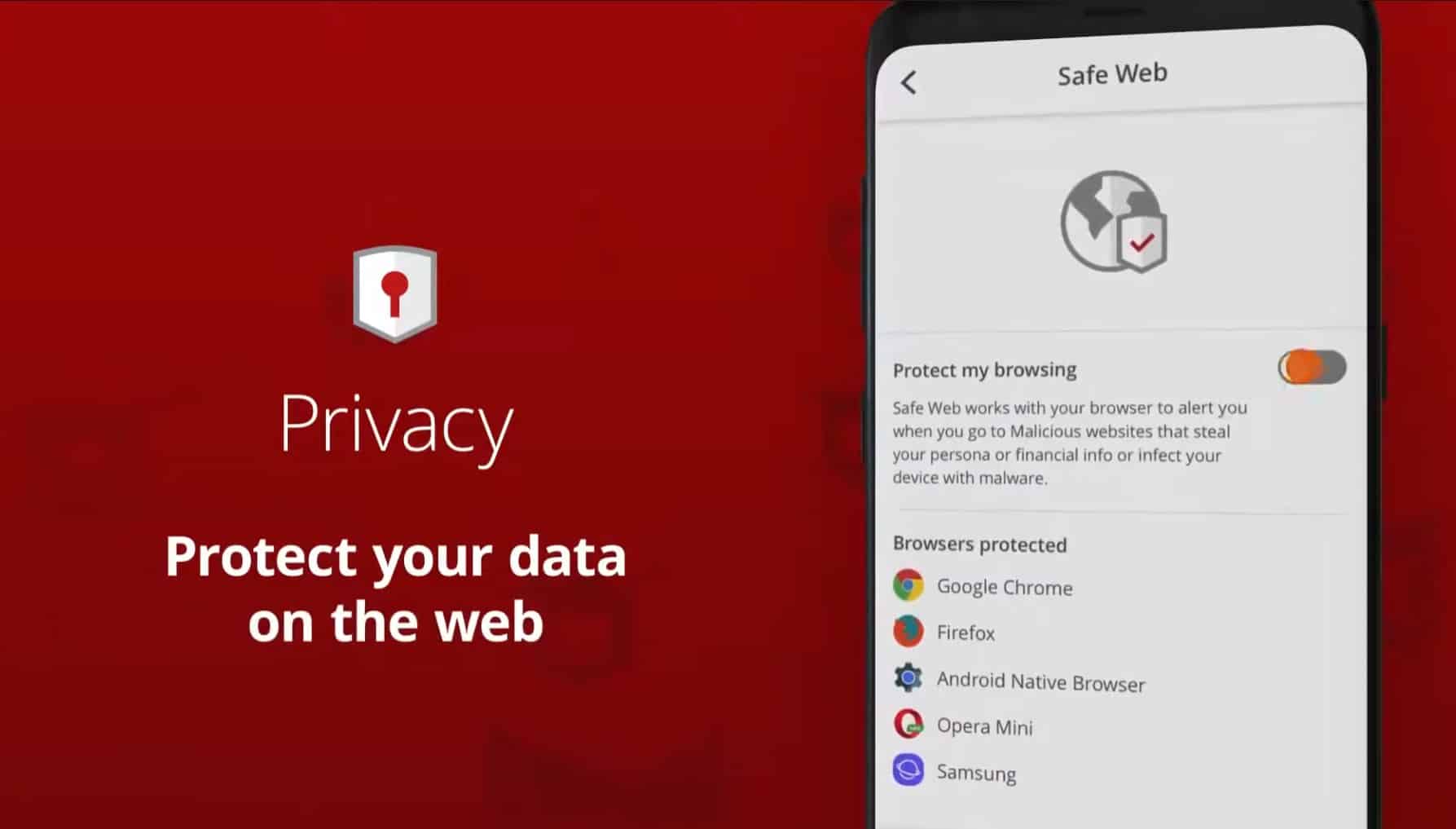
One of the most useful features is web protection, which automatically blocks known phishing sites and suspicious links—in the browser and via messages. This is especially relevant in the United States, where fake SMS messages and delivery scams are widespread.
During our test, several known phishing domains were consistently blocked, and the warnings were clear without being overbearing.
Wi‑Fi security and network monitoring
McAfee Mobile Security warns you when you connect to unsafe Wi‑Fi networks, for example at cafes, hotels, or airports. The app analyzes encryption and network configuration and gives a clear recommendation if the connection is risky.
The feature is simple but effective—and a clear plus for mobile users who often rely on public networks.
Anti-theft and privacy
On Android, the app includes anti-theft tools with the ability to locate, lock, or wipe the phone remotely. It requires proper setup but works reliably. In addition, McAfee helps monitor personal information such as email addresses in known data breaches, depending on your subscription type.
Free vs. paid version
McAfee Mobile Security is available in a free version with basic protection, but most features—including advanced web protection, identity monitoring, and full Wi‑Fi analysis—require an active McAfee subscription. If you already have 1 or LiveSafe, mobile protection is typically included.
Top 5 tips for McAfee Mobile Security
How to get the most out of the app
Sign in with your McAfee account as soon as the app is installed. That ensures the license is activated correctly and that all features become available. Your devices also sync so you can easily manage protection if you also use McAfee on a computer or tablet.
Enable web protection in all browsers
Make sure web protection isn’t limited to your default browser. Many phishing links open via messages, email, or apps, and it’s important that McAfee also scans links opened outside the browser. That provides significantly better everyday protection.
Pay extra attention to Wi‑Fi alerts
Public Wi‑Fi networks are one of the biggest mobile risks. McAfee warns if a network is insecure or lacks proper encryption. Don’t ignore these warnings, even if the connection seems fine—this is often where data can be intercepted.
Review app permissions regularly
Use McAfee’s dashboard to see which apps have access to the camera, microphone, contacts, or location. In our test, it was surprising how many apps had more permissions than necessary. Remove unnecessary permissions for better privacy.
Use mobile protection with a screen lock
Antivirus alone isn’t enough if the phone can be opened freely. Combine McAfee Mobile Security with a PIN, fingerprint, or face recognition. That adds an extra layer of security if your phone is lost or stolen and makes anti-theft far more effective.



