

 Martin Jørgensen
Download Media Player Classic Home Cinema for free
Media Player Classic Home Cinema—better known as MPC-HC—is a fast, minimalist media player for Windows focused on one thing: rock-solid video and audio playback without bloat. It’s free, open source, and available in English and many other languages, which keeps it popular with Windows users who want a no-nonsense player.
We tested MPC-HC on a standard Windows 11 PC, and the installation took under a minute. The app launched quickly and played both older AVI files and newer MP4 videos with no extra codecs required.
Why many still choose MPC-HC
The market for media players is crowded, but MPC-HC stands out for its light footprint. While many modern media players are packed with streaming features, ads, and extra services, MPC-HC sticks to the classic desktop experience.
That makes the player especially well suited for:
- Older or low-spec PCs
- People who play local video and audio files
- Anyone who wants full control without distractions
Installation and first-time setup
Installation is straightforward and free of bundled adware. During setup you can choose English (and other languages), making it more approachable than many alternatives.
After installation, we recommend you:
- Enable automatic update checks
- Check hardware acceleration in Settings
- Set MPC-HC as your default player if you use it often
Interface and navigation
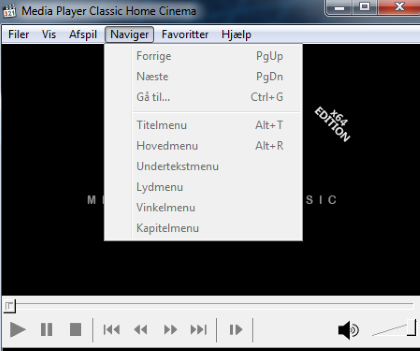
The interface is intentionally classic and reminiscent of the old Windows Media Player. At the top, you’ll find the menu bar with File, View, Navigate, Favorites, and Help.
Keyboard shortcuts play a big role in MPC-HC, and most commands become second nature quickly. The player works for both beginners and more technical users who like to adjust details such as subtitles, audio tracks, and A/V sync.
Supported file formats
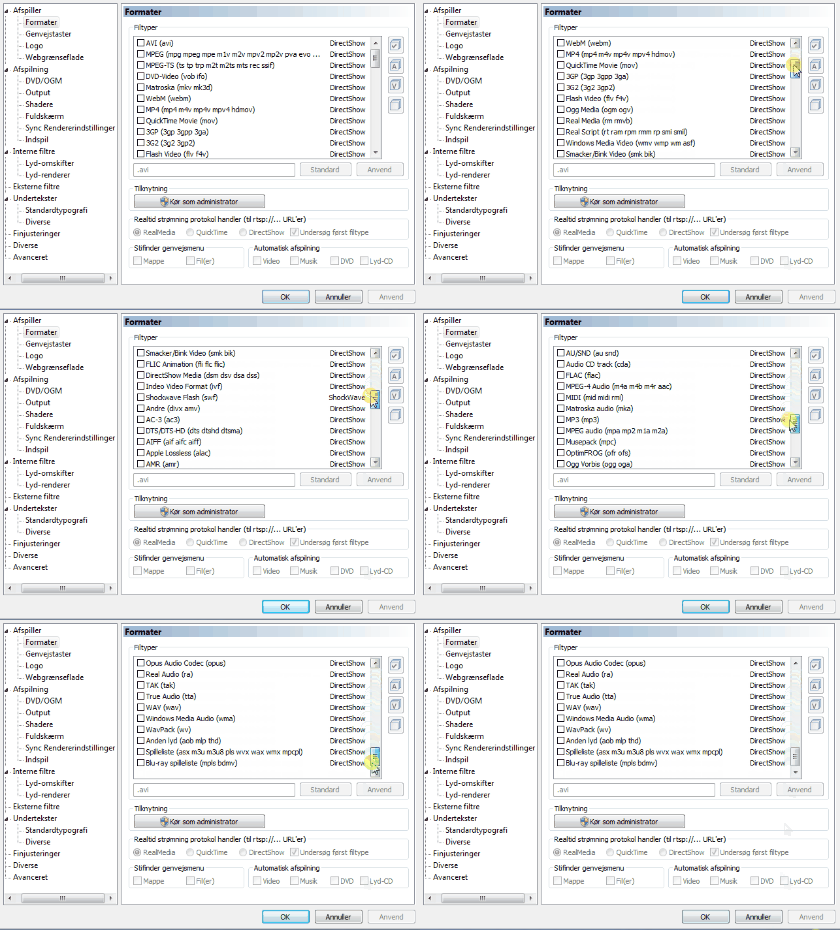
MPC-HC supports most popular video and audio formats without the need for external codecs.
Examples of formats:
- AVI
- MP4 / M4V
- MKV
- MOV
- WebM
- DVD-Video (VOB, IFO)
- Blu-ray structures (BDMV, MPLS)
- MP3, AAC, FLAC, and WAV
In our tests, the player handled both high-resolution videos and older files without issues.
Updates and maintenance
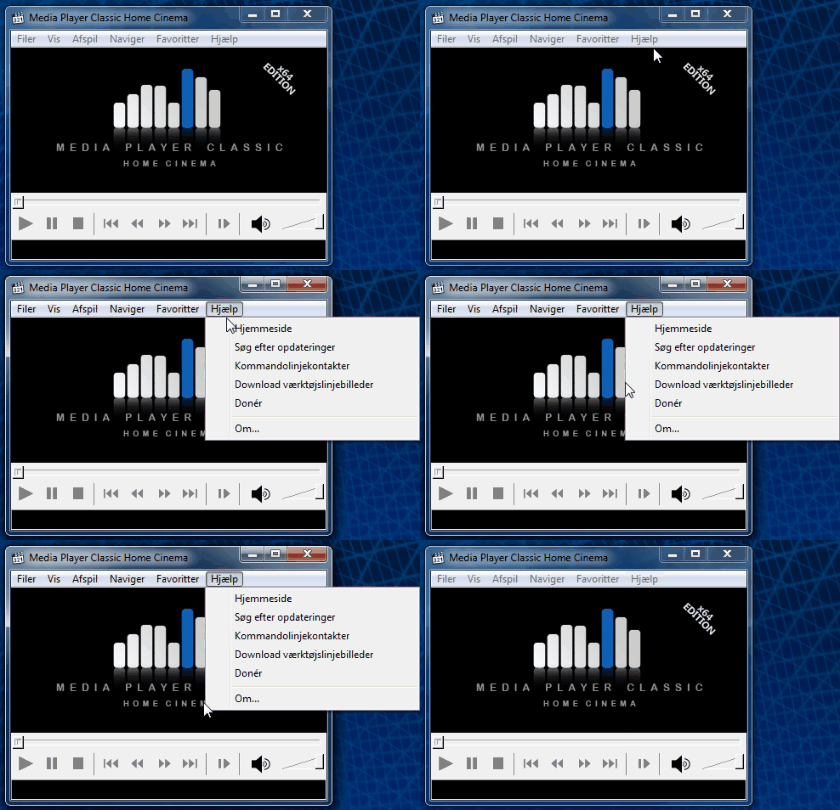
Although MPC-HC isn’t updated as frequently as some commercial players, stable releases are still published. The app can notify you about new versions—we recommend enabling this for compatibility and security.
Alternatives to MPC-HC
If MPC-HC doesn’t fit your needs, there are solid alternatives:
IINA (Mac alternative)
VLC Media Player — more advanced, but also heavier
1 — feature-rich, but less intuitive
Windows Media Player — simple but limited



