
 Martin Jørgensen
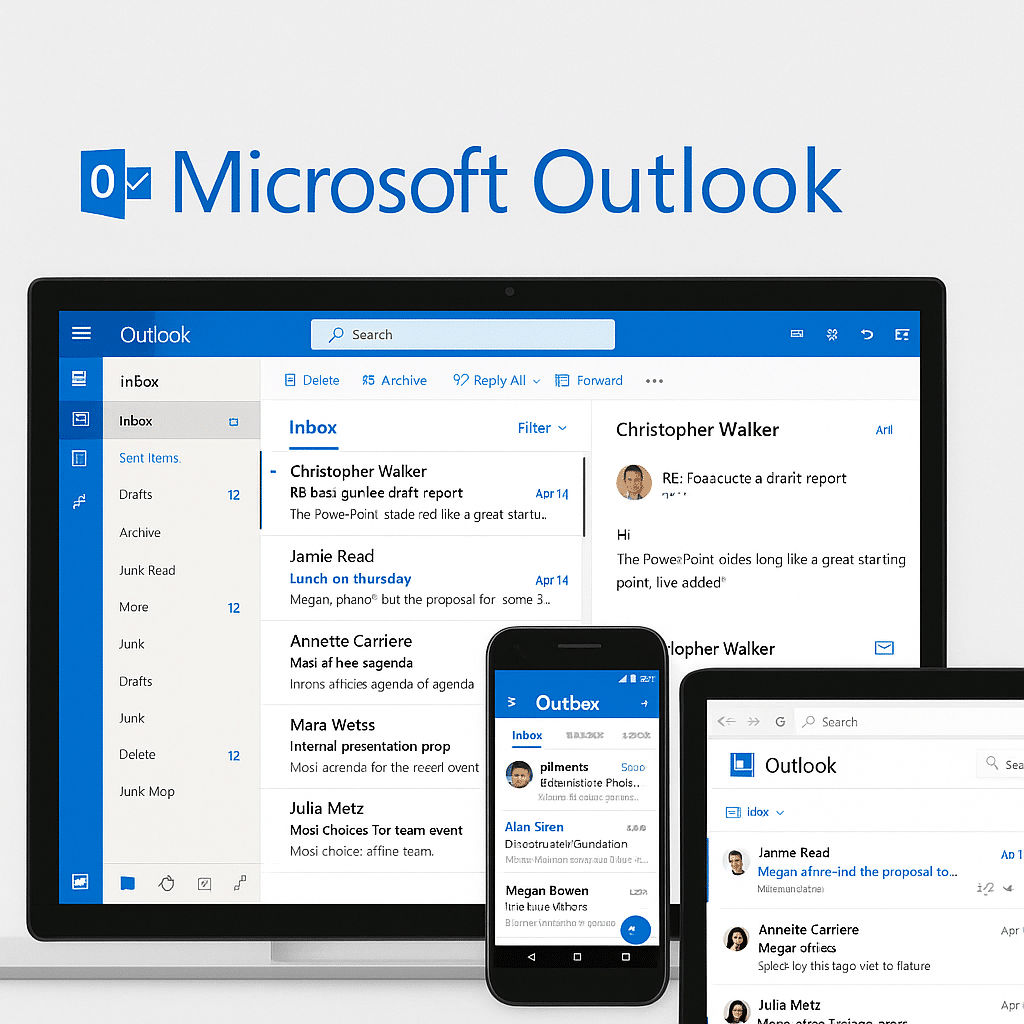
Microsoft Outlook – The all-in-one solution for email and calendar
Microsoft Outlook is one of the world’s most popular email clients and calendar solutions—and for good reason. The app combines email, calendar, contacts, tasks, and file sharing in one streamlined platform for web, PC, Mac, and mobile.
Whether you use it for work, school, or personal email, Outlook is an effective tool for keeping your messages and appointments organized.
What is Microsoft Outlook?

Outlook is Microsoft’s official email and calendar platform and is available as:
- Web version (Outlook.com) – free for everyone
- Desktop app – part of the Microsoft 365 suite (formerly Office)
- Mobile app – for Android and iOS
Outlook integrates tightly with Microsoft 365 and OneDrive, making it a great choice if you already use Word, Excel, and Teams.
Features in Microsoft Outlook

Outlook is much more than just an inbox. Here are some of the most important features:
- Focused Inbox – separates important emails from everything else
- Advanced calendar management – schedule meetings, get reminders, share your availability
- Contacts and task lists – keep track of your network and to-dos
- OneDrive integration – attach and share files directly from the cloud
- Groups and shared mailboxes – perfect for teams and project collaboration
- Security and spam filtering – Microsoft’s protection layers keep your data safe
- Powerful search with keyword suggestions – quickly find what you need
Web, app or desktop – which should you choose?
Outlook.com (webmail):
Completely free and easy to use right in your browser. Gives you access to email, calendar, and contacts, but lacks some of the advanced features found in the desktop version.
Outlook for Windows and Mac:
Requires a Microsoft 365 subscription, but unlocks all features, including offline access, deep integration with other Office apps, and local data management.
Outlook mobile app:
Available for both iOS and Android. Lightweight, modern interface with push notifications and support for multiple accounts.
How much does Outlook cost?
- Outlook.com: Free for everyone – with up to 15 GB of storage
- Microsoft 365 Personal: About $8–$9/month – includes Outlook + Word, Excel, PowerPoint, and more
- Microsoft 365 Family: About $11–$12/month for up to 6 people
You can usually get a 30-day free trial directly from Microsoft’s website.
Alternatives to Microsoft Outlook
If you want a free solution with many of the same features, consider:
- Mozilla Thunderbird – open source, with lots of extensions and flexibility
- Mailbird – user-friendly Windows client with a clean interface
- eM Client – combines calendar, contacts, and email in a sleek app
- Apple Mail / Gmail – if you’re already in the Apple or Google ecosystem
Top 5 tips to get the most out of Outlook
Focus your inbox automatically
Outlook has a built-in feature called Focused Inbox that automatically prioritizes your most important emails. It distinguishes between “Focused” and “Other” and learns from your habits so newsletters, ads, and less important messages don’t get in the way. Turn it on via View > Show Focused Inbox in the desktop app—or directly in Settings in Outlook on the web and mobile.
Create rules and automation
With rules, Outlook can automatically sort, flag, move, or delete emails based on sender, subject, or content. It saves time and helps keep your inbox tidy. For example, you can create a rule that moves invoices to an “Accounting” folder or forwards emails from your manager to your personal address.
Use @mentions in emails
If you want to make sure a colleague or contact sees something important in a long thread, use @name in the body text. The person is highlighted and the email is automatically flagged for them. This works on web, desktop, and mobile—and is ideal in collaboration scenarios where multiple people are CC’d.
Schedule meetings in one click
When composing an email and proposing a meeting, use Insert > Availability (or “Suggest time”), which shows your free time right in the message. If you use Outlook with Microsoft 365, you can also see coworkers’ calendars and find the best time without a long back-and-forth.
Search smarter
Outlook has a powerful search—many people just don’t use it to its full potential. Save time with search operators such as:
from:name(emails from a specific person)subject:keyword(emails with a specific subject)has:attachment(only emails with attachments)received:>07/01/2025(emails received after a specific date)
You can combine them for even more precise filtering. The search box automatically suggests relevant combinations based on your previous searches.



