
 Martin Jørgensen
Mobirise – Create websites without coding
Mobirise is a free website builder that lets anyone create professional websites without writing a single line of code. Everything happens in a visual editor where you simply drag and drop blocks, edit text, and insert images directly on your page.

We tested Mobirise on a standard Windows 11 PC, and the installation took under two minutes. The program opens with a brief introduction, after which you can start building your first website right away. Everything feels straightforward, and you can quickly achieve a polished result without prior experience.
Features and options

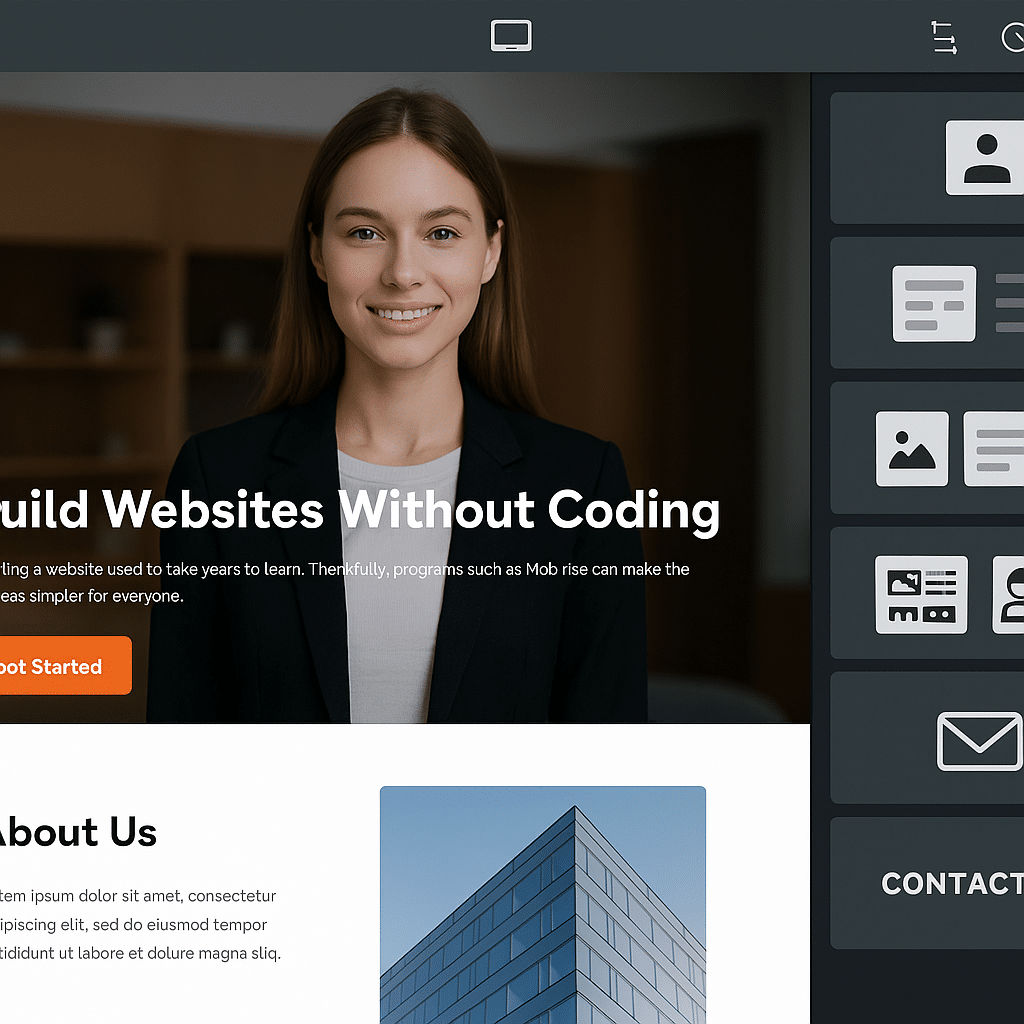
Mobirise works with so-called blocks that act as building bricks for your website. In our test, we started with a blank page and opened the menu in the bottom-right corner. From there, we could add everything from a classic header with a call-to-action button to image galleries, contact forms, and footers. It felt a bit like building with LEGO — you click the element you want, and it’s instantly inserted on the page.
Each block can then be customized directly on screen. We edited headings, swapped images, and adjusted colors with just a few clicks. The text fields responded quickly, and we could see changes immediately without saving or reloading.
In our test, we especially noticed how easy it was to tailor blocks for a more professional look. For example, a gallery could be changed from a simple 2x2 layout to a more dynamic masonry view in under a minute.
The program offers:
✅ An intuitive drag-and-drop editor that makes building easy even for beginners
✅ Automatic mobile optimization — we tested a design on both smartphone and tablet, and it adapted beautifully with no extra work
✅ A large library of free themes and templates you can customize to fit your needs
✅ The option to expand with Premium themes and an integrated Code Editor for those who can code
✅ Export your entire website as HTML, so you can upload it to your own web host and aren’t locked to a specific platform
Design and user experience

We found that Mobirise templates look modern right out of the box. Even if you only change text and images, you can get a professional look without spending hours fine-tuning. Drag-and-drop is similar to other website builders (e.g., Wix and Weebly), but Mobirise feels faster and more flexible — especially because you work locally on your PC without relying on the internet.
Free vs. Premium
The free version gives you access to plenty of blocks and themes, but if you work seriously with websites, the Premium edition is clearly more compelling. You get:
✅ Thousands of exclusive themes and features
✅ Sliders, tabs, counters, timelines, and much more
✅ Access to the Code Editor for direct code edits
For beginners, the free edition is more than enough to build a complete website, but for freelancers or small businesses, Premium can quickly pay for itself.
Platforms and updates
Mobirise is available for both Windows and macOS. We found that the program ran smoothly on both systems. The developers continually release new themes and features, so the app always feels fresh.
Frequently asked questions about Mobirise
Yes, Mobirise is available in a free version that provides access to many templates and features. However, some advanced blocks and themes require a Premium license.
Yes, all websites made with Mobirise are automatically mobile-optimized, so they look great on smartphones, tablets, and computers.
Yes. Mobirise does not host your websites. You export your site as HTML and upload it to your own web host or use a third-party hosting provider.
Yes, Mobirise is available for both Windows and macOS. You can download the version that fits your system directly from the developer’s website.
With the Premium edition, you get access to thousands of extra templates, advanced features like sliders, tabs, and counters, plus an integrated Code Editor for those who want to edit the code directly.



