
 Martin Jørgensen
Norton AntiVirus – Protection You Can Trust
Norton AntiVirus is one of the most recognized and widely used antivirus solutions worldwide. The American developer Gen Digital (formerly Symantec) has been synonymous with digital security for decades—and for good reason. The software provides effective protection against viruses, spyware, ransomware, and phishing, and it’s easy to install and use—even for beginners.
Top-tier features and protection
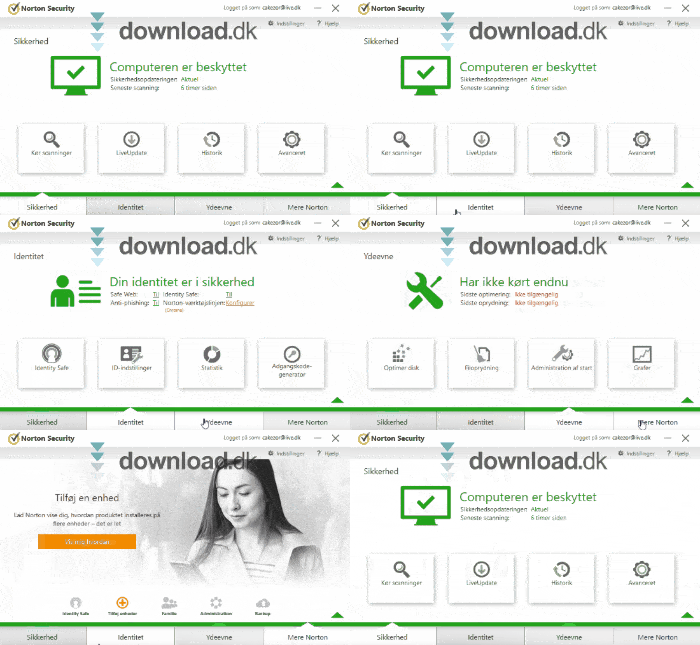
Norton AntiVirus protects your PC in real time with an intelligent scanner that monitors all system processes and files while you work or browse the web. Highlights include:
- Advanced virus protection
- Firewall and network monitoring
- Anti-phishing to protect your personal information
- Automatic virus definition updates
- Minimal system impact
Norton runs quietly in the background and only alerts you when something needs your attention. Everything is automated—scans and updates included.
Modern, user-friendly design
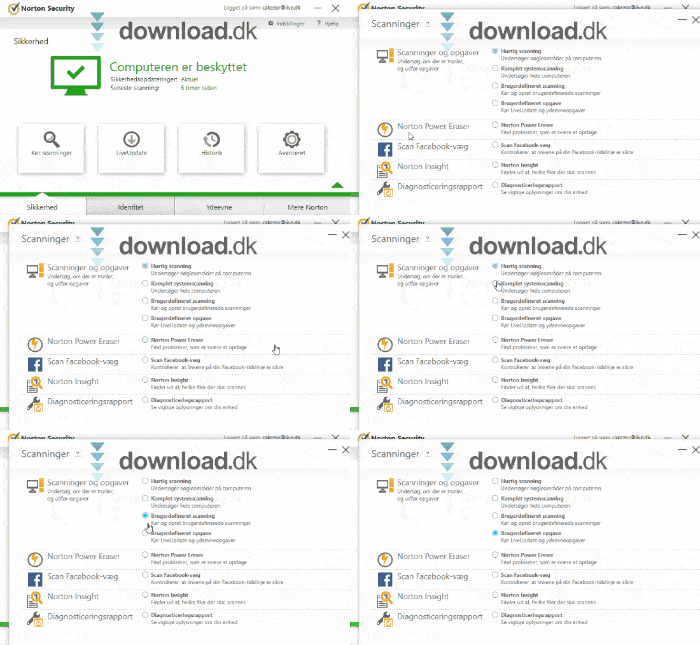
The Norton AntiVirus interface has improved significantly over the years. The latest design is modern, minimalist, and intuitive. You can access all key features from the home screen, and it takes no technical knowledge to run a quick scan, check protection status, or adjust settings.
World-class support
Norton offers English-language support via phone and live chat. It’s known for fast response times and knowledgeable agents. You can also find answers to most questions in the extensive online knowledge base.
Pricing and updates
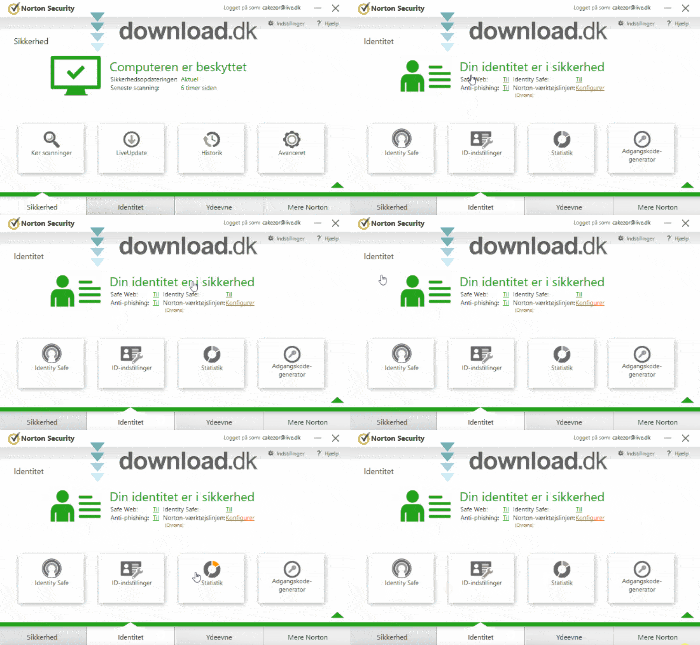
When you purchase Norton AntiVirus, updates are included for the entire license term. The software is updated frequently to protect against emerging threats. Norton typically offers subscription plans, and you can often find promotional pricing for the first year.
Comparison with alternatives
If you’re considering alternatives to Norton, AVG AntiVirus Free and McAfee Total Protection are worth a look. Norton, however, stands out by combining high-level security with a very user-friendly interface and strong customer support.
Frequently Asked Questions
✅ View and manage your devices
✅ Renew or upgrade your subscription
✅ Activate new licenses
✅ Access support and downloads
This is especially useful if you have multiple devices protected by Norton—such as a desktop, laptop, and smartphone—so you can manage everything from one place.



