
 Martin Jørgensen
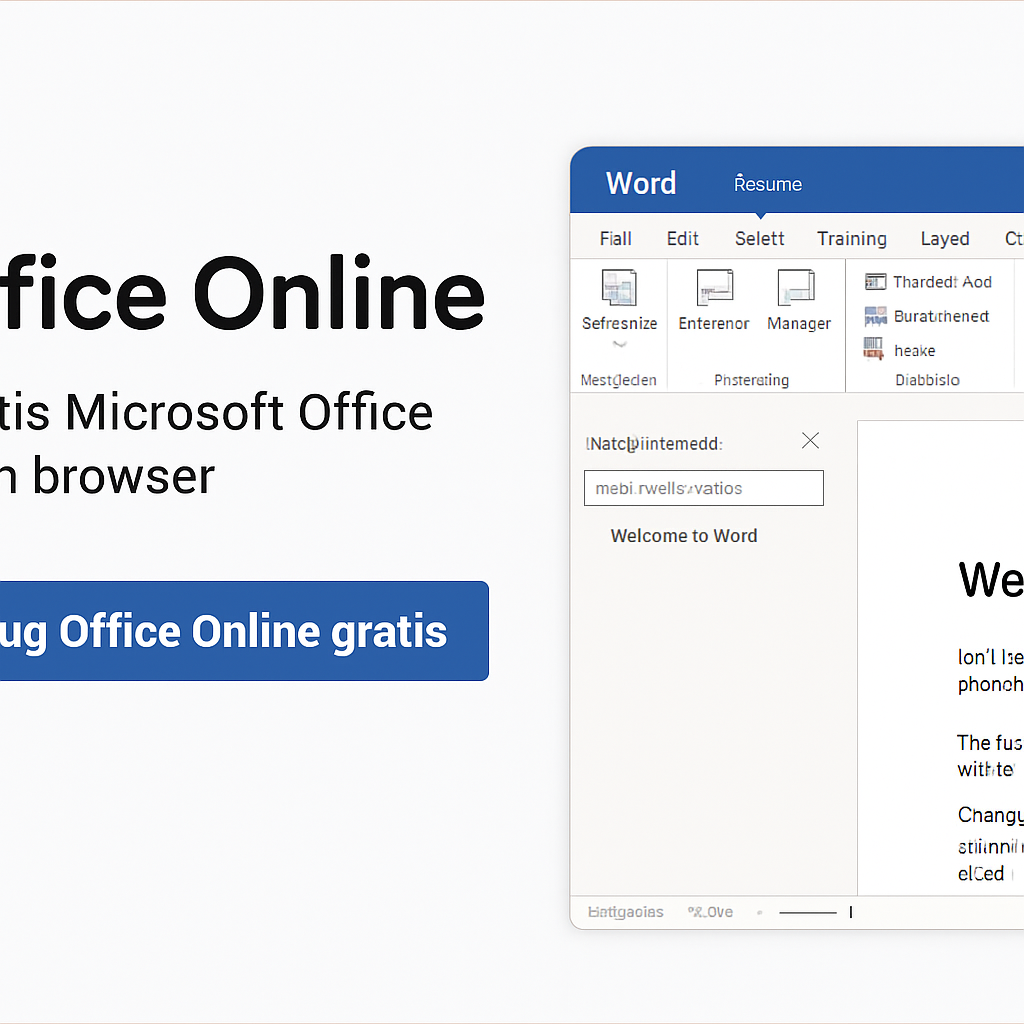
Office Online – Microsoft’s free Office suite in your browser.
Office Online – also called Microsoft 365 Online – is the free, easy-to-access version of Microsoft’s popular Office suite that you can use directly in your browser. This means you can open, edit, and share documents in Word, Excel, PowerPoint, and OneNote — no installation or payment required.
You just need a free Microsoft account, and you’re ready to go. Everything runs in the cloud, and your files are saved automatically in OneDrive, so you can access them from any device. It all works with a Danish interface and spell check, and you can collaborate with others in real time — ideal for group work, school projects, and small teams.
Office Online works on Windows, macOS, Chromebook, and mobile/tablet via the browser, and it’s perfect if you want a free, ad‑free Office solution — still with the classic Microsoft feel.
Although Office Online has some limitations compared to the desktop edition, you still get the essential features for word processing, spreadsheets, and presentations. It’s a great solution for students, home users, freelancers, and small businesses who want to save money without compromising on compatibility.
With Danish spell check, templates, automatic save, and link sharing, you get a serious competitor to both Google Docs and WPS Office — just with the familiar Office interface.
Features and limitations in Office Online
Features:
- ✔️ Free access to Word, Excel, PowerPoint, and OneNote via the browser
- ✔️ Automatic saving to OneDrive (5 GB free)
- ✔️ Danish interface and spell check
- ✔️ Real-time collaboration with comments and sharing via link
- ✔️ Access from all platforms: Windows, macOS, Chromebook, Linux, Android, and iOS (via browser)
- ✔️ Access to free templates for resumes, budgets, presentations, and more
Limitations (compared to the desktop version):
- ⚠️ Advanced features in Excel, Word, and PowerPoint aren’t available (macros, VBA, advanced typography and data processing)
- ⚠️ Requires an internet connection (can’t be used offline without the mobile apps)
- ⚠️ No access to Access and Publisher
- ⚠️ Limited layout and design control in some document types
- ⚠️ Not ideal for complex workflows or large documents
⚖️ Comparison: Office Online vs. Google Docs and WPS Office
| Feature | Office Online | Google Docs | WPS Office (free) |
|---|---|---|---|
| Price | Free | Free | Free (with ads) |
| Danish spell check | ✔️ | ✔️ | ✔️ |
| Compatibility with .docx/.xlsx/.pptx | ✔️ (full) | ⚠️ Partial | ✔️ (very good) |
| Cloud storage | ✔️ (OneDrive) | ✔️ (Google Drive) | ⚠️ Limited WPS Cloud (1 GB) |
| Offline functionality | ⚠️ Only via apps | ✔️ (requires setup) | ✔️ |
| Real-time collaboration | ✔️ | ✔️ | ⚠️ Limited |
| Platforms | Any with a browser | Any with a browser | Windows, macOS, Android, iOS |
| Ad-free | ✔️ | ✔️ | ❌ (ads in free version) |
| Best for | Students, small teams | School, collaboration | Individuals, home office |



