
 Martin Jørgensen
Onlime – Cloud backup with unlimited storage
Onlime is a Danish/Norwegian cloud service that offers unlimited cloud backup and sync for both individuals and businesses. Compared to US-based services like Dropbox and Google Drive, you get a solution backed by strict Scandinavian privacy protections.
Features and options in Onlime
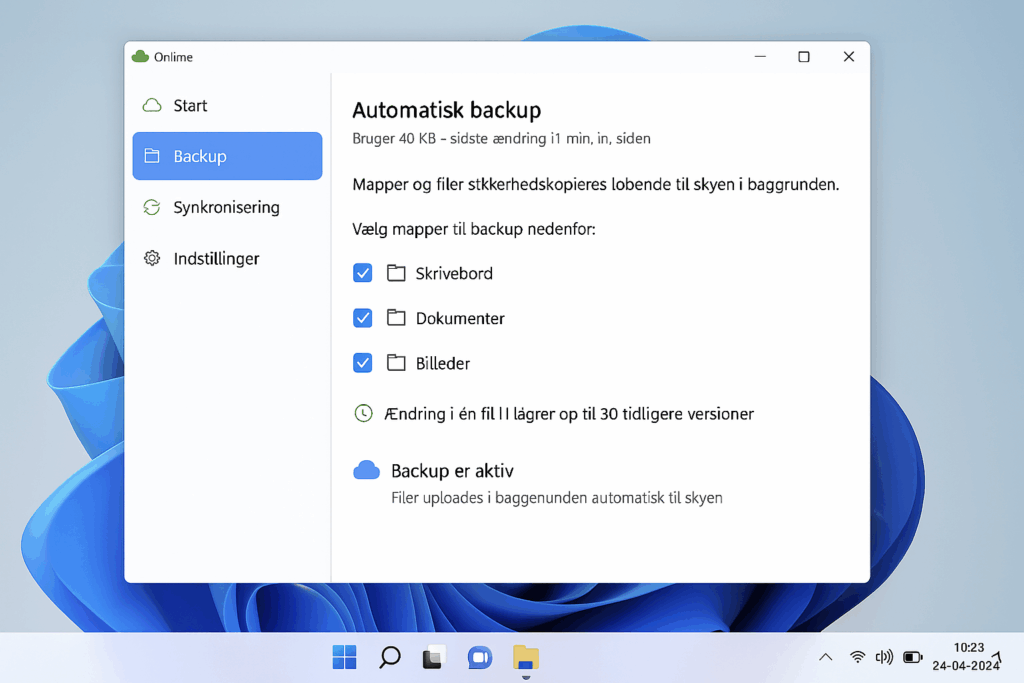
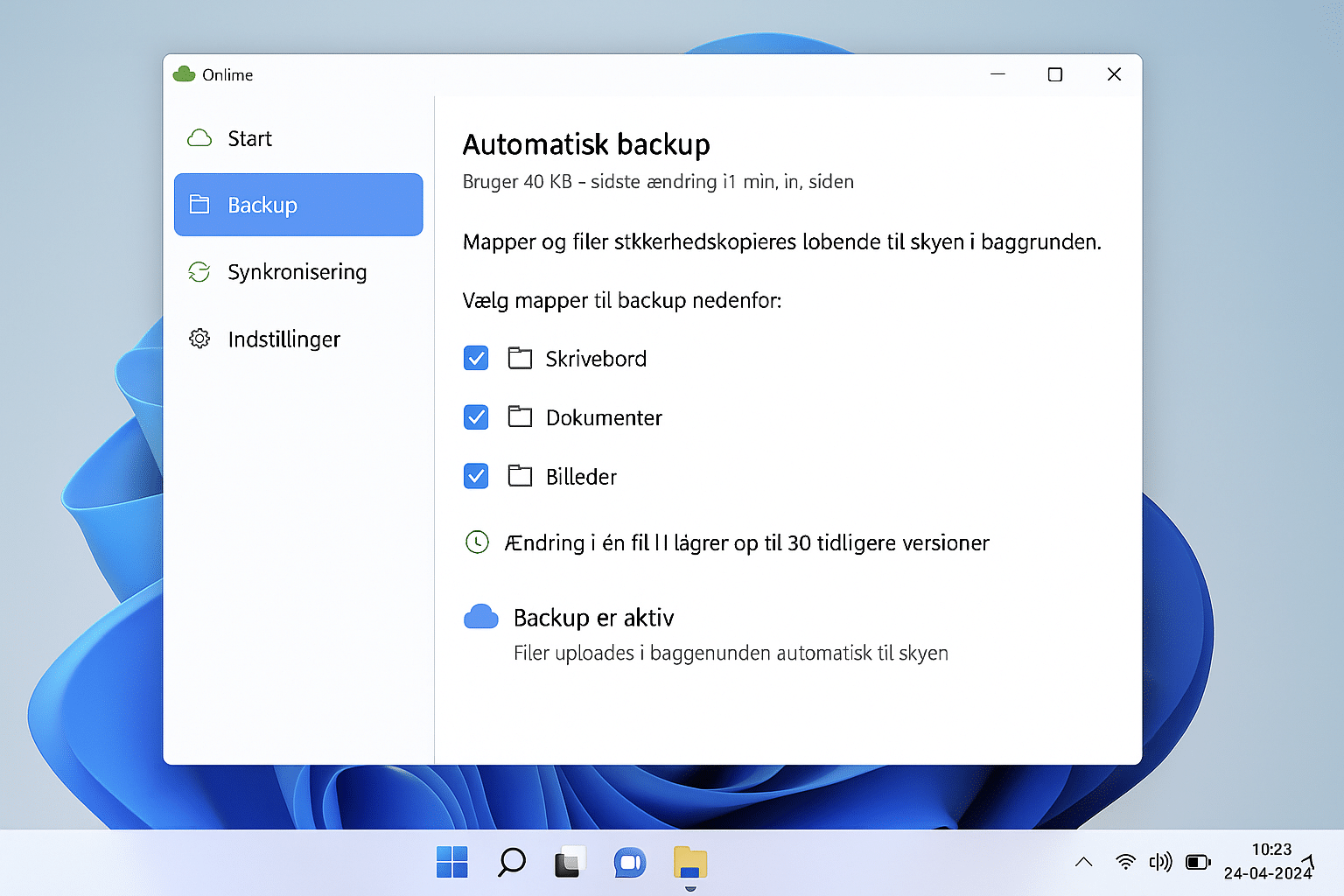
When you install Onlime on your computer, it runs quietly in the background and automatically backs up the folders you choose — for example Desktop, Documents, or Pictures. In our test on a Windows 11 PC we found that files uploaded quickly and reliably without disrupting our work. The app uses smart resource management so it won’t hog your bandwidth when you’re streaming or working online.
It’s reassuring that everything happens automatically — you don’t have to remember to back up, and if a file changes, the new version is saved right away.
With Onlime, you can:
- Synchronize files across devices — we tested on both a PC and an Android phone, and changes were reflected almost instantly on both devices.
- Restore deleted files or previous versions — we deliberately deleted a Word document and easily pulled back an older copy from the cloud in under a minute.
- Share folders and files directly with others — link sharing is fast and can be customized with access permissions, making it great for families and small teams.
- Archive files permanently in the cloud — we uploaded a 20 GB photo collection, deleted it from the hard drive, and still had full access via Onlime’s app and web interface.
There are also small but practical touches: you can set bandwidth limits if your connection is slow, schedule backup times, and use search to quickly find files across your entire account.
In practice, Onlime feels like a mix of a security solution and an efficient file-sharing tool — and it all works without you having to think about it day to day.
Unlimited storage
One major advantage is that Onlime provides unlimited storage. That means you can back up all the computers and phones in your household without extra fees. It’s a relief not having to watch the remaining space — especially if you keep lots of photos and videos.
Privacy and security
Onlime stores all files on servers in Norway. That matters, because Norway has some of the world’s strongest data-protection rules. No one — not even authorities — can access your files without a court order from a Norwegian court. This offers stronger privacy than many US-based competitors.
Mobile apps for iOS and Android
With the Onlime app you can automatically back up your smartphone. We tried it on an Android phone, and photos uploaded in the background while we browsed and downloaded files from our PC backup directly in the app. A smart touch: you can free up space on your phone by deleting locally once files are safely in the cloud.
Archiving and storage
If you have older files you don’t use often, you can archive them permanently. We tested this by uploading a 20 GB photo folder — after that we could delete it from the hard drive without issues, and the files remained safely in the cloud.
Customer support
We tested live chat on a weekday and were connected with an agent in under two minutes, receiving quick and clear answers. Support felt easy to reach compared with many big-name alternatives.
Frequently asked questions about Onlime
It can be — especially if you want unlimited storage and privacy-first hosting in Norway. Dropbox and Google Drive are more polished, but they have storage caps and less privacy-focused defaults.
Your files are stored on Norwegian servers under some of the world’s strictest privacy laws. No one can access your data without a court order from a Norwegian court.
Yes. Onlime has apps for both iOS and Android. You can automatically back up photos and videos and access files from your other devices.
Onlime offers several plans, and all include unlimited storage. Pricing depends on whether you’re using it for personal or business needs.
The Archive lets you store files permanently in the cloud and free up space on your computer or phone. In our test, even large photo folders archived without issues.



