
 Martin Jørgensen
🖊️ PDF-XChange Editor – free PDF editing with an impressive range of features.
A powerful PDF editor that rivals the best—and beats them on price.
PDF-XChange Editor is one of the most powerful free PDF editors for Windows. With features like editing text directly in PDF documents, commenting, highlighting, form filling, and even OCR (optical character recognition), it offers tools you typically only find in pricey Adobe Acrobat alternatives.
The program has been around for many years and is continuously updated by Tracker Software, giving users peace of mind regarding security and compatibility. With an intuitive interface and a Danish language pack, it’s an excellent choice for both home and business users.
Hvad kan PDF-XChange Editor?
Even in the free edition, you get an impressive set of features:
- Edit text directly in PDFs
- Insert, delete, and move pages
- Add comments, underlines, and highlights
- Insert images, shapes, and stamps
- Use OCR to make scanned documents searchable
- Fill out and save interactive PDF forms
- Export to images or other formats
The free version includes over 70% of the Pro features, but certain editing functions add a small watermark—which is fair considering how much you get without paying.
Brugerflade og ydeevne
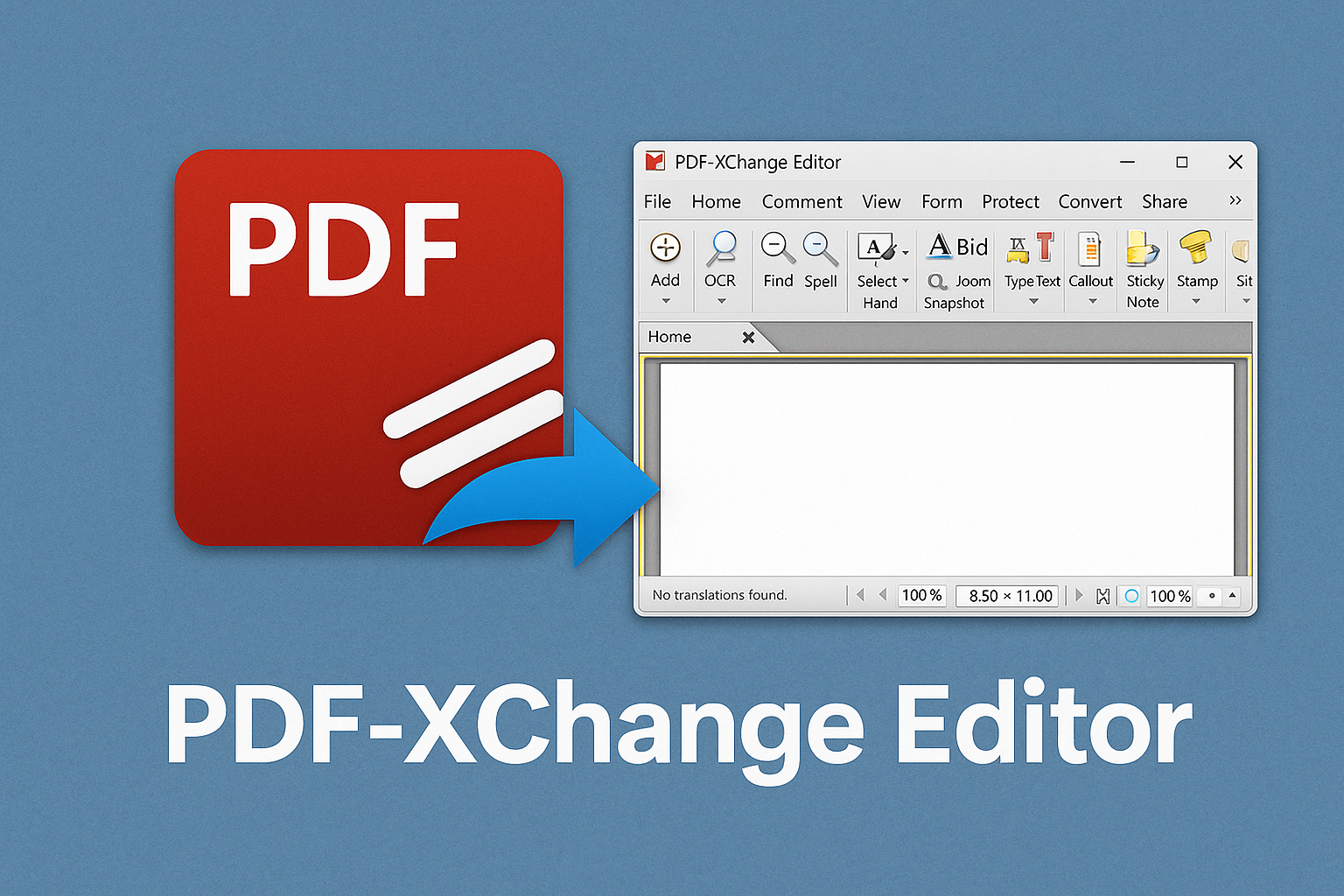
PDF-XChange Editor has a modern, streamlined interface reminiscent of Microsoft Office. Tools are organized into ribbons like “Home,” “Comment,” and “Edit,” and you can customize toolbars to suit your workflow. The program launches quickly and handles even large files with ease.
Systemkrav og kompatibilitet
PDF-XChange Editor is only for Windows (Windows 7, 8, 10, and 11), and unfortunately there are no versions for Mac, Linux, Android, or iOS. That’s a downside for Apple users, but also why the software is so focused and efficient.
Gratis vs. betalt version
| Feature | Free | Pro |
|---|---|---|
| Comments and highlighting | ✅ | ✅ |
| Edit existing text | ⚠️ (with watermark) | ✅ |
| OCR (text recognition) | ✅ | ✅ |
| Digital signature | ✅ | ✅ |
| Page reordering | ✅ | ✅ |
| PDF to Word export | ❌ | ✅ |
Alternativer og sammenligning
- 1 DC – Great reader, but lacks editing without a subscription.
- Foxit PDF Editor – Very similar to PDF-XChange, but requires a paid license.
- LibreOffice Draw – Works for basic changes, but not very user-friendly.
- 1 – Web-based alternative with limitations unless you pay.
Compared to these, PDF-XChange Editor stands out as a solution where you get a lot for free—especially for Windows users.
Tips og tricks
- Use the OCR feature to convert scanned documents into searchable text.
- Enable “Safe Mode” when viewing if you open unknown PDFs to block scripts.
- Install the Danish language pack under settings for full localization.
- Use the keyboard shortcut Ctrl+Shift+T to quickly add text boxes.
- If you only need edits without watermarks, use the app for annotations and export to image or print.
Download PDF-XChange Editor for Windows here
FAQ – ofte stillede spørgsmål om PDF-XChange Editor
Is PDF-XChange Editor free?
Yes—there’s a free version with many features. Some advanced tools require a Pro license. The free version adds a small watermark when you use certain premium functions.
Can I use it on Mac or Linux?
Officially, no. The program is developed for Windows only. Mac users can try alternatives like PDF Expert or run it via virtualization (e.g., Parallels). On Linux, Wine may work, but it’s not reliable.
Can I edit text in PDF files?
Yes—PDF-XChange Editor lets you edit existing text (not just add comments). However, you typically need the Pro version to avoid watermarks.
Does the program support Danish?
Yes—the interface can be set to Danish under Edit > Preferences > Languages. Danish spellcheck is also available as an add-on.
Can I use it to merge or split PDFs?
Yes—merging, splitting, and organizing pages are supported in the free version, though with some limitations.



